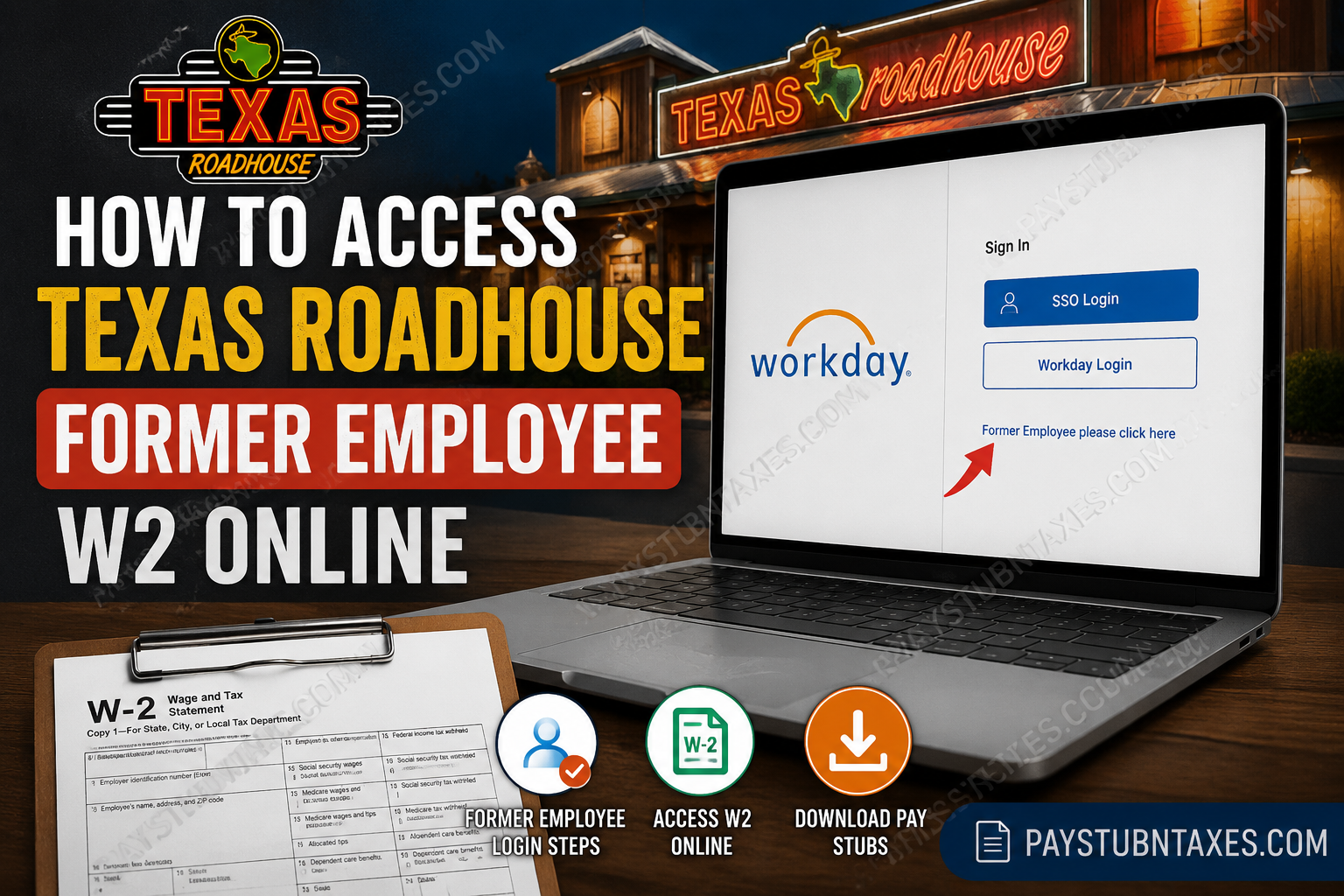
Former employees of Texas Roadhouse can conveniently access W-2 forms and pay stubs online through the Workday self-service portal. Even after separation from employment, eligible former Roadies retain access to payroll and tax records using a dedicated former employee login process. Whether you need your W-2 for tax filing, income verification, or personal recordkeeping, this step-by-step guide explains exactly how to retrieve your Texas Roadhouse W-2 online quickly and securely.
Texas Roadhouse Former Employee Workday Login
Texas Roadhouse uses Workday as its payroll and HR platform. Active employees typically access Workday using Microsoft Single Sign-On (SSO). However, once employment ends, standard SSO access is revoked, and former employees must use a separate verification pathway.
Official Workday Login Portal
The Workday login interface includes both SSO and Workday Native Login options.
How Former Employees Access Their W-2 Online
Follow these steps carefully to access your Texas Roadhouse W-2 form:
Step 1: Open the Workday Portal
Visit the official Texas Roadhouse Workday login page.
Step 2: Select “SSO Login”
On the login screen, click the SSO Login option.
Step 3: Choose the Former Employee Link
At the bottom of the Microsoft login page, click:
“Former Employee please click here”
This option is specifically designed for terminated employees whose Microsoft credentials have been disabled.
Step 4: Verify Your Identity
Enter the same email address associated with your Workday profile during employment.
You may receive a verification code or additional authentication prompt to confirm your identity. The verification interface requires your email address before continuing.
Step 5: Complete MFA Authentication
After verification, you will be redirected to the MFA (Multi-Factor Authentication) login page.
Enter your:
- Username
- Password
Then complete the authentication steps to access your Workday account.
Step 6: Access Your W-2
Once logged in:
- Open the Pay section
- Select My Tax Documents
- Choose the applicable tax year
- Click View/Print
Workday allows employees to:
- View W-2 forms
- Download PDF copies
- Print tax documents directly from the portal
The Workday tax document workflow follows the standard “My Tax Documents” process used within the platform.
How to Download Texas Roadhouse Pay Stubs
Former employees can also retrieve historical payslips directly from Workday.
Steps to View Pay Stubs
- Login to Workday
- Open your employee profile
- Select Pay
- Click Payslips
- Choose the desired pay period
- Open the PDF file to download or print your pay stub
Workday stores payroll statements in PDF format for easy access and printing.
When Will Texas Roadhouse Mail Paper W-2 Forms?
If you did not consent to electronic tax document delivery, Texas Roadhouse will mail your paper W-2 form.
Paper W-2 statements are generally postmarked on or before January 31 following the tax year.
For example:
- 2025 W-2 forms are typically mailed by January 31, 2026.
What If You Never Received Your Former Employee Login?
Texas Roadhouse generally sends former employee Workday login instructions after termination. Because Microsoft SSO access is disabled shortly after separation, the company provides alternative Workday credentials for continued payroll access.
If you cannot find your login details:
- Check your email inbox
- Review spam or junk folders
- Search for Workday or Texas Roadhouse emails
Texas Roadhouse Payroll Support Contact
If you experience login problems, verification issues, or missing W-2 forms, contact Roadie Support directly.
Roadie Support
Phone: 1-855-698-7446
About Texas Roadhouse
Founded in 1993 by Kent Taylor in Clarksville, Indiana, Texas Roadhouse has grown into one of America’s largest casual dining restaurant chains. The company is known for its hand-cut steaks, fall-off-the-bone ribs, fresh-baked bread, and energetic dining atmosphere. Today, Texas Roadhouse operates hundreds of restaurants across the United States and internationally while maintaining its people-first workplace culture and commitment to employee growth.
The company also offers extensive employee benefits, including:
- Healthcare coverage
- 401(k) retirement plans
- Tuition assistance
- Paid vacation
- Dining discounts
- Life and disability insurance
Common Texas Roadhouse Workday Login Issues
Incorrect Email Address
Always use the same email associated with your Workday profile during employment.
Expired Password
If your password has expired, use the password recovery or account verification options on the login page.
MFA Problems
Ensure your phone number or authentication method remains accessible for multi-factor verification.
Browser Compatibility
For best results:
- Use Chrome, Edge, or Firefox
- Clear browser cache
- Disable outdated autofill credentials
Final Thoughts
Accessing your Texas Roadhouse former employee’s W-2 online is relatively straightforward once you understand the separate Workday login process for ex-employees. By using the former employee verification link and completing MFA authentication, you can securely retrieve both W-2 forms and pay stubs from anywhere. Keeping digital copies of your tax records is highly recommended for future tax filing, loan applications, and employment verification purposes.
Frequently Asked Questions (FAQ)
1. How do I access my Texas Roadhouse W-2 online?
Visit the Texas Roadhouse Workday portal, select SSO Login, click the former employee link, verify your identity, and access your W-2 under My Tax Documents.
2. What is the Texas Roadhouse Workday login link?
The official Workday portal is: Texas Roadhouse Workday Portal
3. Can former employees still access Workday?
Yes. Former employees can still access Workday using the dedicated former employee verification process after termination.
4. Where can I find my W-2 in Workday?
After logging in:
- Open Pay
- Select My Tax Documents
- Choose the tax year
- Click View/Print
5. How do I download my Texas Roadhouse pay stubs?
Go to:
- Pay
- Payslips
- Select the desired pay period
- Open the PDF version of your paycheck statement
6. What if my Microsoft SSO no longer works?
This is normal after termination. Use the Former Employee login link instead of the standard employee SSO option.
7. Will Texas Roadhouse mail my W-2?
Yes. If you did not consent to electronic delivery, your paper W-2 will generally be postmarked by January 31.
8. What email should I use for Workday verification?
Use the same email address associated with your Workday employee profile during employment.
9. What should I do if I forgot my Workday password?
Use the password recovery or account verification option on the login page to reset your credentials.
10. Why am I not receiving the verification code?
Check your spam or junk folder first. Also, confirm you entered the correct email address connected to your Workday account.
11. Can I print my W-2 directly from Workday?
Yes. Workday allows you to both download and print your W-2 tax documents in PDF format.
12. Does Texas Roadhouse provide electronic W-2 forms?
Yes. Employees and former employees who opted into electronic delivery can access W-2 forms online through Workday.
13. What browser works best for Workday?
Google Chrome, Microsoft Edge, and Mozilla Firefox typically provide the best compatibility with Workday.
14. Who do I contact for Texas Roadhouse payroll support?
You can contact Roadie Support at: 1-855-698-7446
15. Can I access older pay statements in Workday?
Yes, many historical pay stubs remain accessible through the Workday payroll section, depending on company retention policies.
