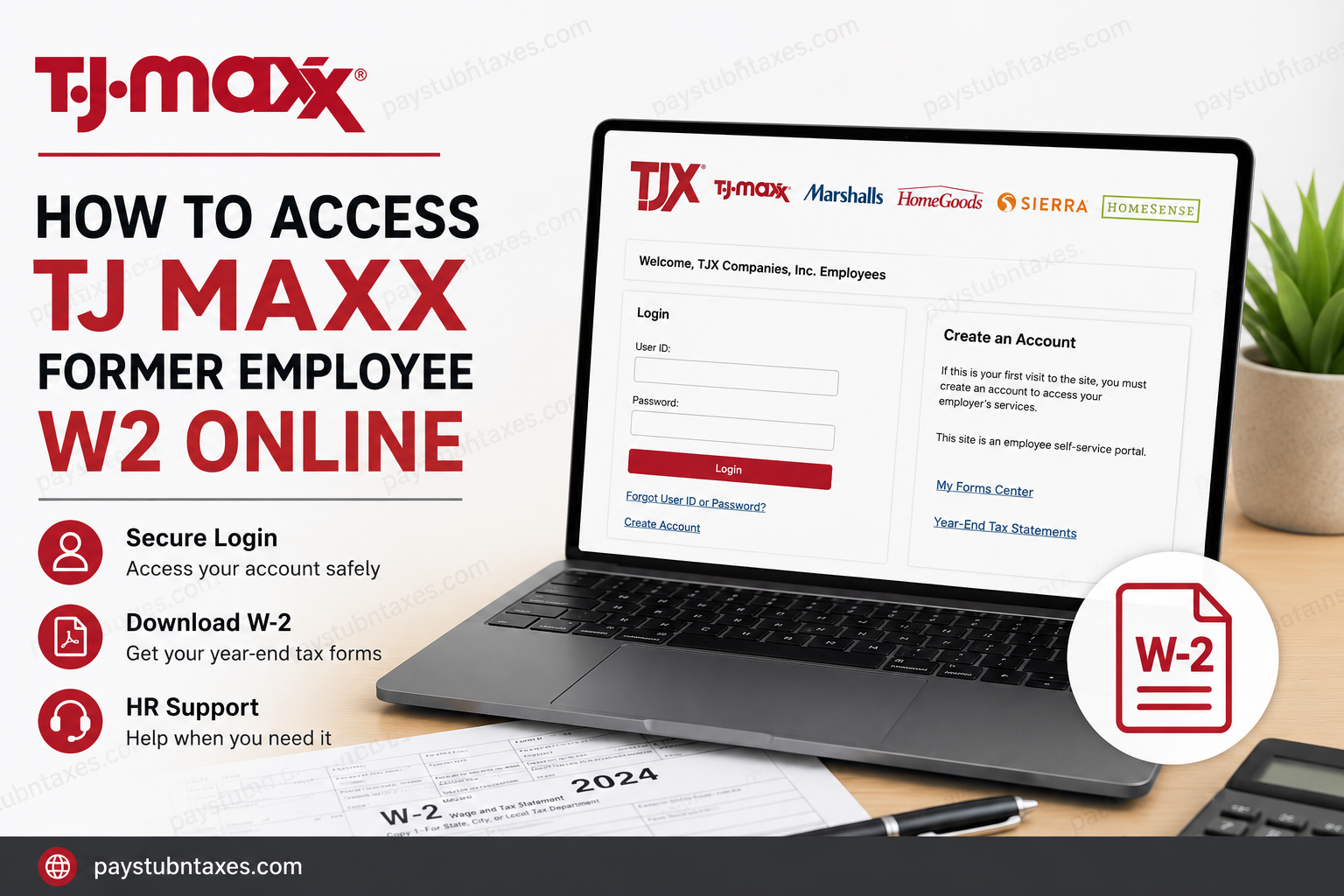
Former employees of TJX Companies can conveniently access their year-end W-2s tax forms online through the official Paperless Employee self-service portal. Whether you previously worked at TJ Maxx, Marshalls, HomeGoods, Sierra, or Homesense, the process is straightforward and secure. This detailed guide explains how to create your account, retrieve your W-2s online, troubleshoot login problems, and understand when paper copies are mailed.
What Is the TJ Maxx Former Employee W2 Portal?
TJX Companies uses the official Paperless Employee platform to distribute electronic tax statements to employees and former associates. The portal allows eligible users to:
- Access and download W-2 tax forms
- Receive electronic tax notifications
- Manage account settings
- Recover forgotten login credentials
- Update contact information
Official Portal: TJX Paperless Employee Portal
The Paperless Employee confirms that the site is the official employee self-service portal for TJX Companies and provides access to “Year-End Tax Statements.”
Who Can Access Their W2 Online?
The Paperless Employee portal is available to:
- Former TJ Maxx employees
- Former Marshalls employees
- Former HomeGoods associates
- Former Sierra employees
- Former Homesense employees
- Current TJX associates
If you previously consented to electronic delivery, your W-2 will typically become available online before paper copies are mailed.
However, if you did not opt into electronic delivery, your paper W-2 will be mailed and postmarked on or before January 31 of the following tax year.
TJ Maxx Former Employee W2 Portal Login
Use the official link below to access your tax documents: TJX Former Employee W2 Login
The portal supports English, French, and Spanish language options and includes features such as password recovery and account creation.
How to Create a Paperless Employee Account
If this is your first time using the system, you must create an account before accessing your W-2.
Step 1: Visit the Portal
Go to: https://www.paperlessemployee.com/tjxcompanies
Then click Create Account.
Step 2: Verify Your Identity
You will need to provide:
- Social Security Number (SSN)
- Date of Birth
- CAPTCHA verification
The registration process requires identity authentication before account creation can continue.
If the system cannot verify your identity, you may need to contact HR to confirm that your:
- SSN
- Date of birth
- Phone number
- Email address
are accurate and up to date. After corrections are made, registration may take 2–3 business days to refresh in the system.
Step 3: Create Your Username and Password
Next, enter:
- First name
- Last name
- Preferred User ID
- Secure password
The platform requires a strong password that includes a mix of uppercase letters, lowercase letters, numbers, and symbols.
Step 4: Verify Your Account
You can receive a one-time verification code by:
- Text message
- Automated phone call
After entering the verification code, click Submit to activate your account.
Step 5: Set Security Questions
For account protection, you must choose and answer three security questions. These are used to recover your account if you forget your login credentials.
Step 6: Choose Electronic Delivery
During setup, you can opt into electronic tax statement delivery.
To receive your W-2 electronically for a specific tax year, enrollment must generally be completed before December 31 of that year.
You can also choose whether to receive notifications through:
- Text message
- Account lock alerts
How to Download Your TJ Maxx W2 Online
Once your account is created:
- Log into the Paperless Employee portal
- Open the My Forms Center
- Select Year-End Tax Statements
- Choose the appropriate tax year
- Download or print your W-2 form
The electronic version can be used for tax filing, loan applications, income verification, and other financial purposes.
Forgot Your User ID or Password?
If you cannot remember your login information:
- Visit the login page
- Click:
- Forgot User ID
- or Forgot Password
- Complete identity verification
- Reset your credentials
The Paperless Employee portal includes built-in recovery options for former employees.
When Will TJ Maxx Send W2 Forms?
TJX Companies generally issues W-2 forms by the end of January each year.
- Electronic W-2s may become available earlier through the portal
- Paper W-2s are postmarked on or before January 31
Delivery times for mailed forms may vary depending on USPS processing and your mailing address.
What If You No Longer Have Access?
If you experience login issues or cannot access your account, contact TJX HR support directly.
TJX HR Contact Information
TJX HR Phone Number: 1-888-627-6299
Support representatives can assist with:
- W-2 access issues
- Identity verification problems
- Account registration failures
- Address updates
- Tax form reprints
Benefits of Electronic W2 Access
Using the online portal offers several advantages:
- Faster access to tax forms
- Secure document storage
- Instant PDF downloads
- Reduced risk of lost mail
- Convenient access anytime
Electronic delivery is also environmentally friendly and helps simplify tax preparation.
Common Problems and Solutions
Unable to Verify Identity
This usually occurs when your personal information does not match company records.
Solution:
- Contact TJX HR
- Verify your SSN and date of birth
- Wait 2–3 business days after updates
Forgot Password
Use the password recovery option on the login page.
Locked Account
Too many failed login attempts may temporarily lock your account. You can unlock it through verification or by contacting support.
W2 Not Available Yet
Tax statements may not appear until late January. Check back periodically or confirm your electronic delivery enrollment.
Final Thoughts
Accessing your TJ Maxx former employee W2 online is a quick and secure process through the official Paperless Employee portal. Once registered, you can retrieve tax documents electronically, manage notifications, and download your W-2 anytime you need it. For the fastest experience, ensure your contact details remain updated and opt into electronic delivery before the annual deadline. If you encounter difficulties, TJX HR support is available to help resolve account or tax form issues promptly.
Frequently Asked Questions (FAQ)
1. How do former employees access TJ Maxx W2 forms online?
Former TJ Maxx employees can access W-2 forms through the official Paperless Employee portal by logging into their account and selecting “Year-End Tax Statements.”
2. What is the official TJ Maxx W2 login portal?
The official portal is: https://www.paperlessemployee.com/tjxcompanies
3. Can former Marshalls or HomeGoods employees use the same portal?
Yes. Former employees of Marshalls, HomeGoods, Sierra, and Homesense can also use the TJX Paperless Employee portal.
4. How do I create a Paperless Employee account?
Click “Create Account” on the login page, then verify your identity using your Social Security Number and Date of Birth before creating a username and password.
5. What information is required to register?
You typically need:
- Social Security Number
- Date of Birth
- Valid email address or phone number
- Verification code access
6. What should I do if the portal cannot verify my identity?
Contact TJX HR to confirm your personal information is accurate and updated in the system. Registration updates may take 2–3 business days.
7. When are TJ Maxx W2 forms available online?
Electronic W-2 forms are usually available by the end of January each year.
8. When will paper W2 forms be mailed?
Paper W-2 forms are postmarked on or before January 31 if electronic delivery was not selected.
9. Can I download and print my TJ Maxx W2?
Yes. The portal allows users to download and print PDF copies of their W-2 tax statements.
10. What if I forgot my Paperless Employee password?
Use the “Forgot Password” option on the login page to reset your password securely.
11. How do I recover my User ID?
Click “Forgot User ID” on the Paperless Employee login screen and complete the identity verification process.
12. Is the TJX Paperless Employee portal secure?
Yes. The portal uses identity verification, security questions, and password protection to safeguard employee tax documents.
13. Can I access older W2 forms online?
Yes, eligible former employees may be able to access previous years’ W-2 forms depending on account availability and company retention policies.
14. What is the TJX HR phone number for W2 support?
TJX HR support can be reached at: 1-888-627-6299
15. What are the benefits of electronic W2 delivery?
Electronic W-2 delivery offers:
- Faster access
- Secure storage
- Instant downloads
- Reduced mail delays
- Convenient online access anytime
