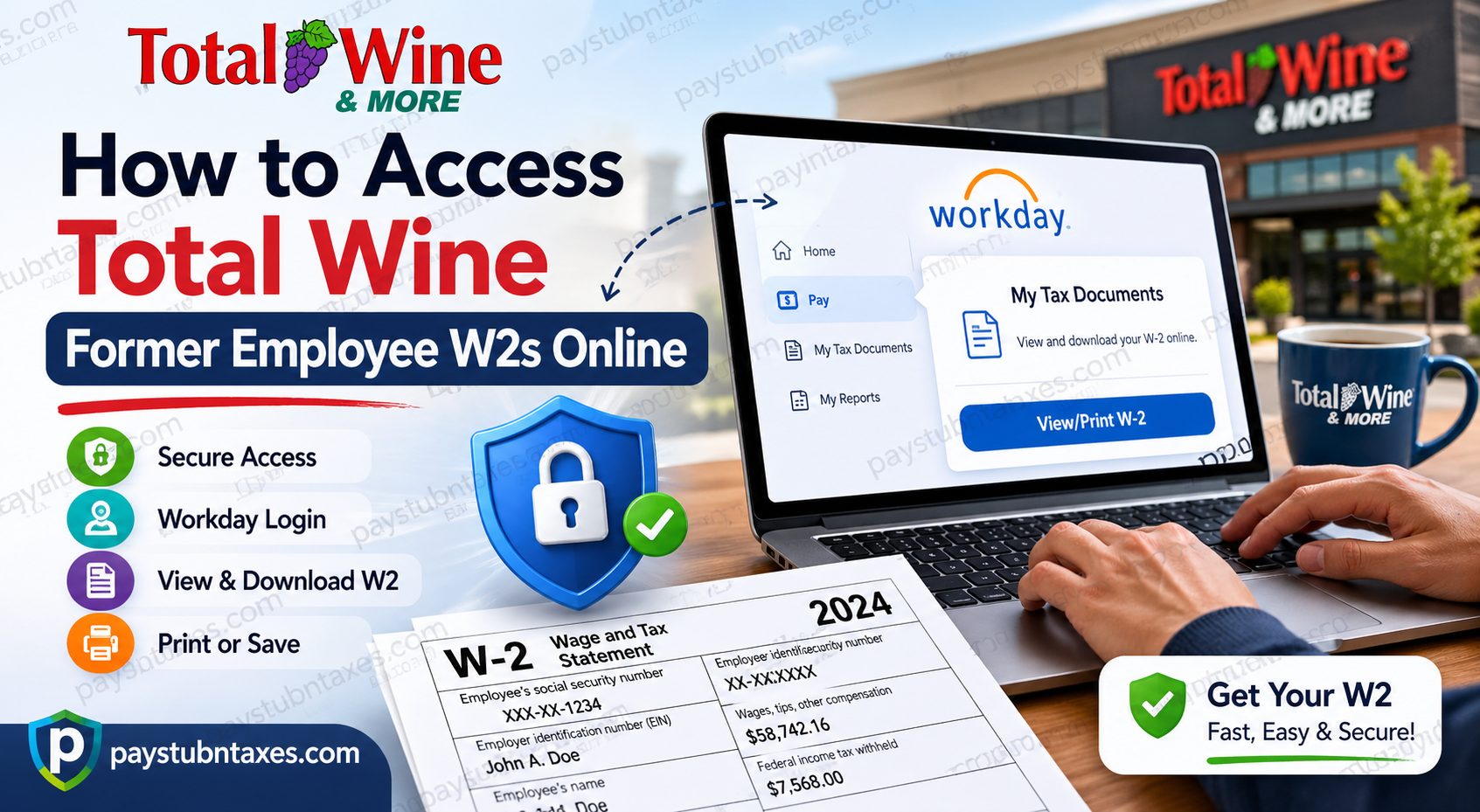
Former employees of Total Wine & More can conveniently access their W-2 tax forms online through the Workday Self-Service portal. Whether you recently left the company or separated months ago, Workday allows eligible former team members to securely retrieve, download, and print year-end tax documents without waiting for postal delivery. If you previously opted for electronic delivery, your W-2 is typically available online by the end of January. Employees who did not consent to paperless delivery will receive a mailed copy postmarked on or before January 31 of the following tax year.
About Total Wine & More
Total Wine & More is America’s largest independent retailer of wine, spirits, and beer, operating hundreds of stores across the United States. Founded in 1991 by brothers David and Robert Trone, the company has grown into a nationally recognized beverage retailer known for exceptional selection, competitive pricing, and customer service excellence. Today, the company operates nearly 300 superstores and employs thousands of team members nationwide. Total Wine & More continues to lead the beverage retail industry through innovation, education, and customer-focused experiences.
Can Former Employees Access W-2s Forms Online?
Yes. Former employees can access their W-2 forms online through the Total Wine Workday portal after separation from the company.
However, because your Single Sign-On (SSO) access is revoked shortly after termination, Total Wine typically provides a separate Workday username and temporary password for continued access to payroll and tax documents.
You should carefully monitor your personal email inbox and spam/junk folder for login instructions after your employment ends.
Total Wine Former Employee W2 Portal
Workday Login Portal
Login Requirements for Former Employees
Before attempting to access your W-2s online, make sure you have:
- Your Workday username
- Temporary password provided after termination
- Access to your registered email account
- A stable internet connection
- Updated browser such as Chrome, Edge, Safari, or Firefox
If you cannot locate your login credentials, check:
- Spam or junk mail folders
- Archived emails
- Deleted messages
- Previous HR communications
Step-by-Step Guide to Access Total Wine Former Employee W2s Online
Step 1: Open the Workday Portal
Visit the official Total Wine Workday portal using the secure login link above.
Step 2: Enter Your Credentials
Use the username and temporary password sent to your personal email address after your employment separation.
If prompted, create a new password and complete any security verification steps.
Step 3: Access the Pay Section
After signing in, navigate to the Pay worklet from your Workday dashboard.
The uploaded payroll tutorial demonstrates that Workday stores tax documents and payroll records under the Pay section.
Step 4: Open Tax Documents
Inside the Pay section:
- Expand the View menu
- Select My Tax Documents
- Locate the desired tax year
- Click View/Print beside the W-2 form
Step 5: Download or Print Your W2
Workday may briefly process your request before generating the PDF version of your W-2. Once completed:
- Open the PDF file
- Download a copy for your records
- Print the document if needed
The payroll guide also indicates that generated documents may appear under the My Reports section in Workday notifications for later access.
What If You Did Not Consent to Electronic W2 Delivery?
If you did not enroll in electronic tax form delivery before leaving Total Wine, the company will mail a physical copy of your W-2 to your address on file.
Important reminders:
- W-2 forms are generally postmarked by January 31
- Ensure your mailing address is current
- USPS delivery times may vary by state and season
If your address changed after termination, contact payroll support immediately.
Troubleshooting Common Workday Login Problems
Forgot Your Password
Use the “Forgot Password” option on the Workday login page or contact payroll support for assistance.
Account Locked
Multiple failed login attempts may temporarily lock your account. Wait several minutes before retrying or contact support.
Missing W-2 Form
If your W-2 is unavailable:
- Verify that the tax year has been finalized
- Check the My Reports section
- Confirm your electronic consent status
- Contact payroll support if necessary
Browser Issues
For the best experience:
- Clear browser cache and cookies
- Disable popup blockers temporarily
- Use the latest version of Chrome or Firefox
Payroll Support Contact Information
If you experience login issues or cannot access your W-2, contact Total Wine payroll support:
Phone: 855-328-9463
Support representatives can assist with:
- Password resets
- Username recovery
- W-2 availability
- Mailing concerns
- Electronic delivery questions
Benefits of Accessing W2 Forms Online
Using the Workday self-service portal offers several advantages:
- Faster access to tax documents
- Secure digital storage
- Instant PDF downloads
- Easy reprints anytime
- Reduced risk of lost mail
- Convenient access from any device
Security Tips for Former Employees
To protect your sensitive tax information:
- Never share your Workday credentials
- Use secure private internet connections
- Log out after each session
- Download documents only to trusted devices
- Update your password regularly
Final Thoughts
Total Wine & More makes it relatively simple for former employees to retrieve W-2 tax forms online through the Workday Self-Service portal. As long as you retain your post-employment login credentials, you can securely access, download, and print your tax documents whenever needed. If you encounter any issues, Total Wine payroll support can help restore account access or assist with alternative delivery methods. By using the online Workday system, former employees can avoid delays and manage important tax records efficiently from anywhere.
Frequently Asked Questions (FAQs)
1. Can former Total Wine employees access Workday after termination?
Yes. Former employees typically receive separate Workday credentials after termination to access payroll and tax records.
2. Where can I access my Total Wine W2 online?
You can access your W-2 through the Total Wine Workday portal.
3. What if I forgot my Workday password?
Use the password recovery feature or contact payroll support at 855-328-9463.
4. When will my W-2 become available online?
W-2 forms are usually available by late January each year.
5. What happens if I did not consent to paperless delivery?
A physical W-2 will be mailed to your address on file and postmarked on or before January 31.
6. Can I print multiple tax documents in Workday?
Yes. Workday allows users to download and print PDF tax forms.
7. Why is my SSO login no longer working?
SSO access is generally revoked shortly after termination for security reasons.
8. Can I access Workday from my phone?
Yes. Workday is accessible from mobile browsers and supported devices.
9. What should I do if my W-2 is missing?
Check My Reports, verify electronic consent, and contact payroll support if necessary.
10. Is the Workday portal secure?
Yes. Workday uses secure authentication and encrypted access protocols.
11. Can I update my mailing address after leaving Total Wine?
You should contact payroll or HR as soon as possible to update your address.
12. Does Total Wine mail paper W-2 forms automatically?
Yes, if you did not enroll in electronic delivery.
13. What browser works best with Workday?
Google Chrome and Mozilla Firefox are generally recommended.
14. Can I download my W-2 as a PDF?
Yes. Workday generates downloadable PDF copies of tax documents.
15. Who do I contact for payroll assistance?
Call Total Wine payroll support at 855-328-9463.
