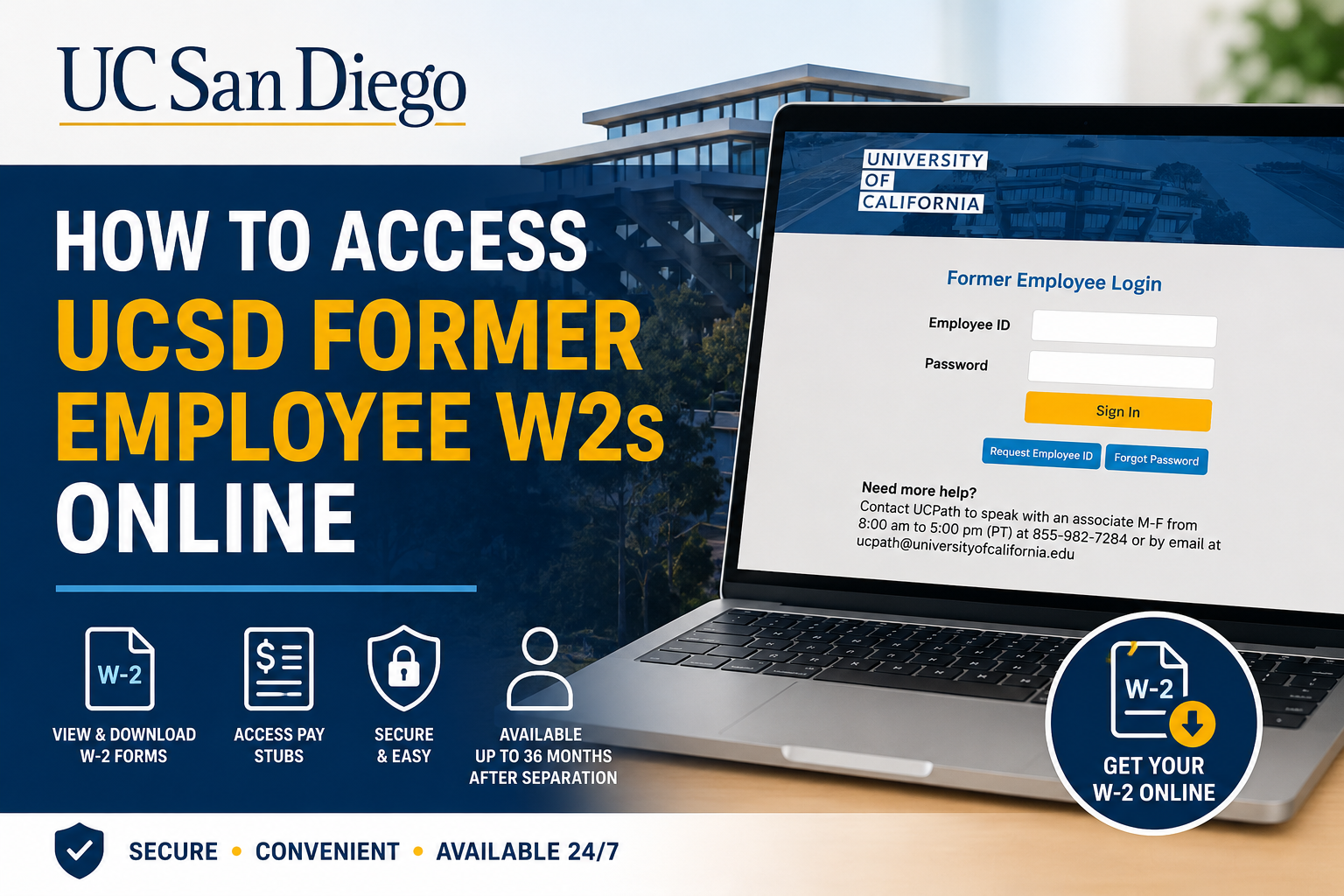
The University of California, San Diego is globally recognized for academic excellence, groundbreaking research, and innovation-driven collaboration. Ranked among the world’s leading public research universities, UC San Diego continues to shape future changemakers through multidisciplinary education and advanced discovery. If you are a former UC San Diego employee, you can conveniently access your W-2 tax forms, historical pay statements, and employment records online through the UCPath Former Employee Portal. The system is powered by Oracle PeopleSoft self-service technology and is designed specifically for separated University of California employees.
UCSD Former Employee W2 Portal Login
Former employees should use the official UCPath Former Employee Portal:
- Main Portal: UCPath Portal
- Direct Former Employee Login: Former Employee Login Page
When signing in:
- Choose University of California, Former Employees
- Enter your:
- Employee ID
- Password
- Complete multi-factor authentication (MFA)
The portal provides secure online access to:
- W-2 and W-2c forms
- Historical pay stubs
- 1095-C tax forms
- Employment verification summaries
- Personal information updates
How to Access Your UCSD Former Employee W2 Online
Step 1: Activate Your Former Employee Account
After separating from UC San Diego, UCPath sends an activation email to your personal email address on file.
Important details include:
- The activation link expires after 90 days
- Reminder emails are sent after 30 and 60 days
- If the link expires, you must contact UCPath support for a new activation link
Before leaving UC San Diego employment, ensure you:
- Update your personal email address
- Update your phone number
- Save your Employee ID
These details are required for future portal access.
Step 2: Verify Your Identity
During first-time setup, you must validate your identity by entering:
- Your date of birth (MMDDYYYY format)
- A verification code sent via:
- SMS text message
- Automated phone call
Important MFA Note
Only U.S.-based phone numbers can be used for multi-factor authentication. Former employees living internationally may need to contact UCPath directly for assistance.
Step 3: Create Your Password
Your UCPath Former Employee Portal password must include:
- Minimum 12 characters
- At least 1 uppercase letter
- At least 1 lowercase letter
- At least 1 number
Special characters are optional.
After activation, your Employee ID becomes your permanent username for future logins.
Step 4: Log In to Retrieve Your W-2
Once your account is activated:
- Visit the Former Employee Portal
- Enter your Employee ID
- Enter your password
- Complete MFA verification
- Navigate to:
- Income and Taxes
- View W-2/W-2c Forms
- Select the desired tax year
- Download or print your W-2
The portal also allows access to historical paycheck data and employment verification documents.
How to Recover Your Employee ID or Password
Forgot Employee ID
Select Request Employee ID on the login page.
You will need:
- Personal email address
- Date of birth
Your Employee ID will be emailed securely.
Forgot Password
Click Forgot Password on the login screen.
The reset process includes:
- Entering your Employee ID
- Confirming your personal email
- Receiving a secure reset link
- Completing MFA verification
- Creating a new password
Password reset links expire after one hour.
How Long Can Former Employees Access UCPath?
Former UC employees retain portal access for up to 36 months after separation.
However:
- Older W-2 records may still remain accessible during that period
- Employees separated longer than 36 months must contact UCPath directly for document requests
UCSD Former Employee Portal Features
The UCPath Former Employee Portal offers several self-service tools, including:
- W-2 and W-2c retrieval
- Pay stub downloads
- Employment verification reports
- Personal information management
- 1095-C tax form access
Former employees can also generate downloadable employment verification summaries directly from the portal.
UCPath Support Contact Information
If you experience login issues, expired activation links, MFA problems, or missing tax forms, contact UCPath support:
- Phone: 855-982-7284
- Email: ucpath@universityofcalifornia.edu
Support Hours:
Monday–Friday, 8:00 a.m. – 5:00 p.m. PT
Frequently Asked Questions
Can former UCSD employees still access W-2 forms online?
Yes. Former UC San Diego employees can access W-2 and W-2c forms through the UCPath Former Employee Portal for up to 36 months after separation.
What is the UCSD former employee login portal?
The official login portal is: UCPath Former Employee Login
What if my activation link expired?
You must contact UCPath support to request a new activation email.
Can international phone numbers be used for MFA?
No. Only U.S.-based phone numbers currently support multi-factor authentication for the portal.
What documents are available in the portal?
Former employees can access:
- W-2 forms
- W-2c corrections
- Pay stubs
- 1095-C tax forms
- Employment verification summaries
How do I retrieve old pay stubs?
Navigate to: Income and Taxes > Paychecks
You may use date filters to locate older paycheck records.
What if I forgot my Employee ID?
Use the Request Employee ID feature on the login page and verify your identity using your personal email and date of birth.
How secure is the UCPath portal?
The system uses secure login credentials and mandatory multi-factor authentication to protect employee data.
Can I update my contact information after separation?
Yes. Former employees can update personal information directly inside the portal.
Who should I contact for technical support?
Contact UCPath directly at:
- 855-982-7284
- ucpath@universityofcalifornia.edu
