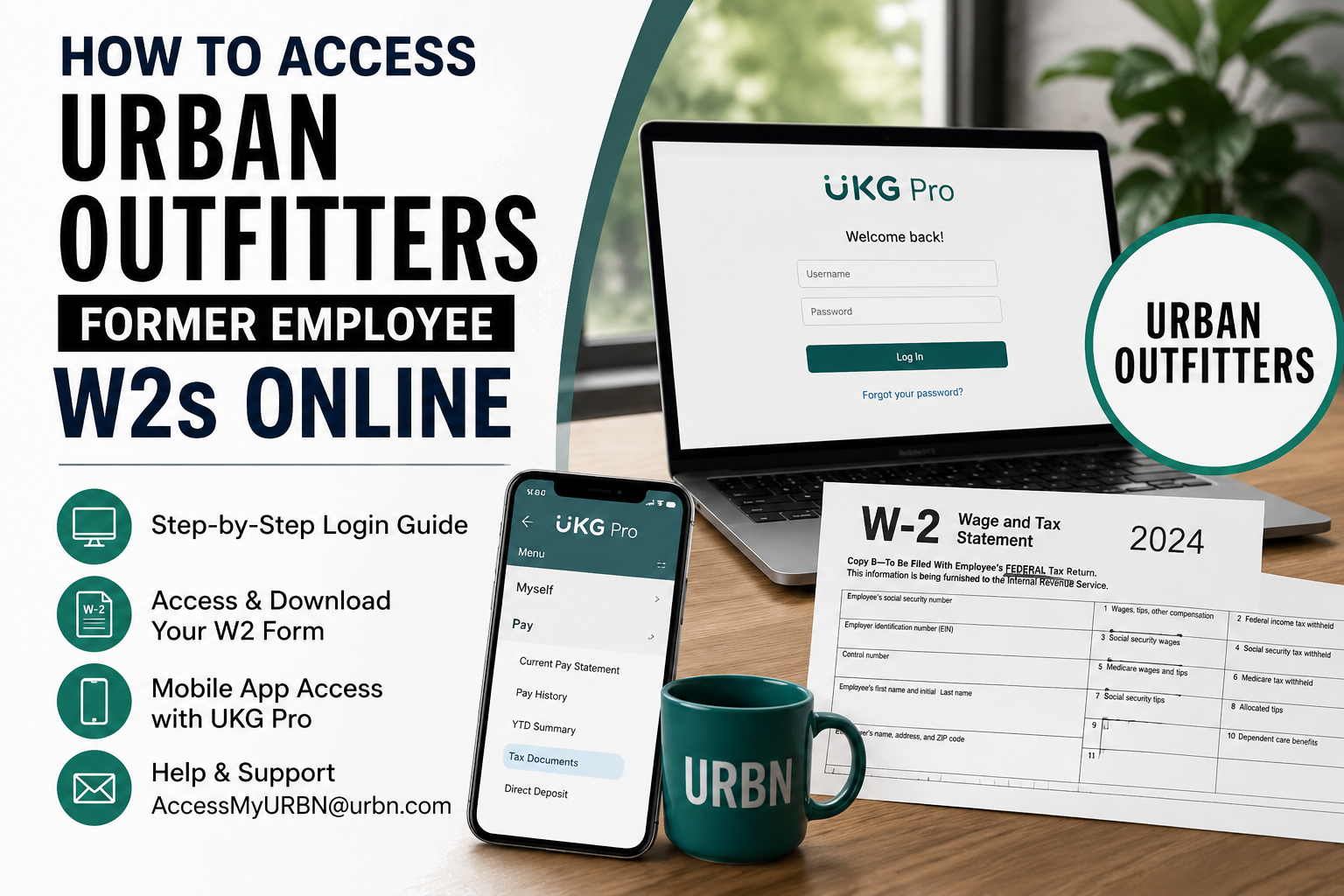
Urban Outfitters is one of the world’s most recognizable lifestyle retail brands, celebrated for its distinctive blend of fashion, creativity, music, and youth culture. Founded in 1970 in Philadelphia, the company has expanded globally with hundreds of stores across the United States, Canada, and Europe while continuing to inspire individuality and self-expression. If you are a former Urban Outfitters employee and need to retrieve your W2 form for tax filing, payroll verification, loan applications, or personal financial records, the process is straightforward through the UKG Pro (formerly UltiPro) self-service portal. Even if you no longer have Single Sign-On (SSO) access, you can still log in through the dedicated non-SSO UltiPro portal.
Urban Outfitters Former Employee W2 Portal
Former employees can access their W2 statements online using the Urban Outfitters non-SSO UKG Pro portal:
Portal Link: Urban Outfitters Former Employee UKG Pro Login
You may also access your payroll records and tax documents through the UKG Pro mobile application.
How to Access Your Urban Outfitters W2 Online
Follow these simple steps to retrieve your W2 statement online:
Step 1: Visit the UKG Pro Login Portal
Open the Urban Outfitters former employee login portal: http://e43.ultipro.com/
Enter your username and password associated with your previous employee account.
Step 2: Complete Password Recovery (If Needed)
If you cannot remember your password:
- Click “Forgot Your Password?”
- Verify your username or email
- Follow the password reset instructions sent to your registered email address
- Create a new secure password
Many former employees regain access successfully through the self-service password reset option.
Step 3: Navigate to Tax Documents
After logging in:
- Open the Menu
- Select Myself
- Click Pay
- Choose Tax Documents or W2
- Select the appropriate tax year
- Download or print your W2 form
The system typically stores historical tax forms electronically for eligible former employees.
Access Urban Outfitters W2s Through the UKG Pro Mobile App
Urban Outfitters employees and former employees can also use the UKG Pro mobile application for convenient access.
Mobile Login Instructions
Download the App
- Apple App Store
- Google Play Store
Search for: UKG Pro
Registration Code
Use the company access code: MyURBN
Login Steps
- Open the UKG Pro app
- Enter Company Access Code: MyURBN
- Sign in using your UltiPro credentials
- Navigate to:
- Menu
- Pay
- Tax Documents
You can then view, download, or print your W2 directly from your mobile device.
What If You No Longer Have Access?
If you are unable to log in because your account is locked, your email has changed, or your credentials no longer work, Urban Outfitters payroll support can assist you.
Contact Information
Payroll Support Email: hr@urbn.com
Many former employees report that the support team responds within a few business days and can help restore account access or provide guidance for obtaining tax documents.
Common Reasons Former Employees Need W2 Forms
Your Urban Outfitters W2 may be required for:
- Filing federal or state income taxes
- Mortgage or apartment applications
- Student financial aid verification
- Income verification for loans
- Personal financial records
- IRS identity verification requests
Because W2 forms contain important tax and wage information, it is recommended to download and securely save digital copies for future reference.
Troubleshooting UKG Pro Login Issues
Incorrect Username or Password
Use the Forgot Password feature on the login page to reset credentials.
Locked Account
Wait a few minutes and try again, or contact payroll support.
Browser Problems
Clear your browser cache or try a different browser such as:
- Google Chrome
- Microsoft Edge
- Mozilla Firefox
- Safari
Mobile App Not Working
Ensure the company access code is entered exactly as: MyURBN
Also update the UKG Pro app to the latest version.
How to Keep Your Payroll Information Secure
When accessing payroll documents online:
- Use a secure private internet connection
- Avoid public Wi-Fi networks
- Never share your login credentials
- Log out after each session
- Save tax documents in encrypted or password-protected storage
Because W2 forms contain sensitive financial and Social Security information, maintaining account security is essential.
Benefits of Online W2 Access
Using the Urban Outfitters UKG Pro self-service system allows former employees to:
- Access W2 forms instantly
- Retrieve historical payroll records
- Download tax documents anytime
- Avoid waiting for mailed copies
- Print official copies when needed
- Manage account details digitally
The platform provides a faster and more reliable alternative to traditional paper delivery.
Conclusion
Urban Outfitters makes it relatively easy for former employees to retrieve W2 statements online through the UKG Pro (UltiPro) self-service platform. Even without active SSO credentials, former staff members can still log in through the dedicated non-SSO portal, recover passwords, and download official tax documents securely. For the fastest experience, use the online portal or UKG Pro mobile app with the company access code MyURBN. If access issues arise, the Urban Outfitters payroll support team is available to assist with account recovery and W2 access. Relevant login and payroll navigation details were verified from the uploaded reference materials.
Frequently Asked Questions (FAQ)
Can former Urban Outfitters employees still access UKG Pro?
Yes. Former employees can use the dedicated non-SSO UltiPro portal to access payroll and tax documents.
What is the Urban Outfitters former employee login link?
The login portal is:
Urban Outfitters Former Employee Portal
What is the UKG Pro company access code for Urban Outfitters?
The company access code is: MyURBN
Can I get my W2 without SSO access?
Yes. Former employees can use the non-SSO UltiPro login portal.
What should I do if I forgot my password?
Use the “Forgot Password” feature on the login page or contact payroll support.
How do I contact Urban Outfitters payroll support?
You can email: accessmyurbn@urbn.com
Can I access my W2 on my phone?
Yes. Download the UKG Pro mobile app and use the company code MyURBN.
Are previous years’ W2 forms available online?
In many cases, historical tax documents remain accessible through UKG Pro.
Can I print my W2 from UKG Pro?
Yes. You can download and print your W2 directly from the portal.
Is UKG Pro the same as UltiPro?
Yes. UltiPro has been rebranded as UKG Pro.
