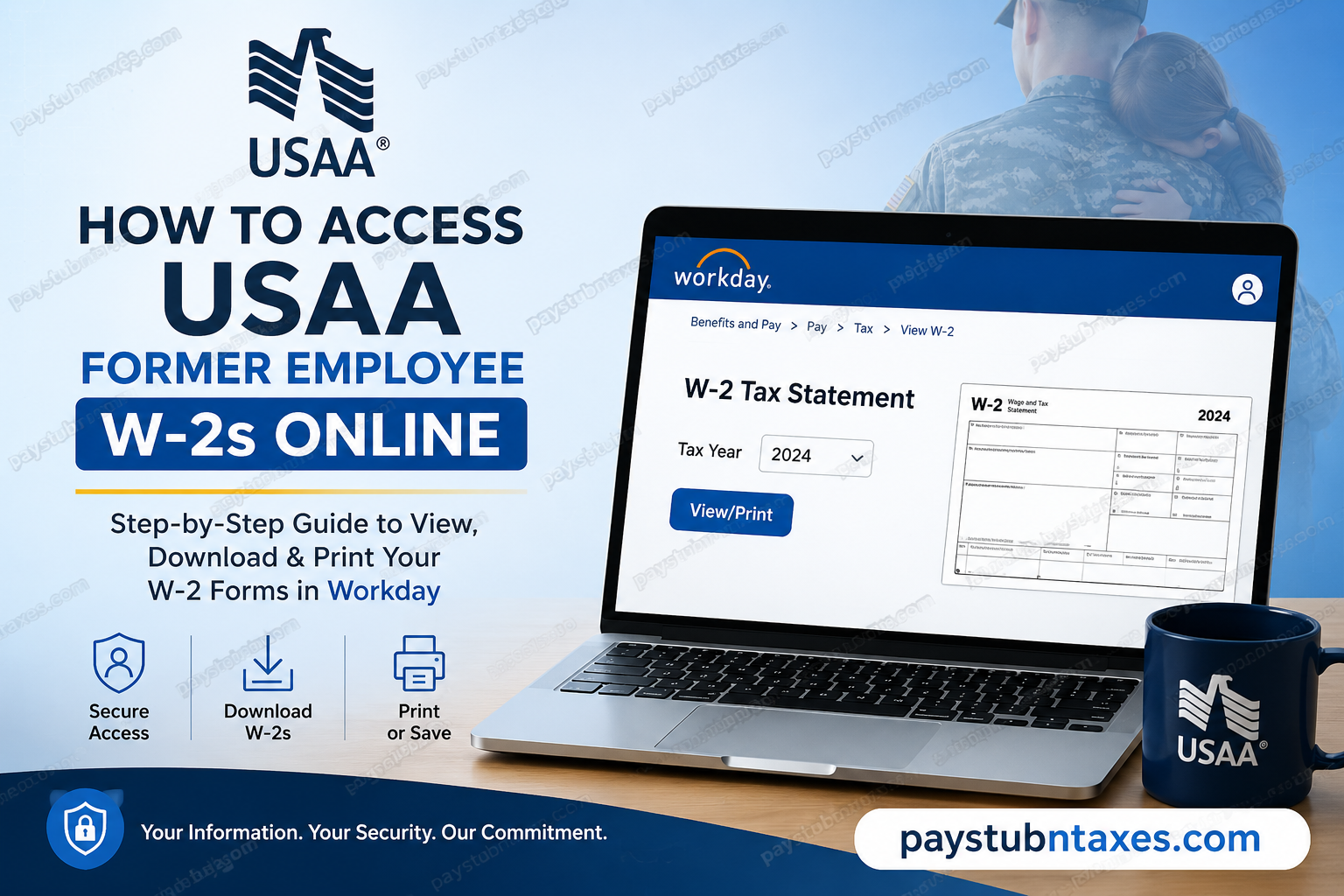
For more than a century, USAA has served military members, veterans, and their families with a mission rooted in service, loyalty, honesty, and integrity. The company provides banking, insurance, retirement, and financial services tailored to the military community while supporting millions of members worldwide. If you are a former USAA employee, you can still access your W-2 tax statements electronically through the Workday self-service portal after separation from the company. This guide explains the exact steps to retrieve your W-2 online, troubleshoot login issues, and manage your electronic tax document preferences.
USAA Former Employee W-2 Access Portal
Former employees can access their W-2 forms through the official Workday portal:
Workday Login Link:
USAA Former Employee Workday Portal
After termination, USAA typically sends a Workday login ID and temporary password to your personal email address for limited-time access to payroll and tax records.
Important: Former employees should not attempt to log in using active employee SSO, Okta, or internal network credentials. Use only the separate Workday credentials provided after separation.
Who Can Access USAA W-2 Forms?
You may be able to retrieve your W-2 online if you:
- Previously worked for USAA
- Received taxable wages during the tax year
- Still have access to your former employee’s Workday account
- Received your post-employment Workday credentials via email
USAA serves current and former military-affiliated employees and maintains secure digital access to payroll records for eligible separated workers.
Step-by-Step Guide to Access USAA Former Employee W-2s
Step 1: Open the Workday Portal
Visit the official former employee Workday login page: https://wd1-identity.myworkday.com/wday/authgwy/usaa/upc/login?redirect=n
Use a modern browser such as Chrome, Edge, Firefox, or Safari for the best compatibility.
Step 2: Enter Your Former Employee Credentials
Log in using:
- Your Workday username or login ID
- The temporary or permanent password provided after termination
If you cannot locate the email:
- Check your spam or junk folder
- Search your inbox for terms like “Workday,” “USAA,” or “payroll access.”
Step 3: Access Your Pay and Tax Documents
Once logged into Workday:
- Navigate to Benefits and Pay
- Open the Pay section
- Select Tax
- Locate the desired tax year
- Click View/Print to open your W-2 form
Step 4: Download or Print Your W-2
After opening the document:
- Click the printer icon to print your W-2
- Or select the download arrow to save the form as a PDF
The HR office also confirms that W-2 forms can be downloaded and saved electronically for future tax filing needs.
How to Access USAA W-2s on Mobile
Former employees may also access tax forms through the Workday mobile application.
Steps:
- Download the Workday app from:
- Apple App Store
- Google Play Store
- Enter the tenant name:
- USAA
- Log in using your former employee credentials
- Navigate to:
- Profile → More → Pay → Tax Documents → W-2
What If You Cannot Log In?
If your former employee credentials no longer work, try the following:
Check Email Access
Your login details may have been sent to your personal email after separation.
Reset Your Password
Former employees who experience login issues may need assistance from the USAA IT Service Desk.
IT Help Desk
- Phone: 210-456-9999
Contact HR Support
If your account has expired or been locked, contact the HR Service Desk for payroll and tax form assistance.
HR Email
- humanResources@usaa.com
How Long Can Former Employees Access Workday?
USAA generally provides temporary post-employment access to Workday for payroll and benefits records. Access duration may vary depending on company policy, separation type, or security requirements.
Because access may eventually expire, it is highly recommended that former employees:
- Download all available W-2 forms immediately
- Save PDF copies securely
- Print backup copies for tax records
Benefits of Electronic W-2 Access
Using Workday to retrieve your W-2 online offers several advantages:
- Faster access during tax season
- Secure digital storage
- Ability to download copies anytime
- Reduced risk of lost mail
- Convenient mobile access
The uploaded Workday documentation also notes that electronic-only delivery can reduce the risk of identity theft associated with mailed tax forms.
Common Issues Former Employees Face
| Issue | Solution |
| Forgot Workday password | Contact IT support |
| Never received login email | Check spam folder or contact HR |
| Account locked | Request password reset |
| W-2 not visible | Verify tax year selection |
| Mobile login not working | Confirm tenant name is “USAA” |
Final Thoughts
USAA makes it relatively simple for former employees to retrieve W-2 tax forms online through Workday. By using the dedicated former employee login portal and post-employment credentials, separated workers can securely access, download, and print tax documents whenever needed. To avoid delays during tax season, former employees should log in early, verify their account access, and save digital copies of all available W-2 statements.
Frequently Asked Questions
Can former USAA employees still access Workday?
Yes. Former employees are generally provided temporary Workday access after separation to retrieve payroll and tax records.
What login should I use after leaving USAA?
Use the separate Workday credentials provided after termination, not your active employee SSO or Okta credentials.
Where can I download my W-2?
You can download your W-2 from the Tax section inside the Workday portal.
Can I access my W-2 on mobile?
Yes. The Workday mobile app supports W-2 access for eligible former employees.
What if I never received my Workday login information?
Check your spam folder first. If you still cannot locate the email, contact USAA HR or IT support.
Is the Workday portal secure?
Yes. Workday uses encrypted authentication and secure access controls to protect payroll and tax information.
Can I print my W-2 directly from Workday?
Yes. Workday allows both PDF downloads and direct printing.
How long should I keep my W-2?
The IRS generally recommends keeping tax records for at least three to seven years.
Can I access multiple years of W-2 forms?
If available in your Workday account, you may access prior-year W-2 documents.
What should I do if my account access expires?
Contact USAA HR support for assistance retrieving tax documents.
