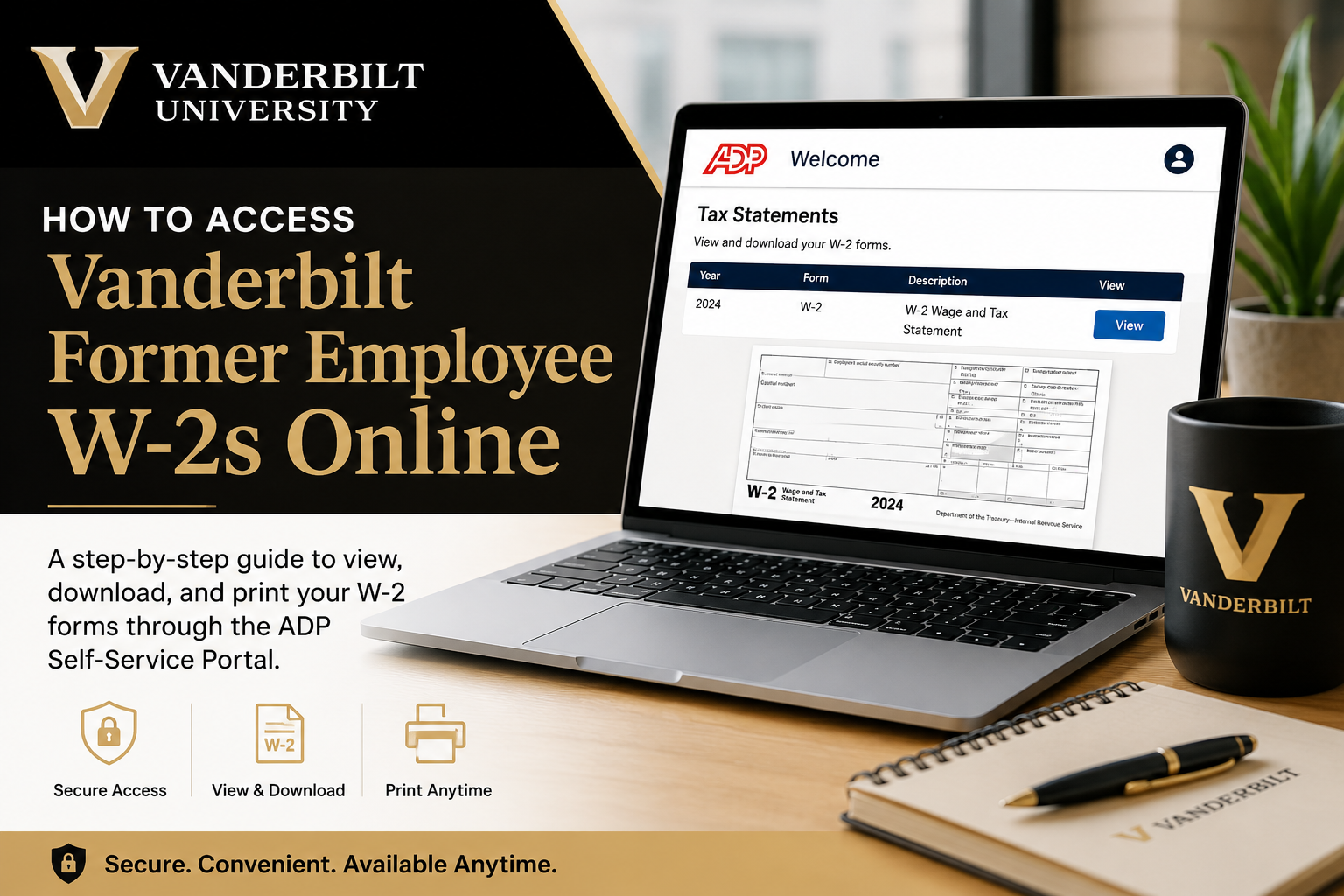
Former employees of Vanderbilt University can conveniently access their W-2 tax forms online through the ADP Self-Service Portal. Vanderbilt has partnered with ADP to provide secure electronic access to W-2 statements, allowing former staff members to retrieve tax documents even after losing access to Vanderbilt systems. Electronic W-2 delivery offers a faster, safer, and more convenient alternative to traditional paper forms. Whether you need your current year’s W-2 or a previous copy for tax filing, loan verification, or financial records, the ADP portal allows you to download and print your tax forms anytime. Former employees without an active Vanderbilt VUnetID can still retrieve their W-2s by creating an ADP account and verifying their identity online.
Vanderbilt Former Employee W-2 Access Portal
Former Vanderbilt employees can access W-2 tax statements through:
ADP Self-Service Portal
The ADP system allows users to:
- View current and previous W-2 forms
- Download PDF copies instantly
- Print W-2 statements for tax filing
- Access forms securely from desktop or mobile devices
- Import tax information into tax preparation software
How to Access Vanderbilt Former Employee W-2s Online
Follow these steps carefully to retrieve your W-2 online:
Step 1: Visit the ADP Portal
Go to: my.adp.com
You can access the portal from any modern web browser or by downloading the ADP Mobile Solutions app.
Step 2: Click “Create Account”
If you are a former employee and do not already have ADP login credentials:
- Select Create Account
- Choose Find Me or verify your identity using personal information
Vanderbilt’s former employees may need to validate their identity using:
- Full legal name
- Social Security Number or Taxpayer ID
- Date of birth
- Personal email or phone number
Step 3: Verify Your Identity
ADP will ask you to complete identity verification by:
- Receiving a verification email
- Entering a Personal Registration Code (PRC)
- Confirming your mobile number
After verification, create:
- A secure username
- A strong password
- Security questions for account recovery
Step 4: Access Your W-2 Form
Once signed in:
- Navigate to the Pay or Tax Statements section
- Select the desired tax year
- Click View or Download
- Save or print your W-2 PDF
The form can be used for:
- Federal and state tax filing
- Income verification
- Financial applications
- Record keeping
When Will Vanderbilt W-2s Be Available?
Vanderbilt University typically makes W-2 forms available by January 31st each year, in compliance with IRS regulations. Paper copies are mailed to the employee’s address on file if electronic delivery was not selected.
Electronic W-2s are generally accessible earlier through ADP.
Benefits of Accessing Your Vanderbilt W-2 Online
Using the ADP portal provides several advantages:
Instant Access
Retrieve your W-2 anytime without waiting for postal delivery.
Secure Document Storage
Your tax forms remain protected with encrypted login authentication.
Easy Tax Filing
ADP allows integration with many popular tax preparation platforms.
Access After Termination
Former Vanderbilt employees can still access tax documents online after leaving employment.
What If You Cannot Access Your W-2?
If you experience login or account issues:
Reset Your Password
Use the Forgot User ID/Password option on the ADP login page.
Verify Your Information
Ensure your:
- Social Security Number
- Legal name
- Date of birth
- Contact details
match Vanderbilt payroll records exactly.
Contact Vanderbilt Payroll
If your account cannot be verified, contact Vanderbilt Payroll support for assistance.
Vanderbilt Payroll Contact Information
Payroll Support Email
Vanderbilt HR & Payroll Resources
Vanderbilt People Experience Resources
Common Vanderbilt W-2 Issues and Solutions
| Issue | Solution |
| Forgot ADP password | Use password recovery tools |
| No longer have Vanderbilt email | Register with personal contact information |
| W-2 not available yet | Wait until January 31 |
| Incorrect mailing address | Update information with Payroll |
| SSN or name mismatch | Contact Vanderbilt Payroll immediately |
| Locked ADP account | Reset credentials or contact ADP support |
Can Former Vanderbilt Employees Access Older W-2s?
Yes. ADP often stores prior-year tax statements electronically, allowing former employees to retrieve historical W-2 forms after registration and verification.
Availability may vary depending on the tax year and account setup.
Is the Vanderbilt W-2 Portal Secure?
Yes. ADP uses multi-layer security measures, including:
- Identity verification
- Multi-factor authentication
- Encrypted sessions
- Secure password protection
For security purposes, Vanderbilt and ADP may partially mask Social Security numbers on electronic W-2 copies.
Final Thoughts
Accessing Vanderbilt former employee W-2s online is a straightforward process through the ADP self-service portal. By creating an account and verifying your identity, you can securely download your W-2 forms anytime without needing Vanderbilt network access.
Electronic access provides faster delivery, improved security, and a more convenient way to manage important tax documents from anywhere in the world.
Frequently Asked Questions (FAQs)
1. How do I access my Vanderbilt former employee W-2 online?
Visit ADP Portal, sign in or create an account, then navigate to the Tax Statements section to view and download your W-2.
2. Can former Vanderbilt employees still access ADP after termination?
Yes. Former employees can still access W-2 forms online by registering for an ADP account using personal identification information.
3. When will Vanderbilt W-2s be available online?
W-2 forms are generally available by January 31 each year in accordance with IRS regulations.
4. What website does Vanderbilt use for former employee W-2s?
Vanderbilt uses the ADP Self-Service Portal for electronic W-2 access.
5. Do I need my Vanderbilt VUnetID to access my W-2?
No. Former employees can create a separate ADP account without an active Vanderbilt VUnetID.
6. How do I create an ADP account for my W-2?
Go to the ADP login page, click “Create Account,” verify your identity, and follow the registration steps to set up your credentials.
7. What information is required to register for ADP?
You may need your:
- Full legal name
- Social Security Number
- Date of birth
- Personal email address
- Phone number
8. Can I download and print my Vanderbilt W-2?
Yes. ADP allows users to download PDF copies and print W-2 forms anytime.
9. What should I do if I forgot my ADP password?
Use the “Forgot User ID/Password” option on the ADP login page to reset your credentials.
10. Will Vanderbilt mail paper W-2 forms?
Yes. Paper W-2 copies are mailed to the address on file if electronic-only delivery was not selected.
11. Can I access previous years’ W-2 forms through ADP?
In many cases, yes. ADP may store multiple years of tax statements for eligible users.
12. What if my W-2 contains incorrect information?
Contact Vanderbilt Payroll immediately to correct issues related to your name, Social Security Number, or tax details.
13. Is the ADP W-2 portal secure?
Yes. ADP uses encrypted login systems, identity verification, and secure authentication measures to protect employee data.
14. Can I access my W-2 using the ADP mobile app?
Yes. You can download the ADP Mobile Solutions app and securely access your tax forms from your smartphone.
15. Who should I contact for Vanderbilt W-2 assistance?
You can contact Vanderbilt Payroll support via email:
