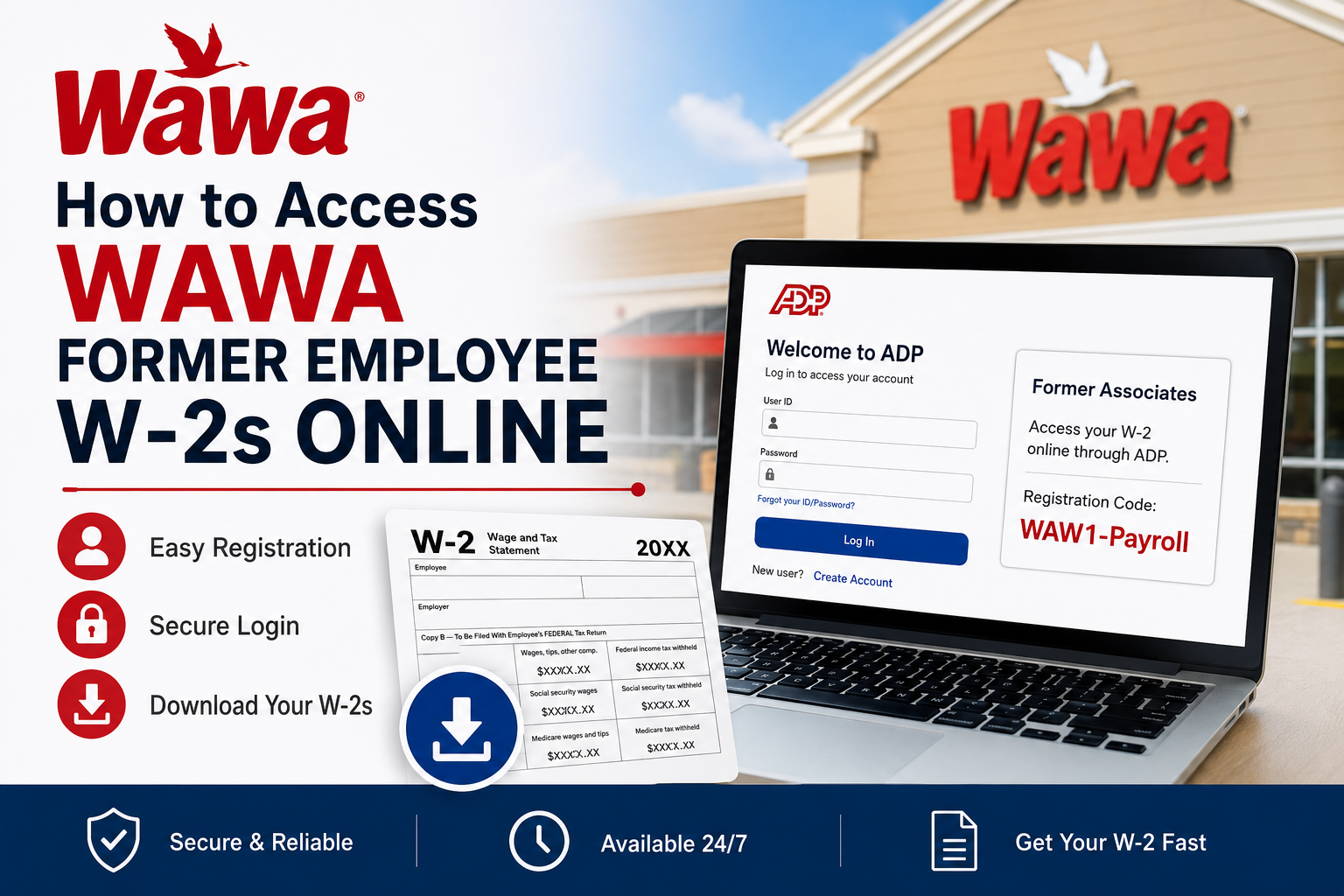
Former employees of Wawa can conveniently access their W-2 forms online through the ADP self-service portal if they previously consented to electronic tax form delivery. Wawa also mails paper W-2 copies to the home address already on file, making it easier for former associates to receive their tax documents on time. Known as one of America’s favorite convenience store chains, Wawa continues to expand rapidly across the United States while supporting more than 46,000 associates through competitive benefits, career growth opportunities, wellness initiatives, and employee ownership programs. Whether you recently left Wawa or separated years ago, this guide explains exactly how to retrieve your W-2 online without contacting payroll support unnecessarily.
Wawa Former Employee W-2 Portal
Former Wawa associates can access electronic W-2 statements through the ADP payroll portal.
Wawa W-2 Login Information
- Portal: my.adp.com
- Registration Code:
WAW1-Payroll
According to the Wawa former associate instructions, former employees must create an ADP account using the special registration code before accessing W-2 forms.
Step-by-Step Guide to Access Wawa Former Employee W-2s
Step 1: Visit the ADP Portal
Go to the official ADP website:
ADP Self-Service Portal
On the login page, click:
“Create Account” or “New User”
Step 2: Select “I Have a Registration Code”
After selecting account creation:
- Choose “I Have a Registration Code”
- Enter the Wawa registration code:
WAW1-Payroll- Click Continue
First-time users must register using a company-provided ADP registration code before accessing W-2 services.
Step 3: Verify Your Identity
You will be directed to the “Identify Yourself” page.
Enter the following information carefully:
- First Name
- Last Name
- Wawa Employee ID
- Company Code:
RVZ - ZIP Code
- Social Security Number (SSN)
Entering incorrect information repeatedly may temporarily lock the account for 24 hours.
Step 4: Complete Security Verification
ADP may ask several security questions to confirm your identity.
You may also need to:
- Verify your mobile number
- Confirm your email address
- Receive a verification code via text or email
Users must complete identity verification before account activation.
Step 5: Create Your ADP Login Credentials
After verification:
- Create a secure password
- Set up recovery questions
- Accept the terms and conditions
Once completed, your ADP account will become active.
Step 6: Access and Download Your W-2
After signing in successfully:
- Navigate to Pay
- Select Tax Statements
- Choose the desired tax year
- Download or print your W-2 form
W-2 statements can be downloaded directly from the dashboard after successful registration.
What If You Cannot Access Your Wawa W-2?
If you experience issues accessing your W-2 online, try the following solutions:
Reset Your ADP Password
Use the “Forgot Password” option on the ADP login page.
Verify Your Employee Information
Make sure the following details match Wawa payroll records exactly:
- Employee ID
- ZIP Code
- SSN
- Legal Name
Wait for the Paper Copy
If electronic access fails, Wawa typically mails W-2 forms to your last recorded address.
Contact Wawa Payroll or HR
If your address changed after leaving the company, contact Wawa HR or payroll support immediately to avoid delays in receiving your tax documents.
Benefits Former Wawa Associates Should Know About
Wawa is widely recognized for supporting associates through programs such as:
- Employee Stock Ownership Plan (ESOP)
- Tuition reimbursement
- 401(k) retirement plan
- Medical and dental coverage
- Paid time off
- Wellness and assistance programs
- Employee resource groups
- Parental leave
These associate-focused benefits have helped make Wawa one of the most respected convenience retail employers in the United States.
Common Problems Accessing Wawa W-2s
| Problem | Solution |
| Forgot ADP password | Use password recovery tools |
| Registration code not working | Re-enter WAW1-Payroll carefully |
| Locked account | Wait 24 hours before retrying |
| Wrong employee information | Verify Employee ID and ZIP code |
| No mobile verification access | Use email verification instead |
| W-2 missing | Wait until late January or early February |
Why Former Employees Prefer Online W-2 Access
Using the ADP self-service portal provides several advantages:
- Faster tax filing
- Instant W-2 downloads
- Secure document access
- Mobile-friendly login
- 24/7 availability
- Easy access to historical tax forms
Final Thoughts
Accessing your Wawa former employee W-2 online is straightforward through the ADP self-service portal. By using the registration code WAW1-Payroll and verifying your employee information correctly, you can securely download your W-2 within minutes. If you previously consented to electronic delivery, online access is often the fastest and most convenient option. Otherwise, your W-2 will typically arrive by mail at the address Wawa has on file. For a smoother experience, keep your employee ID, ZIP code, and Social Security Number available before beginning the registration process.
Frequently Asked Questions (FAQ)
1. How do former Wawa employees get their W-2 online?
Former Wawa associates can access W-2 forms through the ADP self-service portal by registering with the code WAW1-Payroll.
2. What is the official Wawa former employee W-2 website?
The official Wawa W-2 access portal is:
ADP Self-Service Portal at my.adp.com
3. What is the Wawa ADP registration code?
The registration code for former Wawa associates is:
WAW1-Payroll4. Can I still access ADP after leaving Wawa?
Yes. Former employees who previously consented to electronic delivery can still access their W-2 forms through ADP.
5. What information do I need to register for ADP?
You typically need:
- First and last name
- Employee ID
- ZIP code
- Social Security Number
- Registration code
6. Will Wawa mail my W-2 form?
Yes. Wawa generally mails paper W-2 forms to the home address already on file.
7. What should I do if I forgot my ADP password?
Use the “Forgot Password” option on the ADP login page to reset your credentials securely.
8. Why is my ADP account locked?
Multiple failed identity verification attempts may temporarily lock your account for approximately 24 hours.
9. Can I access old W-2 forms from previous years?
Yes. ADP may allow access to historical W-2 statements depending on your account setup and document availability.
10. What if my address changed after leaving Wawa?
You should contact Wawa HR or payroll support immediately to update your mailing information.
11. When are Wawa W-2s available online?
W-2 forms are usually available by late January each year.
12. Can I access my Wawa W-2 on my phone?
Yes. The ADP portal is mobile-friendly and accessible from smartphones and tablets.
13. Do I need my Wawa employee ID to access my W-2?
Yes. Your employee ID is commonly required during account verification and registration.
14. Is ADP secure for accessing tax documents?
Yes. ADP uses encrypted authentication and identity verification tools to protect payroll and tax information.
15. What should I do if my W-2 is missing?
If your W-2 is unavailable online or delayed by mail, contact Wawa payroll or ADP support for assistance.
