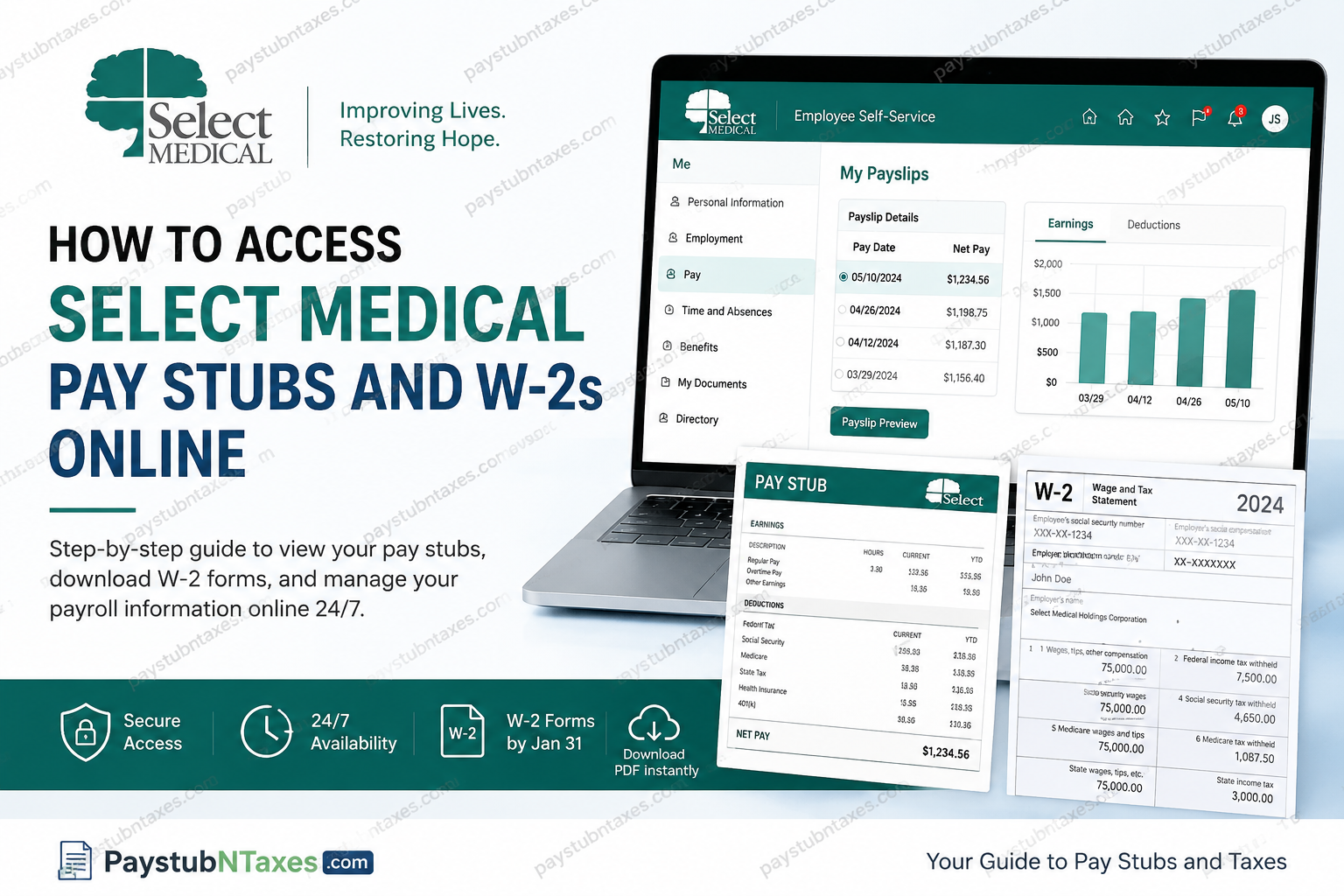
Select Medical has spent more than two decades establishing itself as one of the most respected healthcare organizations in the United States, delivering exceptional rehabilitative and specialized hospital care through a patient-centered philosophy grounded in compassion, innovation, and clinical excellence. With more than 45,000 healthcare professionals serving over 1.2 million patients annually across a nationwide continuum of care, Select Medical continues to set the benchmark for recovery-focused healthcare services. To support its extensive workforce, Select Medical provides employees and former employees with secure online access to payroll and tax information through the Oracle-powered Employee Self-Service (ESS) platform. Whether you need to retrieve recent pay stubs, review payroll deductions, or download previous W-2 tax statements, the process is straightforward and accessible 24 hours a day, seven days a week. In this guide, you will learn exactly how to access your Select Medical pay stubs and W-2 forms online, including step-by-step instructions, troubleshooting tips, and important payroll information.
Select Medical Employee Portal Login
Select Medical employees can access payroll and tax documents through the official Employee Self-Service portal:
Employee Portal
https://selections.selectmedical.com
Former employees may also access payroll information through the Select Medical Alumni portal if necessary.
The Employee Self-Service system provides convenient access to:
- Pay stubs and payslips
- W-2 tax forms
- Direct deposit information
- Payroll history
- Benefits resources
- Employment-related tools and services
How to Access Select Medical Pay Stubs Online
Employees can retrieve current and historical pay stubs directly from the Oracle Applications Employee Self-Service system.
Step-by-Step Instructions to View Pay Stubs
Step 1: Log Into the Employee Portal
Visit the Select Medical Employee Portal:
https://selections.selectmedical.com
Enter your employee credentials to sign in securely.
Step 2: Navigate to the “Me” Section
Once logged in:
- Select Me
- Choose Pay
- Click My Payslips
This section contains all available payroll statements associated with your employee profile.
Step 3: Select the Desired Pay Date
Locate the pay period you wish to review.
- Check the box beside the applicable pay date
- A detailed payroll summary will appear on the right side of the screen
- The system displays earnings, deductions, taxes, and net payment information
Employees can compare multiple payslips simultaneously using the built-in graphical comparison feature available within Oracle ESS.
Step 4: Preview or Download Your Payslip PDF
To save or print your pay stub:
- Select Payslip Preview
- Click the Download icon within the preview window
- The payslip PDF will automatically download to your device
Employees may also select multiple pay periods and download several payslips simultaneously for recordkeeping purposes.
Understanding Information on Your Select Medical Pay Stub
Your Select Medical payslip contains detailed payroll data, including:
Earnings Information
Your pay stub may display:
- Regular earnings
- Overtime compensation
- Bonus payments
- Shift differentials
- Taxable wages
- Non-taxable reimbursements
Tax Deductions
Employees can review deductions such as:
- Federal income tax
- Social Security tax
- Medicare tax
- State withholding taxes
Pre-Tax Deductions
The Oracle ESS system also displays voluntary and pre-tax benefit deductions, including:
- Medical insurance
- Vision insurance
- HSA contributions
- 401(k) retirement contributions
How to Access Select Medical W-2 Forms Online
Select Medical employees and former employees can conveniently access W-2 tax forms through the Year-End Documents section within the Oracle Employee Self-Service platform.
Step-by-Step Instructions to Download W-2 Forms
Step 1: Sign Into the Employee Portal
Go to: https://selections.selectmedical.com/
Step 2: Open the “Me” Menu
After signing in:
- Select Me
- Click Show More
- Choose Year-End Documents
Step 3: Select Your Tax Year
Your available W-2 forms will appear organized by year.
- Click the applicable document hyperlink
- The W-2 form will open as a downloadable PDF
- Save or print the document for tax filing purposes
The system typically stores several years of tax history for employee access.
When Will Select Medical W-2 Forms Become Available?
According to federal law, employers must issue W-2 forms by January 31 each year.
Select Medical generally makes W-2 forms available online within the Employee Self-Service system on or before January 31, while physical copies are mailed simultaneously to employees’ registered addresses.
To avoid delays:
- Ensure your mailing address is current
- Verify your personal information within the portal
- Opt into electronic delivery whenever available
Access for Former Select Medical Employees
Former employees retain online access to payroll and tax documentation through Select Medical’s Alumni portal and Oracle Employee Self-Service environment.
This allows separated employees to:
- Retrieve previous W-2 forms
- Access historical pay stubs
- Download payroll records for tax or loan verification purposes
Former employees may use:
https://alumni.selectmedical.com
If the standard employee login access has expired.
Troubleshooting Select Medical Payroll Portal Issues
If you experience login or payroll access problems, consider the following solutions:
Forgot Password
Use the password reset option on the login page or contact the IT support team for assistance.
Browser Compatibility Issues
For the best experience:
- Use updated browsers such as Google Chrome, Microsoft Edge, or Mozilla Firefox
- Clear browser cache and cookies regularly
- Disable pop-up blockers if PDF downloads fail
Missing W-2 or Payslip
If your documents are unavailable:
- Confirm your employment status and tax year selection
- Wait until after January 31 for annual tax forms
- Contact Payroll or HR for assistance
Select Medical Payroll and HR Contact Information
For payroll questions, W-2 concerns, or technical support, employees may contact the Select Medical HR Help Line.
Payroll Support Email
PayrollTax@selectmedical.com
HR Help Line
1 (888) 735-6334
Why Select Medical’s Employee Portal Is Beneficial
The Oracle Employee Self-Service platform provides employees with secure, immediate access to essential payroll and employment records without requiring direct HR intervention.
Key advantages include:
- 24/7 payroll access
- Faster W-2 retrieval
- Secure document storage
- Convenient PDF downloads
- Historical payroll tracking
- Simplified tax preparation
For a workforce as expansive and geographically diverse as Select Medical’s, digital payroll accessibility significantly improves efficiency while empowering employees to manage their financial records independently.
Final Thoughts
Select Medical continues to demonstrate operational excellence not only through patient care but also through the robust digital resources it provides to employees nationwide. Through the Oracle Employee Self-Service system, employees and former employees can conveniently access pay stubs, W-2 forms, payroll summaries, and tax documents from virtually anywhere at any time. By following the simple navigation steps outlined above, Select Medical employees can securely manage their payroll records, streamline tax preparation, and maintain organized employment documentation throughout the year.
Frequently Asked Questions (FAQ)
1. How do I access my Select Medical pay stubs online?
You can access your pay stubs by logging into the Select Medical Employee Portal and navigating to Me > Pay > My Payslips.
2. Where can I download my Select Medical W-2 form?
Your W-2 form is available in the Employee Self-Service portal under Me > Show More > Year-End Documents.
3. What is the official Select Medical employee portal?
The official employee portal is: Select Medical Employee Portal.
4. Can former employees access Select Medical W-2 forms?
Yes. Former employees can access payroll and tax documents through the Select Medical Alumni Portal.
5. When are Select Medical W-2s available online?
Select Medical typically releases W-2 forms online by January 31 each year in compliance with IRS regulations.
6. How do I download my Select Medical payslip PDF?
After selecting a pay date in My Payslips, click Payslip Preview and use the download icon to save the PDF.
7. Can I view old pay stubs in the Select Medical portal?
Yes. The Oracle ESS system stores historical payroll records that employees can access anytime.
8. What should I do if I forgot my Select Medical portal password?
Use the password recovery option on the login page or contact Select Medical IT or HR support for assistance.
9. Is the Select Medical payroll portal available 24/7?
Yes. Employees can access pay stubs and W-2 forms online 24 hours a day, 7 days a week.
10. How do I contact Select Medical Payroll support?
Employees may contact Payroll support via:
- Email: PayrollTax@selectmedical.com
- Phone: 1 (888) 735-6334
11. Can I print my Select Medical W-2 online?
Yes. W-2 forms can be downloaded as PDFs and printed directly from the Employee Self-Service portal.
12. What information appears on a Select Medical pay stub?
Your pay stub includes:
- Gross earnings
- Net pay
- Taxes withheld
- Overtime
- Benefits deductions
- Retirement contributions
13. Does Select Medical use Oracle Employee Self-Service?
Yes. Select Medical uses Oracle-based Employee Self-Service technology for payroll and HR document management.
14. Why can’t I see my W-2 in the portal?
If your W-2 is missing:
- Confirm the correct tax year is selected
- Wait until after January 31
- Contact Payroll support for assistance
15. Can I access Select Medical payroll documents from my phone?
Yes. The Employee Self-Service portal is accessible from smartphones, tablets, and desktop devices with internet access.
