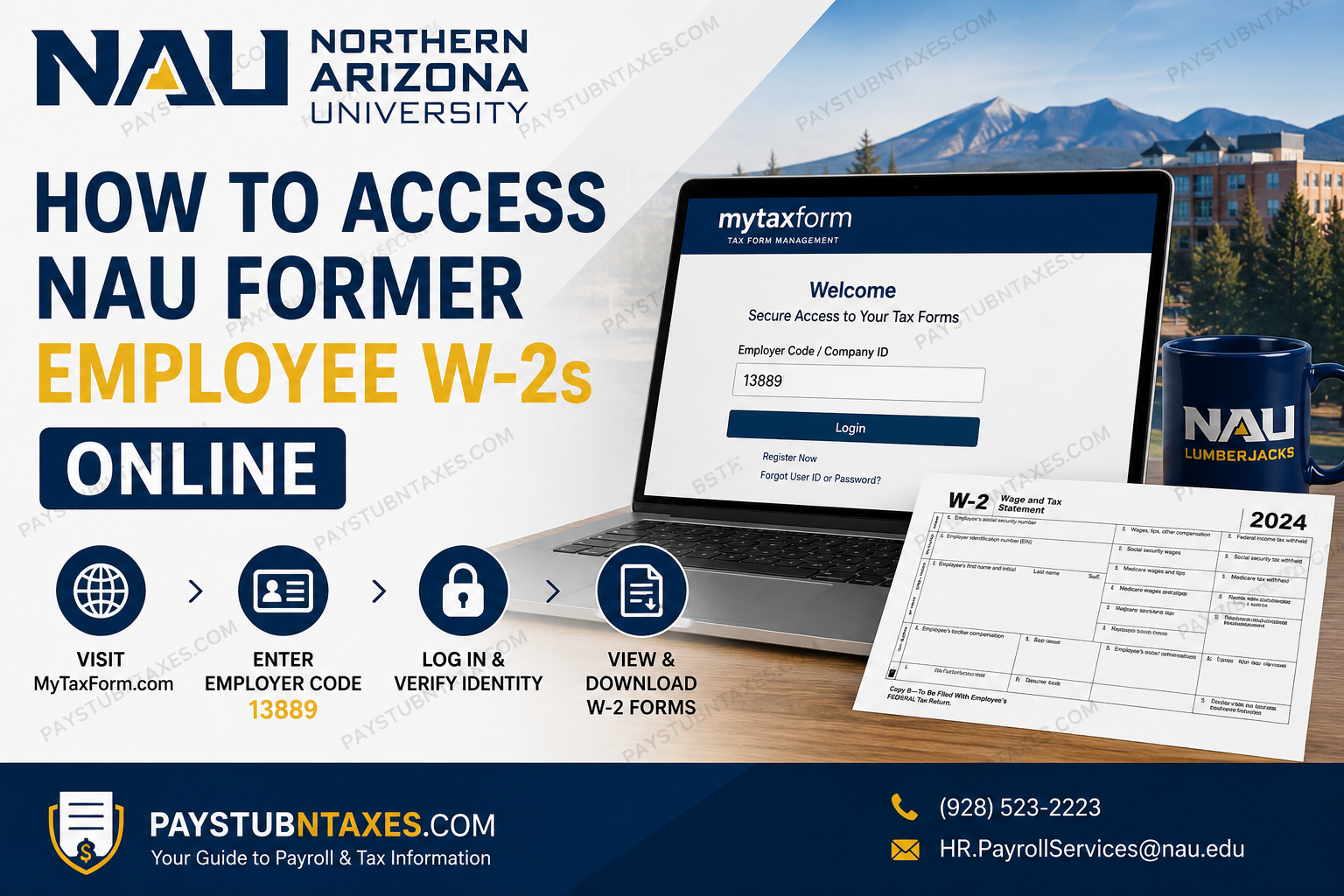
If you previously worked for Northern Arizona University (NAU) and no longer have access to LOUIE – HR, obtaining your W-2 is still a straightforward process. Since NAU transitioned away from the Paperless Employee platform, former employees now retrieve their year-end tax documents through the My Tax Form Management portal. This comprehensive guide explains how former NAU employees can register, access, and download W-2 forms online, what to do if older tax forms are unavailable, and how to contact Human Resources when additional assistance is required.
About Northern Arizona University (NAU)
Northern Arizona University (NAU) is a nationally recognized public research institution headquartered in Flagstaff, Arizona. With its expansive main campus, more than 30 statewide locations, robust online degree programs, and competency-based Personalized Learning initiative, NAU continues to expand educational opportunities for students throughout Arizona and beyond.
As part of its commitment to improving payroll security and electronic document delivery, NAU migrated to a new tax form distribution system beginning with the 2020 tax year.
Can Former NAU Employees Access W-2 Forms Online?
Yes. Former employees who no longer have access to LOUIE – HR can still securely obtain their W-2 tax statements through the My Tax Form Management website by creating an online account using NAU’s employer code.
Tax Form Management Portal
Website: https://www.mytaxform.com/
Employer Code / Company ID: 13889
Important Changes to NAU W-2 Access
Beginning in 2020:
- NAU discontinued the Paperless Employee platform.
- W-2 forms for 2020 and later are managed through the Tax Form Management portal.
- Former employees without LOUIE access should use My Tax Form Management instead.
- W-2s from 2019 and earlier are not available online through LOUIE or the new portal. Instead, employees must request copies directly from Human Resources.
How Former Employees Can Access Their NAU W-2 Online
Follow these steps to create your account and retrieve your tax documents.
Step 1. Visit the Tax Form Management Website
Open your browser and go to: https://www.mytaxform.com/
Enter: Company ID: 13889
Then click Login.
Step 2. Register as a First-Time User
Select: Register Now
During registration you’ll be asked to verify your identity by providing information such as:
- Full name
- Social Security Number
- Date of birth
- Other identifying information
Your Social Security Number is required solely for identity verification within the secure tax portal.
Step 3. Verify Your Identity
The system sends a one-time verification code to either:
- Your registered email address, or
- Your mobile phone number.
Enter the verification code to continue.
Step 4. Create Your Login Credentials
After verification:
- Create a unique User ID
- Choose a strong password
These credentials will be used whenever you access your tax forms in the future.
Step 5. Select Your Tax Form Delivery Preference
After logging in, you’ll be prompted to choose one of two delivery methods:
- Receive paper copies by mail
- Receive tax forms electronically
Choosing electronic delivery provides online access as soon as your forms become available.
Step 6. Accept the Electronic Delivery Agreement
If you elect electronic delivery:
- Review the disclosure
- Accept the consent agreement
- Confirm your selection
Once accepted, future eligible tax forms will be delivered electronically instead of through postal mail.
Step 7. Confirm Your Contact Information
Before enrollment is complete, you’ll need to provide:
- At least one email address
- Your mailing address
After reviewing the information, select Confirm & Submit.
Step 8. Receive Confirmation
Once your enrollment is successfully processed, the system displays a confirmation message indicating your electronic delivery request has been completed.
How to Download Your W-2
Once your W-2 becomes available:
- Sign in to My Tax Form Management.
- Open the Tax Forms section.
- Select the applicable tax year.
- View your W-2.
- Download the PDF.
- Print copies whenever needed.
Electronic forms may become available earlier than paper copies and can typically be downloaded multiple times for your personal records.
Benefits of Electronic W-2 Delivery
Electronic delivery offers several advantages, including:
- Earlier access to tax documents
- Unlimited downloads and printing
- Convenient storage for future reference
- Compatibility with many tax preparation programs
- Reduced risk of identity theft associated with mailed tax documents
- Secure online access from virtually anywhere
Need a W-2 From 2019 or Earlier?
Older W-2 forms cannot be accessed through the current online system.
Instead, contact NAU Human Resources to request a duplicate copy.
Phone: (928) 523-2223
Email: HR.PayrollServices@nau.edu
HR can arrange to provide copies of historical tax statements upon request.
Troubleshooting Common Issues
I don’t receive the verification code.
Verify that the email address or phone number associated with your account is current. If necessary, contact HR for assistance.
I cannot register.
Ensure you entered:
- Company ID 13889
- Your legal name
- Social Security Number
- Date of birth
Exactly as they appear in NAU payroll records.
I accidentally closed the electronic delivery window.
You can still enable electronic delivery through your account settings after logging in by updating your delivery preferences and confirming your contact information.
My mailing address cannot be entered.
The mailing address fields may require scrolling within the address window before they become visible.
I no longer remember my login credentials.
Use the Forgot User ID or Forgot Password options on the My Tax Form Management login page to recover access.
Contact NAU Payroll Services
If you encounter account issues, need historical W-2s, or require payroll assistance, contact:
NAU Human Resources – Payroll Services
Phone: (928) 523-2223
Email: HR.PayrollServices@nau.edu
Final Thoughts
Northern Arizona University has streamlined W-2 access for former employees through the secure My Tax Form Management platform. By registering with Company ID 13889, former staff members can conveniently access, download, and print their current tax forms without requiring access to LOUIE – HR. For tax documents issued before 2020, NAU Human Resources remains the appropriate point of contact, ensuring that even historical payroll records remain accessible when needed.
Frequently Asked Questions
1. How do former NAU employees access their W-2 online?
Visit www.mytaxform.com, enter Employer Code 13889, sign in or register, verify your identity, and download your available W-2 tax forms.
2. What is the NAU Employer Code for My Tax Form Management?
The Employer Code (Company ID) for Northern Arizona University is 13889.
3. Can I access my W-2 without a LOUIE – HR account?
Yes. Former employees without LOUIE access can retrieve eligible W-2 forms through the My Tax Form Management portal.
4. What website should I use to download my NAU W-2?
Use the official My Tax Form Management website at https://www.mytaxform.com/.
5. Can I obtain W-2s from 2019 or earlier online?
No. W-2 forms issued for 2019 and earlier are not available through the online portal and must be requested directly from NAU Human Resources.
6. How do I register for the My Tax Form Management portal?
Select Register Now, provide your identifying information, verify your identity using a one-time passcode, and create your User ID and password.
7. What information is required during registration?
You will typically need your full name, Social Security Number, date of birth, and other identifying details to verify your identity.
8. Can I choose electronic delivery for future tax forms?
Yes. During account setup, you can elect to receive future W-2 forms electronically instead of by mail.
9. Do I need to provide my mailing address during registration?
Yes. The portal requires you to confirm both your email address and mailing address before completing registration.
10. What should I do if I forget my User ID or password?
Use the Forgot User ID or Forgot Password option available on the My Tax Form Management login page.
11. Can I print my W-2 after downloading it?
Yes. Once your W-2 is available online, you can download the PDF and print as many copies as needed for your records.
12. Is the My Tax Form Management website secure?
Yes. The portal uses identity verification, including a one-time passcode, to help protect your personal tax information.
13. Why should I choose electronic W-2 delivery?
Electronic delivery provides faster access, allows unlimited downloads, reduces the risk of mail-related identity theft, and works with many tax preparation programs.
14. Who should I contact if I cannot access my W-2?
Contact NAU Human Resources Payroll Services by calling (928) 523-2223 or emailing HR.PayrollServices@nau.edu for assistance.
15. When are NAU W-2 forms typically available?
NAU generally makes W-2 forms available in accordance with IRS deadlines, typically by the end of January each year, with electronic forms often becoming available before mailed copies.
