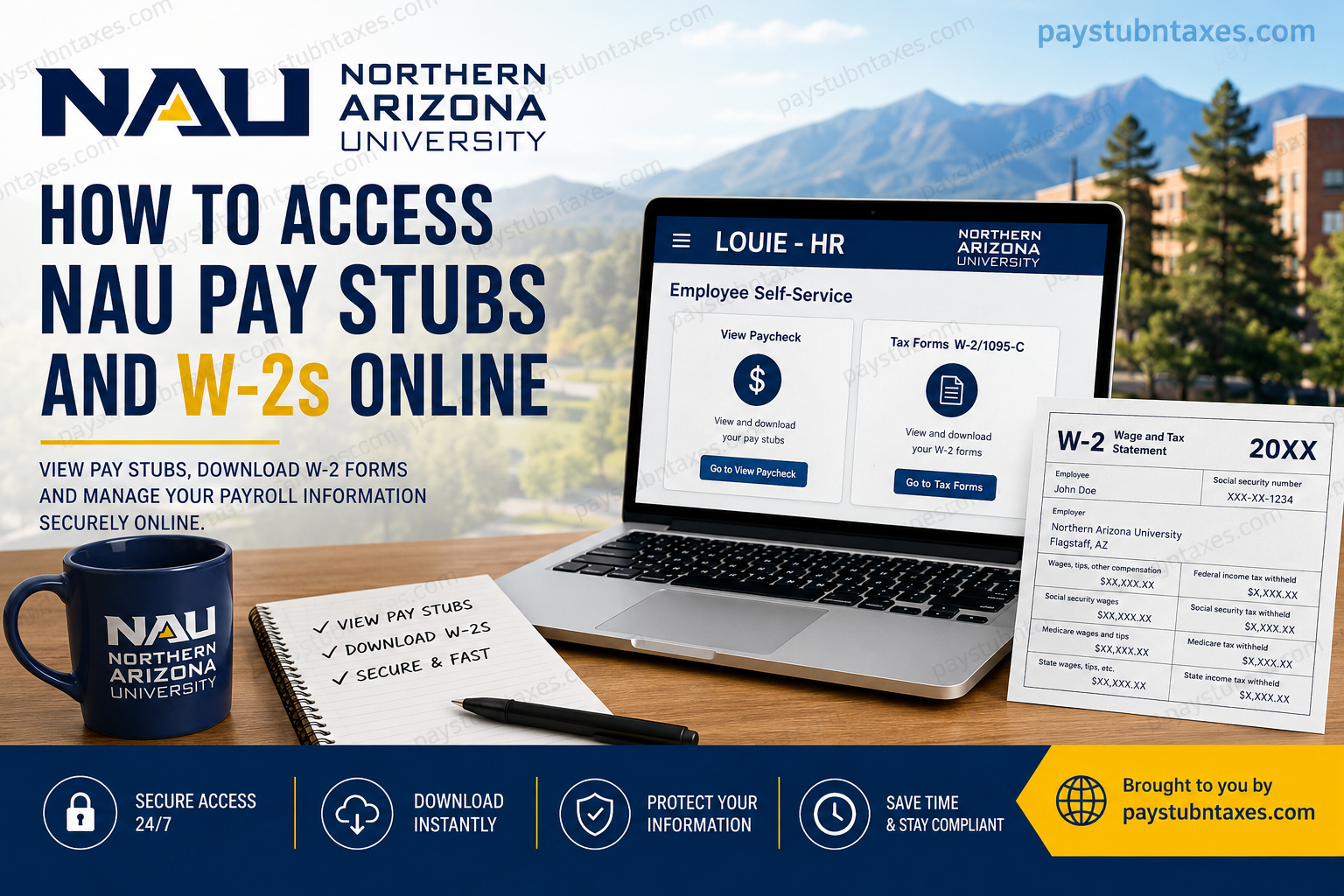
Northern Arizona University (NAU) provides employees with secure online access to payroll records, tax documents, and compensation history through its LOUIE – HR self-service portal. Whether you are a current faculty member, staff employee, student worker, or a former employee seeking historical tax records, understanding where and how to retrieve these documents can save considerable time during tax season. Unlike many organizations that rely solely on third-party payroll platforms, NAU combines its PeopleSoft-based LOUIE – HR system with a secure tax form delivery portal, allowing employees to manage pay information while maintaining robust security standards. Since the university transitioned away from the Paperless Employee platform, the process for obtaining W-2 forms has changed significantly. This comprehensive guide explains how current and former NAU employees can access pay stubs, download W-2 forms, enroll in electronic tax delivery, and resolve common payroll issues.
About Northern Arizona University (NAU)
Northern Arizona University (NAU) is one of Arizona’s leading public research universities, headquartered in Flagstaff, Arizona. Situated on a scenic 740-acre campus, NAU serves students across the state through numerous community campuses, online degree programs, and its innovative Personalized Learning platform.
The university’s mission centers on expanding educational access while delivering high-quality academic programs and research opportunities. Beyond serving traditional students, NAU supports thousands of faculty, administrative professionals, researchers, and staff members whose payroll services are managed through a centralized Human Resources and Payroll system.
How to Access NAU Pay Stubs Online
Current employees can review both current and historical paychecks through LOUIE – HR Employee Self-Service.
Step 1: Open the LOUIE – HR Portal
Visit the secure login page: https://hr.peoplesoft.nau.edu/
Sign in using your NAU User ID and password.
Step 2: Navigate to Employee Self-Service
After signing in: Main Menu → Self Service
Step 3: Open Payroll and Compensation
Select: Payroll and Compensation
Step 4: View Paychecks
Choose: View Paycheck
A complete history of available paychecks will appear.
Step 5: Download Your Pay Stub
Select the paycheck you wish to view.
Your paycheck can be:
- Viewed online
- Downloaded as a PDF
- Printed for your personal records
Since May 2013, paycheck PDFs include detailed earnings information along with year-to-date totals.
What Information Appears on Your NAU Pay Stub?
Each pay statement typically includes:
- Gross earnings
- Net pay
- Federal income tax withholding
- State tax withholding
- Social Security taxes
- Medicare deductions
- Retirement contributions
- Insurance deductions
- Leave balances (where applicable)
- Year-to-date earnings
- Year-to-date taxes
These records are particularly useful when:
- Applying for loans
- Verifying employment income
- Preparing tax returns
- Tracking retirement contributions
- Reviewing payroll deductions
How to Access Your NAU W-2 Online
NAU now distributes W-2 tax forms through a secure tax form management portal integrated with LOUIE – HR.
For Current Employees
Step 1: Log in to LOUIE – HR
Step 2: Navigate to: Main Menu → Self Service → Payroll and Compensation → Tax Forms W-2/1095-C
Step 3: Select: My Tax Forms
You will automatically be redirected to the secure tax form portal.
Step 4: View, download, or print your available W-2 forms.
How to Enroll in Electronic W-2 Delivery
Electronic delivery allows employees to receive tax forms faster while reducing the risk of lost or delayed mail.
After accessing the tax form portal:
- Open Menu
- Select Tax Forms
- Choose Electronic Delivery
- Review the disclosure
- Accept the consent agreement
- Add or verify:
- Email address
- Mailing address
- Submit your preferences
You will receive an email confirmation once enrollment is complete.
How Former NAU Employees Can Access W-2 Forms
Former employees who no longer have access to LOUIE – HR can still receive electronic tax documents.
Option 1
Create an account at: www.mytaxform.com
Follow the registration process to obtain electronic access to available tax documents.
Option 2
If assistance is required, contact NAU Human Resources Payroll Services.
Phone: (928) 523-2223
Email: HR.PayrollServices@nau.edu
What Happened to Paperless Employee?
Beginning in 2020, Northern Arizona University discontinued the use of the Paperless Employee platform for W-2 distribution.
As a result:
- W-2s from 2020 onward are managed through the secure tax form portal linked from LOUIE – HR.
- Employees can no longer retrieve 2019 or earlier W-2 forms through Paperless Employee.
If you require copies of W-2 forms from 2019 or earlier, you must request them directly from NAU Human Resources Payroll Services.
How to Request Older W-2 Forms
Historical W-2 forms may be obtained by contacting Payroll Services directly.
Provide:
- Full legal name
- Employee ID (if known)
- Years requested
- Current mailing address
- Contact information
Payroll staff can assist in obtaining archived tax records.
What If You Cannot Access Your Paychecks?
If your paycheck history does not appear:
- Verify your login credentials.
- Clear your browser cache.
- Use an updated version of Google Chrome or Mozilla Firefox.
- Enable pop-ups if downloading PDFs.
- Try another supported browser.
If the issue continues, contact the ITS Solution Center at:
928-523-1511
Accessing Your Final Paycheck After Leaving NAU
Employees who separate from the university and lose access to LOUIE – HR can still request a copy of their final paycheck.
Final wages are generally issued through:
- Direct Deposit, or
- The NAU Pay Card
If a copy of your final paycheck is needed after separation, Payroll Services can provide one upon request.
Benefits of Choosing Electronic Tax Forms
Electronic delivery offers several advantages over traditional paper copies:
- Earlier availability than mailed forms
- Unlimited downloads and printing
- Secure online storage
- Reduced risk of mail theft
- Easier integration with many tax preparation software applications
- Convenient access from virtually anywhere
Tips for Keeping Payroll Records Secure
To protect your personal payroll information:
- Use a strong, unique password.
- Enable multi-factor authentication if available.
- Avoid logging in from public Wi-Fi.
- Keep your mailing address updated.
- Download and securely store tax documents.
- Sign out after each session.
Conclusion
Northern Arizona University has modernized payroll and tax document access through its secure LOUIE –HR Employee Self-Service platform and integrated electronic tax form management system. Employees can conveniently review pay history, download paycheck PDFs, enroll in electronic W-2 delivery, and retrieve annual tax forms without waiting for postal delivery. Former employees also retain access to tax documents through the dedicated tax form portal or by contacting Payroll Services directly. By keeping your contact information current and opting for electronic delivery, you can ensure faster, safer, and more reliable access to your payroll records throughout the year.
Frequently Asked Questions
1. How do I access my NAU pay stubs online?
Log in to the LOUIE – HR Employee Self-Service portal, then navigate to Self Service → Payroll and Compensation → View Paycheck to view or download your pay stubs.
2. Where can I download my NAU W-2 online?
Current employees can access W-2 forms through LOUIE – HR → Payroll and Compensation → Tax Forms W-2/1095-C, which redirects to the secure tax form portal.
3. Does Northern Arizona University still use Paperless Employee?
No. NAU discontinued the Paperless Employee platform in 2020 and now distributes W-2 forms through its secure tax form management system.
4. How can former NAU employees obtain W-2 forms?
Former employees without LOUIE access can create an account at mytaxform.com or contact NAU Human Resources Payroll Services for assistance.
5. How do I sign up for electronic W-2 delivery?
Log in to LOUIE – HR, open Tax Forms W-2/1095-C, access the tax form portal, and choose the electronic delivery option after accepting the consent agreement.
6. Can I print my NAU pay stubs?
Yes. Paychecks are available in PDF format and can be downloaded or printed directly from the View Paycheck page.
7. How far back can I view paycheck history?
Employees can generally access paycheck PDFs dating back to May 2013, provided they remain available in the system.
8. How do I get copies of W-2 forms from 2019 or earlier?
Since these forms are no longer available through Paperless Employee, contact NAU Human Resources Payroll Services to request copies.
9. What should I do if I cannot log in to LOUIE – HR?
Verify your NAU credentials, reset your password if necessary, or contact the ITS Solution Center for technical assistance.
10. Why won’t my W-2 portal open?
Disable your browser’s pop-up blocker and use a supported browser such as Google Chrome or Mozilla Firefox before trying again.
11. Can I receive both paper and electronic W-2 forms?
You can choose your preferred delivery method. If electronic delivery is not selected, your W-2 will generally be mailed to the address on file.
12. What information appears on an NAU pay stub?
A pay stub includes gross pay, net pay, taxes withheld, deductions, retirement contributions, benefits, and year-to-date earnings.
13. How do I obtain my final paycheck after leaving NAU?
If you can no longer access LOUIE – HR, request a copy of your final paycheck from Payroll Services. Final wages are typically issued through direct deposit or the NAU Pay Card.
14. Who should I contact for payroll or W-2 questions?
Contact NAU Human Resources Payroll Services by phone at (928) 523-2223 or by email at HR.PayrollServices@nau.edu.
15. Is electronic W-2 delivery more secure?
Yes. Electronic delivery reduces the risk of mail delays or identity theft, provides faster access to tax forms, and allows unlimited downloads whenever needed.
