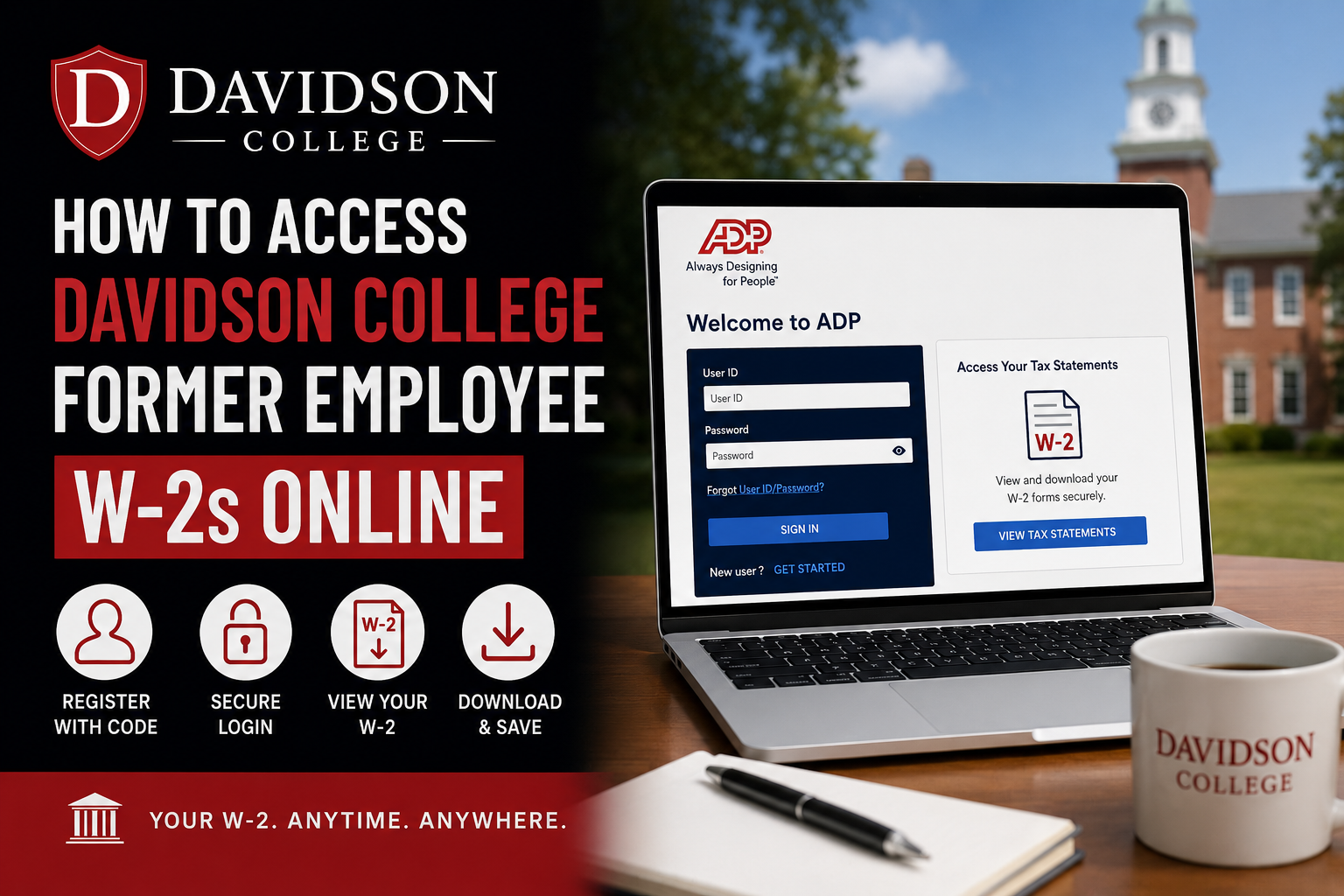
Davidson College is nationally recognized for its rigorous liberal arts education, close faculty-student collaboration, and strong commitment to leadership, ethics, and global engagement. Former employees of Davidson College can conveniently access and download their W-2 forms online through the ADP self-service portal. If you previously worked for Davidson College and need your W-2 for tax filing, employment verification, or personal financial records, this step-by-step guide will help you retrieve your tax documents quickly and securely.
Davidson College Former Employee W-2 Portal
Former Davidson College employees can access their electronic W-2 statements through the ADP self-service platform.
Official W-2 Portal
Davidson College Registration Code
DAVIDEDU-IPAY
The registration code is required when creating your ADP account for the first time.
How to Access Davidson College Former Employee W-2s
Step 1: Visit the ADP Portal
Go to: my.adp.com
On the login page, select “Get Started.”
Step 2: Choose “I Have a Registration Code”
When prompted, select:
“I have a registration code.”
Do not use the “Find Me” option.
Enter the Davidson College registration code:
DAVIDEDU-IPAY
Step 3: Verify Your Identity
To create your account, you must enter personal information exactly as it appears in Davidson College payroll records.
Typically, you will need:
- First and last name
- Social Security Number or ITIN
- Date of birth
- Active email address
- Mobile phone number
ADP may send a verification code via email or text message to confirm your identity.
Step 4: Create Your ADP Account
After verification:
- Create a secure password
- Confirm your contact information
- Complete account setup
Once registration is complete, you will receive confirmation instructions by email or text.
Step 5: Sign In to ADP
Return to the login page and sign in using your newly created credentials.
After logging in:
- Navigate to Tax Statements
- Select your Davidson College W-2
- Click View
- Download or print your W-2 as a PDF
You may also be required to complete an additional security verification step before accessing your tax document.
Benefits of Electronic W-2 Access
Accessing your W-2 electronically provides several advantages:
- Faster access to tax forms
- Secure online retrieval from any location
- Reduced risk of mail delays or lost documents
- Easy PDF download and printing
- Convenient access during tax season
Davidson College also notes that electronic W-2 delivery allows employees to receive tax forms earlier than traditional mailed copies.
Important Notes for Former Employees
Keep Your Contact Information Updated
Former employees should ensure their email address and phone number remain active for identity verification and account recovery purposes.
Paper Copies of W-2 Forms
Employees who previously consented to electronic delivery may still request a paper copy from the Davidson College Payroll Office if needed.
W-2 Availability
Federal law requires employers to provide W-2 forms no later than January 31 each year.
Troubleshooting Davidson College W-2 Access Issues
If you cannot access your W-2 online, try the following:
- Verify that you entered the correct registration code
- Confirm your personal details match Davidson College records
- Use the ADP password recovery option if needed
- Check your spam or junk folder for verification emails
- Ensure your phone number can receive text messages
If issues persist, contact the Davidson College Payroll Office for assistance.
Davidson College Payroll Support
For additional payroll or W-2 assistance, former employees may contact the Davidson College Payroll Office.
Payroll Office Address
Controller’s Office – Payroll
209 Ridge Rd, Box 5000
Davidson, NC 28035
Frequently Asked Questions
Use the “Forgot User ID/Password” option on the ADP login page to reset your credentials.
When are Davidson College W-2s available?
W-2 forms are generally available by January 31 each year.
Can I print my Davidson College W-2 online?
Yes. ADP allows you to download and print your W-2 as a PDF document.
Why am I not receiving my verification code?
Check that your email address and mobile phone number are active and correctly entered during registration.
Do I need the Davidson College registration code every time I log in?
No. The registration code is only required during initial account setup.
Can I access older W-2 forms in ADP?
Yes, ADP may store prior-year tax statements depending on your account history and employer settings.
What website is used for Davidson College W-2 access?
The official portal is: ADP Portal
What should I do if I forgot my ADP password?
Use the “Forgot User ID/Password” option on the ADP login page to reset your credentials.
When are Davidson College W-2s available?
W-2 forms are generally available by January 31 each year.
Can I print my Davidson College W-2 online?
Yes. ADP allows you to download and print your W-2 as a PDF document.
Why am I not receiving my verification code?
Check that your email address and mobile phone number are active and correctly entered during registration.
Do I need the Davidson College registration code every time I log in?
No. The registration code is only required during initial account setup.
Can I access older W-2 forms in ADP?
Yes, ADP may store prior-year tax statements depending on your account history and employer settings.
