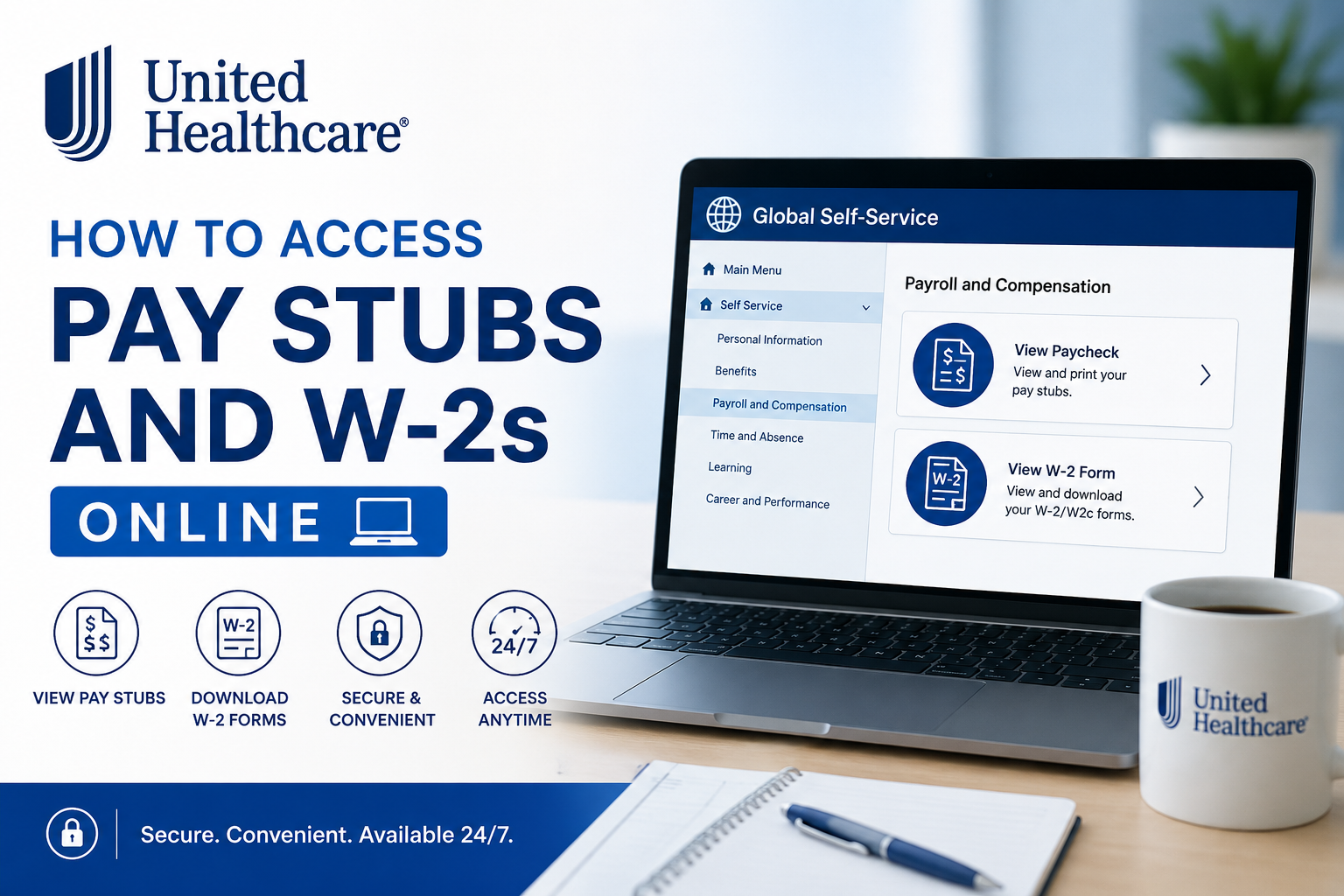
UnitedHealthcare is one of the largest health care organizations in the United States, serving millions of people through innovative health insurance and health care services. Employees can conveniently access payroll and tax information online through the Global Self-Service (GSS) portal, allowing secure access to pay stubs, W-2 forms, employment information, and other HR resources. UnitedHealth Group employees can retrieve their pay statements and tax documents anytime using the Global Self-Service platform from both internal and external networks.
UnitedHealthcare Employee Payroll Portal
Employees can access payroll and tax information through the Global Self-Service (GSS) portal:
- Intranet Access:
http://globalselfservice.uhg.com - Internet Access:
https://globalselfservice.unitedhealthgroup.com
The portal provides access to:
- Pay stubs and paycheck history
- W-2 and W-2c tax forms
- PTO and time tracking
- Personal information updates
- Employment verification
- HR and payroll services
According to the Payroll office, GSS is the primary platform employees use to manage payroll and employment-related information.
How to Access UnitedHealthcare Pay Stubs Online
Employees can quickly view or download their paychecks using the following steps.
Step-by-Step Guide to View Pay Stubs
Step 1: Log Into Global Self-Service (GSS)
Visit the employee portal:
- Internal Network:
http://globalselfservice.uhg.com - External Access:
https://globalselfservice.unitedhealthgroup.com
Enter your employee credentials to sign in securely.
Step 2: Navigate to Payroll and Compensation
From the GSS homepage, follow this path:
Main Menu → Self Service → Payroll and Compensation → View Paycheck
Step 3: View Your Paycheck History
The “View Paycheck” screen will display a chronological list of your previous paychecks.
You can:
- Open current and prior pay statements
- Review earnings, deductions, and taxes
- Download or print pay stubs
- Access PDF versions of paychecks
To open the PDF version:
- Check the “View PDF” box
- Click the View Paycheck icon next to the desired paycheck date
Because the PDF opens in a separate window, employees should ensure that pop-up blockers are disabled in their browser settings.
How to Access UnitedHealthcare W-2 Forms Online
Employees can also retrieve annual tax documents directly through GSS.
Step-by-Step Guide to View W-2 Forms
Step 1: Access the GSS Portal
Log in using your employee credentials.
Step 2: Open the W-2 Section
Navigate through the following menu:
Main Menu → Self Service → Payroll and Compensation → View W-2 Form
Step 3: Open Your Tax Document
The system will display the View W-2/W-2c Forms page.
To download your W-2:
- Click the Year End Form hyperlink
- Open the PDF version of the W-2
- Save or print the document for tax filing purposes
Employees can also:
- Click Filing Instructions to view the reverse side of the W-2
- Select View a Different Tax Year to access previous W-2 forms
As with pay stubs, pop-up blockers should be disabled to ensure documents open correctly.
Additional Employee Resources
UnitedHealth Group provides several employee support tools through its online systems. Employees can use GSS to:
- Access payroll information
- Update personal details
- Manage PTO and absences
- Obtain employment verification
- Access HR support services
The employee resource center also provides IT support, emergency preparedness information, and mobile tools like SparqGo for quick access to paychecks and schedules.
Troubleshooting GSS Login Issues
If you experience difficulties accessing the portal, try the following:
Reset Your Password
Use the password recovery or account assistance options available on the login page.
Disable Pop-Up Blockers
Pay stubs and W-2 PDFs open in separate browser windows. Ensure browser pop-up blockers are turned off.
Clear Browser Cache
Clearing browser cookies and cache often resolves loading or authentication issues.
Contact Employee Support
For payroll or account assistance, employees can contact:
- Employee Center (HRdirect): 800-561-0861
Benefits of Online Payroll Access
Using the UnitedHealthcare GSS portal provides several advantages:
- 24/7 access to payroll records
- Faster retrieval of tax documents
- Secure electronic document storage
- Easy paycheck printing and downloading
- Reduced paper documentation
- Convenient access from home or mobile devices
Frequently Asked Questions (FAQs)
How do I access my UnitedHealthcare pay stubs online?
Log into the Global Self-Service portal and navigate to:
Main Menu → Self Service → Payroll and Compensation → View Paycheck
Where can I download my UnitedHealthcare W-2?
After logging into GSS, go to:
Main Menu → Self Service → Payroll and Compensation → View W-2 Form
Then click the Year End Form link.
Can I access prior year W-2 forms?
Yes. The portal includes a “View a Different Tax Year” option for accessing previous tax forms.
Why won’t my pay stub PDF open?
Your browser may be blocking pop-ups. Disable pop-up blockers and try again.
Can I print my pay stubs?
Yes. Employees can download and print paycheck PDFs directly from GSS.
Is the UnitedHealthcare payroll portal secure?
Yes. GSS uses secure authentication to protect employee payroll and tax information.
What if I forgot my GSS password?
Use the password recovery option on the login page or contact Employee Center support.
Can I access payroll information from home?
Yes. Employees can use the external GSS portal from any secure internet connection.
Does GSS provide employment verification services?
Yes. Employees can access employment verification resources through GSS and The Work Number.
Is there a mobile option for payroll access?
Yes. Employees can use SparqGo to access paychecks and other employee resources on mobile devices.
