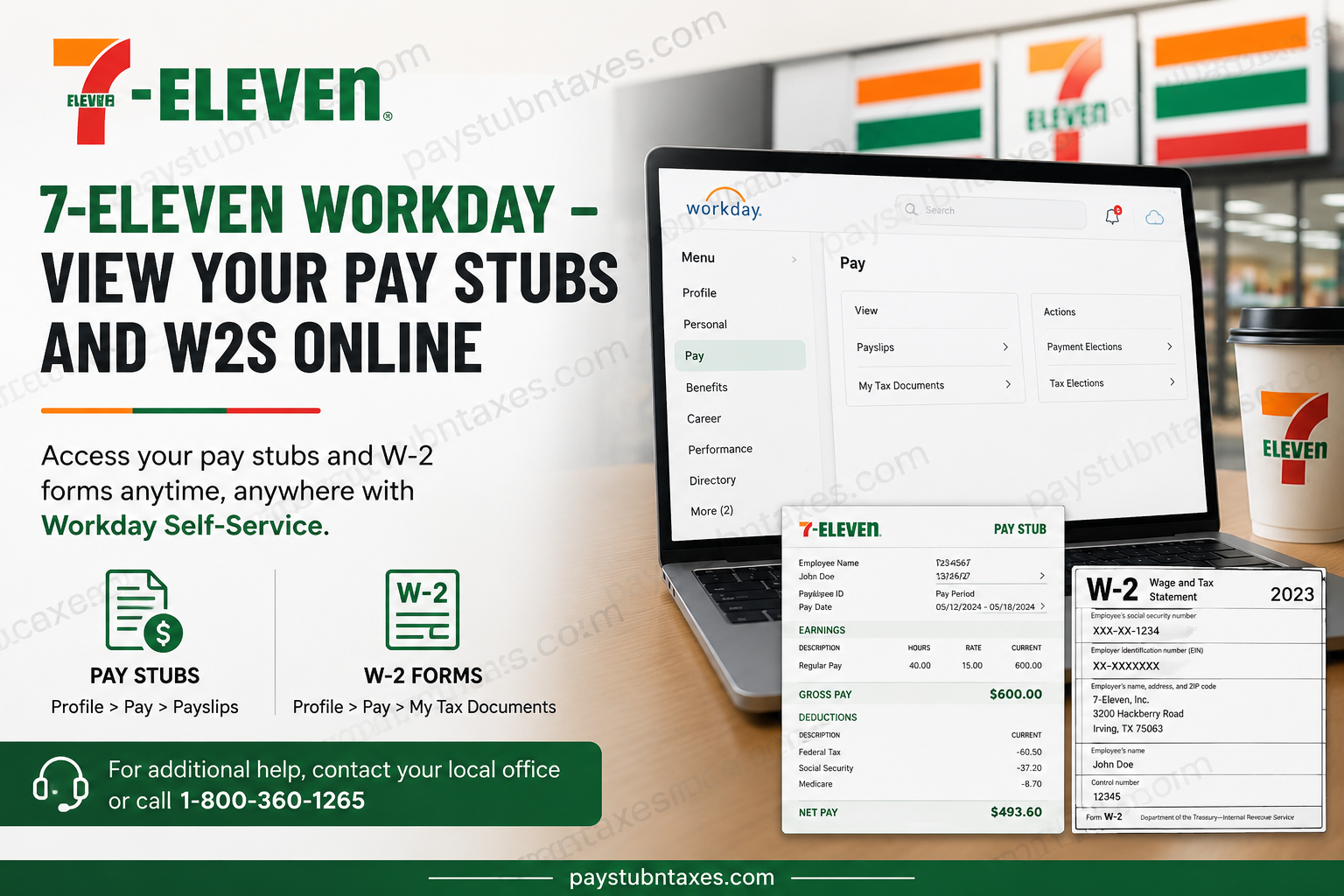
As one of the world’s most recognizable convenience retail brands, 7‑Eleven continues to modernize its workforce systems in order to streamline employee services and improve accessibility across its corporate and franchise operations. Headquartered in Irving, Texas, 7-Eleven operates tens of thousands of stores globally and employs a substantial workforce across retail, logistics, fuel, and corporate divisions. In recent years, 7-Eleven Corporate and many franchise operators have transitioned from older payroll platforms to the Workday self-service system, replacing several legacy payroll tools previously used by employees. As a result, active employees can now conveniently access their pay stubs, payroll history, tax forms, and other compensation-related documents online through the Workday portal. This guide explains how to view and download your 7-Eleven pay stubs and W-2 forms online using Workday, while also outlining the most effective troubleshooting methods for employees who encounter login or access issues.
How to Access 7-Eleven Pay Stubs in Workday
Employees can securely review their payslips directly from the Workday employee self-service dashboard. The platform allows users to access current and historical payroll records electronically without requiring printed copies.
Steps to View Your Payslips
- Log in to the 7-Eleven Workday employee portal.
- Open your employee profile.
- Select Pay from the menu.
- Click Payslips.
- Choose the desired pay period.
- Open the PDF version of your payslip to:
- View earnings and deductions
- Download the document
- Print a physical copy if necessary
The Workday interface organizes payroll records chronologically, making it significantly easier for employees to locate previous payment statements whenever needed.
How to View Your 7-Eleven W-2 Forms Online
Workday also serves as the centralized location for employee tax documentation. Once payroll publishes annual tax forms, employees can access their W-2 electronically through the “My Tax Documents” section.
Steps to Access Your W-2
- Sign in to Workday.
- Navigate to your employee profile.
- Select Pay.
- Click My Tax Documents.
- Locate the appropriate tax year.
- Select View/Print to open the W-2 form.
- Download or print the document for tax filing purposes.
Employees typically receive electronic notifications once W-2 forms become available in Workday. The system also supports downloadable PDF copies for secure recordkeeping and filing convenience.
Advantages of Using Workday for Payroll Access
The migration to Workday has provided several operational and user-experience improvements for 7-Eleven employees, including:
1. 24/7 Secure Access
Employees may access payroll information from virtually any internet-connected device at any time.
2. Faster W-2 Availability
Electronic delivery often enables employees to obtain tax forms earlier than traditional mailed copies.
3. Centralized Payroll Records
Workday consolidates pay history, tax documents, payment elections, and payroll preferences into one unified platform.
4. Reduced Paper Dependency
Digital payroll distribution minimizes administrative delays while supporting environmentally sustainable operations.
5. Simplified Download and Printing
Workday allows employees to instantly print or save PDF copies of both payslips and W-2 forms directly from the portal interface.
What If You Cannot Access Workday?
Employees occasionally encounter login complications due to password issues, inactive credentials, multi-factor authentication problems, or employment status transitions.
If you are unable to access your payroll information, try the following:
- Reset your Workday password using the password recovery option
- Attempt login from a different browser or device
- Clear browser cache and cookies
- Verify that your employee account remains active
- Contact your local HR representative or payroll administrator
For additional assistance, employees may also contact support directly at:
7-Eleven Employee Support:
1-800-360-1265
Can Former Employees Access Workday?
Access availability for former employees may vary depending on the franchise operator, regional payroll configuration, and termination timeline. Some former employees may retain limited Workday access for retrieving W-2 forms and recent payroll records, while others may need to contact HR directly for document requests.
If electronic access is unavailable, paper tax forms are generally mailed to the employee’s address on file in accordance with federal payroll regulations.
Common Payroll Information Available in Workday
Through the Workday self-service portal, employees may typically access:
- Current and previous pay stubs
- Annual W-2 tax forms
- Payroll deductions
- Direct deposit information
- Tax withholding elections
- Payment history
- Earnings summaries
- Payroll preferences
Why 7-Eleven Uses Workday
As one of the largest convenience retail chains in the world, 7-Eleven requires scalable workforce technology capable of supporting extensive payroll operations across corporate offices, distribution centers, and franchise locations. Workday offers an integrated cloud-based HR and payroll environment that improves operational efficiency while enhancing employee accessibility.
The platform’s self-service functionality significantly reduces administrative workload by allowing employees to independently retrieve payroll documents whenever necessary.
Final Thoughts
The transition to Workday has modernized the payroll experience for many 7-Eleven employees by providing a faster, more secure, and highly accessible method for viewing pay stubs and W-2 forms online. Whether you need to review recent earnings, download tax documents, or update payroll preferences, Workday delivers a centralized and user-friendly solution designed to simplify employee payroll management. Employees are encouraged to regularly verify their personal information within Workday to ensure uninterrupted payroll access and timely delivery of important tax documentation.
Frequently Asked Questions (FAQ)
1. How do I access my 7-Eleven pay stubs online?
You can log in to the Workday employee portal and navigate to Profile > Pay > Payslips to view and download your pay stubs.
2. Where can I find my 7-Eleven W-2 form?
Your W-2 form is available in Workday under Profile > Pay > My Tax Documents.
3. Does 7-Eleven still use Paperless Employee?
No. Many 7-Eleven corporate and franchise locations have transitioned from legacy payroll systems to Workday.
4. Can I print my pay stubs from Workday?
Yes. Workday allows employees to open payslips in PDF format and print them directly.
5. How do I download my W-2 from Workday?
Open My Tax Documents, select the applicable tax year, and click View/Print to download your W-2.
6. What should I do if I forgot my Workday password?
Use the password recovery option on the Workday login page or contact your HR department for assistance.
7. Can former 7-Eleven employees access Workday?
Access policies vary by location and franchise operator. Former employees may still have limited access for tax documents.
8. When are W-2 forms available in Workday?
W-2 forms are generally published before the end of January each year once payroll processing is completed.
9. Can I view historical payslips in Workday?
Yes, employees can typically access previous payroll statements directly from the Payslips section.
10. Is Workday accessible from mobile devices?
Yes. Workday can be accessed using smartphones, tablets, and desktop computers.
11. What information appears on a 7-Eleven payslip?
Payslips usually include gross pay, deductions, taxes, net pay, hours worked, and direct deposit information.
12. How secure is the Workday payroll portal?
Workday uses secure authentication and encrypted systems to help protect employee payroll information.
13. Can I update my direct deposit information in Workday?
Yes. Employees can manage payment elections and banking details through the payroll section.
14. What if my W-2 is incorrect?
Contact your payroll department or HR representative immediately to request corrections.
15. How can I contact 7-Eleven payroll support?
Employees may contact support at 1-800-360-1265 for payroll or Workday-related assistance.
