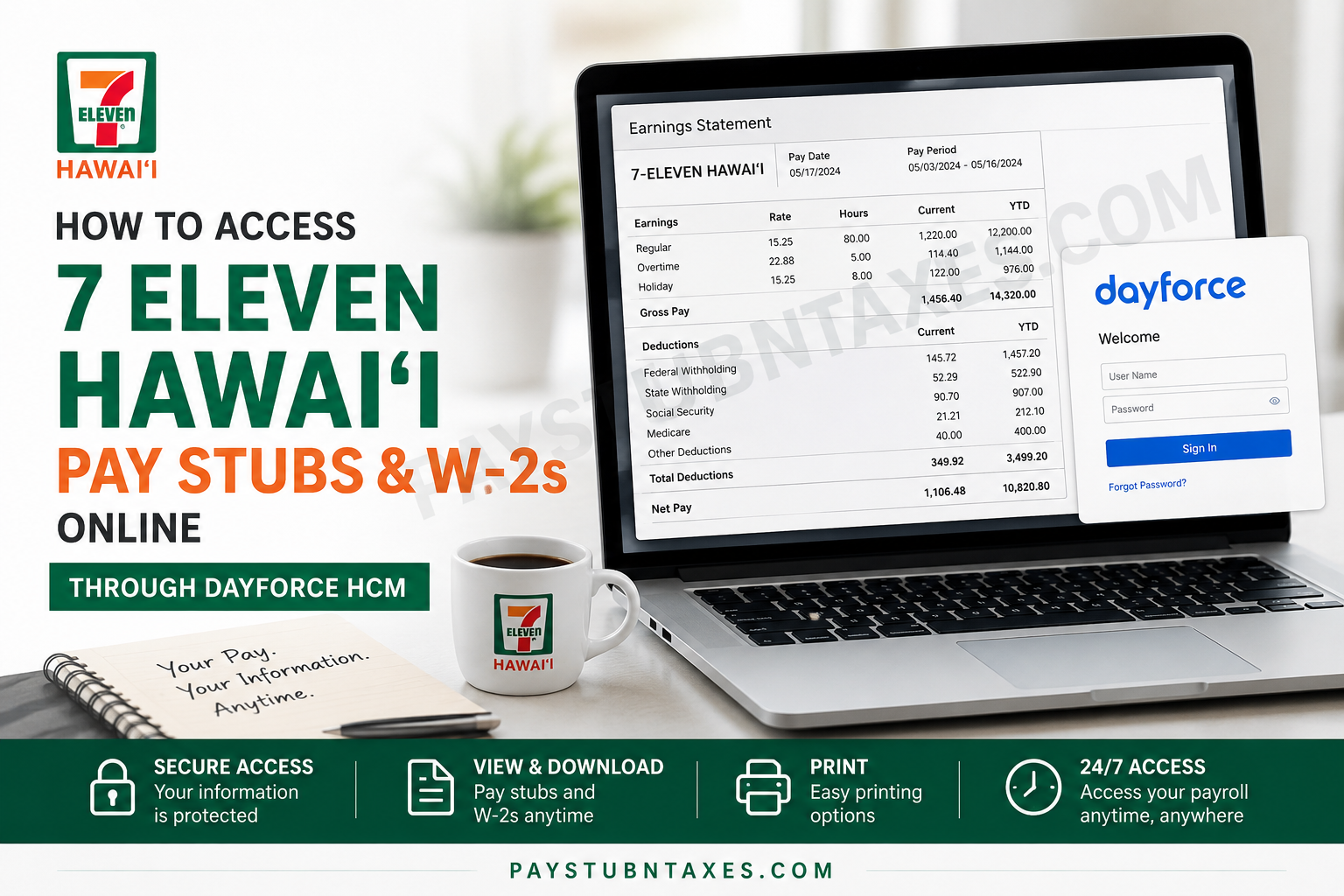
7-Eleven Hawai‘i has been serving local communities since 1978 and currently operates across 67 locations throughout O‘ahu, Hawai‘i Island, Kaua‘i, and Maui. As one of Hawai‘i’s most recognized convenience retailers, the company continues to prioritize operational excellence, employee support, and digital accessibility. Employees of 7-Eleven Hawai‘i can conveniently access payroll information, earnings statements, and year-end tax documents online through the Dayforce HCM self-service platform. Whether you are a current employee attempting to review your latest paycheck or a former employee searching for your W-2 form during tax season, this comprehensive guide explains precisely how to access, download, and print your payroll records online.
What Is Dayforce HCM?
Dayforce HCM is a modern human capital management platform that integrates payroll, HR, benefits, workforce management, and employee self-service capabilities into a single cloud-based system. The platform enables employees to securely access critical employment and payroll information from virtually anywhere, thereby streamlining workforce operations while improving convenience and transparency.
Through Dayforce, 7-Eleven Hawai‘i employees can:
- View current and previous pay stubs
- Access annual W-2 tax forms
- Print payroll documents
- Update direct deposit information
- Review payroll deductions and tax withholdings
- Manage employment-related records online
7 Eleven Hawai‘i Dayforce Login Portal
Employees may access the official Dayforce login portal using the following link:
Before signing in, ensure that you have:
- Your company username or employee ID
- Your password
- A secure internet connection
- Access to any required multi-factor authentication method
If you experience login difficulties, contact your local office or call the 7-Eleven Hawai‘i support line at 808-526-1711.
How to Access 7 Eleven Hawai‘i Pay Stubs Online
Accessing your electronic earnings statements through Dayforce is a straightforward process. Follow the steps below carefully.
Step 1: Log In to Dayforce
Visit the Dayforce login page and enter your credentials. Once authenticated, you will arrive at the Dayforce dashboard or landing page.
Step 2: Open the Navigation Menu
Locate the menu icon — typically represented by three horizontal lines in the upper-left corner of the dashboard. Clicking this icon opens the primary navigation panel.
Step 3: Select “Earnings”
From the navigation menu, click on Earnings. This section contains all payroll-related documents associated with your employee account.
Step 4: Access Earnings Statements
Within the Earnings section, you will see two primary tabs:
- Earnings Statements — Contains your pay stubs
- Year End Forms — Contains tax documents such as W-2 forms
Select Earnings Statements to review your payroll history.
Step 5: Open Your Pay Stub
Click on the desired pay date to open the corresponding earnings statement. Your detailed pay stub will display:
- Gross wages
- Net pay
- Taxes withheld
- Direct deposit details
- Hours worked
- Benefits deductions
- Year-to-date totals
Step 6: Print or Save the Pay Stub
Once the pay statement opens, select the Print icon located near the upper-right corner of the screen.
You may then choose to:
- Save the document as a PDF
- Print using a connected printer
Saving your pay stub as a PDF is recommended if you require digital copies for loan applications, apartment verification, or income documentation.
How to Access Your 7 Eleven Hawai‘i W-2 Online
Year-end tax forms are also available through the Dayforce portal.
Follow These Steps:
- Log into Dayforce
- Navigate to the Earnings section
- Select the Year End Forms tab
- Choose the applicable tax year
- Open the W-2 form
- Download or print the document
Employees who previously enrolled in electronic tax form delivery typically receive faster access to their W-2 forms online.
However, if you did not consent to electronic delivery or did not activate paperless preferences, a physical copy of your W-2 will generally be mailed on or before January 31 of the following year.
Troubleshooting Dayforce Login Problems
Although Dayforce is designed for ease of use, employees occasionally encounter technical difficulties. Below are several common issues and practical solutions.
Forgotten Password
Use the “Forgot Password” option on the login page to reset your credentials. You may need access to your registered email address or phone number for verification.
Locked Account
Multiple failed login attempts may temporarily lock your account for security reasons. Wait several minutes before retrying or contact support for assistance.
Browser Compatibility Issues
For optimal performance:
- Use updated browsers such as Google Chrome, Microsoft Edge, or Safari
- Clear browser cache and cookies regularly
- Enable pop-ups for PDF downloads and printing
Missing W-2 or Pay Stub
If your documents do not appear within Dayforce:
- Confirm you selected the correct tab
- Verify the correct tax year
- Contact payroll or HR support if records remain unavailable
Benefits of Using Dayforce for Payroll Access
The Dayforce platform provides several advantages for 7-Eleven Hawai‘i employees.
24/7 Accessibility
Employees can access payroll records at any time without visiting an office or contacting HR directly.
Faster Tax Document Retrieval
Electronic W-2 delivery significantly reduces waiting times during tax season.
Improved Security
Dayforce utilizes secure authentication protocols designed to safeguard sensitive payroll and tax information.
Convenient Digital Storage
Employees may store electronic payroll records for future financial or tax-related purposes.
About 7 Eleven Hawai‘i
Locally operated since 1989, 7-Eleven Hawai‘i has established itself as one of the state’s most recognizable retail convenience brands. The company currently serves communities across multiple Hawaiian islands while maintaining its longstanding commitment to quality products, community involvement, and customer service excellence.
As part of the globally recognized 7-Eleven network, which spans tens of thousands of locations worldwide, 7-Eleven Hawai‘i continues to modernize employee services through digital platforms such as Dayforce HCM, enabling more efficient workforce and payroll management.
Contact Information for Payroll Assistance
If you require additional support regarding your pay stubs, W-2 forms, or Dayforce account access, contact:
7-Eleven Hawai‘i Corporate Office
1755 Nuʻuanu Avenue, 2nd Floor
Honolulu, HI 96817
Phone: 808-526-1711
Final Thoughts
The Dayforce self-service portal provides 7-Eleven Hawai‘i employees with a secure, efficient, and user-friendly method for accessing essential payroll and tax documentation online. By utilizing the Earnings Statements and Year-End Forms sections within Dayforce, employees can quickly retrieve pay stubs, download W-2s, and print official financial records whenever necessary. For the smoothest experience, employees are encouraged to maintain updated login credentials, activate paperless delivery options, and regularly review payroll information directly within the Dayforce platform.
Frequently Asked Questions
1. How do I access my 7 Eleven Hawai‘i pay stubs online?
You can access your pay stubs by logging into the Dayforce HCM portal and selecting the “Earnings Statements” section under the Earnings menu.
2. Where can I download my 7 Eleven Hawai‘i W-2 form?
Your W-2 form is available in the “Year-End Forms” section inside Dayforce once tax documents are released for the year.
3. What is the Dayforce login link for 7 Eleven Hawai‘i employees?
Employees can log in through the official Dayforce portal:
Dayforce Employee Portal
4. Can former employees access Dayforce pay records?
In many cases, former employees may retain limited access to Dayforce for payroll and tax documents. If access is unavailable, contact HR or payroll support.
5. When are W-2 forms available in Dayforce?
W-2 forms are typically available electronically before January 31 each year.
6. Will I receive a paper W-2 from 7 Eleven Hawai‘i?
Yes. If you did not consent to electronic delivery or activate paperless settings, your paper W-2 will usually be mailed by January 31.
7. What should I do if I forgot my Dayforce password?
Use the “Forgot Password” option on the Dayforce login page to reset your credentials securely.
8. How can I print my pay stub from Dayforce?
Open the desired earnings statement and click the print icon located near the upper-right corner of the pay statement window.
9. Can I save my pay stub as a PDF?
Yes. Dayforce allows employees to download and save earnings statements as PDF files.
10. Why can’t I see my W-2 in Dayforce?
You may need to verify the selected tax year or confirm electronic delivery enrollment. If the form still does not appear, contact payroll support.
11. Is Dayforce secure for payroll access?
Yes. Dayforce uses secure authentication and encrypted access to protect employee payroll and tax information.
12. Can I access Dayforce from my phone?
Yes. Employees may access Dayforce through a web browser or the Dayforce mobile application.
13. What information appears on a Dayforce pay stub?
Your pay stub typically includes gross pay, net pay, deductions, taxes withheld, direct deposit information, and year-to-date earnings.
14. Who do I contact for Dayforce payroll support?
Employees may contact their local office or call 808-526-1711 for assistance regarding payroll or Dayforce access issues.
15. What browser works best with Dayforce?
Updated versions of Google Chrome, Microsoft Edge, Safari, or Firefox generally provide the best Dayforce experience.
