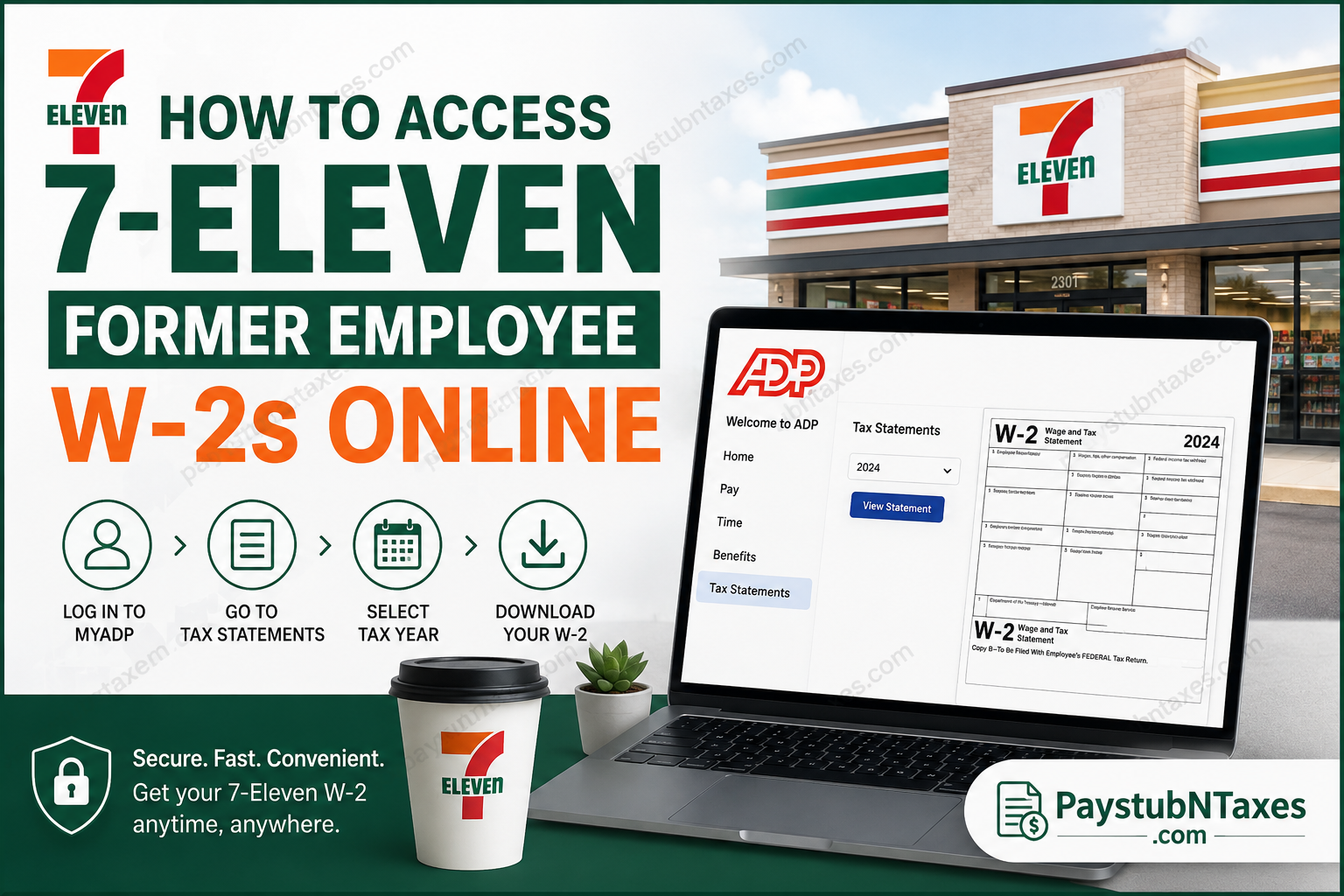
Former employees of 7-Eleven often need quick access to their W-2 tax forms for tax filing, loan applications, immigration documentation, or income verification purposes. Fortunately, many independently franchised 7-Eleven locations throughout the United States use ADP payroll services, enabling former employees to retrieve their W-2s online even after separation from employment. Because ADP retains employee payroll records for eligible users after termination, many former 7-Eleven associates can conveniently download and print their W-2 forms through the secure MyADP self-service portal without contacting their previous store directly.
About 7-Eleven
Founded in 1927, 7-Eleven has evolved into the world’s leading convenience retail chain, operating more than 85,000 stores globally. What began as the Southland Ice Company in Dallas, Texas, ultimately transformed the modern convenience store industry through extended operating hours, franchising innovation, and customer-focused retail service.
Today, 7-Eleven continues to operate through a vast network of corporate and independently franchised stores across the United States and internationally.
Can Former 7-Eleven Employees Access W-2s Online?
Yes — in many cases.
Most independently franchised 7-Eleven stores in the United States utilize ADP payroll services. If your former franchise used ADP, you may still access your W-2 electronically after leaving employment because ADP commonly preserves employee self-service access for tax documentation purposes.
However, not every 7-Eleven franchise uses the same payroll provider. Some locations may use alternative payroll systems. If your store did not process payroll through ADP, this tutorial may not apply to your situation.
Additionally, if you did not consent to electronic delivery or failed to activate paperless tax statements, your paper W-2 should generally be mailed to your address on file on or before January 31 of the following year.
MyADP Login Portal
Former employees can access their W-2s through the official MyADP portal:
How to Access Your 7-Eleven W-2 Online
Step 1: Visit the MyADP Website
Open a secure browser and navigate to the official ADP employee portal:
You may also download the ADP Mobile Solutions app from the Apple App Store or Google Play Store for mobile access.
For security reasons, always use a trusted device when accessing payroll information.
Step 2: Sign In to Your Existing ADP Account
If you previously created an ADP account while employed at 7-Eleven, simply enter your username and password to access your payroll records.
After signing in:
- Navigate to the menu in the upper left corner
- Select Pay
- Open the Tax Statements section
- Choose the desired tax year
- Click View Statement
- Download or print your W-2 PDF
ADP may request two-factor authentication before granting access to sensitive tax documents.
Step 3: Create a New MyADP Account (If You Never Registered)
If you never created an ADP account during employment, you can still register online.
Registration Instructions
- Visit the MyADP login page
- Click Get Started
- Choose the Find Me option if you do not have a registration code
- Enter your personal identification details exactly as they appeared in payroll records
- Verify your identity using your Social Security Number and contact information
- Complete email or phone verification
- Create a secure password and security questions
The registration process requires your payroll information to match ADP records precisely.
How to View and Print Your W-2
Once logged into MyADP:
- Open the Pay section
- Select Tax Statements
- Choose the required year
- Click View
- Download the PDF copy
- Print directly if needed
ADP typically stores several years of tax documents for eligible users.
Forgot Your ADP Username or Password?
If you cannot remember your login credentials:
- Use the Forgot User ID or Forgot Password links on the login page
- Complete identity verification
- Reset your credentials using your registered email or phone number
If your account becomes locked, contact ADP support or your former franchise payroll administrator for assistance.
What If Your Franchise Did Not Use ADP?
Because many 7-Eleven stores are independently franchised, payroll systems vary by owner and operator.
If your location used another payroll provider, such as Paychex, UKG, Workday, or another local payroll platform, you must contact your former employer directly to determine how W-2 access is handled.
This guide specifically applies to franchises utilizing ADP payroll services.
Important W-2 Mailing Information
Employees who did not elect electronic delivery generally receive paper W-2 forms by mail no later than January 31 each year. Therefore, it is essential to ensure your mailing address remains current with your former employer to avoid delays.
Security Tips When Accessing Payroll Records
Because W-2 forms contain highly sensitive personal information, former employees should always:
- Access ADP only from secure internet connections
- Avoid public Wi-Fi when viewing tax records
- Enable two-factor authentication
- Never share login credentials
- Download tax forms only to trusted devices
Need Additional Assistance?
If you experience difficulty accessing your W-2:
- Contact your former 7-Eleven franchise payroll office
- Reach out to ADP customer support
- Verify that your payroll records match your legal name and Social Security information exactly.
Since payroll administration differs between franchise operators, your local franchise remains the best source for account-specific assistance.
Final Thoughts
Accessing your former 7-Eleven W-2 online is usually straightforward if your franchise used ADP payroll services. By using the secure MyADP portal, former employees can quickly retrieve, download, and print their tax forms without waiting for mailed copies or visiting the store in person. As digital payroll systems continue to modernize workforce administration, platforms such as ADP provide former employees with faster, safer, and significantly more convenient access to essential tax documentation.
Frequently Asked Questions
1. How can former 7-Eleven employees get their W-2 online?
Former employees can access their W-2s through the ADP self-service portal if their franchise used ADP payroll processing.
2. What website do I use to access my 7-Eleven W-2?
You can access your W-2 through the official MyADP portal at my.adp.com.
3. Can terminated 7-Eleven employees still access ADP?
Yes. ADP commonly allows former employees to retain limited access to payroll and tax records after termination.
4. What if I never created an ADP account?
You can register online by selecting the “Get Started” or “Find Me” option on the ADP login page.
5. Do all 7-Eleven stores use ADP payroll?
No. Many independently franchised stores use ADP, but some franchises use different payroll providers.
6. What should I do if my franchise did not use ADP?
You should contact your former franchise manager or payroll department for alternative W-2 access instructions.
7. When are paper W-2s mailed to employees?
Paper W-2 forms are generally mailed on or before January 31 each year.
8. How do I print my W-2 from ADP?
After logging into MyADP, open Tax Statements, select the desired year, and click Download PDF or Print.
9. What information do I need to register for ADP?
You may need your Social Security Number, legal name, email address, and phone number exactly as stored in payroll records.
10. Can I access my W-2 on the ADP mobile app?
Yes. The ADP Mobile Solutions app allows employees and former employees to view payroll and tax documents on mobile devices.
11. Why can’t ADP find my information?
Your payroll records may not exactly match the information you entered. Try using the exact legal name and SSN used during employment.
12. How many years of W-2s are available in ADP?
Availability varies by employer, but ADP commonly stores several years of tax statements online.
13. What if I forgot my ADP username or password?
Use the “Forgot User ID” or “Forgot Password” links on the login page to reset your credentials securely.
14. Is it safe to access W-2s online?
Yes, provided you use a secure device, a strong password, and avoid public Wi-Fi networks when accessing payroll records.
15. Who should I contact if I still cannot access my W-2?
You should contact your former 7-Eleven franchise payroll administrator or ADP customer support for additional assistance.
