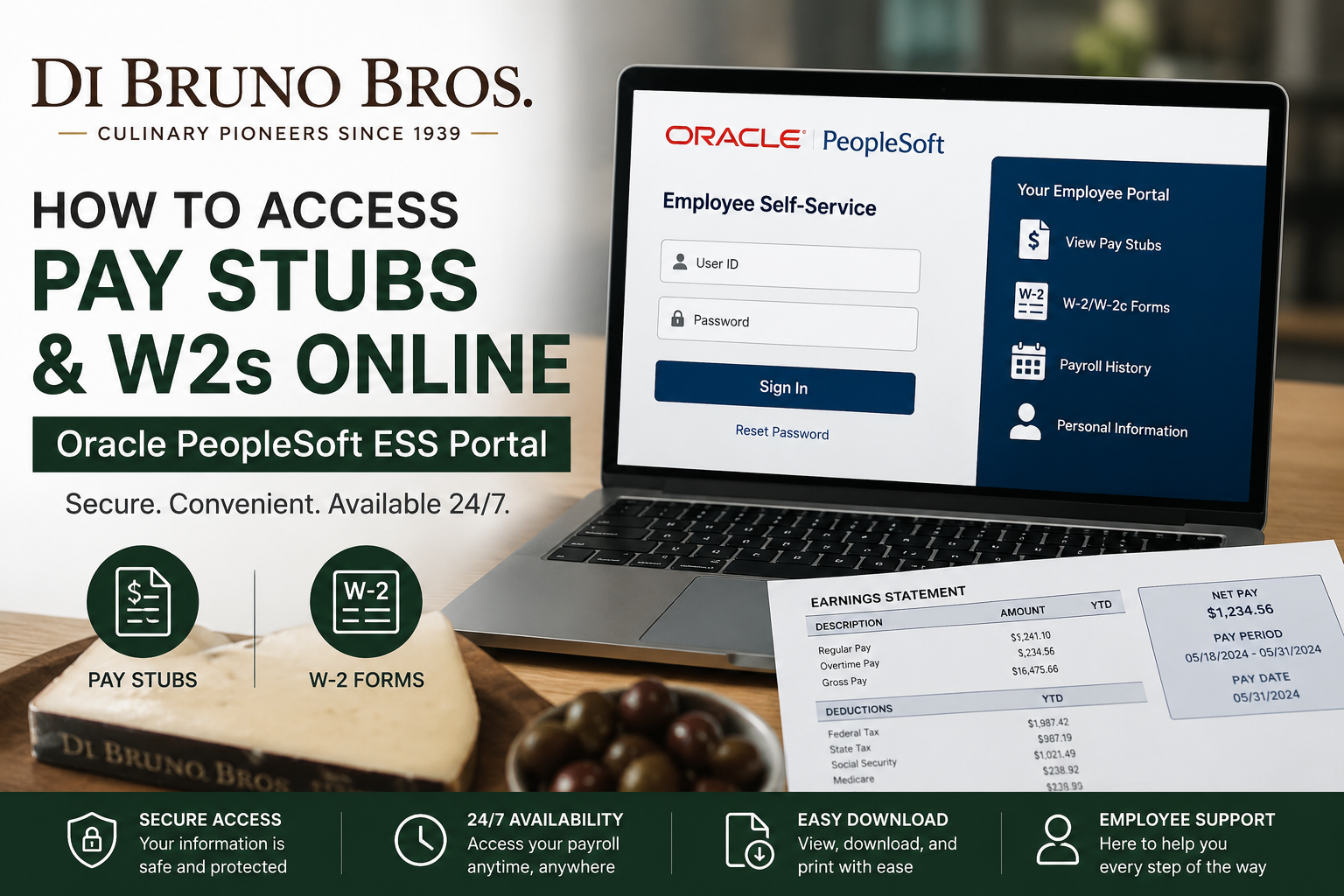
Since 1939, Di Bruno Bros. has built a remarkable reputation as one of Philadelphia’s premier specialty food retailers, known for gourmet cheeses, artisan foods, and exceptional customer service. From a humble storefront in Philadelphia’s historic Italian Market to a thriving multi-location culinary brand, the company continues to celebrate “Great Food, Great Service, and Great People.” Today, Di Bruno Bros. employees can conveniently access their payroll and tax information online through the Oracle PeopleSoft Employee Self-Service (ESS) portal. The platform allows associates to securely view pay stubs, download W-2 forms, review payroll history, and manage employment-related information from virtually any internet-connected device.
Di Bruno Bros Employee Payroll Portal
Di Bruno Bros employees use the Wakefern Oracle PeopleSoft ESS portal to access payroll records online.
Official Employee Self-Service Portal
Website: https://ess.wakefern.com/
The ESS login page includes support for multiple Wakefern-affiliated brands, including Di Bruno Bros., ShopRite, Price Rite, Fairway Market, Dearborn Market, and others.
How to Log In to the Di Bruno Bros ESS Portal
Follow these simple steps to access your payroll records:
Step 1: Visit the ESS Portal
Open your browser and go to:
Step 2: Enter Your Credentials
On the Employee Self-Service login screen:
- Enter your User ID
- Enter your Password
- Click Sign In
If you forgot your password, select the Reset Password option available on the login page.
How to View Di Bruno Bros Pay Stubs Online
After logging into Oracle PeopleSoft, you can quickly access your current and previous pay statements.
Step-by-Step Instructions
- Log into the Employee Self-Service portal
- Navigate to Self Service
- Select Payroll and Compensation
- Click View Paycheck
- Choose the paycheck date you want to review
- Open the PDF version of the pay stub for downloading or printing
The PeopleSoft system stores paycheck records chronologically, making it easy to review payroll history whenever needed.
The portal also allows employees to:
- Review earnings
- Check tax withholdings
- Monitor deductions
- Print payroll statements
- Download paycheck PDFs
How to Access Di Bruno Bros W2 Forms Online
Employees can also retrieve annual W-2 tax forms directly through PeopleSoft.
Steps to Download W-2 Forms
- Sign into the ESS portal
- Click Self Service
- Go to Payroll and Compensation
- Select the W-2/W-2c Forms section
- Choose the desired tax year
- Download or print your W-2 form
What Information Is Included on Your Pay Stub?
Your Di Bruno Bros pay stub may include:
- Gross pay
- Net pay
- Hours worked
- Overtime earnings
- Bonuses or incentives
- Federal and state tax withholdings
- Before-tax deductions
- After-tax deductions
- Direct deposit information
- Pay period dates
The PeopleSoft paycheck viewing guide highlights the importance of reviewing:
- Tax Data
- Hours and Earnings
- Before-Tax and After-Tax Deductions
for payroll accuracy.
Benefits of Using the Oracle PeopleSoft ESS Portal
The Di Bruno Bros Employee Self-Service portal provides several advantages:
24/7 Payroll Access
Employees can securely access payroll records anytime.
Paperless Convenience
Digital pay stubs and W-2s reduce paperwork and simplify tax filing.
Secure Payroll Management
Oracle PeopleSoft uses secure authentication to protect sensitive employee data.
Easy Record Keeping
Employees can quickly download and store payroll records for loans, tax preparation, or income verification.
About Di Bruno Bros
Di Bruno Bros was founded in 1939 by Italian immigrant brothers Danny and Joe Di Bruno in Philadelphia’s historic Italian Market. The company initially specialized in imported cheeses, gourmet meats, and artisan specialty foods. Over the decades, the family-owned business expanded into multiple retail locations, catering, manufacturing, e-commerce, and wholesale operations while maintaining its reputation for culinary excellence and storytelling.
Today, Di Bruno Bros remains a fourth-generation family-operated company and a beloved culinary institution in Philadelphia.
The company also emphasizes strong workplace culture, competitive wages, work-life balance, paid time off, parental leave, and employee-centered values.
Troubleshooting Login Issues
If you experience issues accessing your payroll account:
Forgot Password
Use the Reset Password option on the ESS login page.
Browser Problems
- Clear browser cache
- Enable pop-ups
- Try another browser
- Use an updated internet browser
Locked Account
Contact your HR department or payroll administrator for assistance.
Missing W-2 Form
Confirm the correct tax year is selected inside the W-2 section.
Final Thoughts
The Oracle PeopleSoft ESS portal makes it simple for Di Bruno Bros employees to access pay stubs and W-2 forms online. Whether you need to review recent earnings, print payroll statements, or prepare taxes, the secure self-service system provides convenient access to your employment records anytime and anywhere. With its long-standing commitment to excellence, customer service, and employee support, Di Bruno Bros continues to combine culinary tradition with modern workplace convenience.
Frequently Asked Questions (FAQ)
1. Where can Di Bruno Bros employees access pay stubs online?
Employees can access their pay stubs through the Oracle PeopleSoft ESS portal at:
https://ess.wakefern.com
2. How do I log into the Di Bruno Bros ESS portal?
Enter your User ID and password on the ESS login page and click “Sign In.”
3. What should I do if I forgot my ESS password?
Use the “Reset Password” option available on the login screen or contact your HR department for assistance.
4. How can I view my Di Bruno Bros pay stubs?
After logging in:
- Go to “Self Service”
- Select “Payroll and Compensation”
- Click “View Paycheck”
You can then open or download your paycheck PDF.
5. Can I print my pay stubs from PeopleSoft?
Yes. The portal allows employees to download and print paycheck PDFs for personal records or income verification.
6. How do I access my Di Bruno Bros W-2 online?
Log into the ESS portal and navigate to:
Self Service → Payroll and Compensation → W-2/W-2c Forms
Then select the appropriate tax year.
7. When are W-2 forms usually available online?
W-2 forms are generally available by the end of January each year for the previous tax year.
8. Can former Di Bruno Bros employees still access W-2 forms?
In many cases, former employees can still log into the ESS portal to retrieve tax documents. If access is unavailable, contact HR or payroll support.
9. Is the Di Bruno Bros payroll portal secure?
Yes. Oracle PeopleSoft uses secure login and authentication systems to help protect employee payroll and tax information.
10. Can I access PeopleSoft from home?
Yes. Employees can access the ESS portal from any computer or mobile device with an internet connection.
11. Why is my pay stub PDF not opening?
Your browser may be blocking pop-ups. Enable pop-ups or try a different browser to open the paycheck PDF.
12. What information appears on a Di Bruno Bros pay stub?
A typical pay stub includes:
- Gross pay
- Net pay
- Hours worked
- Tax deductions
- Benefits deductions
- Pay period dates
- Direct deposit details
13. What browser works best with Oracle PeopleSoft?
Updated versions of Chrome, Edge, Firefox, or Safari generally provide the best experience.
14. Who should I contact for payroll issues?
Employees should contact the Di Bruno Bros HR or payroll department for login assistance, missing paychecks, or W-2 concerns.
15. Can I download old pay stubs from PeopleSoft?
Yes. Oracle PeopleSoft typically stores historical paycheck records that employees can review and download anytime.
