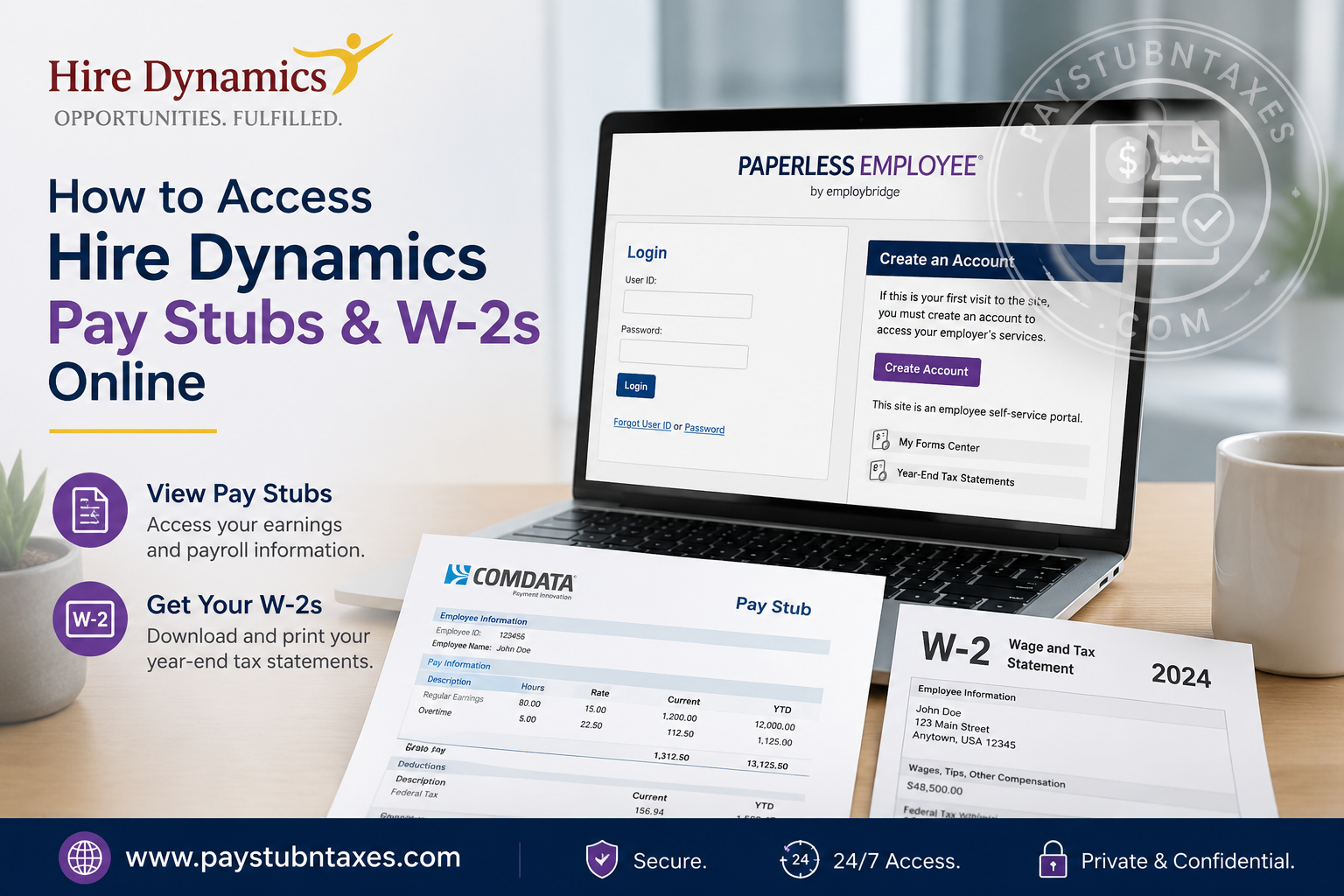
Managing payroll records and tax documents efficiently is essential for every employee, particularly during tax season or when applying for loans, housing, or financial assistance. Fortunately, Hire Dynamics provides a streamlined digital system that allows associates to access pay stubs and W-2 forms online at any time, from virtually anywhere. Through the Comdata Cardholder portal and the Paperless Employee platform, employees can securely retrieve payroll information, download tax statements, and manage electronic delivery preferences with remarkable convenience. As one of the nation’s most respected staffing companies, Hire Dynamics has built its reputation on a people-first philosophy, connecting talent with meaningful employment opportunities across manufacturing, logistics, contact centers, e-commerce, and office support industries. Since its founding in 2001, the company has consistently prioritized employee accessibility, operational efficiency, and workforce support.
About Hire Dynamics
Hire Dynamics, now part of EmployBridge, specializes in workforce staffing solutions designed to help both employers and job seekers thrive. The company serves a broad range of industries, including manufacturing, logistics/e-commerce, contact centers, and administrative support, while maintaining an exceptional reputation for client and employee satisfaction.
The organization’s mission revolves around creating opportunities and delivering fulfillment through strategic staffing partnerships. Employees working through Hire Dynamics are often paid weekly through a Comdata pay card, which functions similarly to a Mastercard debit card and provides immediate access to earned wages through ATMs, retailers, and banking institutions nationwide.
In addition to flexible payroll solutions, Hire Dynamics also offers convenient online access to payroll records and year-end tax documentation.
How to Access Hire Dynamics Pay Stubs Online
Hire Dynamics employees can retrieve their pay stubs through the Comdata Cardholder Services portal. The platform offers secure, round-the-clock access to payroll records and enables employees to monitor their earnings without visiting a branch office.
Hire Dynamics Pay Stub Login Portal
Official Pay Stub Portal:
https://w6.iconnectdata.com/chth/Controller?XFunction=LoginPage
Employees must log in using their registered username and password associated with their Comdata card account.
Step-by-Step Guide to Viewing Pay Stubs
Step 1: Visit the Comdata Cardholder Website
Open the official Comdata login page in your browser and enter your credentials.
If you are a first-time user, you may need to complete the registration process before accessing payroll records.
Step 2: Navigate to the Banking Menu
Once logged in successfully:
- Locate the “Banking” menu at the top navigation bar.
- Select “Paystub” from the dropdown options.
A new browser window will automatically open and redirect you to the USVerify Paystub application.
Step 3: Disable Popup Blockers
Because the paystub application launches in a separate window, popup blockers may interfere with the process. If the system does not open automatically:
- Allow popups for the Comdata website
- Refresh the page
- Retry opening the paystub section
Step 4: View Employee Details
After successful authentication, the Employee Details screen will appear. From here, you can:
- Click “View Paystubs”
- Select “View”
- Open detailed earnings statements
- Download or print copies for personal records
Employees may also configure email or SMS notifications whenever new pay stubs become available.
Important Pay Stub Access Features
The Hire Dynamics payroll system offers several useful features, including:
24/7 Access
Employees can review payroll records anytime without waiting for branch assistance.
Direct Deposit Integration
Associates may transfer funds from their Comdata pay card directly into a personal bank account.
Secure Payroll Management
The platform uses encrypted authentication and secure login procedures to protect sensitive employee information.
Mobile Accessibility
Payroll records can be accessed through mobile-compatible browsers for additional convenience.
How to Access Hire Dynamics W-2 Forms Online
Year-end tax forms are distributed through the Paperless Employee portal, a secure self-service system that allows employees to receive W-2 statements electronically.
Official W-2 Portal
https://www.paperlessemployee.com/Associates/PE
Employees who enroll in electronic delivery before December 31 may receive their W-2 forms as early as January 23, significantly earlier than traditional mailed copies.
How to Create a Paperless Employee Account
If you are accessing the system for the first time, follow these instructions carefully.
Step 1: Open the Paperless Employee Website
Visit the official portal and select “Create An Account.”
Step 2: Verify Your Identity
To authenticate your identity, you will typically need:
- Associate ID
- Social Security Number (without dashes)
- First three letters of your last name in capital letters
The system may also require email, phone, or text verification for additional security.
Step 3: Create Login Credentials
During registration, employees must:
- Create a User ID
- Set a secure password
- Choose security questions
- Verify contact information
After setup is complete, the account becomes fully active.
How to Download Your W-2 Form
Once logged into Paperless Employee:
- Select “Year-End Tax Statements”
- Click “Access Current Year-End Statements”
- Choose the applicable tax year
- Select “Download PDF”
- Save or print the W-2 document
Employees may access and download copies multiple times through October 15 without additional charges if electronic delivery was selected at the time.
What If You Forgot Your Username or Password?
The Paperless Employee platform includes self-service recovery tools.
Recover Username
- Click “Forgot User ID”
- Verify your identity
- Retrieve your username instantly
Reset Password
- Select “Forgot Password”
- Complete identity verification
- Create a new secure password
Verification may occur through email, text message, phone call, or security questions.
Important W-2 Deadlines and Mailing Information
Employees who do not enroll in electronic delivery by December 31 will receive paper W-2 forms through USPS mail no later than January 31.
Because tax documents are not forwarded by the postal service, employees should ensure their mailing address is updated before year-end.
It is also important to note:
- W-2s are mailed to the mailing address on file, not the home address
- Branch offices cannot print or email W-2 forms due to data privacy regulations
- Multiple W-2s may be issued if employees worked under different company brands or FEIN numbers
Requesting W-2 Reprints
Beginning February 16, employees may request replacement copies of their W-2 forms.
Reprint Methods Include:
- PDF download
- Fax delivery
- USPS mailing
Additional paper reprint requests may incur a $10 fee depending on prior requests and delivery preferences.
How to Correct Errors on a W-2
If your W-2 contains incorrect information, such as:
- Name errors
- Incorrect Social Security Number
- Wage discrepancies
- Address mistakes
You should contact your local Hire Dynamics branch immediately or submit a correction request through the Paperless Employee portal.
For direct W-2 assistance, employees may also contact the official support hotline:
W-2 Support Hotline
866-692-6695
Live support is available beginning January 22, while automated assistance remains accessible year-round.
Tips for a Smooth Payroll and Tax Experience
To avoid delays or complications:
- Register for electronic W-2 delivery before December 31
- Regularly verify personal information on pay stubs
- Keep mailing addresses updated
- Save digital copies of payroll records
- Enable email or SMS notifications for payroll alerts
- Use secure passwords and authentication methods
Maintaining accurate payroll records can simplify tax filing, financial applications, and employment verification processes substantially.
Final Thoughts
Hire Dynamics has invested heavily in digital payroll accessibility, allowing associates to retrieve pay stubs and W-2 forms quickly, securely, and efficiently. Whether you need weekly earnings statements, tax documentation, or historical payroll information, the Comdata Cardholder portal and Paperless Employee platform provide a reliable self-service experience tailored to modern workforce needs. By registering for online access and electronic tax delivery, employees can eliminate unnecessary paperwork, gain faster access to important documents, and maintain complete control over their payroll records throughout the year.
Frequently Asked Questions (FAQs)
1. How do I access my Hire Dynamics pay stubs online?
You can access your pay stubs by logging into the ComData Cardholder Services Portal using your username and password. After logging in, click the “Banking” menu and select “Paystub.”
2. What website does Hire Dynamics use for W-2 forms?
Hire Dynamics uses the Paperless Employee Portal for online W-2 access and tax statement management.
3. Can former employees access Hire Dynamics W-2 forms online?
Yes. Former employees can still access W-2 forms through the Paperless Employee portal if they previously created an account or complete the registration process.
4. When will Hire Dynamics W-2 forms become available?
Employees who enroll in electronic delivery by December 31 may access their W-2 as early as January 23. Paper copies are typically mailed no later than January 31.
5. What do I need to create a Paperless Employee account?
You generally need your:
- Associate ID
- Social Security Number
- Date of Birth
- Legal name exactly as it appears in payroll records
6. How can I reset my Hire Dynamics payroll password?
Click the “Forgot User ID or Password” link on the Paperless Employee or ComData login page and follow the identity verification process.
7. Why is my pay stub not opening?
Your browser’s popup blocker may be preventing the USVerify paystub window from opening. Allow pop-ups for the website and try again.
8. Does Hire Dynamics use direct deposit?
Yes. Employees can set up direct deposit to a personal bank account or receive wages through a ComData/Fintwist pay card.
9. What is the Hire Dynamics ComData pay card?
The ComData pay card is a prepaid Mastercard-branded payroll card that allows employees to access wages, make purchases, withdraw cash, and manage payroll funds electronically.
10. How do I activate my Fintwist or ComData pay card?
Visit Fintwist Solutions to activate your card and create your account.
11. Can I receive my W-2 electronically instead of by mail?
Yes. Employees can choose electronic W-2 delivery inside the Paperless Employee portal for faster and more secure access.
12. Why did I receive multiple W-2 forms from Hire Dynamics?
You may receive multiple W-2s if you worked under different EmployBridge brands, locations, or payroll entities with separate FEIN numbers.
13. How do I request a replacement W-2?
Replacement W-2 requests usually begin February 16 and may require a written request through your local Hire Dynamics branch office.
14. What should I do if my mailing address has changed?
Update your mailing address immediately through the employee portal or mobile app to avoid delays in receiving tax documents.
15. How can I contact Hire Dynamics payroll or W-2 support?
For payroll or W-2 assistance, contact:
- Hire Dynamics Help Center: 844-WORK4HD
- W-2 Hotline: 866-692-6695
