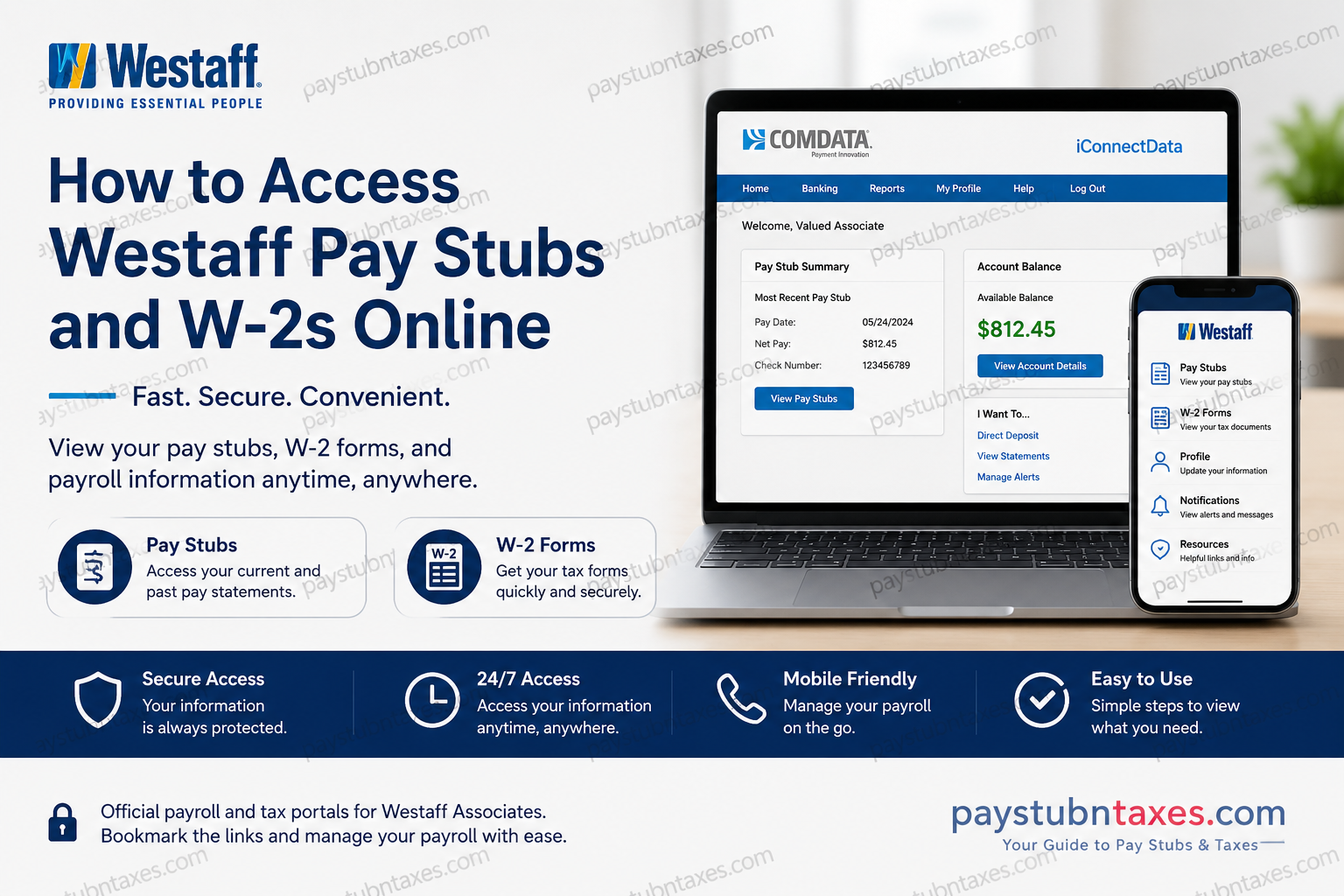
For thousands of employees across the United States, Westaff has long been recognized as a trusted staffing and workforce management partner. As part of the Employbridge family, Westaff provides modern payroll tools that allow associates to access pay stubs, tax documents, and payroll information securely from virtually anywhere. Whether you are a current associate needing weekly earnings details or a former employee searching for your W-2 tax form, Westaff offers several digital solutions designed to simplify payroll access. This comprehensive guide explains exactly how to retrieve your Westaff pay stubs and W-2s online, troubleshoot login issues, and take advantage of additional payroll features.
Westaff Payroll and Tax Access Overview
Westaff associates can conveniently access:
- Weekly pay stubs
- Year-end W-2 tax forms
- Payroll card information
- Direct deposit settings
- Mobile payroll services
- Electronic tax delivery preferences
The company primarily uses two systems:
- Comdata iConnectData Portal — for pay stubs and payroll card management
- Paperless Employee Portal — for W-2 tax statements and year-end documents
Employees paid through direct deposit or Comdata pay cards can review pay information electronically 24/7.
How to Access Westaff Pay Stubs Online
Westaff Pay Stub Login Portal
Westaff employees can access pay stubs through the Comdata iConnectData system:
Pay Stub Portal:
Westaff Pay Stub Login
The system allows associates to:
- View current and previous pay stubs
- Check payroll deposits
- Receive pay notifications
- Manage pay card activity
- Transfer funds to a bank account
Step-by-Step Guide to Viewing Westaff Pay Stubs
Step 1: Visit the Comdata Login Page
Go to the official Westaff payroll portal: https://w6.iconnectdata.com/chth/Controller?XFunction=LoginPage
Enter your:
- Username
- Password
Then click Log In.
Step 2: First-Time User Registration
If you are a new user, click “Register Here” on the login screen.
You may need to provide:
- Birth date
- Social Security Number
- Employee identification details
Westaff notes that only associates receiving pay through direct deposit or pay cards can access electronic pay stubs.
Step 3: Navigate to Paystub Services
After signing in:
- Hover over the “Banking” menu
- Select “Paystub”
The system redirects users to the pay stub application in a separate browser window.
Important:
Popup blockers may prevent the pay stub window from opening. If nothing happens after clicking “Paystub,” allow pop-ups for the Comdata site.
Step 4: View and Download Pay Stubs
Once redirected successfully, employees can:
- View current pay statements
- Download payroll records
- Print pay stubs for income verification
- Review deductions and taxes
- Access year-to-date earnings
The portal also allows associates to configure email or text alerts whenever a new pay stub becomes available.
Westaff Mobile App Payroll Access
Westaff additionally offers a mobile application that provides convenient payroll and assignment management tools.
Using the app, associates can access:
- Pay stubs
- W-2 tax forms
- Comdata pay card details
- Assignment information
- Availability updates
The mobile app is especially useful for associates who need payroll access while working remotely or traveling between assignments.
How to Access Westaff W-2 Forms Online
Westaff W-2 Portal
Westaff associates can retrieve W-2 tax forms through the secure Paperless Employee system:
Westaff W-2 Portal (Paperless Employee)
How to Register for Electronic W-2 Delivery
Electronic delivery is the fastest and most secure method for receiving your W-2.
Westaff recommends registering before December 31 to receive your W-2 as early as January 23.
Account Creation Steps
1. Open the Paperless Employee Portal
Navigate to: www.paperlessemployee.com/Associates/PE
2. Click “Create Account”
First-time users must create an account before accessing tax statements.
You may be asked to verify:
- Employee ID
- Social Security Number
- Date of birth
3. Create Login Credentials
Choose:
- A User ID (6–15 characters)
- A secure password
4. Verify Your Identity
The system may send a verification code through:
- Text message
- Automated phone call
5. Enable Electronic Delivery
During setup:
- Select “Yes” for electronic tax statement delivery
- Choose email or text notifications
Electronic delivery ensures earlier access to W-2 forms and free copies through October 15.
When Will Westaff W-2s Be Available?
Westaff generally follows this schedule:
| W-2 Delivery Method | Availability |
| Paperless Employee Online Delivery | As early as January 23 |
| Mailed W-2 via USPS | By January 31 |
Employees who fail to enroll in online delivery before the December 31 deadline will automatically receive paper copies through standard mail.
Important W-2 Address Update Reminder
Tax documents are mailed to your mailing address, not your home address.
If you move:
- Update your address immediately
- Notify your local Westaff branch before December 31
- Use the mobile app to update contact details
Failure to update your information could delay W-2 delivery.
How to Request a W-2 Reprint
Westaff allows employees to request replacement W-2 forms beginning February 16.
Reprint Process
- Visit your local Westaff branch
- Complete a W-2 Copy Request Form
- Submit your request in writing
Additional Copies
Additional reprints may incur a $10 fee.
Westaff Payroll Card Features
Many Westaff employees are paid through the Comdata payroll card system.
The Comdata card offers:
- ATM withdrawals
- Bank transfers
- Balance checking
- Mobile account access
- Direct deposit transfers
Employees can even transfer payroll funds directly to personal bank accounts through the Comdata portal.
How to Transfer Payroll Funds to Your Bank Account
Using the Comdata Cardholder portal:
- Log into your account
- Hover over “Banking”
- Select “Direct Deposit”
- Add your bank account information
- Choose automatic or manual transfers
- Submit the request
Westaff Pay Stub Access by Phone
Employees without internet access may still retrieve payroll information using Westaff’s Interactive Voice Response (IVR) system.
Additionally, kiosk computers are available at many Westaff branch locations for employee use.
Common Westaff Payroll Login Problems
Forgot Username or Password
Both payroll systems include recovery tools:
- “Forgot Username”
- “Forgot Password”
Users may need:
- Security questions
- Verification codes
- Email confirmation
Pay Stub Window Not Opening
If clicking “Paystub” does nothing:
- Disable popup blockers
- Allow popups from Comdata
- Refresh your browser
- Try another browser
Inactive Account Issues
If your payroll access no longer works:
- Contact your local Westaff branch
- Verify your employee status
- Confirm your payroll enrollment
Westaff Employment Verification Information
Westaff uses The Work Number for employment and wage verification services.
Employees and verifiers can use: The Work Number
Employer Codes
- EmployBridge: 11462
- Colleagues/Full-Time Staff: 18187
Benefits of Electronic Pay Stub and W-2 Access
Using Westaff’s online payroll systems provides several advantages:
- 24/7 access
- Faster tax document delivery
- Secure electronic storage
- Reduced paperwork
- Easy printing for loans or rentals
- Mobile accessibility
- Real-time payroll tracking
For employees managing multiple assignments or temporary placements, digital payroll access significantly improves convenience and financial organization.
Final Thoughts
Westaff has modernized payroll accessibility through secure online systems that allow associates to retrieve pay stubs and W-2 forms quickly and efficiently. Whether you prefer using the Comdata portal, the Paperless Employee system, or the mobile app, employees can manage their payroll information with minimal hassle. To avoid delays during tax season, associates should register for electronic W-2 delivery before December 31, verify mailing addresses regularly, and maintain updated contact information within the payroll system. For unresolved payroll issues, employees should contact their local Westaff branch directly for personalized support and account assistance.
Frequently Asked Questions (FAQ)
1. How do I access my Westaff pay stubs online?
You can access your Westaff pay stubs by logging into the Comdata iConnectData payroll portal using your username and password. Once logged in, select the “Banking” menu and click “Paystub.”
2. What website does Westaff use for pay stubs?
Westaff uses the Comdata iConnectData system for online pay stub access.
Official portal: Comdata Payroll Portal
3. How can I get my Westaff W-2 online?
You can retrieve your W-2 through the Paperless Employee portal after creating an account and verifying your identity.
Portal link: Paperless Employee W-2 Access
4. When are Westaff W-2 forms available?
Employees enrolled in electronic delivery may access W-2 forms as early as January 23. Paper copies are generally mailed by January 31.
5. Can former Westaff employees access W-2 forms online?
Yes. Former associates can still access W-2 tax documents through the Paperless Employee portal if they previously registered an account.
6. What information do I need to create a Westaff payroll account?
First-time users may need:
- Social Security Number
- Date of birth
- Employee ID
- Email address
- Mobile phone number
7. Why is my Westaff pay stub not opening?
This usually happens because popup blockers are enabled. Allow popups for the Comdata website and try again.
8. Does Westaff offer mobile access to payroll information?
Yes. The Westaff mobile app allows associates to access pay stubs, W-2 forms, assignment details, and payroll card information directly from a smartphone.
9. Can I receive my pay stubs electronically?
Yes. Employees can enable email or text notifications whenever a new pay stub becomes available online.
10. How do I reset my Westaff payroll password?
Use the “Forgot Password” or “Forgot Username” links on the login page. You may need to answer security questions or verify your identity through email or text verification.
11. Does Westaff use direct deposit?
Yes. Westaff supports both direct deposit and Comdata payroll cards for employee payments.
12. How can I transfer money from my Comdata payroll card to my bank account?
Log into the Comdata portal, navigate to “Banking,” choose “Direct Deposit,” and add your bank account information to schedule transfers.
13. What should I do if my W-2 address is incorrect?
Contact your local Westaff branch immediately and update your mailing address before December 31 to avoid delivery delays.
14. Can I request a replacement Westaff W-2?
Yes. W-2 reprint requests are generally accepted beginning February 16. Additional copies may require a processing fee.
15. Who do I contact for Westaff payroll support?
For payroll assistance, employees should contact their local Westaff branch directly. W-2 hotline support is also available during tax season.
