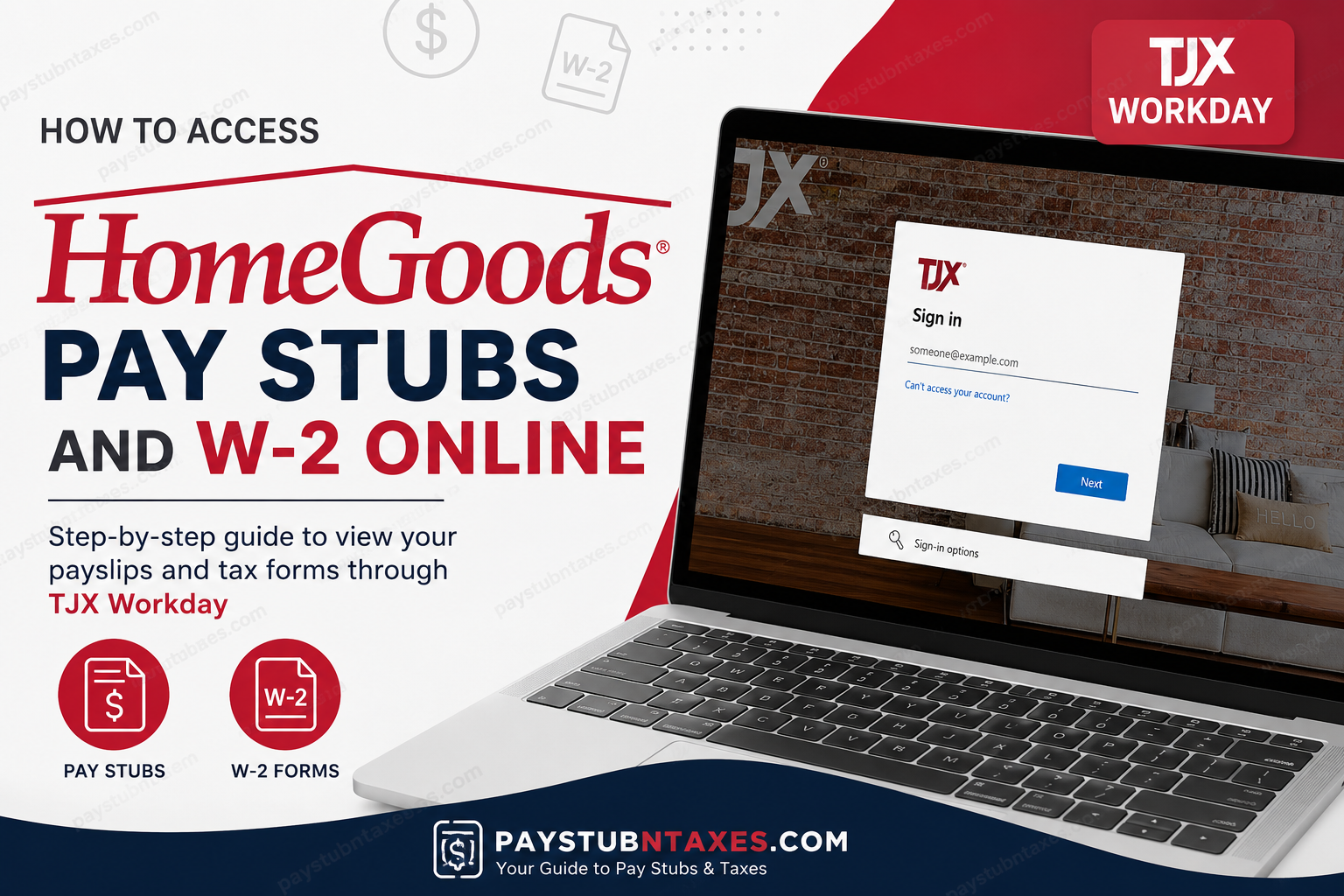
HomeGoods, one of America’s leading home furnishing retailers, is a subsidiary of TJX Companies and a sister brand to T.J. Maxx, Marshalls, and Sierra. Headquartered in Framingham, Massachusetts, HomeGoods operates hundreds of stores across the United States and offers products ranging from furniture and bedding to décor, kitchenware, and lighting. Since April 2025, TJX Companies has officially transitioned its HR and payroll systems to Workday, allowing HomeGoods and Marshalls employees to access payroll records, tax forms, and employment information online through a secure self-service portal. This guide explains how current and former HomeGoods employees can access their pay stubs and W-2 forms online quickly and securely.
HomeGoods Workday Login Portal
All active HomeGoods associates can access their payroll information through the TJX Workday portal:
Official Workday Login
https://www.myworkday.com/tjx/login.htmld
Employees may log in using their TJX User ID and password from any approved device.
What You Can Access Through Workday
The TJX Workday self-service portal allows employees to:
- View and download pay stubs
- Access current and previous W-2 tax forms
- Update tax withholding elections
- Manage direct deposit information
- Review payroll history
- Access employment and benefits information
The platform is available for both desktop and mobile users.
How to Access HomeGoods Pay Stubs Online
Employees can retrieve digital payslips directly from Workday in just a few steps.
Step-by-Step Instructions
Step 1: Visit the Workday Portal
Open the official TJX Workday login page: https://www.myworkday.com/tjx/login.htmld
Step 2: Sign In
Enter your:
- TJX User ID
- Password
If multi-factor authentication (MFA) is enabled, complete the verification process.
Step 3: Open the Pay Dashboard
After signing in:
- Navigate to the Pay section
- Select Payslips or Pay History
Step 4: Choose a Pay Period
A list of available pay periods will appear. Select the desired payment date.
Step 5: View or Download Your Pay Stub
Click the PDF link beside the pay period to:
- View your payslip online
- Download a copy
- Print for personal records
The process follows the standard Workday payslip workflow used within the payroll system.
How to Access HomeGoods W-2 Forms Online
TJX stores employee tax forms digitally within Workday, making year-end tax access much easier.
Instructions to View Your W-2
Step 1: Log in to Workday
Go to: https://www.myworkday.com/tjx/login.htmld
Step 2: Open the Pay Application
From the Workday homepage:
- Click Pay
- Select My Tax Documents
Step 3: Locate Your W-2
Your available W-2 forms will appear under the tax documents section.
Step 4: Open the Form
Click View/Print beside the tax year you need.
Step 5: Download or Print
You can:
- Download the W-2 as a PDF
- Print directly from the browser
- Save copies for tax filing purposes
Workday stores W-2 forms digitally under the “My Tax Documents” section for employee access.
The system also allows employees to print or download their forms directly from the portal interface.
Accessing Historical W-2 Forms
TJX updated its Paperless Employee system in 2025.
New Portal
Former employees should now use: https://www.paperlessemployee.com/tjxcompanies
This portal provides access to newer year-end tax statements and payroll tax documents.
Accessing Older W-2 Forms Prior to 2024
Historical W-2 forms from earlier tax years may still be available at the previous portal:
https://www.paperlessemployee.com/tjx
Employees who separated from TJX after April 2025 should primarily use the updated TJXCompanies portal for ongoing access to tax statements.
Workday Mobile App Access
TJX also supports mobile access through the Workday app for iPhone and Android users.
How to Set Up the App
On Personal Devices
- Download the Workday App from:
- Apple App Store
- Google Play Store
- Open the app
- Enter the Organization ID:
- TJX
- Sign in using your TJX credentials
- Complete MFA verification if prompted
The mobile app allows employees to check pay information, tax forms, and HR details directly from their smartphones.
Troubleshooting Login Problems
If you cannot access your account:
Try These Solutions
- Reset your password
- Verify your TJX User ID
- Complete MFA authentication
- Clear browser cache and cookies
- Use an updated browser or device
If problems continue, contact TJX HR support.
TJX HR and Payroll Support
For assistance with:
- Workday login issues
- Pay stub access
- W-2 retrieval
- Password recovery
- Payroll questions
Contact TJX HR:
Phone Number: 1-888-627-6299
Final Thoughts
The transition to Workday has streamlined payroll and tax access for HomeGoods employees across the TJX network. Whether you need a recent pay stub, a current W-2, or historical tax forms, the online self-service system provides secure and convenient access 24/7. By using the TJX Workday portal and the updated Paperless Employee website, both active and former associates can efficiently manage payroll records without needing paper copies or in-store assistance.
Frequently Asked Questions
Can former HomeGoods employees access Workday?
Yes. Former employees may still access tax documents and payroll information through Workday or the Paperless Employee portal, depending on employment status and tax year.
Are pay stubs available on mobile devices?
Yes. The Workday mobile app allows employees to view and download payslips securely from smartphones and tablets.
Where are W-2 forms stored in Workday?
W-2 forms are located under: Pay → My Tax Documents
Can I print my W-2 online?
Yes. Employees can print or download their W-2 directly from Workday in PDF format.
