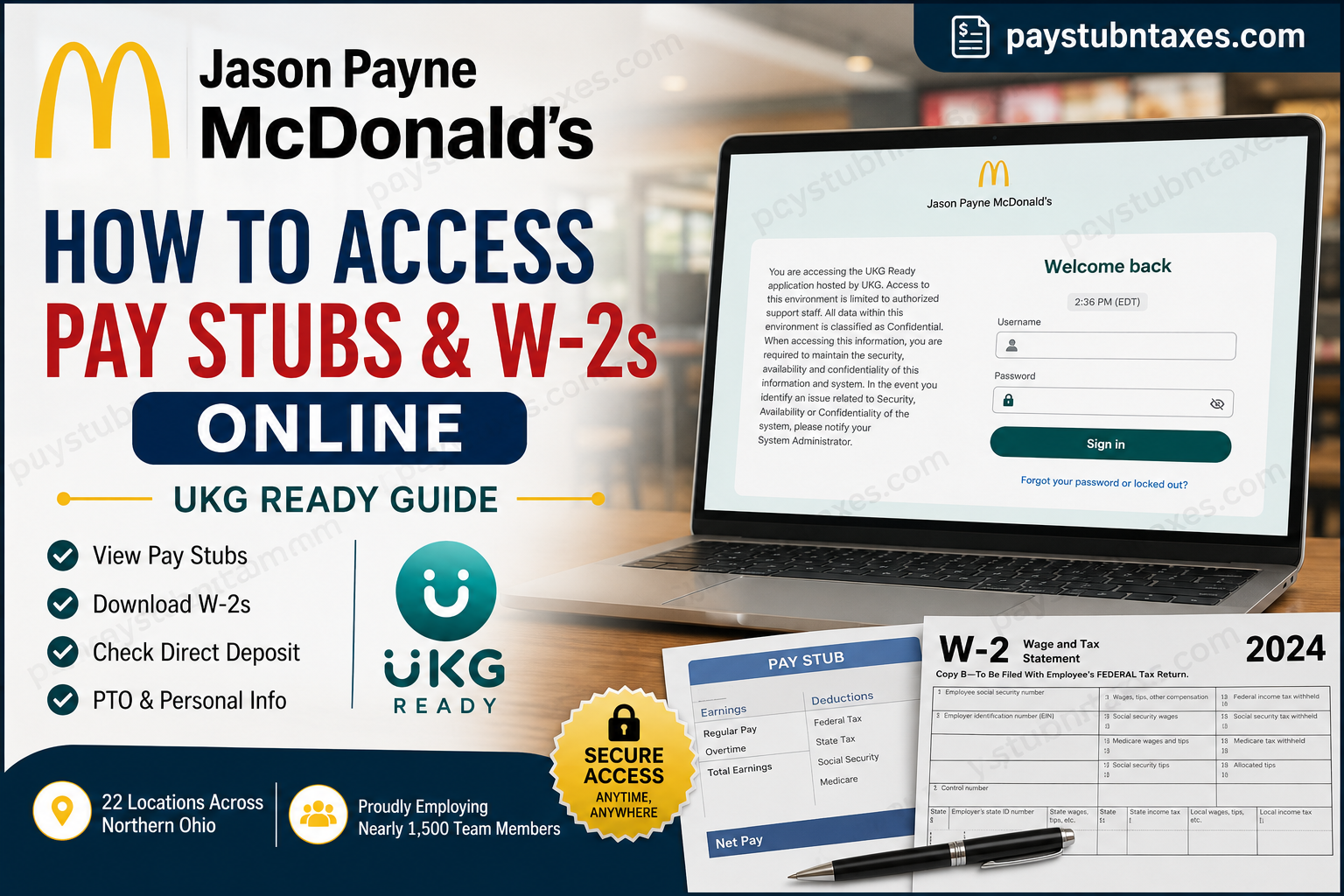
If you work at one of the 22 McDonald’s restaurants owned and operated by Jason Payne across Northern Ohio, you can conveniently access your pay stubs, W-2 tax forms, direct deposit details, PTO balances, and other employment information through the UKG Ready (formerly UltiPro) employee self-service portal. Whether you are checking your latest paycheck, downloading a previous pay statement, or retrieving your W-2 for tax filing, UKG allows you to manage your payroll information securely from any computer or mobile device. This comprehensive guide explains everything you need to know about logging into your account, viewing payroll records, downloading W-2 forms, resetting your password, and resolving common login issues.
About Jason Payne McDonald’s
Jason Payne proudly owns and operates 22 McDonald’s restaurants throughout Northern Ohio, employing nearly 1,500 team members. The organization has built its reputation on exceptional customer service, operational excellence, and investing in employee growth.
Inspired by Ray Kroc’s famous philosophy—
“We take the hamburger business more seriously than anyone else.”
—the organization remains committed to quality, consistency, teamwork, and providing rewarding career opportunities for every employee.
What Can You Access Through UKG Ready?
The UKG employee portal provides access to numerous employment resources, including:
- Current pay stubs
- Historical pay statements
- Annual W-2 tax forms
- Direct deposit information
- Personal profile and address updates
- Paid Time Off (PTO) balances
- PTO requests
- Employee benefits information
- Explanation of Benefits (EOB)
Having these resources available online means employees no longer need to contact payroll every time they need a copy of a paycheck or tax document.
Jason Payne McDonald’s UKG Login Information
UKG Website
Employees can sign in using the company UKG portal:
https://secure5.entertimeonline.com/ta/JPayneTriArch.login?rnd=1569593034266&FS=
UKG Ready Mobile App
Download the UKG Ready app for iOS or Android.
During setup:
- Region: North America
- Company Short Name: JPayneTriArch
First-Time Login Instructions
New employees receive their UKG account information shortly after completing onboarding.
Typically, the account activation email is sent to the same email address used during the McHire hiring process, usually within a few days after employment begins.
Your initial credentials are:
Username: FirstNameLastName (No spaces.)
Temporary Password: Last 4 digits of your Social Security Number
After signing in for the first time, UKG will automatically prompt you to:
- Change your password
- Set up Virtual Code Authentication
- Configure additional security settings
Completing these steps protects your payroll information and secures future access.
How to View Jason Payne McDonald’s Pay Stubs
Once logged into UKG:
Step 1: Open the navigation menu by clicking the three horizontal lines in the upper-left corner.
Step 2: Select: My Pay
Step 3: Choose: Current Pay Statements
Here you’ll find:
- Current paycheck
- Gross earnings
- Taxes withheld
- Deductions
- Net pay
- Direct deposit information
Step 4: To view previous payroll records, select: Pay History
You can review and download historical pay statements whenever needed.
How to Download Your W-2 Online (Computer)
Follow these steps:
Step 1: Log in to your UKG account.
Step 2: Click the menu icon in the upper-left corner.
Step 3: Select: My Pay
Step 4: Under Forms, choose: W-2
Step 5: Locate the correct tax year.
Step 6: Click the magnifying glass (Preview) icon.
Step 7: Review your W-2.
Step 8: Scroll to the bottom.
Step 9: Select: Download PDF
Your W-2 will download directly to your computer.
How to Download Your W-2 Using the UKG Mobile App
Employees using smartphones can also retrieve their tax forms.
Step 1: Open the UKG Ready app.
Step 2: Sign in using your username and password.
Step 3: Tap the menu icon.
Step 4: Select: My Pay
Step 5: Open: Forms
Step 6: Choose: W-2
Step 7: Select the desired tax year.
Step 8: Tap the three-dot Actions menu.
Step 9: Select: Preview W-2
Step 10: Tap: Download PDF
Your W-2 will be saved directly to your mobile device.
What If Your Account Is Locked?
If UKG displays an “Account Locked” message, don’t worry.
Your General Manager can unlock your account.
Alternatively, if you’re experiencing login issues, contact the payroll or administrative office for assistance.
Forgot Your Password?
If you forget your password:
- Select Forgot Password on the UKG login page.
- Follow the identity verification prompts.
- If you cannot reset your password, contact your General Manager or the office for assistance.
Payroll Support Contact
For questions regarding:
- Paychecks
- W-2 forms
- Direct deposit
- Payroll corrections
- UKG login issues
Contact your restaurant manager first.
You may also call the Jason Payne McDonald’s office:
Phone: (440) 657-5444
Helpful Tips for Using UKG Ready
To make your payroll experience smoother:
- Update your password regularly.
- Enable multi-factor authentication whenever available.
- Download your W-2 before tax season deadlines.
- Verify your mailing address annually.
- Review each paycheck for accuracy.
- Keep your contact information current.
- Save electronic copies of important payroll documents for future reference.
Final Thoughts
Managing your payroll information has never been easier. Through the UKG Ready employee portal, Jason Payne McDonald’s employees can securely access pay stubs, W-2 forms, PTO balances, direct deposit information, and other HR resources anytime and from virtually anywhere. By keeping your login credentials secure and routinely reviewing your payroll records, you can ensure your employment information remains accurate and readily available whenever you need it. If you encounter any difficulties accessing your account, your General Manager or the Jason Payne McDonald’s administrative office can provide prompt assistance.
Frequently Asked Questions
1. How do I access my Jason Payne McDonald’s pay stubs?
Log into the UKG Ready employee portal, open My Pay, and select Current Pay Statements or Pay History to view and download your pay stubs.
2. Where can I find my W-2 online?
After signing into UKG Ready, go to My Pay → Forms → W-2, choose the appropriate tax year, preview the form, and download the PDF.
3. What is the UKG Company Short Name?
The Company Short Name is JPayneTriArch when logging into the UKG Ready mobile app.
4. What is my first-time login username?
Your initial username is typically FirstNameLastName with no spaces.
5. What is my temporary password?
Your first-time password is generally the last four digits of your Social Security Number. You will be prompted to change it after your initial login.
6. When will I receive my UKG account information?
New employees usually receive their UKG account activation email within a few days after completing onboarding using the email address provided during the hiring process.
7. Can I access my pay stubs on my phone?
Yes. Download the UKG Ready mobile app, enter JPayneTriArch as the company short name, and log in to access payroll information.
8. How do I download my W-2 from the mobile app?
Open My Pay, select Forms, tap W-2, choose the tax year, preview the form, and tap Download PDF.
9. What should I do if my UKG account is locked?
Contact your General Manager, who can unlock your account. If additional assistance is needed, contact the payroll office.
10. How can I reset my UKG password?
Use the Forgot Password option on the login page or request assistance from your manager if you cannot reset it yourself.
11. Can I update my direct deposit information in UKG?
Yes. UKG Ready allows eligible employees to view and manage their direct deposit information, subject to company policies.
12. Can I view my PTO balance online?
Yes. UKG Ready provides access to your available Paid Time Off (PTO) balance and allows eligible employees to submit time-off requests.
13. Are historical pay stubs available?
Yes. Previous pay statements are available under My Pay → Pay History.
14. Who should I contact if I have payroll or W-2 questions?
Start by speaking with your restaurant manager. You may also contact the Jason Payne McDonald’s office at (440) 657-5444 for payroll assistance.
15. Is the UKG Ready employee portal secure?
Yes. UKG Ready uses secure authentication and encrypted connections to protect employee payroll and personal information, making it a safe platform for accessing employment records.
