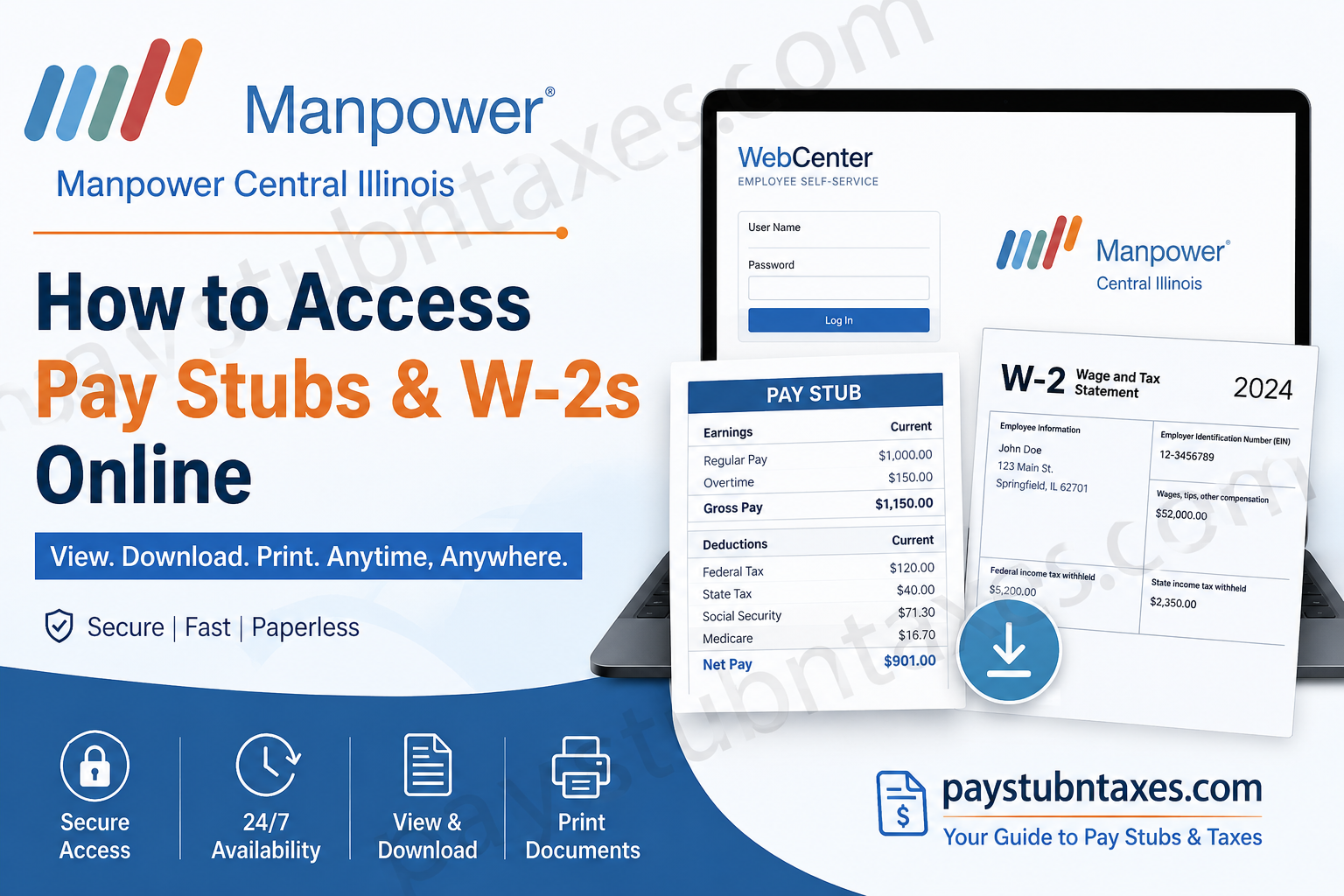
Whether you are currently on assignment or have recently completed one, having immediate access to your payroll records is essential. Fortunately, Manpower Central Illinois has streamlined the process by providing employees with secure online access to both pay stubs and W-2 tax forms through the WebCenter employee self-service portal. Instead of waiting for paper documents to arrive by mail, eligible employees can conveniently view, download, save, and print their payroll documents anytime and from virtually anywhere. This comprehensive guide explains everything you need to know about accessing your Manpower Central Illinois pay stubs and W-2s online, troubleshooting login issues, and managing your WebCenter account with ease.
About Manpower Central Illinois
For more than six decades, Manpower Central Illinois has been one of the region’s most trusted staffing providers, helping both employers and job seekers achieve long-term success. Operating branches throughout Bloomington, Champaign, Decatur, Mattoon, Peoria, Rantoul, and Springfield, the company combines local expertise with the global resources of ManpowerGroup, a worldwide leader in workforce solutions.
Its extensive experience, industry knowledge, and commitment to connecting talented individuals with rewarding employment opportunities have made it a preferred staffing partner across Central Illinois.
Does Manpower Central Illinois Provide Online Pay Stubs?
Yes.
Manpower Central Illinois uses the TempWorks WebCenter Employee Portal, allowing employees to:
- View current and previous pay stubs
- Download printable paycheck copies
- Access electronic W-2 forms
- Update login credentials
- Manage payroll-related information
- Access employment records securely
The portal is available 24 hours a day, making payroll information accessible whenever you need it.
WebCenter Login Portal
https://webcenter.ontempworks.com/ManpowerIllinois/Account/Login
Benefits of Using WebCenter
Using WebCenter offers numerous advantages, including:
- Instant access to payroll records
- Paperless W-2 delivery
- Secure online document storage
- Printable pay statements
- Faster tax preparation
- Easy payroll history tracking
- Password management
- Convenient access from any internet-connected device
How to Log into the Manpower Central Illinois WebCenter Portal
Before accessing your payroll information, you’ll need your WebCenter credentials.
Step 1: Receive Your Login Information
After joining Manpower Central Illinois, your HR representative will send you an email containing:
- Username
- Temporary password
If you have not received this email by your second day of employment, first check your spam or junk folder. If it is still missing, contact your HR representative for assistance.
Step 2: Visit the Login Page
Open your preferred web browser and go to:
https://webcenter.ontempworks.com/ManpowerIllinois/Account/Login
Step 3: Sign In
Enter your:
- Username
- Password
Click Log In.
How to Change Your Password
For improved account security, change your temporary password after your first login.
Follow these steps:
- Sign into WebCenter.
- Select My Information.
- Click Change Your Password.
- Enter your current password.
- Create a new password.
- Confirm the new password.
- Click Change Password.
Store your new password securely for future use.
How to View Manpower Central Illinois Pay Stubs
Once logged into WebCenter, accessing your paycheck history is straightforward.
Step 1: From the Home page, click the Pay History tab.
Step 2: Choose the Pay Date you wish to review.
Step 3: Review payroll details, including:
- Gross earnings
- Net pay
- Taxes withheld
- Deductions
- Hours worked
- Adjustments
- Accruals
Step 4: Select View Printable Version.
Step 5: Save the pay stub in your preferred file format.
Step 6: Open the saved document and print it if necessary.
If you notice any payroll discrepancies, contact your HR representative promptly.
How to Access Your Manpower Central Illinois W-2 Online
Manpower Central Illinois now provides electronic W-2 forms, eliminating the need to wait for paper copies in the mail. Employees who have WebCenter accounts can access their tax forms as soon as they become available, typically shortly after the beginning of the new year.
If You Already Enrolled in Electronic W-2 Delivery
- Log into WebCenter.
- Select Manage W-2s.
- Choose the desired tax year.
- Your W-2 PDF will download automatically.
If You Have Not Yet Enrolled
- Log into WebCenter.
- Click Manage W-2s.
- Select Change W-2 Options.
- Choose Click here to receive your W-2 electronically.
- Return to Manage W-2s.
- Download your available W-2.
Forgot Your WebCenter Login?
If you cannot remember your WebCenter credentials:
- Use the password recovery options on the login page if available.
- Contact the Manpower branch where you originally registered.
- Your local office can help verify your identity and restore access to your account.
Why Choose Electronic W-2 Delivery?
Electronic W-2 delivery offers several advantages:
- Receive tax forms sooner
- Download instantly
- Print unlimited copies
- Reduce the risk of lost mail
- Access historical tax records anytime
- Environmentally friendly paperless delivery
Payroll Information Available in WebCenter
Your WebCenter account allows you to access:
- Current pay stubs
- Previous paycheck history
- Annual W-2 forms
- Tax withholding details
- Earnings history
- Payroll deductions
- Assignment information
- Timecard records (when applicable)
Need Assistance?
If you experience difficulties logging in or accessing payroll documents, contact your local Manpower office.
Peoria Branch
Address
735 Main Street
Peoria, IL 61602
Phone: (309) 674-4163
Fax: (309) 673-0940
Email: peoria.il@manpower.com
Alternatively, you may contact the branch where you originally registered for employment.
Final Thoughts
Manpower Central Illinois has simplified payroll management by offering employees secure online access to pay stubs and W-2 tax forms through the WebCenter portal. Whether you need a recent paycheck for income verification or an annual W-2 for tax filing, the system provides quick, reliable, and convenient access to essential employment records. By keeping your login credentials secure and opting for electronic W-2 delivery, you can enjoy faster access to your payroll documents while reducing reliance on paper records.
Frequently Asked Questions
1. How do I log into the Manpower Central Illinois WebCenter portal?
Visit the WebCenter login page, enter your username and password provided by HR, and click Log In to access your employee account.
2. Where can I view my Manpower Central Illinois pay stubs?
After logging into WebCenter, click the Pay History tab to view, download, or print your paycheck statements.
3. How do I download my W-2 online?
Log into WebCenter, select Manage W-2s, choose the desired tax year, and your W-2 will download as a PDF if you’ve enrolled in electronic delivery.
4. Can I access previous pay stubs?
Yes. WebCenter stores your payroll history, allowing you to view and print previous paycheck records.
5. What if I forgot my WebCenter username or password?
Contact the Manpower branch where you registered for employment. They can help verify your identity and restore account access.
6. How do I change my WebCenter password?
Go to My Information, click Change Your Password, enter your current password, create a new password, confirm it, and save your changes.
7. When are W-2 forms available?
Electronic W-2 forms are generally available shortly after the beginning of each calendar year, once payroll processing is complete.
8. Can I receive my W-2 electronically instead of by mail?
Yes. In WebCenter, select Change W-2 Options and enroll in electronic W-2 delivery to download your W-2 online.
9. Can I print my pay stubs?
Yes. Open the desired pay stub, select View Printable Version, then save or print the document.
10. Is the WebCenter portal secure?
Yes. WebCenter is a secure employee self-service platform that protects payroll and tax information through password-protected access.
11. Can former employees still access their W-2s?
Former employees who still have valid WebCenter credentials may access their electronic W-2s online. If access has expired, contact your local Manpower office for assistance.
12. What payroll information is available in WebCenter?
Employees can access pay stubs, W-2s, payroll history, tax deductions, earnings summaries, assignment details, and, when applicable, timecard information.
13. Do I need to enroll before downloading my W-2?
Yes. If you have not previously consented to electronic W-2 delivery, you’ll need to enable it under Change W-2 Options before downloading your form.
14. Who should I contact if my pay stub or W-2 contains incorrect information?
Immediately contact your local Manpower Central Illinois branch or HR representative so the issue can be reviewed and corrected.
15. Can I access WebCenter from my mobile device?
Yes. WebCenter is accessible from most smartphones, tablets, and desktop computers with an internet connection, allowing you to view payroll information on the go.
