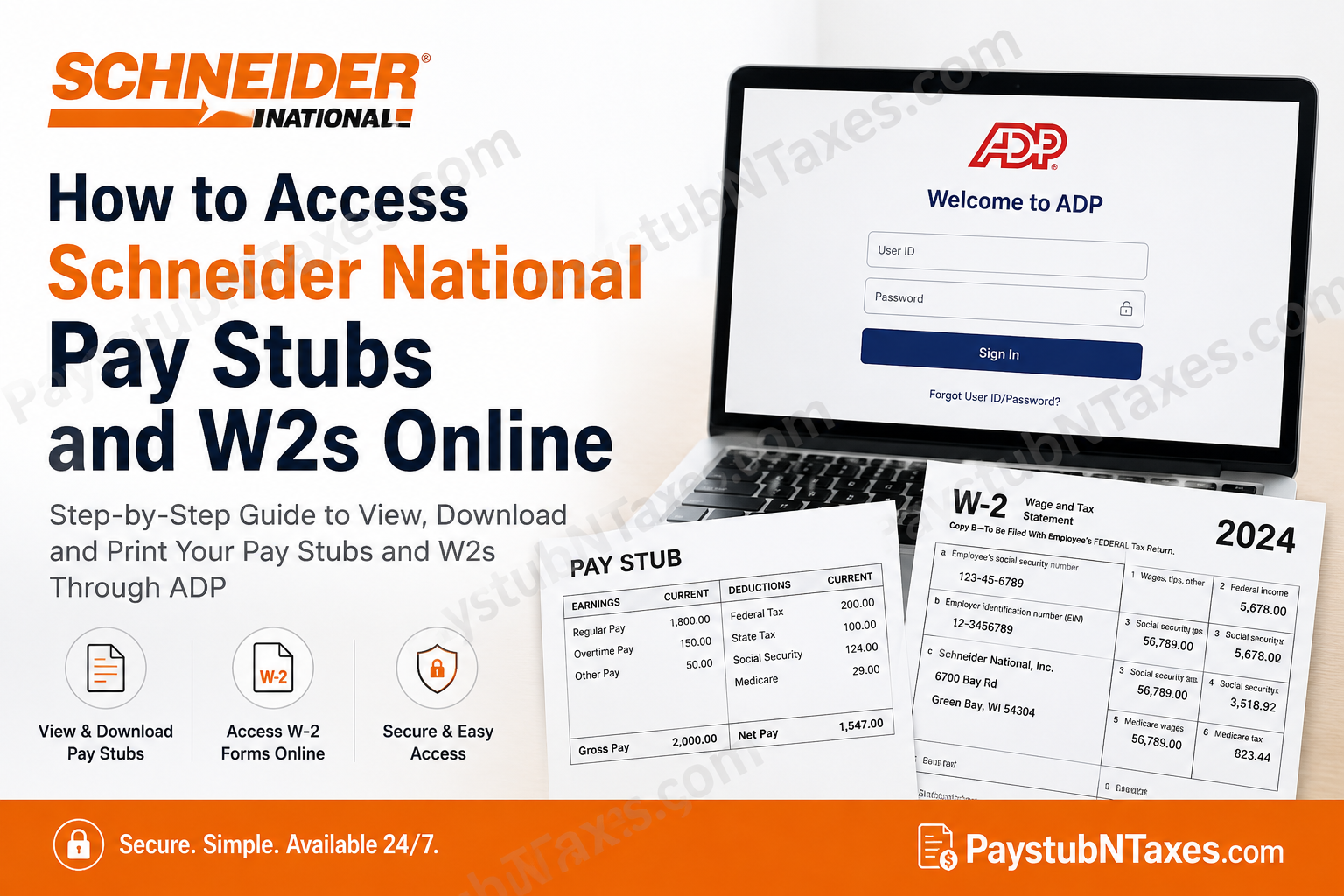
Schneider National is one of North America’s most respected transportation and logistics companies, delivering comprehensive freight solutions that span truckload, intermodal, brokerage, dedicated transportation, warehousing, supply chain management, and port logistics. Headquartered in Green Bay, Wisconsin, Schneider has spent more than nine decades building a reputation for operational excellence, technological innovation, and unwavering commitment to safety. Today, the company generates more than $5 billion in annual revenue, serves thousands of customers across North America, and employs a workforce dedicated to keeping supply chains moving efficiently. To streamline payroll administration and provide employees with secure, around-the-clock access to important employment documents, Schneider National uses ADP Self Service. Through the ADP portal, employees can conveniently access their pay statements, tax documents, direct deposit information, and annual Form W-2 from virtually any internet-connected device. Whether you are a newly hired associate, a current employee, or preparing your tax return, this guide explains everything you need to know about accessing your Schneider National pay stubs and W-2s online.
Schneider National Payroll System
Schneider National partners with ADP as its payroll and workforce management platform. ADP allows employees to securely manage payroll information without contacting Human Resources for routine requests.
Through the ADP portal, employees can:
- View current and previous pay stubs
- Download payroll statements
- Access annual W-2 tax forms
- Print payroll and tax documents
- Review tax withholding information
- Update direct deposit details (where permitted)
- Access payroll records from desktop or mobile devices
How to Register for a Schneider National ADP Account
New Schneider employees must complete a one-time registration before accessing payroll information.
Step 1: Receive Your Registration Code
After completing the onboarding process, Schneider typically sends a personal ADP registration code via email within several days.
This email contains:
- Your personal registration link
- Registration code
- Instructions for creating your ADP account
If you do not receive the email or your registration link expires, you can still create your account using ADP’s “Find Me” feature. The ADP registration process also allows employees to create an account through the website or the ADP Mobile Solutions app.
Step 2: Visit the ADP Portal
Open your preferred web browser and go to: https://my.adp.com
Click: Create Account
Step 3: Verify Your Identity
If you have your registration code:
- Select I Have a Registration Code
- Enter your personal registration code
- Continue through identity verification
If your code is unavailable:
- Click Find Me
- Follow the prompts to verify your identity using your personal information.
Step 4: Create Your Login Credentials
Complete the registration by:
- Creating a username
- Creating a secure password
- Selecting security questions
- Verifying your email and phone number
Once registration is complete, you can use your newly created credentials whenever you sign in. ADP registration concludes after setting security questions and a password, after which payroll documents become available within the account.
How to View Schneider National Pay Stubs
After logging into ADP:
- Visit https://my.adp.com
- Sign in using your username and password.
- Navigate to Pay.
- Select Pay Statements.
- Choose the desired pay period.
- Open the statement.
- Download or print the pay stub for your records.
Your pay stub typically includes:
- Gross earnings
- Taxes withheld
- Benefits deductions
- Retirement contributions
- Direct deposit information
- Net pay
- Year-to-date totals
How to Access Schneider National W-2 Online
Employees who elected electronic W-2 delivery can retrieve their tax forms directly through ADP.
Follow these steps:
Step 1: Log in to your ADP account.
Step 2: Navigate to: Myself → Pay → Pay & Tax Statements
Step 3: Locate the Tax Statements section.
Select: View All Statements
Step 4: Choose the tax year you want.
Step 5: Click: Open Document
Step 6: Use either:
- Download
to save a PDF copy of your W-2 for tax filing. The ADP Workforce Now workflow follows this sequence: Myself → Pay → Pay & Tax Statements → View All Statements → Select Tax Year → Open Document → Print or Download.
What If You Selected Paper W-2?
If you did not consent to electronic delivery, Schneider National will provide your W-2 using its standard paper distribution process.
Employees who wish to receive future W-2s electronically can update their delivery preference through the ADP portal before the annual tax document processing deadline.
Using the ADP Mobile App
Employees may also access payroll documents using the ADP Mobile Solutions app.
The mobile application allows you to:
- View pay statements
- Download W-2s
- Access payroll history
- Review tax information
- Sign in securely using biometric authentication (if enabled)
Forgot Your ADP Registration Email?
Do not worry if your onboarding registration email has expired.
Simply:
- Visit my.adp.com
- Click Create Account
- Select Find Me
- Verify your identity
- Complete account registration
This process allows eligible employees to register even if the original invitation email is no longer available.
Forgot Your Password?
If you cannot sign in:
- Click Forgot User ID
- Click Forgot Password
- Complete identity verification
- Reset your credentials
- Sign back into your account
ADP Technical Support
If you experience registration or login issues, contact ADP Technical Support.
Phone: 1-800-558-7010
Follow the automated prompts for Technical Support.
Benefits of Electronic Pay Statements
Using ADP provides several advantages:
- Secure access anytime
- Instant availability after payroll processing
- Paperless recordkeeping
- Easy W-2 downloads
- Faster tax preparation
- Historical payroll archive
- Mobile accessibility
- Reduced paperwork
Schneider National Career Opportunities
Schneider National continues to expand its transportation and logistics network, creating opportunities for professional drivers, logistics specialists, office professionals, diesel technicians, supply chain experts, and corporate staff. The company is widely recognized for its investments in safety, technology, sustainability, and employee development, making it an attractive employer within the transportation industry.
Individuals interested in joining Schneider can explore current openings through SchneiderJobs.com, where positions are available across the United States in driving, operations, maintenance, and corporate functions.
Conclusion
Schneider National’s integration with ADP Self Service simplifies payroll management by giving employees secure, convenient access to pay stubs and annual W-2 tax forms whenever they need them. Whether you are reviewing your latest paycheck, downloading a previous year’s tax statement, or completing your first-time registration, the ADP portal provides an efficient and user-friendly solution. By keeping your login credentials secure and opting for electronic document delivery, you can manage your payroll information quickly, reduce paperwork, and ensure important tax documents are always available when needed.
Frequently Asked Questions
1. How do I access my Schneider National pay stubs online?
Log in to the ADP Self Service Portal at my.adp.com, select Pay, and open Pay Statements to view or download your pay stubs.
2. Where can I find my Schneider National W-2 online?
After logging into ADP, go to Myself → Pay → Pay & Tax Statements, then select your tax year to download your W-2.
3. What payroll system does Schneider National use?
Schneider National uses ADP Self Service to manage employee payroll, pay statements, and tax documents.
4. How do new Schneider employees register for ADP?
New employees receive a personal ADP registration code during onboarding. If the email expires, they can complete registration using the Find Me option on the ADP website.
5. Can I access Schneider National payroll information on my phone?
Yes. Download the ADP Mobile Solutions app for Android or iOS to securely access your payroll information.
6. What if I forgot my ADP password?
Click Forgot Password on the ADP login page and follow the verification process to reset your credentials.
7. Can I print my Schneider National pay stubs?
Yes. ADP allows employees to download and print pay statements in PDF format.
8. Can I download previous years’ W-2 forms?
Yes. Available tax years can be accessed through the Tax Statements section of your ADP account.
9. What happens if I select a paper W-2?
If you did not consent to electronic delivery, Schneider National will send your W-2 according to its standard paper distribution process.
10. What information appears on a Schneider National pay stub?
Your pay stub includes gross earnings, taxes withheld, deductions, direct deposit information, net pay, and year-to-date totals.
11. Can former Schneider National employees access ADP?
Former employees may retain limited ADP access depending on company policy. If access is unavailable, contact Schneider Human Resources.
12. Is the ADP portal secure?
Yes. ADP uses advanced encryption, identity verification, and multi-layer security to protect employee payroll information.
13. How do I update my direct deposit information?
Eligible employees can update their direct deposit details through their ADP account, subject to Schneider National’s payroll policies.
14. Who should I contact for ADP technical support?
Call 1-800-558-7010 and follow the prompts for ADP Technical Support.
15. Can I access my payroll documents anytime?
Yes. The ADP Self Service Portal is available 24/7, except during scheduled maintenance periods, allowing employees to access pay stubs and W-2s whenever needed.
