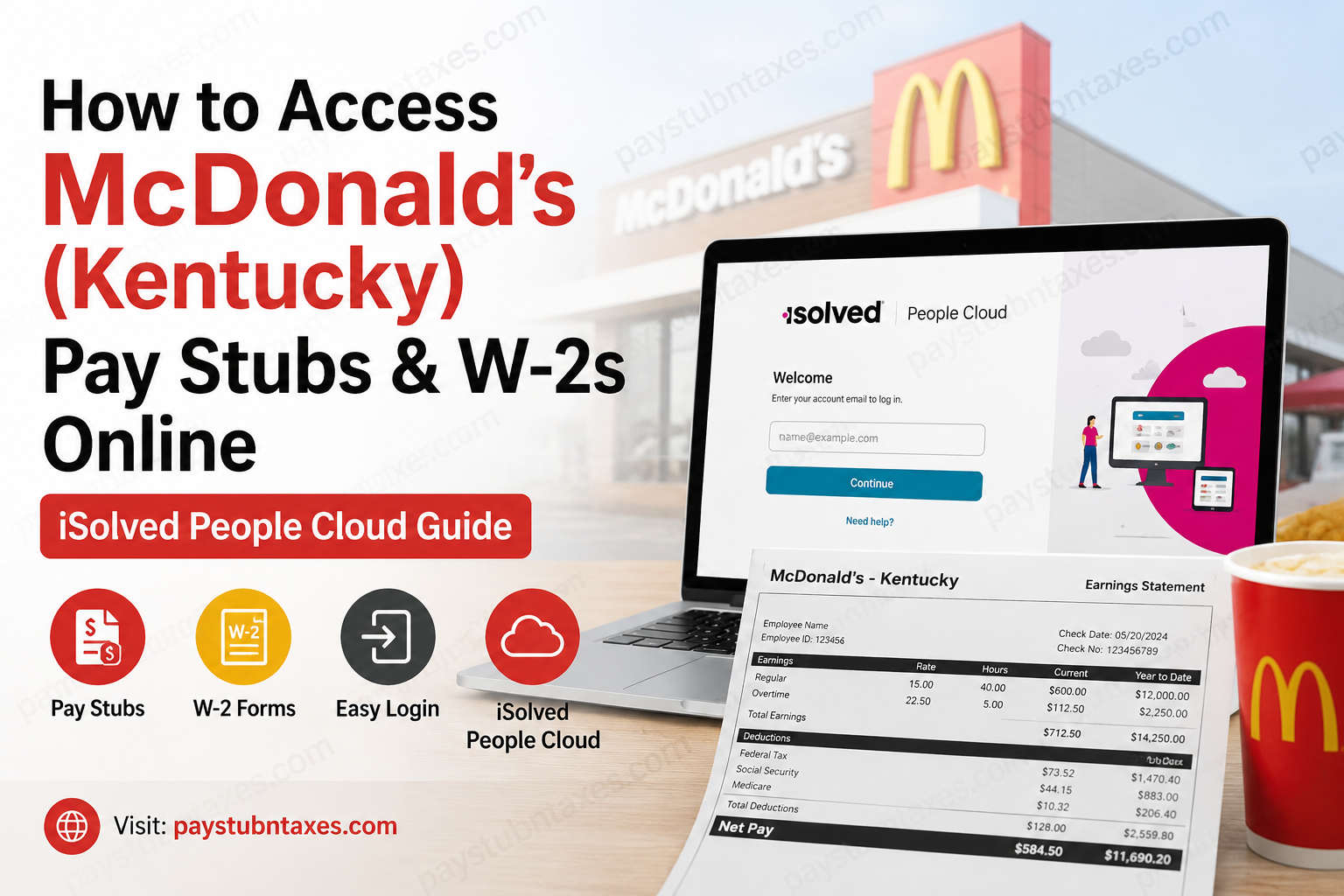
For employees working at Scott Family McDonald’s restaurants in Kentucky, accessing payroll records has never been more straightforward. Through the iSolved People Cloud Employee Self-Service (ESS) portal, team members can securely view, download, and print their pay stubs, W-2 forms, and other tax documents from virtually anywhere, at any time. Whether you are a newly hired crew member, a shift manager, or a long-serving employee, this comprehensive guide explains everything you need to know about creating your iSolved account, accessing your payroll information, and resolving common issues.
About Scott Family McDonald’s
Scott Family McDonald’s traces its roots back to 1972, when Ben Scott embarked on a journey that would eventually establish one of the most respected McDonald’s franchise organizations in the region. The first restaurant opened in Piqua, Ohio, in January 1974, and steady expansion followed over the next several decades.
Today, under the leadership of Benny and Stacy Scott, the business operates 15 McDonald’s restaurants with a workforce exceeding 1,000 employees. Their commitment to operational excellence, employee development, and community involvement earned them McDonald’s prestigious Fred L. Turner Golden Arch Award, one of the highest honors bestowed upon franchise owners.
What is iSolved People Cloud?
iSolved People Cloud is the official Human Resources and Payroll platform used by Scott Family McDonald’s to manage employee payroll and tax records.
Through the secure employee self-service portal, employees can:
- View current and previous pay stubs
- Download printable PDF paycheck copies
- Access annual W-2 forms
- View ACA and 1099 forms (where applicable)
- Update personal information
- Review payroll history
- Access payroll information from both desktop and mobile devices
How to Create Your iSolved Account
If this is your first time using iSolved, you’ll need to activate your account before logging in.
Step 1: Provide Your Email Address
When you are hired, provide a valid personal email address during onboarding.
Once your information has been entered into the payroll system, you will receive an activation email from iSolved.
If you do not receive the email, ask your restaurant manager to resend the invitation.
Step 2: Activate Your Account
Open the activation email and follow the instructions to create your account.
During setup, you will:
- Verify your identity
- Create a secure password
- Select security questions
- Add a mobile phone number (recommended)
- Choose whether to receive tax forms electronically or by mail
For better account security, create a strong password that combines uppercase letters, lowercase letters, numbers, and special characters.
Step 3: Sign In
Visit the official iSolved People Cloud login page.
Enter:
- Your account email address
- Password
After successful authentication, you’ll arrive at your Employee Self-Service dashboard.
How to View Your Pay Stubs
Once logged in:
- Open the Employee Self-Service menu.
- Select Pay History.
- Choose the payroll year.
- Select the desired paycheck.
- Click View/Edit.
- Choose View/Print Pay Stub.
- Download or print the PDF copy for your records.
The newest paycheck appears by default, while earlier pay periods can be accessed by selecting a different year or scrolling through your payroll history. The pay stub includes employee information, pay dates, tax withholding, earnings, deductions, and net pay.
How to Download Your W-2 Online
Your annual tax documents are available within the same portal.
Follow these steps:
- Log into iSolved.
- Click W2/ACA/1099 Forms.
- Select the appropriate tax year.
- Click View PDF.
- Save or print your W-2.
Employees who opted for electronic tax document delivery can conveniently access their forms online as soon as they become available.
Mobile Access
Scott Family McDonald’s employees may also use the iSolved mobile application for convenient access to payroll information.
Using the mobile app, employees can:
- Review paycheck history
- Access W-2 forms
- View payroll information
- Stay connected with employment information
Employees who prefer not to install the app can simply log in through the web portal instead.
Understanding the Pay Schedule
Scott Family McDonald’s follows a bi-weekly payroll schedule.
Important payroll details include:
- Paydays occur every other Monday.
- Workweeks run Monday through Sunday.
- Payroll processing begins after the workweek closes.
- New hire pay dates depend upon the employee’s start date.
If you’re uncertain about your first paycheck, consult your restaurant manager for confirmation.
Available Payment Options
Employees can choose from several payment methods, including:
Direct Deposit
Receive wages directly into your personal bank account.
Payroll Debit Card
Employees without bank accounts may elect to receive wages on a payroll debit card.
Instant Pay
Scott Family McDonald’s also offers Instant Pay, allowing eligible employees to access up to 50% of earned wages shortly after completing a shift, providing added financial flexibility.
What Information Appears on Your Pay Stub?
Your electronic paycheck typically includes:
- Employee information
- Employer information
- Pay period
- Check date
- Gross earnings
- Federal taxes
- State taxes
- Social Security
- Medicare
- Retirement deductions
- Insurance deductions
- Net pay
- Direct deposit details
Troubleshooting Login Issues
If you’re unable to access your account:
- Verify you’re using the correct email address.
- Reset your password using the “Forgot Password” option.
- Check your spam or junk email folder for activation emails.
- Contact your manager if your activation email needs to be resent.
- Ensure your account has already been activated.
Need Payroll Assistance?
If you have questions regarding:
- Missing paychecks
- Incorrect hours
- Direct deposit updates
- Payroll deductions
- W-2 forms
Speak with your restaurant manager first.
If additional assistance is needed, contact the Scott Family McDonald’s office at 859-744-7160.
Benefits of Using iSolved People Cloud
The iSolved Employee Self-Service portal offers numerous advantages, including:
- Secure 24/7 payroll access
- Instant access to historical pay records
- Printable PDF pay stubs
- Electronic W-2 availability
- Mobile compatibility
- Faster tax preparation
- Reduced paperwork
- Enhanced payroll transparency
Conclusion
Scott Family McDonald’s has streamlined payroll management by providing employees with secure access to iSolved People Cloud, enabling them to retrieve pay stubs, W-2 forms, payroll history, and tax documents whenever needed. Whether you prefer accessing your account through the desktop portal or the mobile application, the system delivers a secure, efficient, and user-friendly experience that simplifies payroll management throughout the year.
Frequently Asked Questions
1. How do I access my Scott Family McDonald’s pay stubs?
Log in to the iSolved People Cloud portal using your registered email address and password, then click Pay History to view, download, or print your pay stubs.
2. Where can I download my McDonald’s Kentucky W-2 online?
After logging into iSolved, select W2/ACA/1099 Forms, choose the applicable tax year, and download your W-2 in PDF format.
3. What payroll system does Scott Family McDonald’s use?
Scott Family McDonald’s uses iSolved People Cloud Employee Self-Service (ESS) to manage payroll, pay stubs, tax documents, and employee information.
4. How do I create an iSolved People Cloud account?
Provide your personal email address during onboarding. You’ll receive an activation email from iSolved with instructions to create your account and password.
5. I never received my iSolved activation email. What should I do?
Check your spam or junk folder first. If you still cannot find it, ask your restaurant manager to resend the activation email.
6. How often are Scott Family McDonald’s employees paid?
Employees are paid bi-weekly, with paydays occurring every other Monday.
7. Can I access previous pay stubs?
Yes. The Pay History section stores payroll records by year, allowing you to access previous paycheck information.
8. Can I print my pay stub?
Yes. Open the desired paycheck in Pay History and click View/Print Pay Stub to generate a printable PDF.
9. Can I access iSolved on my smartphone?
Yes. Employees can use the iSolved mobile app or access the web portal through any mobile browser.
10. Can I receive my W-2 electronically?
Yes. During account activation, you can consent to receive your tax documents electronically through iSolved.
11. What should I do if I forgot my iSolved password?
Use the Forgot Password option on the login page to securely reset your password.
12. What information appears on my electronic pay stub?
Your pay stub includes gross earnings, net pay, taxes withheld, deductions, direct deposit information, pay period, and employer details.
13. Can I update my direct deposit information?
If online updates are unavailable, contact your restaurant manager or payroll office to request a direct deposit change.
14. Who should I contact if there’s a payroll issue?
Start by speaking with your restaurant manager. If additional assistance is needed, contact the Scott Family McDonald’s office at 859-744-7160.
15. Can former employees still access their W-2 forms?
Former employees may have limited portal access. If you cannot log in, contact Scott Family McDonald’s payroll or Human Resources to request your tax documents.
