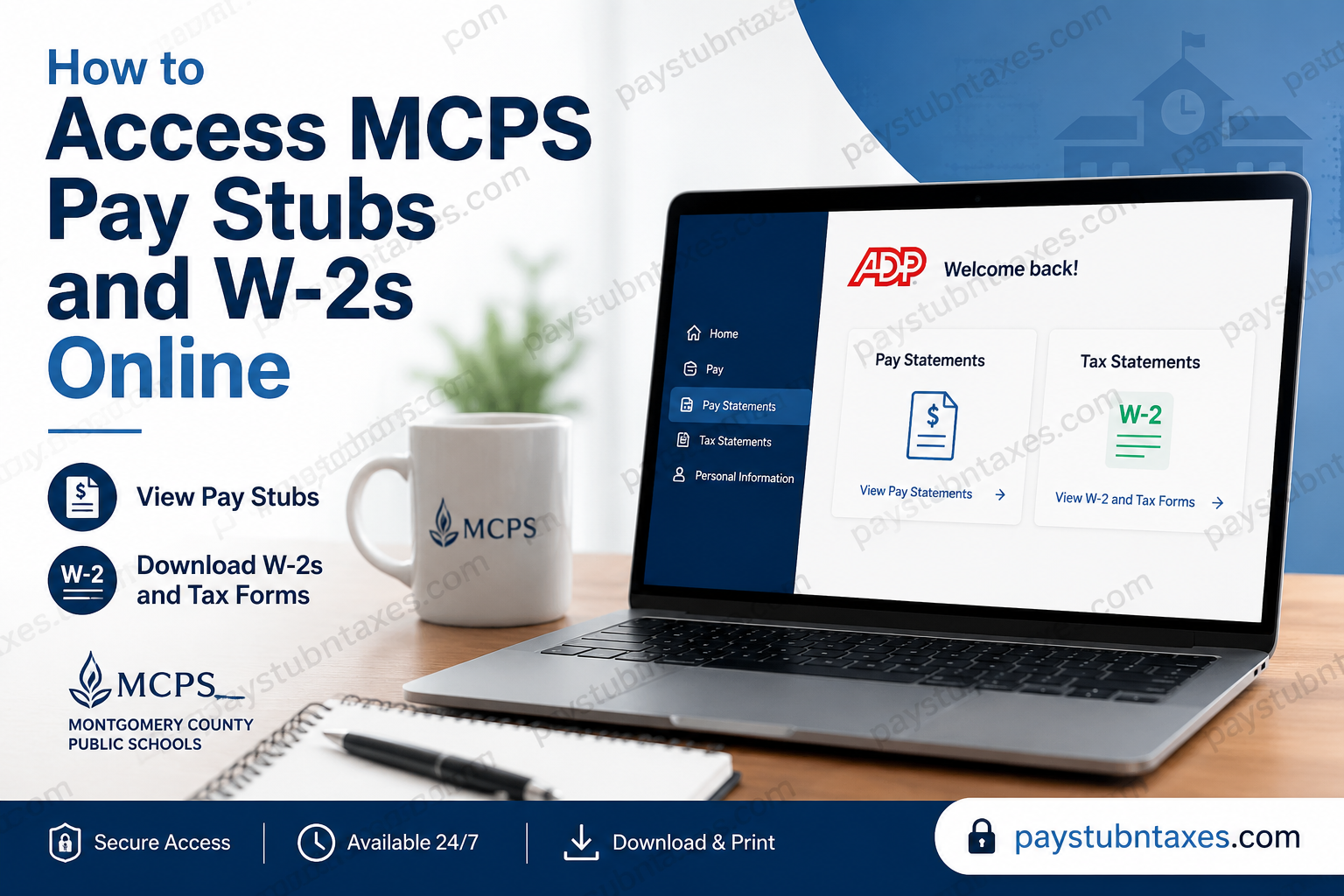
Montgomery County Public Schools (MCPS) has modernized its payroll and tax document management by transitioning to ADP as its primary Human Capital Management (HCM) platform effective January 1, 2025. This transition enables employees to securely access pay statements, W-2 tax forms, and other payroll-related documents anytime through the ADP self-service portal. Whether you are a current teacher, administrator, instructional assistant, bus operator, substitute, or support staff member, this comprehensive guide explains how to register for ADP, view and download your pay stubs, retrieve your W-2 forms, and obtain historical payroll records.
MCPS Payroll at a Glance
Montgomery County Public Schools (MCPS) is the largest public school district in Maryland, serving approximately 160,000 students across more than 200 schools. With tens of thousands of employees, the district processes payroll through a secure digital platform designed to simplify employee self-service while maintaining strict security standards.
Beginning January 1, 2025, payroll documents—including pay statements and tax forms—are available through the ADP Employee Self-Service Portal.
MCPS ADP Login Portal
Current employees can access their payroll information through:
ADP Employee Portal
Once signed in, employees can:
- View current and previous pay statements
- Download or print pay stubs
- Access annual W-2 tax forms
- View Form 1095-C (when applicable)
- Update certain personal payroll preferences
- Access payroll records securely from any device
How to Register for an MCPS ADP Account
If you are logging into ADP for the first time, you’ll need to create your account before accessing payroll information.
Step 1
Visit: https://my.adp.com
Select Get Started.
Step 2
Choose Find Me to verify your identity using the personal information already associated with your MCPS employment record.
Step 3
Enter the requested information, including your name, date of birth, and Social Security Number (or other requested identifiers).
Step 4
Complete the identity verification process using the verification option presented, such as your mobile phone or email.
Step 5
Create your:
- Username
- Strong password
- Security questions
Once registration is complete, your ADP account will be ready for use.
How to View MCPS Pay Stubs Online
Employees receive access to their electronic pay statements early in the week preceding each payday.
To access your pay statements:
- Sign in to your ADP account.
- Navigate to Pay Statements.
- Select the desired pay year.
- Choose the specific pay statement.
- Open, print, or download the document as needed.
Each pay statement typically contains:
- Gross earnings
- Net pay
- Federal tax withholding
- State tax withholding
- Retirement contributions
- Benefit deductions
- Leave balances (when applicable)
- Direct deposit information
Keeping electronic copies of your pay statements is advisable for financial planning, mortgage applications, loan approvals, and income verification.
How to Download MCPS W-2 Forms
Annual tax documents become available through ADP after processing for the applicable tax year.
To access your W-2:
- Log into ADP.
- Open the Tax Statements section.
- Select the desired tax year.
- Click View beside your W-2.
- Download or print the document for your records.
If available, Form 1095-C can also be accessed from the same section.
When Are MCPS W-2 Forms Available?
For the 2026 tax year:
- Paper W-2s were mailed to retirees and other eligible former employees at the end of January 2027.
- Form 1095-C was mailed to arrive by March 3, 2027.
- Electronic copies become available through ADP once published for employee self-service.
Employees are encouraged to verify that their mailing address is current to avoid delays in receiving tax documents.
Accessing Older Pay Stubs and Tax Forms
Payroll records are divided according to the date they were issued.
Records from January 1, 2025 Forward
These documents are available through ADP, including:
- Pay statements
- W-2 forms
- Form 1095-C
Records Before January 1, 2025
Retirees and many former employees can continue accessing earlier payroll records through the legacy MCPS ePaystub and Tax Document Self-Service system.
Depending on employment dates, this system provides access to:
- Historical W-2 forms
- Duplicate tax documents
- Pay stubs issued before the ADP transition
Former employees who separated after April 29, 2016, may also have access to eligible electronic pay stubs from April 29, 2016, through December 14, 2024, after completing web-delivery authorization.
Benefits of Using ADP
The ADP platform provides several advantages over traditional paper payroll records:
- Secure encrypted access
- 24/7 availability
- Mobile-friendly interface
- Immediate document downloads
- Reduced paper storage
- Faster tax preparation
- Easy access during mortgage, rental, or loan applications
- Convenient payroll history management
Troubleshooting ADP Login Issues
If you’re unable to sign in:
Forgot your password?
Use the Forgot Password option on the ADP login page.
Unable to register?
Verify that:
- Your personal information exactly matches MCPS payroll records.
- Your Social Security Number is entered correctly.
- Your employment has been fully activated within the payroll system.
Locked account?
Too many unsuccessful login attempts may temporarily lock your account. Follow the on-screen recovery instructions or contact support.
MCPS Payroll Contact Information
If you need assistance accessing payroll information or tax documents, contact the MCPS Employee and Retiree Service Center (ERSC).
Telephone: 240-740-9000
Email: ersc@mcpsmd.org
Support staff can assist with:
- ADP registration
- Payroll questions
- Missing W-2 forms
- Address updates
- Historical payroll records
- Tax document requests
Conclusion
The migration to ADP has significantly streamlined payroll management for Montgomery County Public Schools employees, providing a secure, user-friendly platform for accessing pay statements, W-2 tax forms, and other essential payroll documents. Whether you are reviewing your latest earnings before payday, downloading your W-2 during tax season, or retrieving historical payroll records, ADP offers convenient, round-the-clock access from virtually any internet-connected device. By registering your account, maintaining accurate personal information, and utilizing the available self-service features, you can manage your payroll records efficiently while reducing dependence on paper documentation. Should you encounter any difficulties, the MCPS Employee and Retiree Service Center remains available to provide timely assistance with registration, payroll inquiries, and tax document access.
Frequently Asked Questions
1. How do I access my MCPS pay stubs online?
Log in to your ADP account at my.adp.com, navigate to Pay, and select the pay statement you want to view or download.
2. Does MCPS use ADP for payroll?
Yes. MCPS has used ADP as its primary Human Capital Management (HCM) and payroll platform since January 1, 2025.
3. Where can I log in to my MCPS ADP account?
Employees can sign in at https://my.adp.com using their ADP username and password.
4. How do I register for an ADP account?
Visit my.adp.com, click Get Started, choose Find Me, verify your identity, and create your username and password.
5. When are MCPS pay statements available?
Electronic pay statements are generally available early in the week before each scheduled payday.
6. How can I download my MCPS W-2?
Sign in to ADP, select Tax Statements, choose the applicable tax year, and click View to download or print your W-2.
7. Can I access Form 1095-C through ADP?
Yes. Eligible employees can view and download Form 1095-C from the Tax Statements section when it becomes available.
8. What if I forgot my ADP password?
Use the Forgot Password option on the ADP login page to reset your credentials securely.
9. Can retirees access their W-2 forms online?
Yes. Retirees and eligible former employees can access tax documents through ADP for records beginning January 1, 2025, while earlier records remain available through the legacy MCPS self-service system.
10. Where can I find pay stubs issued before January 1, 2025?
Eligible retirees and former employees can access historical pay stubs and tax documents through the MCPS ePaystub and Tax Document Self-Service portal.
11. Why can’t ADP find my account during registration?
Ensure the personal information you enter exactly matches your MCPS payroll records, including your legal name, date of birth, and Social Security Number.
12. Can I access ADP on my smartphone?
Yes. ADP supports secure access through both its mobile application and mobile web browser.
13. Is my payroll information secure in ADP?
Yes. ADP uses industry-standard encryption and multi-factor security measures to protect employee payroll and tax information.
14. Who should I contact if I cannot access my pay stubs or W-2?
Contact the MCPS Employee and Retiree Service Center (ERSC) at 240-740-9000 or email ersc@mcpsmd.org for assistance.
15. Can I print multiple years of W-2 forms from ADP?
Yes. If multiple tax years are available in your ADP account, you can select each year individually and download or print the corresponding W-2 form.
