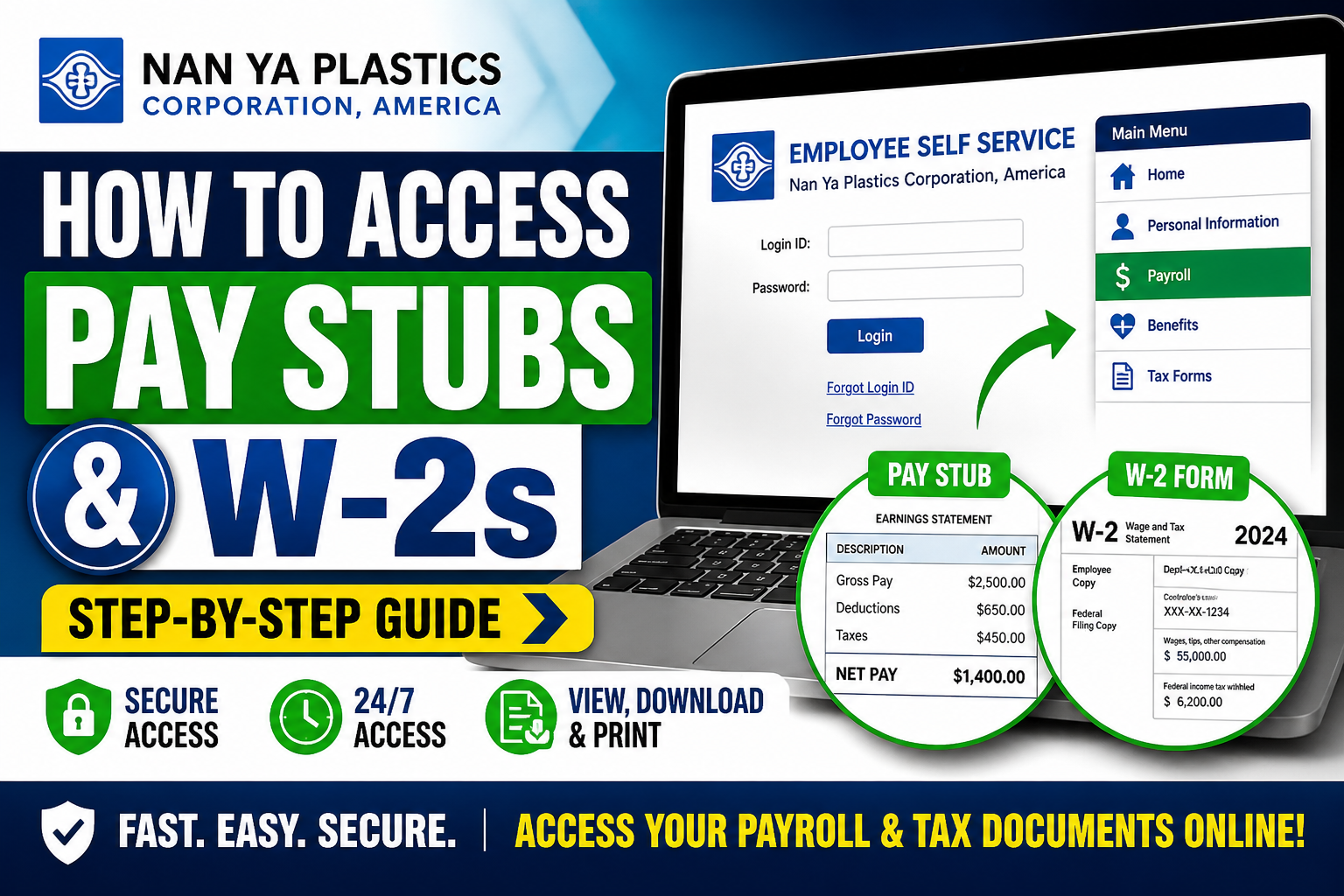
Nan Ya Plastics Corporation, America (NPCA) has established itself as a leading manufacturer in the United States, delivering high-quality synthetic fiber, chemical, and plastic products. To support its workforce, the company provides a secure Employee Self Service (ESS) system where employees can conveniently access payroll records, tax documents, and personal information online. This comprehensive guide explains exactly how to access your Nan Ya Plastics pay stubs and W-2 forms using the official ESS portal.
🔐 Official Nan Ya Employee Portal
To access your payroll and tax documents, visit the official Employee Self Service portal:
👉 https://webapp.fpcusa.com/pppublic/xlpp/VPPKARELNX.pgm
The portal provides secure access to:
- Pay stubs (earnings statements)
- W-2 tax forms
- Payroll transaction history
- Benefits and personal employee data
According to the ESS system interface, employees must log in using their Login ID and Password, with options available to reset credentials if needed.
📄 How to Access Nan Ya Pay Stubs
Follow these step-by-step instructions:
Step 1: Visit the ESS Portal
Go to the official Nan Ya Employee Self Service login page.
Step 2: Enter Login Credentials
- Input your Login ID
- Enter your Password
If you encounter issues:
- Click “Forgot Login ID”
- Or select “Forgot Password” to reset access
Step 3: Navigate to Payroll Section
Once logged in:
- Locate Payroll or Pay Stub Information
- Select the desired pay period
Step 4: View or Download
- View your pay stub online
- Download or print for your records
💡 The ESS system allows employees to access payroll details anytime, from anywhere, ensuring maximum convenience.
🧾 How to Access W-2 Forms
Nan Ya Plastics provides electronic W-2 forms through the same ESS platform.
Step-by-Step Instructions:
- Log in to Employee Self Service
- Click on Consent Forms
- Select W-2 Consent Form
- Print, sign, and submit to HR
- Receive notification when your W-2 is available
Once available:
- Navigate to the Tax Forms / W-2 section
- View or print your W-2 using a PDF reader (Adobe Reader required)
📌 Key Features of Nan Ya ESS System
The Employee Self Service portal is designed for efficiency and security. It includes:
- ✅ Online access to payroll and tax records
- ✅ Integration with benefits and insurance information
- ✅ Access to 401(k) and pension-related links
- ✅ Secure and confidential employee data management
The ESS platform serves as a centralized hub for payroll, benefits, and employee information.
⏳ W-2 Availability & Retention
- W-2 forms are typically issued by the end of January each year
- Electronic W-2s are available earlier with employee consent
- Documents remain accessible online for up to 5 years
🔒 Security & Confidentiality
Nan Ya Plastics emphasizes strict confidentiality:
- Access is limited to authorized employees only
- Payroll documents must not be shared externally
- Always log out after using shared or public devices
🛠 Troubleshooting Login Issues
If you cannot access your account:
- Use the password reset feature on the login page
- Ensure your credentials match HR records
- Contact your HR or payroll department for assistance
💼 Why Use the ESS Portal?
Using the Nan Ya ESS system provides several advantages:
- Instant access to financial records
- Reduced paperwork and faster document retrieval
- Secure digital storage of payroll and tax forms
- Convenient access from any location, including abroad
✅ Final Thoughts
Nan Ya Plastics Corporation, America has streamlined payroll access through its robust Employee Self Service platform. Whether you need to review your earnings or download your W-2 for tax filing, the ESS portal offers a secure, efficient, and user-friendly solution.
By following the steps outlined above, employees can easily manage their payroll records and stay organized year-round.
❓ Frequently Asked Questions (FAQs)
1. How do I log in to the Nan Ya Plastics ESS portal?
Visit the official ESS portal and enter your Login ID and password. If needed, use the password recovery options.
2. Where can I find my pay stubs on the ESS portal?
After logging in, go to the payroll or earnings section and select the desired pay period to view your pay stub.
3. How do I download my Nan Ya pay stubs?
You can download or print your pay stubs directly from the ESS portal after accessing the payroll section.
4. How can I access my W-2 form online?
Log in to ESS, navigate to the tax forms section, and select your W-2 once it becomes available.
5. Do I need to give consent to receive W-2 electronically?
Yes, employees must complete and submit a W-2 consent form through ESS or HR to receive electronic W-2s.
6. When will my W-2 be available each year?
W-2 forms are typically available by the end of January, in compliance with IRS deadlines.
7. How long are pay stubs and W-2s available online?
Payroll records and W-2 forms remain accessible in the ESS portal for up to five years.
8. What should I do if I forget my ESS login credentials?
Use the “Forgot Login ID” or “Forgot Password” options on the login page to reset your credentials.
9. Can I access ESS from outside the United States?
Yes, the ESS portal is accessible from anywhere with an internet connection.
10. Is the Nan Ya ESS portal secure?
Yes, the system is designed with strict security measures to protect employee payroll and personal data.
11. What if I do not consent to electronic W-2 delivery?
You will receive a paper W-2 distributed by your payroll department or mailed to your address.
12. Can I print multiple copies of my W-2?
Yes, once available online, you can print as many copies as needed.
13. What software is required to open W-2 forms?
You will need a PDF reader, such as Adobe Reader, to view and print your W-2.
14. Who should I contact if I cannot access my pay stubs?
Contact your HR or payroll department for assistance with account access or payroll issues.
15. What information is included in a pay stub?
A pay stub typically includes gross pay, deductions, taxes, and net pay for each pay period.
