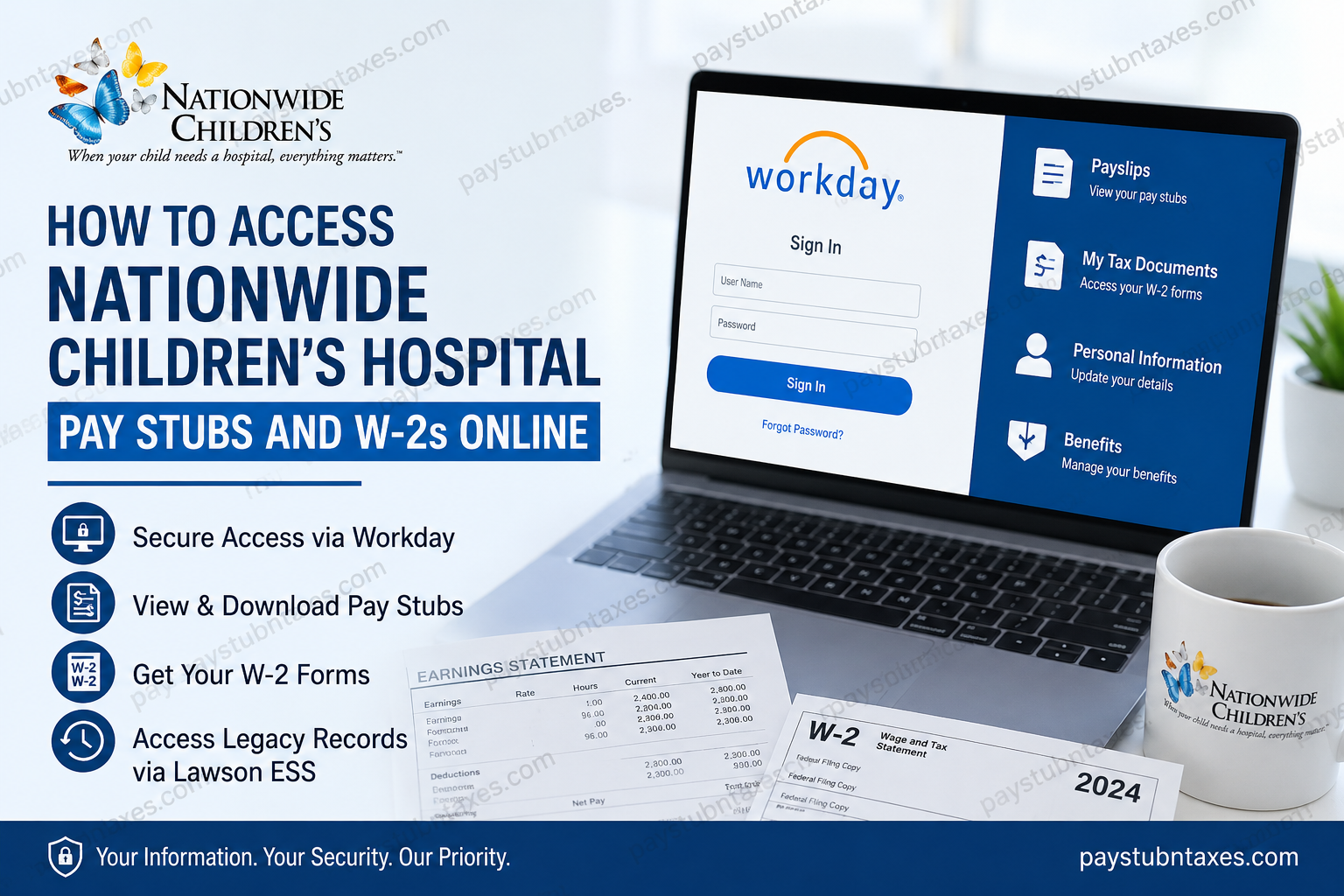
Nationwide Children’s Hospital has earned international recognition as one of the premier pediatric healthcare institutions in the United States. Serving more than 1.8 million patient visits annually, the hospital operates an extensive network of facilities throughout Ohio while pioneering groundbreaking research, advanced pediatric medicine, and world-class education. With more than 16,000 employees and over 1,600 physicians and medical professionals, Nationwide Children’s continues its longstanding mission of delivering exceptional care regardless of a family’s ability to pay. As part of its ongoing digital transformation, Nationwide Children’s Hospital has transitioned from the legacy Lawson Human Resources system to Workday, providing employees with a more modern, secure, and user-friendly platform for payroll, tax documents, benefits administration, and personal information management. Current payroll documents, including pay stubs and W-2 forms, are now available through Workday, while historical records created before the migration remain accessible through the legacy Lawson Employee Self-Service (ESS) portal. This comprehensive guide explains exactly how current and former employees can access, download, and print their payroll records.
Nationwide Children’s Hospital Payroll System
Nationwide Children’s Hospital now uses Workday as its primary Human Capital Management (HCM) platform.
Through Workday, employees can:
- View current pay stubs
- Download payroll statements
- Access annual W-2 tax forms
- Update tax withholding elections
- Manage direct deposit information
- Review compensation history
- Maintain personal information
Employees needing payroll documents issued before the Workday migration should continue using the legacy Lawson Employee Self-Service system.
Nationwide Children’s Hospital Workday Login
Workday Employee Portal
https://wd5.myworkday.com/nationwidechildrens/login.flex
After signing in using your employee credentials, you’ll have access to your payroll and tax information from virtually any device with internet access.
How to View Your Pay Stubs in Workday
After logging into Workday:
- Sign in to the Workday portal.
- Select the Pay application.
- Click Payslips.
- Choose the desired payroll period.
- Open the PDF version of your pay statement.
- Download, print, or save the document for your records.
Workday stores electronic payslips, allowing employees to access them whenever needed without waiting for paper copies.
How to Access Your W-2 Forms in Workday
Each year, Payroll publishes W-2 forms directly within Workday.
To retrieve your tax form:
- Log in to Workday.
- Open the Pay application.
- Select My Tax Documents.
- Locate the appropriate tax year.
- Click View/Print.
- Download or print your W-2 for tax filing.
Employees are typically notified once new tax documents become available.
How to Access Historical Pay Stubs Before Workday
If you need payroll records created before Nationwide Children’s migrated to Workday, use the legacy Lawson Employee Self-Service (ESS) system.
The Lawson portal continues to provide access to older payroll records that were not migrated into Workday.
Employees can access Lawson through the employee portal using their network credentials.
Historical records may include:
- Previous pay stubs
- Year-to-date earnings
- Payroll deductions
- Older tax withholding information
How to Access the Legacy Lawson ESS
Lawson Employee Self-Service can be accessed through the Nationwide Children’s employee portal.
Once logged in:
- Select Pay
- Choose Paychecks
- View or print historical pay statements
- Review Year-to-Date earnings
- Access direct deposit information
- Review tax withholding elections
Lawson also allows employees to:
- Update direct deposit
- Change W-4 withholding
- View leave balances
- Manage benefits
- Review year-to-date payroll totals
Workday vs. Lawson
| Feature | Workday | Lawson ESS |
| Current Pay Stubs | ✔ | Legacy only |
| Current W-2 Forms | ✔ | Older records |
| Direct Deposit | ✔ | ✔ |
| Tax Withholding | ✔ | ✔ |
| Personal Information | ✔ | Limited |
| Benefits | ✔ | Legacy |
| Historical Payroll | Current records | Pre-migration records |
Direct Deposit Management
Within Workday, employees can:
- Add bank accounts
- Update routing numbers
- Change primary deposit accounts
- Split payroll deposits
- Modify payment elections securely
Always verify banking information before submitting changes to avoid payroll delays.
Updating Tax Withholding
Employees may also use Workday to:
- Update Federal W-4 elections
- Modify state withholding
- Review current tax elections
- Adjust withholding after major life events
Updating tax information promptly helps ensure accurate payroll deductions throughout the year.
What Information Appears on a Pay Stub?
A Nationwide Children’s Hospital pay statement generally includes:
- Employee information
- Pay period dates
- Gross earnings
- Regular and overtime hours
- Shift differentials (if applicable)
- Taxes withheld
- Benefit deductions
- Retirement contributions
- Employer contributions
- Net pay
- Direct deposit details
- Year-to-date totals
What If You Cannot Log In?
If you’re unable to access Workday or Lawson:
- Verify your username and password.
- Ensure your network credentials are active.
- Clear your browser cache or try another browser.
- Attempt logging in from another device.
- Contact the Information Services Service Desk if problems continue.
Nationwide Children’s Hospital IS Service Desk
Phone: (614) 355-3750
Final Thoughts
The migration from Lawson to Workday has significantly modernized payroll administration at Nationwide Children’s Hospital, providing employees with faster, more secure access to essential payroll and tax documents. Whether you need your latest payslip, annual W-2, direct deposit details, or tax withholding information, Workday centralizes these services within an intuitive self-service platform. Meanwhile, the legacy Lawson system remains available for accessing historical payroll records created before the transition, ensuring continuity for employees who require older documentation. By understanding when to use each system, you can efficiently locate both current and archived payroll information whenever needed.
Frequently Asked Questions
1. How do I access my Nationwide Children’s Hospital pay stubs?
Log in to the Workday portal, select Pay, then choose Payslips to view, download, or print your current pay statements.
2. Where can I find my W-2 form?
Your annual W-2 is available in Workday under Pay → My Tax Documents once it has been released by Payroll.
3. Does Nationwide Children’s Hospital use Workday?
Yes. Nationwide Children’s Hospital has transitioned from the Lawson payroll system to Workday for payroll, HR, benefits, and employee self-service.
4. Can I still access pay stubs from before the Workday migration?
Yes. Historical pay stubs and payroll records generated before the migration are available through the legacy Lawson Employee Self-Service (ESS) portal.
5. What is the Workday login URL?
Employees can sign in at:
https://wd5.myworkday.com/nationwidechildrens/login.flex
6. How do I download my pay stub?
Open Pay → Payslips, select the desired pay period, then click the PDF to download or print your pay statement.
7. How do I print my W-2?
Navigate to Pay → My Tax Documents, choose the applicable tax year, open the W-2, and use the print or download option.
8. Can former employees access Workday?
Former employees who no longer have active credentials should contact Human Resources or Payroll for assistance in obtaining payroll documents.
9. Can I access Workday from home?
Yes. Workday is accessible securely online, allowing employees to view payroll information from home or any internet-connected device.
10. What information appears on my pay stub?
A pay stub typically includes gross earnings, net pay, taxes withheld, deductions, benefit contributions, retirement contributions, direct deposit details, and year-to-date totals.
11. Can I update my direct deposit in Workday?
Yes. Employees can update bank accounts, payment elections, and direct deposit information directly within Workday.
12. How do I change my tax withholding?
Log in to Workday and update your tax elections under the payroll or tax withholding section to modify your federal or state withholding information.
13. What should I do if I cannot log in?
Verify your login credentials, clear your browser cache, try another browser or device, and contact the IS Service Desk if the issue continues.
14. Who do I contact for payroll or technical support?
For Workday login or payroll system issues, contact the Nationwide Children’s Hospital IS Service Desk at (614) 355-3750.
15. Is my payroll information secure in Workday?
Yes. Workday uses enterprise-grade security, encryption, and authentication measures to protect employee payroll and personal information.
