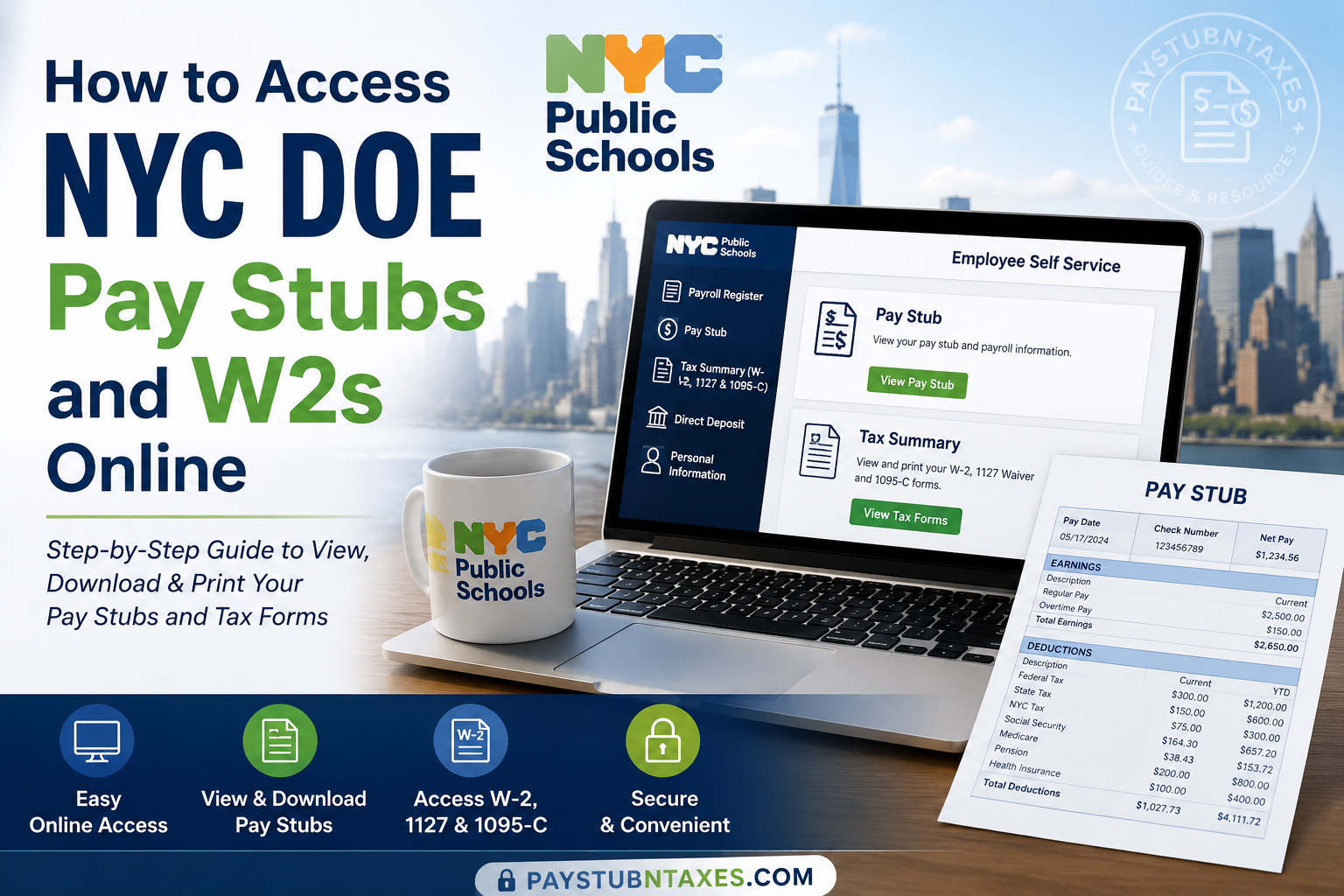
The New York City Department of Education (NYC DOE)—now operating as New York City Public Schools (NYCPS)—administers the largest public school system in the United States, serving approximately 1.1 million students across more than 1,800 schools throughout New York City’s five boroughs. With a workforce that includes teachers, administrators, paraprofessionals, school support staff, and central office employees, the department provides secure online systems that allow employees to manage payroll and tax records conveniently. If you are a current NYC DOE employee, you can view, download, and print your pay stubs while also accessing your W-2, 1127 Waiver, and 1095-C tax forms electronically through the department’s online self-service platforms. This comprehensive guide explains every step of the process, along with troubleshooting tips and frequently asked questions.
NYC DOE Payroll Systems at a Glance
NYC DOE employees primarily use two online systems:
| Portal | Purpose |
| DOE Payroll Portal | View payroll registers, pay stubs, deductions, paycheck history, and payroll information |
| NYCAPS Employee Self-Service (ESS) | Access W-2s, 1095-C forms, 1127 Waivers, direct deposit, tax information, personal information, and benefits |
How to Access NYC DOE Pay Stubs Online
Current employees can retrieve electronic pay stubs directly from the DOE Payroll Portal.
Step 1: Visit the DOE Payroll Portal
Open: https://payrollportal.nycboe.net
Before signing in, make sure your browser’s pop-up blocker is disabled, as certain payroll windows open in separate pop-up screens.
Step 2: Log In Using DOE Credentials
Enter:
- Outlook Username (without @schools.nyc.gov)
- DOE Email Password
Click Log On.
Step 3: Complete Employee Authentication
After the first login, enter:
- Network/Email ID
- Password
- Select either:
- EMP ID
- EIS ID
- Enter your seven-digit Employee ID (include leading zeros if necessary)
Click Sign-in.
If a notification window appears after signing in, simply click OK, then Cancel to continue.
Step 4: Open Employee Self Service
From the top navigation: Employee Self Service → Payroll Register
Step 5: Open Your Pay Stub
Inside Payroll Register: Click $ Pay Stub
Step 6: Select Your Pay Date
A list of available payroll dates will appear.
Choose the desired paycheck.
Click: View Pay Stub
Your pay stub will display:
- Pay Date
- Gross Earnings
- Net Pay
- Taxes Withheld
- Retirement Contributions
- Health Insurance Deductions
- Union Dues
- Leave Information (where applicable)
- Check Number
- Distribution Number (school where a paper paycheck was delivered)
You may print or save the document as a PDF for future reference.
What Information Appears on an NYC DOE Pay Stub?
Your electronic pay stub generally includes:
- Employee information
- Pay period
- Pay date
- Gross earnings
- Net pay
- Federal tax withholding
- New York State tax
- New York City tax
- Medicare tax
- Social Security tax
- Pension deductions
- Health insurance deductions
- Union dues
- Retirement contributions
- Direct deposit information
- Check number
- Distribution number
How to Access NYC DOE W-2 Forms Online
NYC DOE employees receive tax forms through NYCAPS Employee Self-Service (ESS).
Electronic delivery is optional but recommended because forms become available sooner than mailed copies.
Employees who choose electronic delivery receive an email notification when forms are ready, typically by the end of January.
Step-by-Step Guide to Access W-2 Forms
Step 1: Visit NYCAPS ESS
Open: https://a127-ess.nyc.gov/psp/prdess/?cmd=login&languageCd=ENG
Step 2: Log In
Use:
- User ID = Seven-digit Employee ID (Reference Number shown on your pay stub)
- Password = Your ESS password
First-Time Login Password
If this is your first ESS login, your default password follows this format:
Last two digits of SSN + “_” + first three letters of birth month (uppercase) + birth day + birth year
Example:
Birth Date: January 1, 1910
SSN ending: 99
Password: 99_JAN011910
After logging in, you will be prompted to create a new secure password.
Forgot Your Password?
Click: Forgot Your Password?
Answer your security questions to reset it.
If you’re unable to reset your password, contact: 718-935-4001
Hours:
- Monday–Friday: 6:00 AM–8:00 PM
- Saturday–Sunday: 8:00 AM–4:00 PM
Step 3: Open Tax Forms
Navigate to: Employee Self Service → Pay and Tax Information → Tax Summary (W-2, 1127 & 1095-C)
You can:
- View W-2
- Download PDF copies
- Print tax forms
- Save electronic records
Electronic vs. Mailed W-2 Forms
Employees who enroll in electronic delivery:
- Receive an email notification each January
- Access forms immediately online
- Can download unlimited copies
Employees who do not enroll:
- Receive paper W-2s by mail at the address on file
Regardless of delivery method, electronic copies remain available through NYCAPS ESS.
Additional Features Available in NYCAPS ESS
Besides payroll and tax documents, ESS allows employees to:
- Update mailing address
- Change phone number
- Manage emergency contacts
- Update beneficiaries
- Review leave balances
- View pension information
- Enroll or modify direct deposit
- Print salary verification letters
- Access employment history
- Manage payroll deductions
- Review health benefits
- Update education credentials
- Manage professional licenses and certifications
Troubleshooting Login Problems
Cannot Access Payroll Portal
Verify:
- Outlook username is entered without @schools.nyc.gov
- Password is current
- Pop-up blocker is disabled
Forgot DOE Password
Use the DOE Password Management tools to reset your credentials or update your security information.
Forgot NYCAPS Password
Use the Forgot Your Password option on the NYCAPS ESS login page.
Employee ID Not Working
Your User ID is your seven-digit Employee ID, also called the Reference Number, printed on your pay stub.
Cannot View Pay Stub
Ensure that:
- Payroll processing has been completed.
- You selected the correct pay date.
- Pop-ups are enabled.
Contact Information
HR Connect
Phone: 718-935-4000
NYCAPS Password Assistance
Phone: 718-935-4001
Employee Support
Email: employeesupport@dcas.nyc.gov
Security Tips
Always remember to:
- Log out after each session.
- Never share your DOE or ESS password.
- Use a secure internet connection.
- Update your password periodically.
- Keep your mailing address current to ensure uninterrupted tax document delivery.
Conclusion
The NYC DOE has streamlined payroll administration by offering two secure self-service platforms that place essential employment records at employees’ fingertips. The DOE Payroll Portal enables staff to review pay stubs, payroll registers, and deduction details, while NYCAPS Employee Self-Service (ESS) provides convenient access to W-2s, 1127 Waivers, 1095-C forms, direct deposit settings, benefits, and personal employment information. By enrolling in electronic tax document delivery and keeping your account details up to date, you can receive important payroll and tax records more quickly, reduce paper clutter, and access them anytime from virtually anywhere.
Frequently Asked Questions
1. How do I log in to the NYC DOE Payroll Portal?
Visit the DOE Payroll Portal, enter your DOE Outlook username (without @schools.nyc.gov) and your DOE email password, then complete the Employee Self Service sign-in using your Employee ID or EIS ID.
2. Where can I view my NYC DOE pay stubs?
Navigate to Employee Self Service → Payroll Register → $ Pay Stub → View Pay Stub after signing in to the Payroll Portal.
3. Can I download and print my pay stubs?
Yes. You can view, download, save as a PDF, and print both current and previous pay stubs from the Payroll Portal.
4. What information is included on an NYC DOE pay stub?
A pay stub typically displays your pay date, gross earnings, net pay, taxes withheld, deductions, retirement contributions, direct deposit details, check number, and distribution number.
5. How do I access my NYC DOE W-2 online?
Log in to NYCAPS Employee Self-Service (ESS) and go to Pay and Tax Information → Tax Summary (W-2, 1127 & 1095-C).
6. What is my NYCAPS User ID?
Your User ID is your seven-digit Employee ID (Reference Number), which can be found on your pay stub.
7. What is the default password for first-time NYCAPS ESS users?
The default password is the last two digits of your Social Security Number, followed by an underscore (_), the first three uppercase letters of your birth month, your birth day, and your four-digit birth year (for example, 99_JAN011910).
8. Can I receive my W-2 electronically?
Yes. Active employees can opt into electronic delivery through NYCAPS ESS and receive an email notification when their W-2 becomes available.
9. What happens if I do not enroll in electronic W-2 delivery?
Your W-2 will be mailed to the address currently on file with NYC DOE.
10. Can I access previous years’ W-2 forms?
Yes. NYCAPS ESS allows eligible employees to view, download, and print available tax forms from previous tax years.
11. What should I do if I forget my NYCAPS password?
Use the Forgot Your Password? link on the NYCAPS ESS login page. If you cannot reset it online, contact NYCAPS support for assistance.
12. Why can’t I view my pay stub in the Payroll Portal?
Ensure your payroll has been processed, pop-up blockers are disabled, and you have selected the correct pay date. Also verify that your Employee Self Service login was completed successfully.
13. Can former NYC DOE employees access their W-2 online?
Former employees may have limited access depending on their account status. If online access is unavailable, contact HR Connect for assistance.
14. Who should I contact for payroll or W-2 assistance?
For payroll, pay stub, or tax form questions, contact HR Connect at (718) 935-4000. For NYCAPS password assistance, call (718) 935-4001.
15. What other services are available in NYCAPS ESS?
In addition to payroll and tax documents, NYCAPS ESS allows employees to update personal information, manage direct deposit, review benefits, update beneficiaries, print salary verification letters, and maintain employment records.
