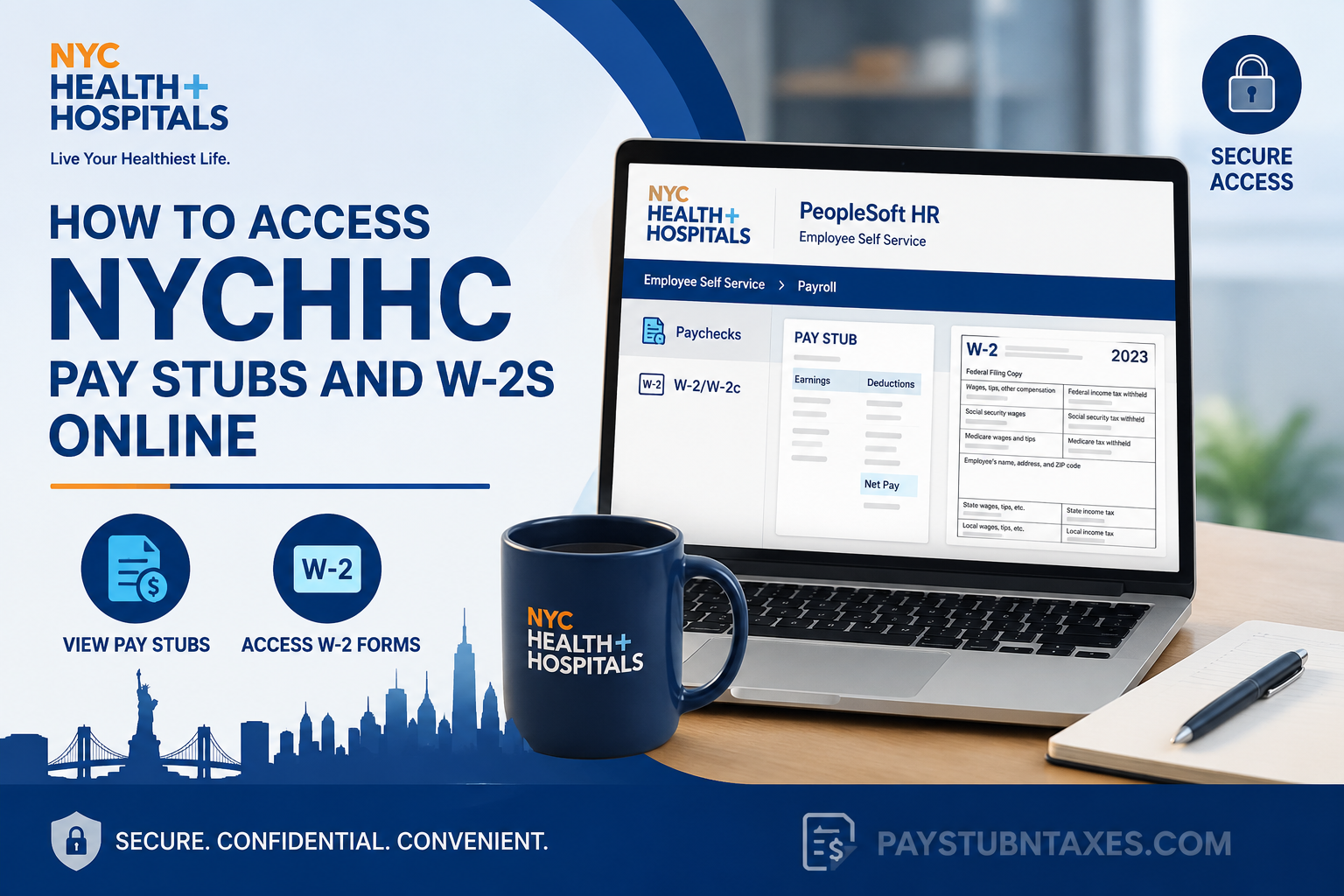
NYC Health + Hospitals (NYCHHC) is the largest municipal healthcare delivery system in the United States, serving more than one million New Yorkers annually through an extensive network of hospitals, community health centers, rehabilitation facilities, correctional health services, home care programs, and MetroPlus Health Plan. With a workforce of approximately 45,000 employees, the organization is committed to delivering compassionate, equitable, and high-quality healthcare regardless of a patient’s immigration status or ability to pay. To support its workforce, NYC Health + Hospitals uses PeopleSoft HR as its primary Human Capital Management (HCM) platform. Through the Employee Self Service (ESS) portal, eligible employees can securely access payroll records, pay stubs, W-2 tax forms, direct deposit information, benefits, and other employment-related services. This guide explains exactly how current employees can access their NYCHHC pay stubs and W-2s online, troubleshoot common login issues, and obtain payroll assistance when needed.
NYCHHC PeopleSoft HR Portal
Current employees can access payroll information through the PeopleSoft HR Employee Self Service portal.
Portal URL: http://hrms.nychhc.org/
Log in using your:
- NYC Health + Hospitals Username
- Network Password
Important: Access to the PeopleSoft HR portal is available only while connected to the NYC Health + Hospitals internal network or from an authorized facility. Remote access outside the organization’s firewall is no longer supported for security reasons.
How to View Your NYCHHC Pay Stubs
After signing in to PeopleSoft HR:
- Open Employee Self Service
- Select Payroll
- Click Paychecks
- Locate the paycheck you want to review.
- Click the arrow beside the paycheck.
- If the arrow does not appear, simply double-click the paycheck row to open the check image.
- View, download, or print your pay stub for your records.
Your electronic pay stub typically includes:
- Pay period
- Gross earnings
- Net pay
- Taxes withheld
- Pre-tax deductions
- Retirement contributions
- Direct deposit details
- Leave balances (when applicable)
How to Access Your NYCHHC W-2 Online
To retrieve your annual Wage and Tax Statement:
- Log into PeopleSoft HR
- Navigate to: Employee Self Service → Payroll → W-2/W-2c
- The system will display the Validate Employee Information page.
- Enter your Social Security Number (SSN) when prompted.
- Select the desired tax year.
- View, download, or print your W-2.
Maintaining an electronic copy is recommended for tax preparation and future reference.
Understanding Your NYCHHC W-2
Your W-2 summarizes your taxable earnings and payroll withholdings for the calendar year. Important boxes include:
| W-2 Box | Description |
| Box 1 | Taxable wages, salaries, tips, and compensation |
| Box 2 | Federal income tax withheld |
| Boxes 3 & 5 | Social Security and Medicare wages |
| Boxes 4 & 6 | Social Security and Medicare taxes withheld |
| Box 10 | Dependent Care Assistance Program (DeCAP) contributions |
| Box 12 | Retirement contributions, Roth plans, employer-sponsored health coverage, and other IRS codes |
| Box 13 | Retirement plan participation |
| Box 14 | Additional payroll information such as transit benefits, pension deductions, health insurance, and other taxable or pre-tax items |
| Boxes 16–20 | State and local wages and tax withholding information |
The W-2 also reflects certain taxable fringe benefits, retirement deductions, commuter benefits, and employer-sponsored health insurance reporting where applicable.
Payroll Features Available in PeopleSoft HR
In addition to pay stubs and tax documents, Employee Self Service provides access to numerous employment resources, including:
- Direct deposit information
- Payroll forms
- Payroll resources
- Benefits enrollment
- Leave balances
- Savings and retirement resources
- Employee training
- Career opportunities
- Pay and holiday calendars
- Workplace safety resources
- Manager Self Service
- Employee support services
Access Restrictions You Should Know
Because payroll information contains highly sensitive personal data, NYC Health + Hospitals has implemented strict security measures.
Employees should remember:
- Access is restricted to the NYCHHC internal network.
- Remote access outside the firewall is disabled.
- Your NYC H+H username and password are required.
- Never share your login credentials.
- Always sign out after using a shared workstation.
What If You Cannot Access Your Pay Stub?
If you experience login or payroll issues, try the following:
- Verify your username and password.
- Confirm you are connected to the NYC Health + Hospitals network.
- Clear your browser cache.
- Try another supported browser.
- Contact Payroll Shared Services if the problem continues.
Payroll Contact Information
For payroll assistance, W-2 questions, or account access issues:
Payroll Shared Services
Phone: 646-694-7777
Email: PayrollInquiries@nychhc.org
Additional employee support resources are also available through the Employee Resources Center.
Final Thoughts
NYC Health + Hospitals has streamlined payroll management through its secure PeopleSoft HR Employee Self Service platform, allowing employees to access pay stubs, W-2 forms, payroll history, benefits information, and other employment resources in one centralized location. Although access is intentionally limited to the organization’s secure network to safeguard sensitive employee information, the portal provides a reliable and efficient way to manage payroll records whenever you are on-site or connected through an authorized facility. Should you encounter any difficulties, Payroll Shared Services is readily available to assist with account access, payroll inquiries, and tax document requests.
Frequently Asked Questions
1. How do I access my NYCHHC pay stubs online?
Log in to the PeopleSoft HR Employee Self Service portal using your NYC Health + Hospitals username and password. Then navigate to Employee Self Service → Payroll → Paychecks to view, download, or print your pay stubs.
2. What is the NYCHHC PeopleSoft HR portal?
The PeopleSoft HR portal is NYC Health + Hospitals’ employee self-service platform for managing payroll, W-2 forms, direct deposit, benefits, leave balances, and other HR-related information.
3. What is the official NYCHHC PeopleSoft HR login URL?
The official employee portal is: http://hrms.nychhc.org/
4. Can I access the NYCHHC payroll portal from home?
No. For security purposes, PeopleSoft HR is only accessible while connected to the NYC Health + Hospitals network or from an authorized facility. Remote access outside the firewall is not supported.
5. How do I download my NYCHHC W-2 online?
After logging into PeopleSoft HR, go to Employee Self Service → Payroll → W-2/W-2c, enter your Social Security Number when prompted, choose the applicable tax year, and download or print your W-2.
6. What login credentials do I need?
You’ll need your NYC Health + Hospitals network username and password to access the Employee Self Service portal.
7. Why am I asked to enter my Social Security Number?
Your Social Security Number is used to verify your identity before allowing access to your W-2 tax statements.
8. Can I print my NYCHHC pay stub?
Yes. After opening your paycheck, you can print it directly or save it as a PDF for your personal records.
9. What should I do if I cannot see the paycheck arrow?
If the arrow does not appear next to the paycheck entry, simply double-click the paycheck row to display the pay stub.
10. What information appears on my pay stub?
Your pay stub generally includes gross pay, net pay, taxes withheld, deductions, retirement contributions, direct deposit details, and pay period information.
11. What information is included on my NYCHHC W-2?
Your W-2 reports annual taxable wages, federal, state, and local tax withholdings, Social Security and Medicare wages, retirement contributions, and other tax-related payroll information.
12. Can I access previous years’ W-2 forms?
Yes, provided they remain available in the PeopleSoft HR system. Select the appropriate tax year after opening the W-2/W-2c page.
13. Who should I contact if I have payroll questions?
Contact Payroll Shared Services:
- Phone: 646-694-7777
- Email: PayrollInquiries@nychhc.org
14. What should I do if my W-2 contains incorrect information?
Notify Payroll Shared Services immediately so they can review the issue and issue a corrected W-2 if necessary before you file your tax return.
15. What other employee services are available through PeopleSoft HR?
In addition to pay stubs and W-2s, PeopleSoft HR provides access to direct deposit information, payroll forms, benefits, leave balances, retirement resources, training, career opportunities, and other employee self-service features.
