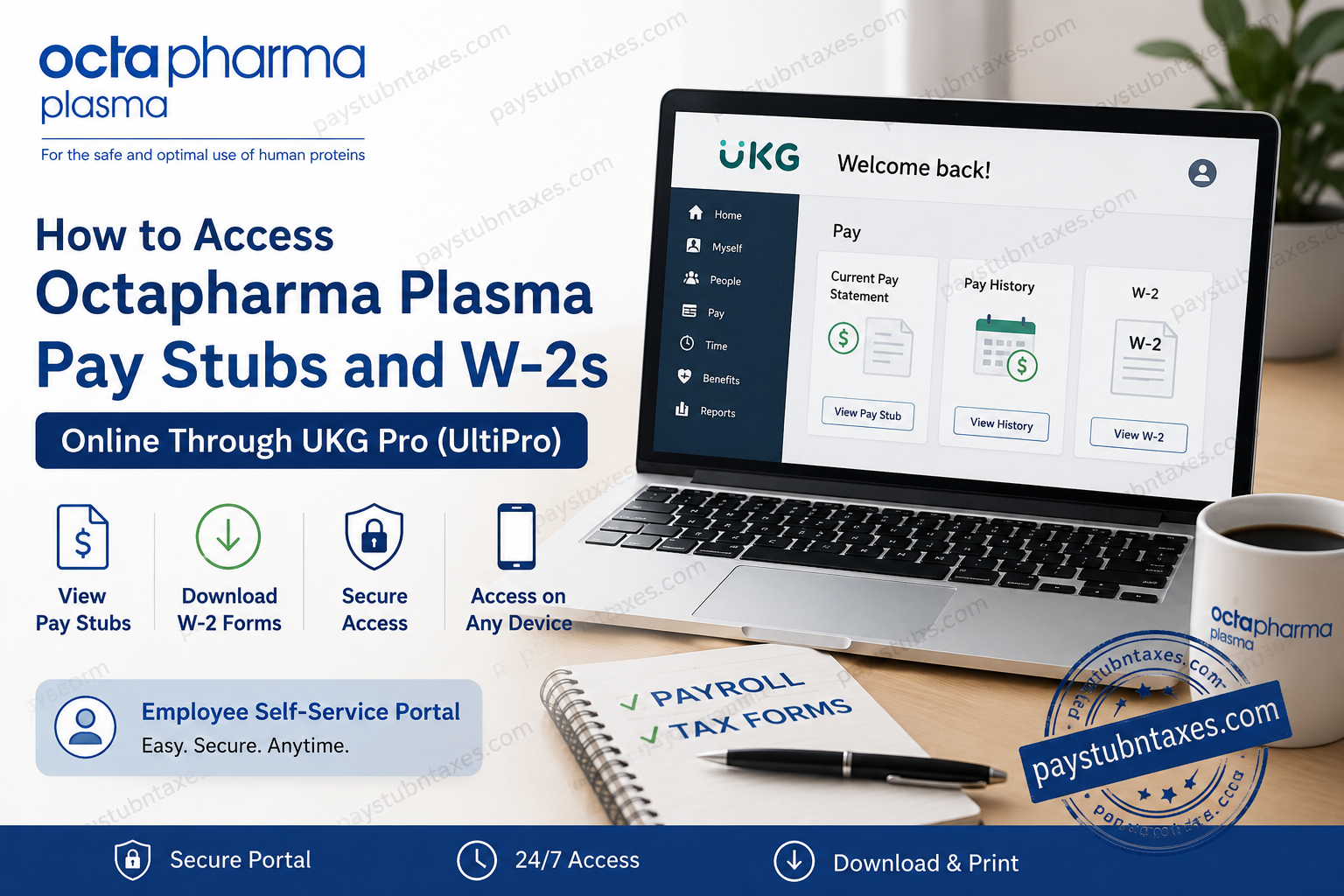
Working at Octapharma Plasma means being part of an organization dedicated to improving lives through the life-changing power of plasma. With more than 175 donation centers across the United States and thousands of employees committed to innovation, collaboration, and excellence, the company also ensures that team members can conveniently access their payroll and tax information online. If you are a current or former employee of Octapharma Plasma, you can access your pay stubs, W-2 tax forms, and personal payroll information through the UKG (formerly UltiPro) Employee Self-Service Portal. This comprehensive guide explains everything you need to know about accessing your payroll documents online.
What Is the Octapharma Plasma Employee Portal?
Octapharma Plasma uses UKG Pro (formerly UltiPro) as its payroll and human resources management platform. Through this secure self-service portal, employees can:
- View and download pay stubs
- Access annual W-2 tax forms
- Update personal information
- Manage direct deposit details
- Review tax withholding information
- Access payroll history
- Update contact information
The portal is available 24 hours a day and can be accessed from any computer, tablet, or smartphone with an internet connection.
Octapharma Plasma UltiPro Login Information
Employee Login Portal:
https://e15.ultipro.com/Login.aspx?ReturnUrl=%2f
Your login credentials are typically provided during the onboarding process. If you have not received your username or temporary password, contact your HR department or IT support team.
How to Access Octapharma Plasma Pay Stubs Online
Follow these steps to view your pay statements.
Step 1: Visit the UKG Login Page
Go to:
https://e15.ultipro.com/Login.aspx?ReturnUrl=%2f
Enter your:
- Username
- Password
Click Log In.
Step 2: Complete First-Time Setup
During your first login, you may be required to:
- Change your temporary password.
- Create a new secure password.
- Set up three security questions.
Choose questions and answers that you can easily remember because they will be required if you ever need to reset your password.
Step 3: Navigate to the Payroll Section
After signing in:
- Select the Myself tab.
- Click Pay.
The payroll dashboard will display several options related to your compensation and tax information.
Step 4: View Current Pay Statement
To see your most recent paycheck:
- Select Current Pay Statement.
You can review:
- Gross earnings
- Net pay
- Taxes withheld
- Deductions
- Benefits contributions
- Direct deposit information
- Year-to-date earnings
Step 5: Access Pay History
For previous paychecks:
- Open the Pay section.
- Select Pay History.
All processed pay statements will appear in chronological order.
You may:
- View individual pay stubs
- Download copies
- Print payroll records for personal use, loan applications, or income verification.
How to Download Octapharma Plasma W-2 Forms
Employees can also access their tax documents electronically.
Step 1: Log in to UKG Pro
Sign in using your employee credentials.
Step 2: Go to the Pay Section
Hover over or click the Myself tab and choose Pay.
Step 3: Select W-2
Click the W-2 tab.
You can:
- View your current W-2
- Download a PDF copy
- Print the form for tax filing purposes
W-2 forms are generally made available by the end of January each year.
How to Access the UKG Mobile App
Octapharma employees can also access payroll information using the UKG Pro Mobile App.
Features of the mobile app include:
- View pay statements
- Download W-2 forms
- Update personal information
- Review direct deposit details
- Access company announcements
Download the app:
- Apple App Store
- Google Play Store
After downloading:
- Open the app.
- Enter the company access information if prompted.
- Log in with your employee username and password.
The mobile application provides a convenient way to manage payroll information while on the go.
Forgot Your Password?
If you cannot log in:
- Click Forgot Password on the login page.
- Enter your username.
- Answer your security questions.
- Create a new password.
If your account remains locked or you cannot answer your security questions, contact your HR or IT support team for assistance.
Keeping Your Employee Information Updated
Octapharma Plasma requires employees to maintain accurate information within the UKG system.
You should regularly verify:
- Home address
- Email address
- Phone number
- Emergency contacts
- Tax withholding information
- Direct deposit information
Keeping your profile current ensures that you receive important payroll and tax notifications without interruption.
Benefits of Electronic Pay Stubs and W-2s
Using the UKG self-service portal offers numerous advantages:
24/7 Access
Retrieve payroll information anytime and anywhere.
Faster Tax Filing
Download W-2 forms immediately once they become available.
Enhanced Security
Electronic records are protected through secure login authentication.
Paperless Convenience
No need to wait for mailed pay statements or tax forms.
Easy Record Keeping
Download and store payroll documents digitally for future reference.
Common Login Issues and Solutions
Incorrect Password
Use the Forgot Password option to reset your credentials.
Locked Account
Contact your HR or IT support department.
Missing W-2 Form
Ensure that your employment information and mailing address are up to date.
Browser Issues
Try:
- Clearing your cache and cookies.
- Using a different browser.
- Accessing the portal through the mobile app.
Octapharma Plasma Payroll Support
If you need assistance accessing your payroll information, contact:
Customer Service Email: uscustomerservice@octapharma.com
Telephone: 866-766-4860
Customer service representatives can assist with:
- Login issues
- Password resets
- Payroll questions
- W-2 access
- Technical support
About Octapharma Plasma
Octapharma Plasma is one of the nation’s leading plasma collection organizations, operating more than 175 centers across the United States and supporting patients around the world through plasma-derived therapies. The company is driven by its vision to improve the quality of life of everyone it serves through the life-changing power of plasma and continues to create a culture centered on respect, innovation, collaboration, and excellence.
Final Thoughts
The Octapharma Plasma UKG (UltiPro) Employee Self-Service Portal makes it remarkably easy for employees to manage their payroll information online. Whether you need to view your latest paycheck, print historical pay statements, or download your W-2 for tax season, everything can be accessed securely in just a few clicks. By regularly checking your account and keeping your personal information current, you can ensure uninterrupted access to your payroll records and enjoy a seamless employee experience.
Frequently Asked Questions
1. How do I access my Octapharma Plasma pay stubs online?
Log in to the UKG Pro (UltiPro) portal and go to Myself > Pay > Pay History to view and download your pay stubs.
2. What is the Octapharma Plasma employee login website?
The employee payroll portal is:
https://e15.ultipro.com/Login.aspx?ReturnUrl=%2f
3. Can former employees access their W-2 forms online?
Former employees may still have portal access for a period of time. If access has expired, contact HR or customer service.
4. How do I download my W-2 from UKG Pro?
After logging in, go to Myself > Pay > W-2 and download the PDF version of your tax form.
5. When are W-2 forms available?
W-2 forms are generally available by the end of January each year.
6. What should I do if I forgot my password?
Click the Forgot Password link on the login page and answer your security questions to reset your password.
7. Can I access my pay stubs on my phone?
Yes. You can use the UKG Pro Mobile App on Android and iPhone devices.
8. How do I change my direct deposit information?
Log in to UKG Pro and navigate to Myself > Pay > Direct Deposit.
9. Why can’t I log in to my UKG account?
Common reasons include an incorrect password, a locked account, or expired credentials.
10. How do I update my personal information?
Go to Myself > Personal to update your address, phone number, and email information.
11. Can I print my pay stubs?
Yes. All pay statements can be downloaded and printed directly from the Pay History section.
12. What information appears on my pay stub?
Your pay stub includes:
- Gross pay
- Net pay
- Taxes withheld
- Benefit deductions
- Direct deposit information
- Year-to-date earnings
13. Is the UKG portal secure?
Yes. UKG Pro uses secure login authentication and encryption to protect employee information.
14. Who do I contact for payroll assistance?
You can contact Octapharma Plasma Customer Service:
- Email: uscustomerservice@octapharma.com
- Phone: 866-766-4860
15. Can I access payroll documents 24/7?
Yes. The UKG Pro employee portal is available online 24 hours a day, seven days a week.
