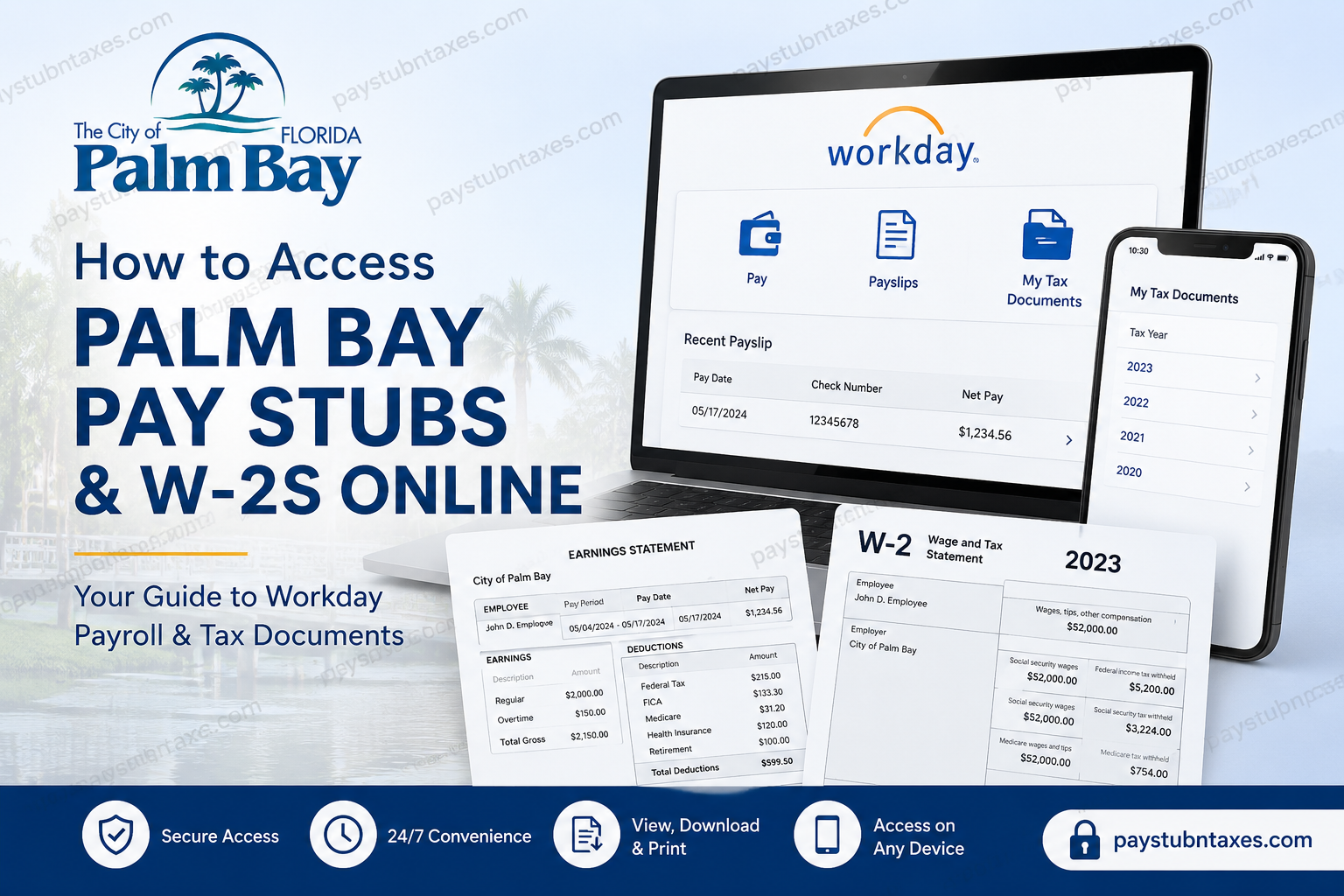
The City of Palm Bay, Florida, stands as one of the fastest-growing municipalities on the Space Coast, renowned for its robust economy, exceptional quality of life, and unwavering commitment to public service. Situated along Florida’s east-central coast between Jacksonville and Miami, Palm Bay offers residents and employees alike a unique blend of professional opportunity and coastal living. To streamline human resources and payroll administration, the City of Palm Bay utilizes the Workday Self-Service Portal, enabling employees to securely access pay stubs, W-2 tax forms, and other employment-related information from virtually anywhere. Additionally, payroll records generated before the transition to Workday remain accessible through the legacy Doculivery system. Whether you are a current employee seeking recent payslips or historical tax documents, this guide provides a comprehensive roadmap for accessing your payroll information online.
Palm Bay Workday Login Portal
Current City of Palm Bay employees can access payroll and tax records through Workday using the official employee portal:
Workday Portal:
https://wd501.myworkday.com/palmbayflorida/login.flex
Login Credentials
Employees must sign in using their Palm Bay Single Sign-On (SSO) credentials:
- Username format:
firstname.lastname@palmbayfl.gov - Password: Your Palm Bay network password
Once authenticated, employees gain access to payroll, benefits, tax documents, time tracking, and personal information management.
How to View Palm Bay Pay Stubs Online
Workday enables employees to access current and historical payslips quickly and securely.
Steps to Access Pay Stubs
- Log in to the Palm Bay Workday portal.
- Navigate to Pay.
- Select Payslips.
- A list of available pay periods will appear.
- Click the check date or check number corresponding to the desired pay period.
- Open, download, or print your payslip as needed.
Your payslip contains important payroll information including:
- Gross earnings
- Net pay
- Tax withholdings
- Benefit deductions
- Retirement contributions
- Leave balances (if applicable)
How to Access Palm Bay W-2 Forms Online
Employees can conveniently retrieve annual W-2 tax forms directly through Workday.
Steps to View W-2 Forms
- Sign in to Workday.
- Click Pay.
- Select More.
- Click My Tax Documents.
- Choose the tax year you wish to view.
- Download or print your W-2 form for tax filing purposes.
If a corrected form (W-2C) is issued, it will also appear within the same section.
Access Historical Pay Stubs and W-2s Through Doculivery
Payroll records generated before Palm Bay transitioned to Workday remain available through the legacy Doculivery platform.
Doculivery Portal:
https://my.doculivery.com/External/PalmBay/Login.aspx
Former or long-term employees searching for older payroll records should first check Doculivery before contacting Payroll Services.
Accessing Palm Bay Payroll Information on Mobile Devices
Workday offers a robust mobile experience through the Workday app, allowing employees to manage payroll information while on the move. Employees can view payslips, update personal information, request time off, and access tax documents directly from their smartphones or tablets.
The Workday mobile application is available for:
- Apple iPhone and iPad via the App Store
- Android devices via Google Play
Employees may also configure mobile PIN authentication for faster and more secure access.
The mobile application mirrors many desktop features, ensuring that payroll management remains at employees’ fingertips regardless of location.
What Information Can Employees Access in Workday?
Beyond pay stubs and W-2s, Workday provides access to a broad range of HR functions, including:
- Time-off requests and balances
- Personal information updates
- Emergency contacts
- Benefits elections
- Worker history
- Employee reviews
- Expense reports
- Job applications and internal opportunities
This centralized ecosystem reflects Palm Bay’s commitment to efficiency, transparency, and employee self-service.
Troubleshooting Workday Login Issues
If you encounter login difficulties:
- Verify that your username follows the format:
firstname.lastname@palmbayfl.gov - Confirm your network password is current.
- Clear browser cache and cookies.
- Try accessing Workday using a different browser or device.
- Contact Payroll or IT support if issues persist.
Palm Bay Payroll Contact Information
For payroll assistance, tax document inquiries, or account access issues, contact:
Payroll Department
Phone: (321) 952-3400 ext. 3221
Email: payroll@pbfl.org
The Payroll Section manages biweekly payroll processing, employee deductions, tax reporting, and payroll record maintenance for all City employees.
Why Palm Bay Uses Workday
Workday has become the gold standard in cloud-based human capital management. By adopting Workday, Palm Bay empowers employees with secure, round-the-clock access to essential payroll records while simultaneously reducing administrative burdens. In an era where convenience and digital accessibility reign supreme, the ability to retrieve pay stubs and tax documents with only a few clicks exemplifies the city’s forward-thinking approach to public service. Whether you need your latest payslip for financial verification or your W-2 for tax season, Palm Bay’s online payroll systems ensure that critical information is always within easy reach.
FAQ: Palm Bay Pay Stubs and W-2s Online
1. How do I access my Palm Bay pay stubs online?
Log in to the Palm Bay Workday portal and navigate to Pay > Payslips to view, download, or print your pay stubs.
2. What is the Palm Bay Workday login URL?
The official Workday login portal is:
https://wd501.myworkday.com/palmbayflorida/login.flex
3. What username do Palm Bay employees use to log in?
Employees sign in using their Palm Bay SSO email in the format:
firstname.lastname@palmbayfl.gov
4. Where can I find my W-2 form in Workday?
After logging in, go to Pay > More > My Tax Documents and select the desired tax year.
5. Can former employees access Palm Bay W-2 forms online?
Yes. Former employees may still access historical payroll records through the Doculivery system if the records predate Workday.
6. What is the Doculivery login portal for Palm Bay?
Historical pay stubs and tax documents are available at:
https://my.doculivery.com/External/PalmBay/Login.aspx
7. How often does Palm Bay process payroll?
The City of Palm Bay processes payroll on a biweekly basis for employees.
8. Can I print my pay stubs from Workday?
Yes. Workday allows employees to download and print PDF versions of their payslips.
9. Can I access Palm Bay payroll records on my phone?
Yes. Employees can use the Workday mobile app on iPhone, iPad, and Android devices.
10. What should I do if I forget my Workday password?
Contact your department’s IT support or Payroll office for password assistance and account recovery.
11. What information appears on a Palm Bay pay stub?
A pay stub typically includes:
- Gross pay
- Net pay
- Tax withholdings
- Benefit deductions
- Retirement contributions
- Leave balances
12. Can I download previous years’ W-2 forms?
Yes. Available tax years can be viewed and downloaded from My Tax Documents in Workday.
13. Is Workday available 24/7?
Yes. Workday provides secure online access to payroll information anytime and from virtually anywhere.
14. Who should I contact for payroll questions?
Contact the Palm Bay Payroll Department:
- Phone: (321) 952-3400 ext. 3221
- Email: payroll@pbfl.org
15. Why did Palm Bay switch to Workday?
Workday offers a secure, cloud-based HR and payroll platform that improves employee self-service, accessibility, and payroll efficiency.
