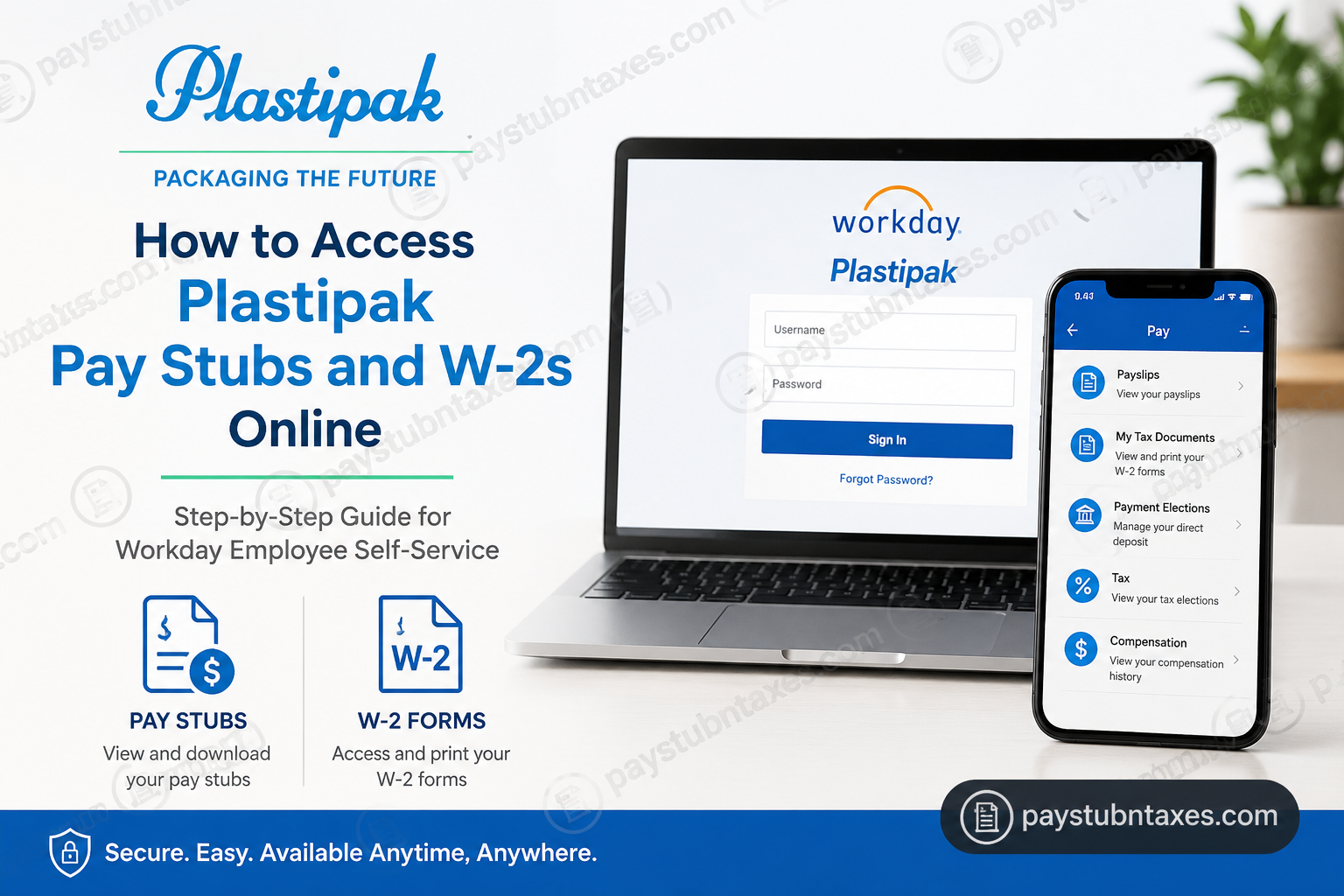
Plastipak is a globally recognized leader in sustainable packaging and recycling solutions, serving some of the world’s most respected consumer brands. Founded in 1967 and headquartered in Plymouth, Michigan, the company operates more than 60 facilities worldwide and employs over 6,000 professionals. Through its commitment to innovation, environmental stewardship, and employee development, Plastipak has established itself as a pioneer in rigid plastic packaging and recycling technologies. To provide employees with secure and convenient access to payroll and tax information, Plastipak utilizes Workday, a comprehensive Human Capital Management (HCM) platform. Through Workday Employee Self-Service, employees can view pay stubs, download annual W-2 forms, update personal information, manage direct deposit details, and access various employment-related resources from virtually anywhere. This guide explains how current Plastipak employees can access their pay stubs and W-2 forms online using Workday.
Plastipak Workday Login Information
Workday Employee Self-Service Portal
Website: https://wd1.myworkday.com/plastipak/
Workday Mobile App
- Download the Workday app from the Apple App Store or Google Play Store.
- Organization ID: plastipak
Employees can log in using their assigned Workday credentials to access payroll and tax records securely.
How to Access Plastipak Pay Stubs Online
Workday makes it remarkably straightforward to review current and historical earnings statements. Employees can access detailed pay information in just a few clicks.
Step 1: Sign In to Workday
Navigate to the Plastipak Workday portal and enter your username and password.
Step 2: Open Your Employee Profile
After logging in, click your profile icon located in the upper-right corner of the dashboard and select View Profile.
Step 3: Navigate to the Pay Section
If the Pay menu is not immediately visible, select More to reveal additional profile options and then click Pay.
Step 4: Select Payslips
Within the Pay section, click Payslips to display your payroll history.
Step 5: View or Download Your Pay Stub
Scroll through the available pay statements and choose the desired pay period. You can:
- Select View to open the pay stub.
- Select Print to download or print a copy for your records.
How to Access Plastipak W-2 Forms Online
Employees who have elected electronic tax document delivery can access their annual W-2 forms directly through Workday.
Step 1: Log In to Workday
Access your Workday account using your employee credentials.
Step 2: Open the Menu
Click the Workday navigation menu to access available applications and services.
Step 3: Select the Pay Application
From the list of Workday applications, choose Pay.
Step 4: Open My Tax Documents
Within the Pay section, locate and select My Tax Documents.
Step 5: View or Print Your W-2
Choose the applicable tax year and click View/Print to download a PDF copy of your W-2 form for tax filing purposes.
Accessing Pay Stubs and W-2s Through the Workday Mobile App
Plastipak employees can also access payroll information through the Workday mobile application.
Mobile Setup Instructions
- Download the Workday app from the Apple App Store or Google Play Store.
- Open the application.
- Enter the Organization ID: plastipak.
- Sign in using your Workday username and password.
- Navigate to the Pay section to review payslips and tax documents.
The mobile app offers many of the same capabilities available through the desktop portal, enabling employees to manage payroll records conveniently while away from the workplace.
What Information Is Available in Workday?
In addition to pay stubs and W-2 forms, Workday provides access to numerous employee self-service features, including:
- Direct deposit information
- Tax withholding elections
- Personal contact information
- Employment details
- Benefits information
- Time-off balances
- Company communications
- Compensation history
By centralizing these resources within a single platform, Workday allows employees to manage important employment records efficiently and securely.
Forgot Your Workday Password?
If you cannot access your account:
- Click Forgot Password? on the Workday login page.
- Enter your username and registered email address.
- Follow the instructions contained in the password reset email.
- Create a new password and log back into your account.
Need Additional Assistance?
If you experience difficulties accessing Workday, retrieving payroll documents, or updating your account information, contact:
- Your local Talent Management Representative
- Plastipak Corporate IT Helpdesk
- Local Talent Management Department for payroll and employment-related inquiries
Conclusion
Workday serves as Plastipak’s centralized employee self-service platform, providing secure access to pay stubs, W-2 forms, tax elections, direct deposit information, and other essential employment records. Whether accessed through a desktop browser or the Workday mobile app, the platform enables employees to manage payroll documentation efficiently, ensuring that critical financial information remains available whenever it is needed.
Frequently Asked Questions (FAQs)
1. How do I access my Plastipak pay stubs online?
Log into Workday, open your profile, select Pay, then click Payslips.
2. What is the Plastipak Workday login URL?
The login portal is https://wd1.myworkday.com/plastipak/.
3. What is the Workday Organization ID for Plastipak?
The Organization ID is plastipak.
4. Can I download my pay stubs as PDFs?
Yes. Workday allows you to view, download, and print pay statements.
5. Where can I find my W-2 form in Workday?
Navigate to Pay → My Tax Documents.
6. Can I access my payroll records from my phone?
Yes. Use the Workday mobile application.
7. Is Workday available 24/7?
Yes, except during scheduled maintenance periods.
8. What should I do if I forget my password?
Use the Forgot Password? Option on the login page.
9. Can I update my tax withholding information in Workday?
Yes. Employees can manage tax elections through the Pay section.
10. Are my payroll records secure?
Yes. Workday uses secure authentication and encrypted access controls.
11. Can I print multiple pay stubs at once?
Yes. Workday provides options for printing multiple payslips.
12. How soon are pay stubs available after payday?
Typically, pay statements become available electronically shortly after payroll processing.
13. Can I access prior-year W-2 forms?
Availability depends on company retention policies and Workday access permissions.
14. Who should I contact if my W-2 contains incorrect information?
Contact your local Talent Management Department immediately.
15. Can former employees access Workday payroll records?
Plastipak’s Workday access is generally intended for current employees. Former employees should contact Human Resources or Talent Management for assistance obtaining payroll or tax documents.
