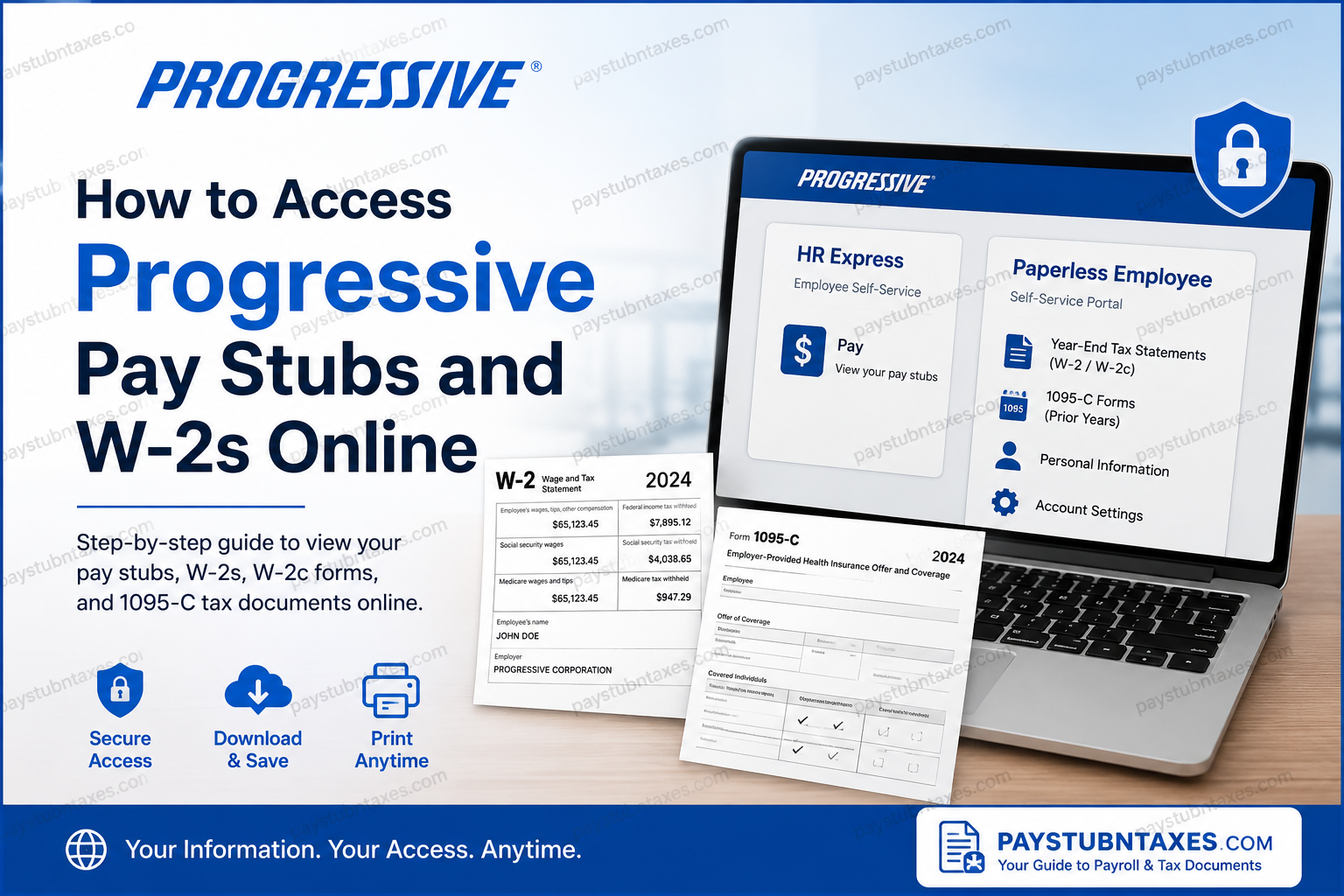
For employees of Progressive, having seamless access to payroll and tax documents is essential, whether you need to verify income, file taxes, apply for a loan, or maintain personal financial records. Fortunately, Progressive provides secure self-service platforms that allow employees to view pay stubs and retrieve annual W-2 forms electronically. This comprehensive guide explains how current and former Progressive employees can access pay statements, W-2 tax forms, and related payroll documents quickly and securely.
About Progressive
Founded in 1937, Progressive has grown into one of the largest insurance companies in the United States, serving millions of customers nationwide. Headquartered in Mayfield, Ohio, the company provides a wide range of insurance products, including auto, home, renters, motorcycle, boat, RV, pet, and commercial insurance. Progressive employs more than 60,000 professionals across the country and has consistently earned recognition as one of the nation’s top employers.
With a strong commitment to innovation, employee development, and workplace flexibility, Progressive offers several digital tools that enable employees to manage payroll, tax, and employment information efficiently.
How to Access Progressive Pay Stubs Online
Current employees can view and download their pay stubs through HR Express, Progressive’s employee self-service platform.
Steps to Access Pay Stubs
- Sign in to your Progressive work computer.
- Open the HR Express portal.
- Log in using your Network Login credentials (the same username and password used for your company computer).
- Select the Pay tile.
- Choose the desired pay period.
- View, download, or print your paycheck information.
HR Express also allows employees to:
- Review payroll history
- Update personal information
- Manage employment records
- Access direct deposit details
- View compensation-related documents
How to Access Progressive W-2 Forms Online
Progressive stores W-2 and W-2c tax forms through the Paperless Employee portal.
Paperless Employee Portal
Portal URL:
https://www.paperlessemployee.com/progressive/PE
Employees who elected electronic delivery can access their tax forms as soon as they become available online.
First-Time Registration for Paperless Employee
If you have never used the Paperless Employee portal, you must create an account before accessing your tax documents.
Step 1: Create an Account
- Visit the Progressive Paperless Employee website.
- Click Create Account.
- Enter:
- Social Security Number
- Date of Birth
- Complete the security verification.
- Select Authenticate & Create Account.
Step 2: Create Login Credentials
You will be asked to:
- Enter your name
- Create a User ID
- Create a secure password
- Confirm your password
- Choose a verification method (email, text message, or phone call)
Step 3: Verify Your Identity
- Enter the verification code received.
- Activate the account.
- Set up three security questions.
- Add and verify your email address.
- Optionally verify your phone number.
Step 4: Select Electronic Delivery
To receive W-2 forms electronically:
- Select Yes when prompted for electronic tax statement delivery.
- Choose your preferred notification method (email and/or text).
- Save your notification settings.
Important: Electronic consent must generally be completed by December 31 to receive that year’s tax forms electronically.
How to Download Your Progressive W-2
Once your W-2 becomes available:
- Log in to Paperless Employee.
- Select Year-End Tax Statements from the navigation menu.
- Click Access Current Year-End Statements.
- Locate the desired W-2 form.
- Click Download PDF.
- Save, print, or electronically store the document for future use.
The form opens in PDF format and may be downloaded multiple times throughout the tax season.
Accessing Corrected W-2 Forms (W-2c)
If Progressive issues a correction to your original tax statement, the revised document will also be available through the Paperless Employee portal.
To Retrieve a W-2c:
- Log in to Paperless Employee.
- Navigate to Year-End Tax Statements.
- Locate the corrected form.
- Download the updated PDF.
Progressive continues to maintain W-2 and W-2c records through Paperless Employee for employee access.
Accessing Form 1095-C
Progressive uses a separate platform for Form 1095-C.
Tax Years 2022 and Later
Employees can access Form 1095-C through:
- Progressive Highway (internal employee portal)
- Progressive’s bswift benefits platform
Tax Years 2021 and Earlier
Historical 1095-C forms remain available through Paperless Employee.
What If You Forget Your Login Information?
Forgot User ID
- Select Forgot User ID on the login page.
- Enter:
- Social Security Number
- Date of Birth
- Complete authentication.
- Retrieve your User ID.
Forgot Password
- Click Forgot Password.
- Enter your User ID.
- Complete identity verification.
- Answer security questions or enter a verification code.
- Create a new password.
What If My W-2 Is Missing?
If your W-2 does not appear online:
Verify These Items
- Your mailing address is current.
- You elected electronic delivery before the deadline.
- You are using the correct Paperless Employee account.
- Your account is fully verified.
Remember that federal regulations require employers to furnish W-2 forms by January 31 each year. Forms are typically available online around the same time they are mailed.
How Long Are W-2 Forms Available Online?
Downloaded tax forms remain available through the Paperless Employee portal during the current tax year and may be downloaded multiple times as needed. After the online retention period expires, employees may need to request a reissued copy through the portal or contact Human Resources.
Progressive HR Contact Information
If you encounter login issues, account verification problems, or missing tax documents, contact:
Progressive HR Service Center
Phone: 1-800-692-HRSC (4772)
Hours of Operation
- Monday–Thursday: 8:00 AM – 6:00 PM Eastern
- Friday: 8:00 AM – 5:00 PM Eastern
The HR Service Center can assist with:
- W-2 retrieval
- Account registration issues
- Password resets
- Tax document reissues
- Payroll inquiries
Final Thoughts
Progressive has streamlined payroll and tax document management through secure online platforms that give employees round-the-clock access to critical financial records. Current employees can conveniently retrieve pay statements through HR Express, while annual W-2 and W-2c forms are housed within the Paperless Employee portal. By registering for electronic delivery and maintaining updated contact information, employees can avoid delays and access important tax documents whenever needed. Whether you are preparing your annual tax return, verifying employment income, or simply maintaining accurate financial records, Progressive’s digital payroll systems make the process straightforward, secure, and efficient.
Frequently Asked Questions
1. How do I access my Progressive pay stubs online?
Current employees can access pay stubs through the HR Express self-service portal using their Progressive network username and password.
2. Where can I find my Progressive W-2 form?
W-2 forms are available through the Paperless Employee portal at paperlessemployee.com/progressive/PE.
3. When are Progressive W-2 forms available?
W-2 forms are typically available online and mailed by January 31, in accordance with IRS regulations.
4. Can former Progressive employees access their W-2 online?
Yes, former employees who have Paperless Employee access may retrieve eligible tax forms online.
5. How do I register for the Paperless Employee portal?
Click “Create Account,” verify your identity using your Social Security Number and Date of Birth, then create login credentials.
6. What information is required to create a Paperless Employee account?
You generally need your Social Security Number, Date of Birth, email address, and phone number for verification.
7. How can I download my W-2 form?
Log in to Paperless Employee, select “Year-End Tax Statements,” and click “Download PDF.”
8. Can I print my Progressive W-2 online?
Yes, downloaded W-2 forms can be printed directly from the PDF file.
9. How do I access a corrected W-2 (W-2c)?
Corrected tax forms are available within the same Year-End Tax Statements section of Paperless Employee.
10. Where can I find my Form 1095-C?
For tax years 2022 and later, Form 1095-C is available through the bswift benefits platform. Earlier forms remain in Paperless Employee.
11. What should I do if I forgot my Paperless Employee password?
Use the “Forgot Password” link and complete the identity verification process to reset your password.
12. What if I forgot my User ID?
Select “Forgot User ID” on the login page and verify your identity to recover your account information.
13. Can I choose electronic delivery of my W-2?
Yes. Employees can opt into electronic tax form delivery through their Paperless Employee account settings.
14. How long are Progressive W-2 forms available online?
Tax forms are generally available throughout the current tax season and may be downloaded multiple times.
15. Who do I contact for Progressive payroll or W-2 assistance?
Contact the Progressive HR Service Center at 1-800-692-4772 during business hours for payroll and tax document support.
