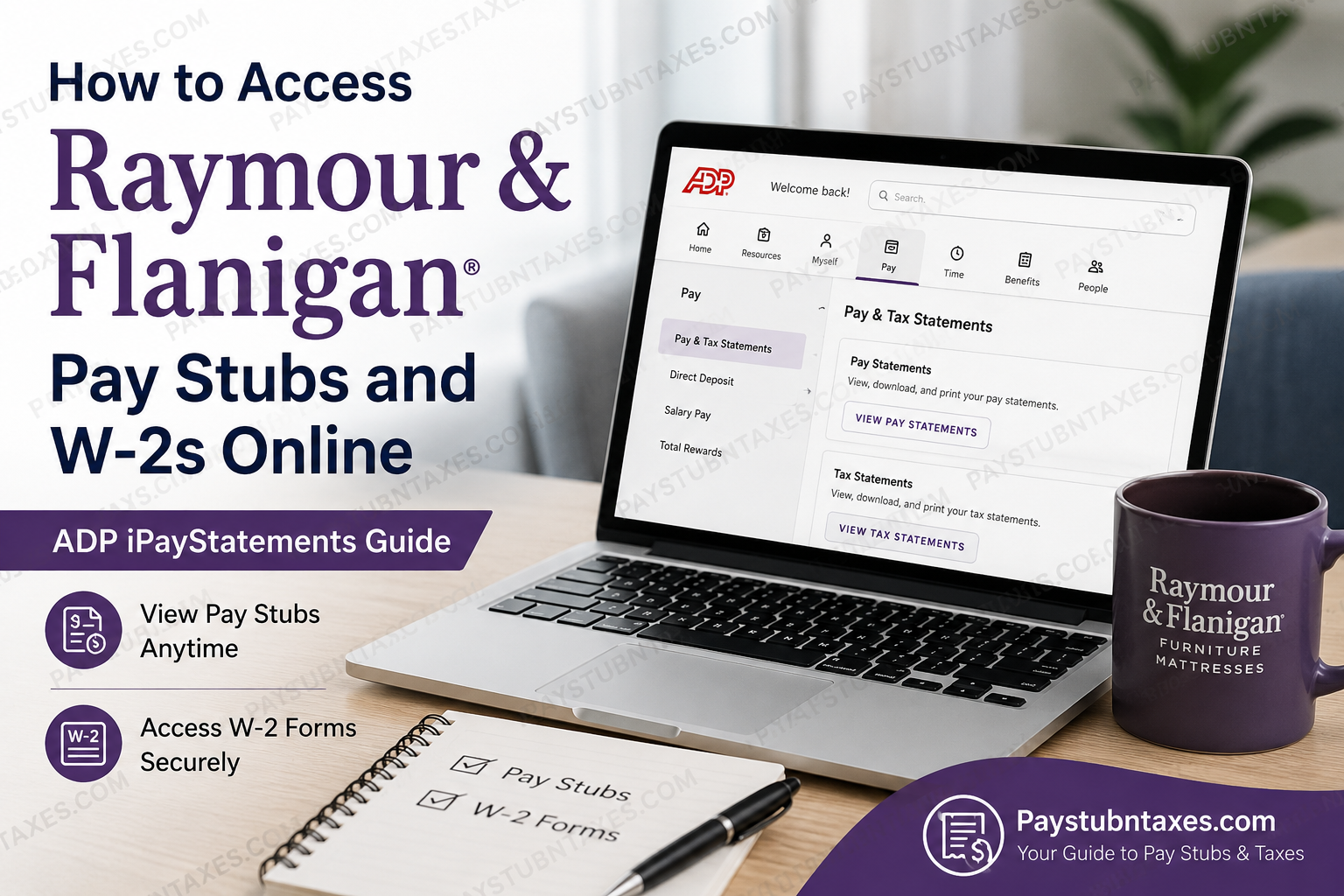
Raymour & Flanigan is the largest furniture and mattress retailer in the Northeast and one of the most respected home furnishing brands in the United States. Established in Syracuse, New York, in 1947, the family-owned company has expanded into a retail powerhouse with more than 145 showroom, outlet, and clearance center locations spread across eight states. Renowned for its modern furniture collections, exceptional customer service, rapid delivery network, and people-centric workplace culture, Raymour & Flanigan has repeatedly earned recognition as a Great Place to Work™. To streamline payroll and HR services for both active and former associates, Raymour & Flanigan utilizes ADP, one of the world’s leading payroll and workforce management platforms. Through the ADP iPayStatements portal, employees can securely access pay stubs, W-2 forms, tax statements, and payroll records online at any time. Whether you are a current associate needing weekly paycheck information or a former employee attempting to retrieve year-end tax documents, this guide will walk you through the complete process with clarity and precision.
How to Access Raymour & Flanigan Pay Stubs Online
Raymour & Flanigan employees can conveniently retrieve their pay statements through the ADP employee portal. The platform provides secure, round-the-clock access from both desktop and mobile devices.
ADP Employee Login Portal
Official ADP Website: my.adp.com
Once logged in, employees can:
- View weekly pay stubs
- Download payroll statements in PDF format
- Access direct deposit information
- Review tax withholding details
- Manage payroll preferences
- Retrieve previous pay records
Step-by-Step Guide to View Raymour & Flanigan Pay Stubs
Step 1: Visit the ADP Portal
Open your browser and navigate to:
You may also use the ADP Mobile App available for Android and iOS devices
Step 2: Sign In to Your Account
Enter your:
- User ID
- Password
Then click Log In.
If you are a first-time user, select “Get Started”.
Step 3: Complete First-Time Registration
To create your ADP account, you may need the following information:
- Full legal name
- Employee ID or last four digits of your SSN
- Date of birth
- Company registration code
- Valid email address
- Mobile phone number
After identity verification, create your:
- Username
- Secure password
- Security questions and answers
Once registration is complete, your payroll dashboard will become accessible immediately.
Step 4: Access Your Pay Statements
After logging in:
- Click Myself
- Select Pay
- Choose Pay & Tax Statements
You will then be able to view all available pay stubs.
Step 5: Download or Print Pay Stubs
To retain a copy for personal or financial records:
- Click the desired pay statement
- Select Download
- Or choose Print
Most statements are generated in PDF format for convenient storage and sharing.
How to Access Raymour & Flanigan W-2 Forms Online
Current and former Raymour & Flanigan associates may also retrieve annual W-2 tax forms electronically through ADP.
Typically, W-2 forms become available by the end of January each year.
Steps to Retrieve Your W-2 Form
1. Log Into ADP
Go to: ADP Workforce Portal
2. Navigate to Tax Statements
After signing in:
- Click Pay
- Select Tax Statements
- Choose View All Statements
You will see available W-2 forms organized by tax year.
3. Open Your W-2
Click the relevant tax year to open the document.
4. Download or Print Your W-2
Use the Download or Print button located within the portal to save a copy for tax filing purposes.
How Former Employees Can Access Raymour & Flanigan W-2s
Former associates generally retain limited access to ADP payroll records even after separation from employment.
If you can no longer sign in:
Reset Your Password
Use the Forgot User ID/Password feature on the ADP login page.
Contact Human Resources
If account recovery fails, contact Raymour & Flanigan HR or payroll support for assistance.
Raymour & Flanigan Employee Support
Phone: 1-888-RAYMOUR
ADP Mobile App Access
Employees who prefer mobile access may use the ADP Mobile Solutions application.
The app allows users to:
- Check pay statements instantly
- Review tax documents
- Access payroll history
- Monitor direct deposits
However, certain functions such as printing documents may require desktop access.
Benefits of Using ADP iPayStatements
The ADP payroll system offers several advantages for Raymour & Flanigan associates, including:
24/7 Secure Access
Employees can access payroll information from virtually anywhere with internet connectivity.
Faster Tax Preparation
Electronic W-2 access eliminates unnecessary delays during tax season.
Paperless Convenience
Digital payroll records reduce paperwork and simplify document management.
Enhanced Security
ADP utilizes encrypted authentication systems and multi-layered security protocols to safeguard sensitive employee information.
Common ADP Login Problems and Solutions
Forgot Password
Use the password recovery option directly on the ADP login page.
Locked Account
Wait several minutes before attempting another login, or contact support for account unlocking assistance.
Incorrect Employee Information
Ensure your legal name and identification details exactly match payroll records.
Browser Issues
If the portal fails to load properly:
- Clear browser cache
- Enable cookies
- Try another browser
- Use Google Chrome or Microsoft Edge
About Raymour & Flanigan
Raymour & Flanigan has evolved from a small family furniture business into one of America’s premier furniture retailers. The company is widely admired not only for its expansive furniture collections and customer-first philosophy but also for its strong corporate culture emphasizing inclusion, professional growth, and community involvement.
The organization regularly supports charitable causes through fundraising events benefiting children’s hospitals, food pantries, school initiatives, and disabled veterans. Furthermore, associates enjoy a broad range of benefits, including healthcare coverage, wellness initiatives, tuition reimbursement programs, retirement plans, and professional development opportunities.
With innovation, employee satisfaction, and customer experience at the heart of its operations, Raymour & Flanigan continues to maintain its reputation as a trusted and forward-thinking retail leader.
Final Thoughts
Accessing Raymour & Flanigan pay stubs and W-2 forms online is a straightforward process through the ADP iPayStatements platform. Whether you are an active employee reviewing weekly earnings or a former associate preparing tax documents, ADP provides a secure, efficient, and user-friendly payroll experience.
By maintaining digital access to payroll records, employees can manage financial documentation effortlessly while enjoying the convenience of modern self-service technology.
For payroll assistance or account-related concerns, employees should contact their local HR department or call 1-888-RAYMOUR for further support.
Frequently Asked Questions
1. How do I access my Raymour & Flanigan pay stubs online?
You can access your pay stubs by logging into the ADP portal at ADP iPayStatements and navigating to Pay > Pay & Tax Statements.
2. What payroll system does Raymour & Flanigan use?
Raymour & Flanigan uses ADP iPayStatements and ADP Workforce services for payroll, tax documents, and employee self-service access.
3. Can former employees access Raymour & Flanigan W-2 forms?
Yes. Former employees can usually access W-2 forms through their existing ADP account credentials.
4. When are Raymour & Flanigan W-2 forms available?
W-2 forms are generally available electronically by the end of January each year.
5. What website should I use to view Raymour & Flanigan payroll documents?
Employees should use the official ADP portal: my.adp.com.
6. How do I reset my ADP password?
Click the Forgot User ID/Password option on the ADP login page and follow the verification steps.
7. Can I download my Raymour & Flanigan pay stubs as PDFs?
Yes. ADP allows employees to download and print pay statements in PDF format.
8. Is the ADP Mobile App available for Raymour & Flanigan employees?
Yes. Employees can use the ADP Mobile Solutions app on Android and iPhone devices to view payroll information.
9. What information do I need to register for ADP?
You may need:
- Full legal name
- Employee ID or SSN
- Date of birth
- Email address
- Mobile number
10. Can I access pay stubs 24/7?
Yes. ADP provides secure 24-hour online access to payroll and tax documents.
11. How do I print my Raymour & Flanigan W-2 online?
Open the W-2 form in ADP and click the Print button located within the tax statement viewer.
12. What should I do if my ADP account is locked?
Wait a few minutes and try again, or contact ADP support or Raymour & Flanigan HR for assistance.
13. Can I receive paperless tax documents through ADP?
Yes. ADP allows employees to opt into paperless payroll and electronic tax statements.
14. Who do I contact for Raymour & Flanigan payroll help?
Employees can contact Raymour & Flanigan support at:
Phone: 1-888-RAYMOUR
15. Are Raymour & Flanigan pay stubs secure online?
Yes. ADP uses encrypted security systems and identity verification protocols to protect employee payroll information.
