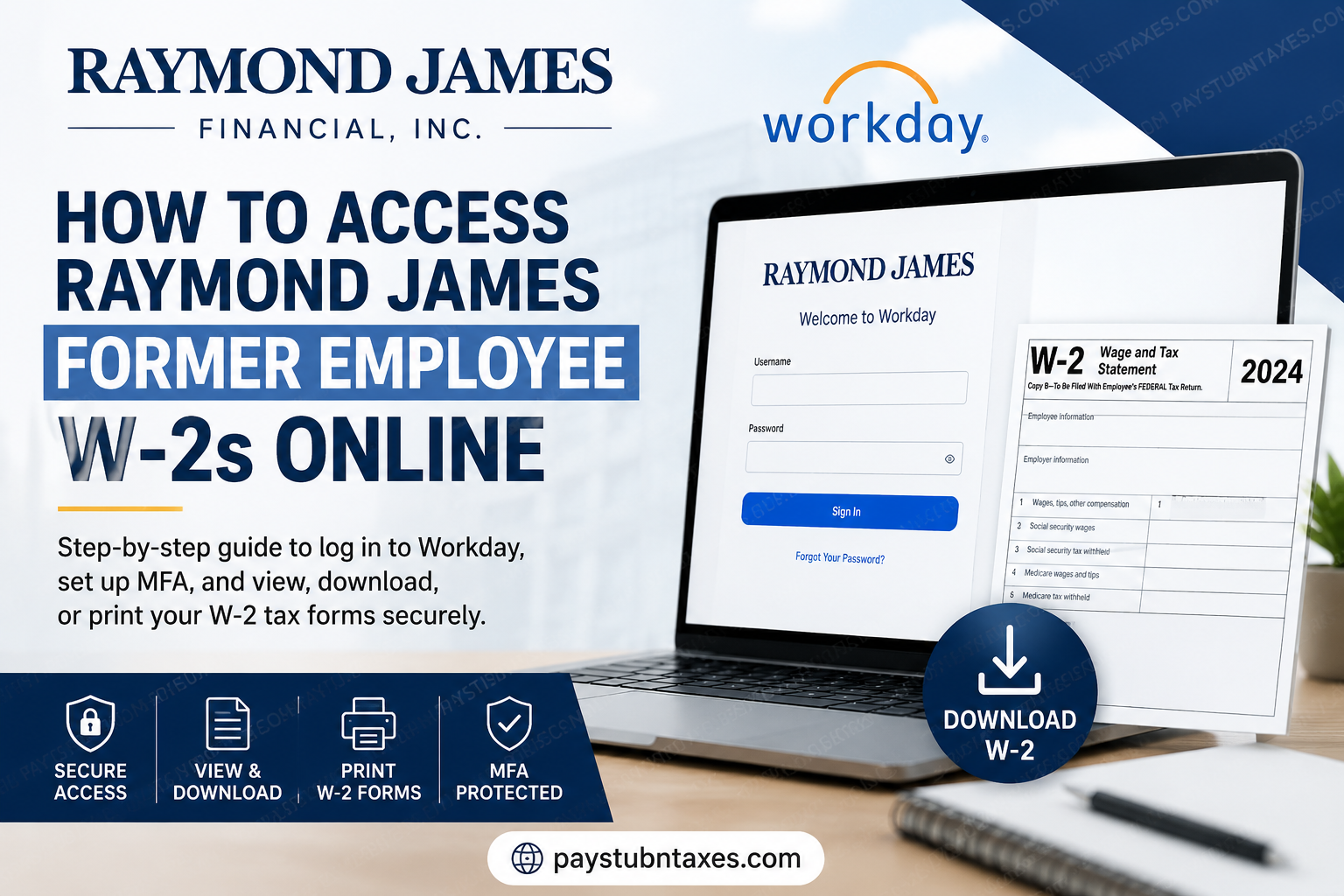
Former employees of Raymond James Financial can conveniently access their W-2 tax forms online through the company’s Workday platform. Although access procedures differ slightly from those of active employees, the process remains secure, efficient, and designed to protect sensitive payroll information. Raymond James Financial, Inc. is a leading American multinational investment bank and financial services corporation headquartered in St. Petersburg, Florida. Founded in 1962, the firm has grown into one of the most respected independent financial institutions in North America, offering wealth management, investment banking, asset management, banking, and financial planning services to individuals, corporations, and municipalities. Today, Raymond James operates across the United States, Canada, the United Kingdom, and Germany, and is publicly traded on the New York Stock Exchange under the ticker symbol RJF. If you previously worked for Raymond James and need to retrieve your W-2 tax documents, this comprehensive guide explains everything you need to know.
Can Former Raymond James Employees Access W-2 Forms Online?
Yes. Former employees can still access their W-2 forms electronically through Workday after separation from the company. However, because offboarded employees no longer retain access to the company’s Single Sign-On (SSO) system or RSA security token, the Workday mobile app typically becomes inaccessible once employment ends.
Instead, former employees must sign in through the dedicated Workday web portal using the credentials issued during the offboarding process.
If you did not opt in for electronic tax document delivery, your W-2 form will instead be mailed to your address on file on or before January 31.
Raymond James Former Employee Workday Login
Official Workday Access Link
Former employees should always use the official Workday portal above when accessing payroll or tax-related records.
Requirements Before Logging In
Before attempting to access your W-2 online, ensure you have the following:
- Your Workday username
- Your offboarding or temporary Workday password
- A smartphone or tablet with internet access
- Microsoft Authenticator or Google Authenticator is installed for multi-factor authentication (MFA)
Because Raymond James prioritizes enterprise-grade cybersecurity and confidential financial data protection, multi-factor authentication is mandatory for account access.
How to Access Raymond James Former Employee W-2s Online
Follow the steps below carefully to retrieve and download your W-2 form.
Step 1: Open the Raymond James Workday Portal
Visit the official Workday login page using the link provided above.
Enter your:
- Workday Username
- Workday Password
If this is your first login after separation, you may be prompted to create a new secure password.
Step 2: Complete Multi-Factor Authentication (MFA)
After entering your credentials, Workday will require authentication verification.
Using a QR Code
- Open Microsoft Authenticator or Google Authenticator.
- Tap “Add Account.”
- Select “Work or School Account.”
- Choose “Scan QR Code.”
- Scan the QR code displayed on your screen.
- The app will immediately begin generating rotating six-digit verification codes.
Manual Setup Alternative
If you cannot scan the QR code:
- Select “Enter Setup Key Manually.”
- Copy the security key provided by Workday.
- Paste the key into the Authenticator app.
- Choose “Time-Based” authentication.
- Save the account.
Once configured, enter the verification code generated by the app to continue.
Step 3: Navigate to Payroll and Tax Documents
After successfully logging into Workday:
- Locate the Pay dashboard from the homepage.
- Select My Tax Documents.
- Locate your available W-2 tax forms.
Workday stores electronic W-2 forms securely within the tax documents section, making them accessible whenever needed.
Step 4: View Your W-2 Form
To open your W-2:
- Click the View/Print button beside the corresponding tax year.
- Wait a few seconds for the document preview to load.
- Use the navigation arrows to move between pages if necessary.
Step 5: Download or Print Your W-2
Once the W-2 form opens:
- Click the Printer Icon to print the document.
- Click the Download Icon to save a digital PDF copy for your records.
Maintaining a downloaded copy is highly recommended for future tax filings, loan applications, and income verification purposes.
Why the Workday Mobile App Does Not Work for Former Employees
Many former employees attempt to log in through the Workday mobile application only to discover their access has been disabled.
This occurs because Raymond James revokes corporate SSO credentials and RSA security authentication during the offboarding process. As a result, only browser-based access using former employee credentials remains available.
Therefore, former employees should always use the web-based Workday portal rather than the mobile app.
What If You Forgot Your Workday Password?
If you can no longer remember your Workday password:
- Open the Workday login page.
- Click Forgot Your Password?
- Follow the identity verification process.
- Reset your password securely.
If you continue experiencing login difficulties, contact your former Raymond James office or Human Resources department for assistance.
When Are Raymond James W-2 Forms Available?
Raymond James generally makes W-2 forms available electronically by the end of January each year.
Federal law requires employers to furnish W-2 forms to employees no later than January 31. Employees who selected paper delivery should expect mailed copies around the same timeframe.
Benefits of Electronic W-2 Access Through Workday
Using Workday to retrieve your W-2 offers several advantages:
- Immediate access to tax documents
- Secure encrypted login environment
- Faster retrieval than postal delivery
- Ability to print multiple copies instantly
- Convenient digital recordkeeping
- Reduced risk of misplaced tax forms
For former employees who frequently relocate or travel internationally, electronic access provides significantly greater flexibility and convenience.
Common Problems Former Employees Face
Invalid Login Credentials
This usually occurs when:
- Your password expired
- MFA is not configured correctly
- You are attempting to use old SSO credentials
Reset your password or contact HR support if necessary.
Authenticator App Not Working
Ensure:
- Your smartphone time settings are automatic
- The correct Workday account is configured
- The six-digit code has not expired before submission
W-2 Form Not Available
If your W-2 is missing:
- Confirm you are checking the correct tax year
- Wait until after January 31
- Verify electronic consent settings
- Contact Raymond James payroll support
Final Thoughts
Accessing Raymond James’ former employee W-2 forms online is a relatively straightforward process once you understand the distinction between active employee access and former employee access procedures. Because Raymond James places exceptional emphasis on information security and privacy compliance, former employees must authenticate through Workday using offboarding credentials and multi-factor authentication rather than the company’s internal SSO environment.
By following the steps outlined above, you can securely retrieve, download, and print your W-2 forms from virtually anywhere in the world with minimal difficulty. For additional support, former employees should contact their local Raymond James office or Human Resources department.
Related Resources
Frequently Asked Questions
1. How can former employees access Raymond James W-2 forms online?
Former employees can access W-2 forms through the Raymond James Workday portal using the credentials provided during offboarding.
2. What is the official Raymond James Workday login link?
The official Workday login link is: https://wd1-identity.myworkday.com/wday/authgwy/raymondjames/upc/login?redirect=n.
3. Can former employees use the Workday mobile app?
No. Former employees usually lose access to the Workday mobile app because company SSO and RSA authentication privileges are revoked after offboarding.
4. What credentials do I need to log into Workday?
You need:
- Your Workday username
- Your Workday password
- Multi-factor authentication through Microsoft or Google Authenticator
5. When will Raymond James W-2 forms become available?
W-2 forms are generally available electronically by January 31 each year.
6. What happens if I did not consent to electronic W-2 delivery?
If you did not opt for electronic delivery, Raymond James will mail your W-2 form to your address on file.
7. How do I view my W-2 in Workday?
After logging in:
- Open the Pay dashboard
- Select My Tax Documents
- Click View/Print beside the desired tax year
8. Can I download and print my W-2 form?
Yes. Workday allows you to download a PDF copy or print your W-2 directly from the portal.
9. What should I do if I forgot my Workday password?
Click “Forgot Your Password?” on the Workday login page and follow the password reset instructions.
10. Why is multi-factor authentication required?
Raymond James uses MFA to protect sensitive payroll and tax information from unauthorized access.
11. Which authenticator apps work with Raymond James Workday?
You can use:
- Microsoft Authenticator
- Google Authenticator
12. What if my W-2 is missing in Workday?
Wait until after January 31, verify the correct tax year, and contact your former Raymond James office or HR department if the document still does not appear.
13. Can I access previous years’ W-2 forms in Workday?
Yes, previously issued electronic W-2 forms are generally stored under My Tax Documents in Workday.
14. Is Raymond James a public company?
Yes. Raymond James Financial, Inc. is publicly traded on the New York Stock Exchange under the ticker symbol RJF.
15. Where is Raymond James headquartered?
Raymond James is headquartered in St. Petersburg, Florida, United States.
