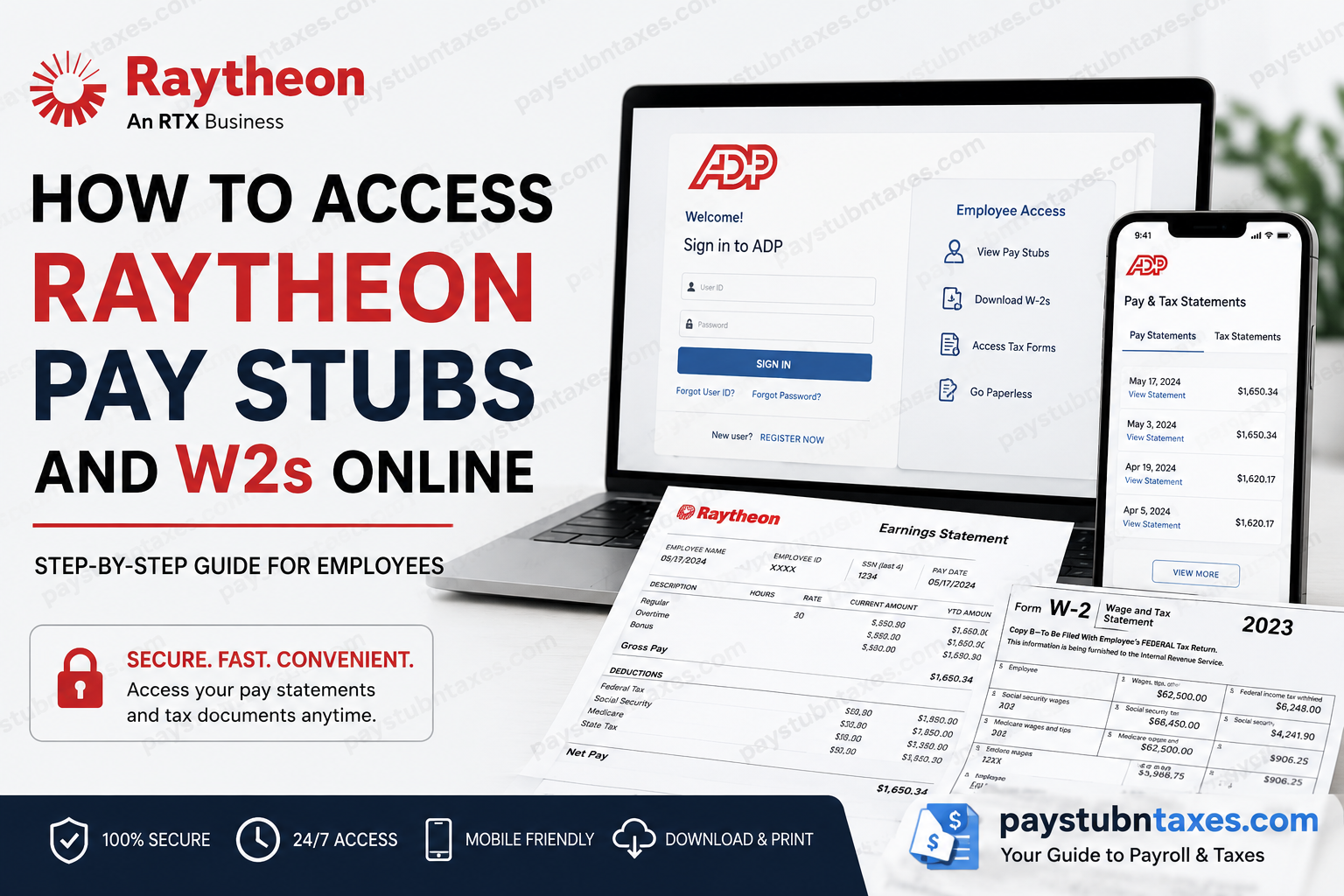
Employees of Raytheon and other RTX business units can conveniently access payroll records, tax documents, and employment-related information through the ADP iPayStatements platform and ADP Mobile Solutions application. Whether you need your latest paycheck, historical pay statements, or annual W-2 tax forms, the system provides secure, around-the-clock access from virtually any location. As one of the world’s foremost aerospace and defense corporations, RTX — the parent company of Raytheon, Collins Aerospace, and Pratt & Whitney — employs more than 185,000 professionals globally and continues to invest heavily in advanced technologies, including missile defense systems, hypersonics, cybersecurity, space systems, and next-generation aerospace engineering. Founded in 1922, Raytheon merged with United Technologies Corporation in 2020 to form Raytheon Technologies, which later rebranded as RTX Corporation in 2023. This comprehensive guide explains how current and former employees can access Raytheon pay stubs, W-2 forms, tax documents, and payroll services online through ADP.
Raytheon Payroll and Tax Information Portal
RTX employees use ADP Workforce Now and ADP iPayStatements to manage payroll-related records digitally. Through the portal, employees can:
- View current and previous pay statements
- Download W-2 tax forms
- Access 1095-C tax documents
- Compare paycheck details
- Export multiple pay statements
- Enable paperless payroll delivery
- Access payroll records from desktop or mobile devices
The system stores up to three years of payroll history, allowing employees to retrieve statements whenever needed.
ADP Login Portal for Raytheon Employees
Official ADP Website
Employees can sign in at: my.adp.com
Raytheon / RTX ADP Registration Code
For first-time registration, use the following company registration code: UTC1-ipay
How to Register for an ADP Account
If you have never used ADP before, follow these steps carefully to create your account:
Step 1: Visit the ADP Website
Open a secure browser and go to: ADP iPayStatements Portal
Step 2: Select “Get Started”
Click the Get Started option located beneath the login form.
Step 3: Enter the Registration Code
When prompted, enter the Raytheon/RTX registration code: UTC1-ipay
Step 4: Verify Your Identity
Provide the required personal information exactly as it appears in company payroll records, including:
- Full legal name
- Social Security Number or Employee ID
- Date of birth
- Contact details
Step 5: Create Your Credentials
Set up:
- Username
- Secure password
- Multi-factor authentication preferences
Step 6: Confirm Your Email or Phone
ADP may send a verification code via:
- Text message
- Automated phone call
Enter the code to finalize registration.
Once registration is complete, you may access payroll and tax information immediately.
How to View Raytheon Pay Stubs Online
After signing into ADP Workforce Now, employees can access their pay statements in just a few steps.
Desktop Instructions
- Log into your ADP account
- Navigate to the Myself tab
- Select Pay
- Click Pay & Tax Statements
- Locate the desired pay date
- Select View Statement
Employees may also:
- Export multiple pay statements simultaneously
- Print pay stubs
- Review earnings, deductions, and tax withholdings
- Compare different pay periods side-by-side
The portal additionally supports table view and detailed paycheck analysis for easier payroll tracking.
How to Access Raytheon Pay Stubs on Mobile
RTX employees may also use the ADP Mobile Solutions application for convenient payroll access on smartphones and tablets.
Download the ADP Mobile App
Apple App Store
ADP Mobile Solutions for iPhone
Google Play Store
ADP Mobile Solutions for Android
Steps to View Pay Statements in the ADP Mobile App
- Open the ADP Mobile Solutions app
- Sign in using your ADP credentials
- Tap the Pay section
- Select the desired paycheck
- Tap View Statement
- Download, print, or share the PDF version
Additional mobile features include:
- Year-to-date earnings summaries
- Paycheck comparison tools
- Multi-statement downloads
- Payroll deduction review
- Tax withholding visibility
How to Download Raytheon W-2 Forms Online
RTX employees can download annual W-2 tax forms directly through ADP.
Steps to Access W-2 Forms
- Sign into ADP Workforce Now
- Go to Myself
- Select Pay
- Click Pay & Tax Statements
- Locate the Tax Statements section
- Select the tax year required
- Click View Statement
ADP may require identity verification before allowing document downloads or printing.
Employees can also access:
- 1095-C forms
- Previous tax statements
- Electronic payroll records
How to Go Paperless in ADP
Employees who prefer digital payroll delivery can activate paperless statements.
To Enable Paperless Payroll:
- Go to Pay Statements
- Select Go Paperless
- Choose:
- “Access my pay statements online only”
- Accept the electronic delivery agreement
- Confirm your email address
Once activated, payroll statements will be delivered electronically instead of through physical mail.
Troubleshooting ADP Login Problems
If you cannot access your Raytheon payroll account, try the following solutions:
Reset Your Password
Use the Forgot User ID/Password option on the login page.
Verify Your Registration Code
Ensure that you entered: UTC1-ipay
Update Your Browser
ADP performs best on updated versions of:
- Google Chrome
- Microsoft Edge
- Safari
- Firefox
Clear Browser Cache
Cached data occasionally interferes with secure authentication.
Enable Multi-Factor Authentication
Some RTX systems require additional identity verification for security compliance.
Raytheon Payroll Customer Service
For payroll assistance, W-2 inquiries, or ADP access problems, employees may contact the RTX payroll support team directly.
Payroll Support Email
Payroll Support Phone
(866) 295-4747
About Raytheon and RTX Corporation
Raytheon, now operating as a business segment of RTX Corporation, remains one of the most influential aerospace and defense organizations in the world. The company specializes in:
- Integrated air and missile defense
- Advanced radar and sensor technologies
- Cybersecurity solutions
- Hypersonic systems
- Space-based defense platforms
- Military electronics and communications
RTX’s global portfolio includes three major business divisions:
- Raytheon
- Collins Aerospace
- Pratt & Whitney
Collectively, these organizations continue to shape the future of aerospace engineering, defense innovation, and national security technologies worldwide.
Final Thoughts
The ADP iPayStatements platform gives Raytheon and RTX employees a secure, efficient, and highly convenient way to manage payroll records and tax documentation online. Whether accessing pay stubs, downloading W-2 forms, enabling paperless statements, or reviewing payroll deductions, employees can complete the entire process digitally through ADP Workforce Now or the ADP Mobile Solutions application. By maintaining online access to payroll information, RTX employees benefit from faster document retrieval, enhanced security, and simplified year-end tax preparation.
Frequently Asked Questions
1. How can I access my Raytheon pay stubs online?
You can access your pay stubs by logging into the ADP portal at ADP Login and selecting Pay & Tax Statements under the Myself section.
2. What is the ADP registration code for Raytheon employees?
The Raytheon and RTX ADP registration code is: UTC1-ipay
3. Can former Raytheon employees access W-2 forms online?
Yes. Former employees may still access W-2 forms through ADP if their account remains active and linked to RTX payroll records.
4. How many years of pay statements are available in ADP?
Employees can generally access up to three years of payroll statements and tax documents through ADP.
5. Where can I download my Raytheon W-2 online?
You can download your W-2 by logging into ADP and navigating to:
Myself > Pay > Pay & Tax Statements > Tax Statements
6. Does Raytheon use ADP Workforce Now?
Yes. RTX and Raytheon employees use ADP Workforce Now and ADP iPayStatements for payroll and tax document management.
7. Can I access Raytheon pay stubs on my phone?
Yes. Employees can use the ADP Mobile Solutions app on Android or iPhone devices to access pay statements and W-2 forms.
8. How do I reset my ADP password?
Click the Forgot User ID/Password link on the ADP login page and follow the identity verification instructions.
9. What information is required to register for ADP?
You may need:
- Full legal name
- Employee ID or SSN
- Date of birth
- Email address
- Registration code
10. Can I print my Raytheon pay statements?
Yes. ADP allows employees to download and print payroll statements directly from the portal.
11. How do I enable paperless payroll statements?
Inside ADP, go to Pay Statements and select Go Paperless to switch to electronic payroll delivery.
12. Are 1095-C tax forms available in ADP?
Yes. Eligible employees can download both W-2 and 1095-C tax forms through the Tax Statements section.
13. What should I do if my pay statement is missing?
If a paycheck does not appear in ADP, contact RTX Payroll Customer Service for assistance.
14. How can I contact Raytheon payroll support?
Employees may contact payroll support through:
- Email:
- Phone: (866) 295-4747
15. Is the ADP portal secure for payroll access?
Yes. ADP uses encrypted authentication, identity verification, and multi-factor security measures to protect employee payroll data.
