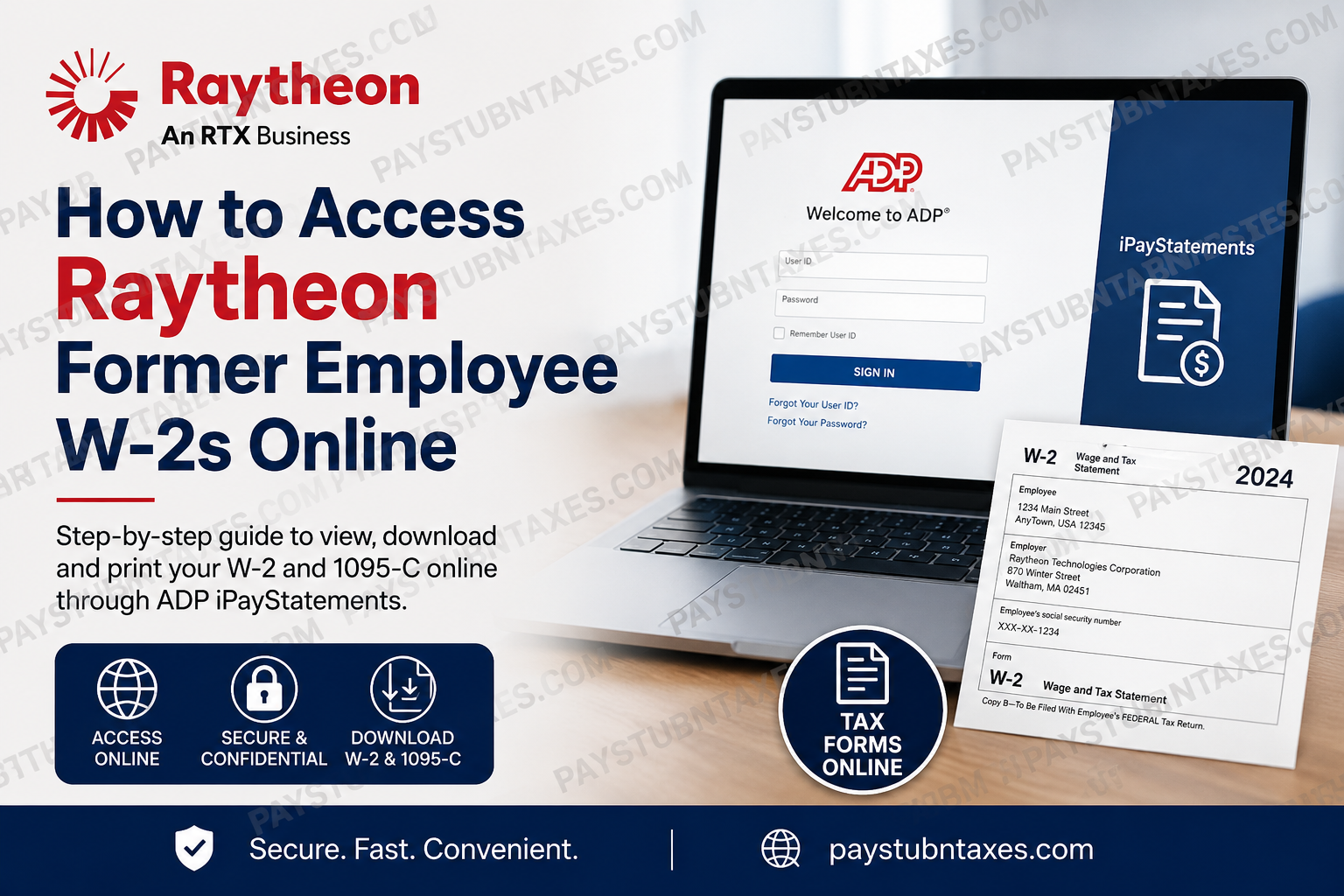
In today’s fast-moving digital landscape, chasing down old tax documents should not feel like searching for a needle in a haystack. Fortunately, former employees of Raytheon and RTX can retrieve their W-2 forms online through secure payroll platforms designed to keep essential employment records only a few clicks away. Whether you are preparing your annual tax return, applying for a mortgage, verifying prior employment income, or simply organizing financial records, accessing your W-2 online is both convenient and efficient.
Raytheon, now operating as an RTX business, stands at the forefront of aerospace and defense innovation, delivering advanced technologies in missile defense, cyber solutions, aerospace systems, and next-generation military electronics. Founded in 1922 and merged with United Technologies Corporation in 2020 to form Raytheon Technologies—later rebranded as RTX Corporation in 2023—the organization continues to shape the future of global defense and aerospace engineering. For former employees, RTX provides online access to payroll and tax records through ADP iPayStatements and the ADP Mobile Solutions app. These platforms allow eligible users to securely view, download, and print W-2 tax statements for up to three years after separation from the company.
Can Former Raytheon Employees Access W-2s Online?
Yes. Former Raytheon and RTX employees can access their W-2 forms online through ADP Employee Access or ADP iPayStatements, provided their account remains active and properly registered.
Employees may retrieve:
- W-2 tax statements
- 1095-C forms
- Pay statements
- Payroll history
- Tax withholding details
In most cases, terminated employees retain online access for up to three years after their separation date.
Raytheon Former Employee W-2 Portal
ADP iPayStatements Login
Former employees can access their tax documents through:
- ADP Website: https://my.adp.com
- ADP Mobile Solutions App (available for iOS and Android)
RTX / Collins Aerospace Registration Code
Use the following registration code during account setup:
UTC1-ipay
This registration code is commonly used for RTX and Collins Aerospace payroll access.
How to Access Your Raytheon W-2 Online
Follow these steps carefully to retrieve your W-2 tax statement online.
Step 1: Visit the ADP Portal
Open your browser and go to:
You may also install the ADP Mobile Solutions app from the Apple App Store or Google Play Store.
Step 2: Create an Account
If you are a first-time user:
- Select “Get Started.”
- Choose “I Have a Registration Code.”
- Enter the RTX registration code:
UTC1-ipay
- Click Continue.
Step 3: Verify Your Identity
You will be asked to confirm your identity using information already stored in ADP payroll records.
Typically, you must provide:
- Full legal name
- Social Security Number
- Date of birth
- Email address or mobile number
Ensure your information matches your payroll records exactly to avoid verification issues.
Step 4: Set Up Security Credentials
After identity verification:
- Create a username
- Create a strong password
- Configure security questions
- Enable multi-factor authentication if prompted
For additional protection, ADP may send a one-time verification code via text, phone call, or email.
Step 5: Access Pay & Tax Statements
Once logged in:
- Navigate to the Myself tab
- Select Pay
- Click Pay & Tax Statements
- Locate the Tax Statements section
- Choose the desired tax year
- Click View Statement
You can then:
- Download your W-2 as a PDF
- Print a paper copy
- Save it for future reference
Can You Download Form 1095-C Too?
Yes. In addition to W-2 forms, former RTX employees can also access and download Form 1095-C directly through ADP.
The process is nearly identical:
- Open Pay & Tax Statements
- Select the applicable year
- Choose the 1095-C document
- Download or print the file
This form may be required when filing taxes or verifying healthcare coverage.
How Long Are W-2s Available Online?
RTX employees generally have online access to tax statements for up to three years after termination.
If your records are older than the online retention period, you may need to contact RTX Payroll Customer Service directly for assistance.
Current Employees: Workday Access
Current RTX employees usually access payroll and tax documents through the Workday self-service portal using organizational single sign-on (SSO) credentials.
However, ADP iPayStatements may still contain historical payroll records and tax statements dating back to April 2019.
Forgot Your ADP Password?
If you cannot log in:
- Go to the ADP login page
- Select “Forgot User ID/Password”
- Verify your identity
- Reset your credentials
If you no longer have access to your old phone number or email address, you may need to contact ADP support or RTX Payroll Services for identity verification assistance.
RTX Payroll Contact Information
If you experience issues accessing your W-2, contact RTX Payroll Customer Service.
payrollcustomerservice@rtx.com
Phone
(866) 295-4747
Support representatives can assist with:
- Login problems
- Missing W-2 forms
- Address updates
- Account verification
- Payroll corrections
- Tax document reissues
Common Reasons You Cannot Access Your W-2
Several issues may prevent access to your online tax forms.
Incorrect Registration Information
Your name or Social Security Number must match payroll records exactly.
Expired Access Window
Former employees typically lose portal access after three years.
Inactive Email or Phone Number
If your old contact information is no longer active, ADP identity verification may fail.
Payroll Processing Delays
W-2 forms are generally available shortly after the final payroll processing cycle of the year.
Tips for Secure W-2 Access
To protect your personal information:
- Use a private and trusted device
- Avoid public Wi-Fi when accessing payroll systems
- Enable multi-factor authentication
- Create a strong password
- Download and store tax forms securely
Given the sensitive nature of tax documents, cybersecurity should never be taken lightly.
About Raytheon and RTX
Raytheon is one of the most recognized names in the global aerospace and defense industry. As an RTX business, the company develops advanced technologies spanning missile defense systems, space-based platforms, radar technologies, cybersecurity solutions, and hypersonic weapons systems.
RTX combines the expertise of:
- Raytheon
- Collins Aerospace
- Pratt & Whitney
Together, these organizations employ approximately 185,000 professionals worldwide and continue to drive innovation across commercial aerospace and defense sectors.
Final Thoughts
When tax season arrives, having fast and reliable access to your W-2 can save valuable time and eliminate unnecessary frustration. Thankfully, former RTX and Raytheon employees can conveniently retrieve payroll and tax records online through ADP iPayStatements and the ADP Mobile Solutions platform. By registering with the correct code, verifying your identity, and navigating to the Pay & Tax Statements section, you can securely download your W-2 in minutes rather than waiting for mailed copies or lengthy support requests. In an era where convenience is king, digital payroll access ensures that former employees remain connected to the records they need—quickly, securely, and without unnecessary red tape.
FAQ
1. How do former Raytheon employees get their W-2 online?
Former employees can access W-2 forms through ADP iPayStatements by logging into https://my.adp.com and navigating to Pay & Tax Statements.
2. What is the ADP registration code for RTX employees?
The registration code commonly used for RTX and Collins Aerospace employees is UTC1-ipay.
3. Can terminated RTX employees still access ADP?
Yes. Former employees generally retain access to ADP payroll and tax records for up to three years after termination.
4. Where can I download my Raytheon W-2?
You can download your W-2 from the Tax Statements section inside the ADP portal or ADP Mobile Solutions app.
5. Does RTX mail paper W-2 forms?
Yes. W-2 forms may also be mailed to the employee’s address on file if paper delivery is enabled.
6. Can I access my 1095-C online through ADP?
Yes. ADP allows former employees to view and download both W-2 and 1095-C tax documents.
7. What should I do if I forgot my ADP password?
Use the “Forgot User ID/Password” option on the ADP login page to reset your credentials securely.
8. How many years of W-2 forms are available online?
ADP generally provides access to up to three years of tax statements for former employees.
9. Can current RTX employees use ADP too?
Current employees often access payroll information through Workday SSO, although historical records may still appear in ADP.
10. Why can’t I see my W-2 in ADP?
Possible reasons include identity verification issues, payroll processing delays, expired access eligibility, or incorrect registration information.
11. Is the ADP Mobile Solutions app secure?
Yes. ADP uses encrypted login systems and multi-factor authentication to protect payroll and tax information.
12. Can I print my W-2 directly from ADP?
Yes. Once the document opens as a PDF, you can print or save it instantly.
13. What information is required during ADP registration?
You may need your full legal name, Social Security Number, email address, and payroll-related identification details.
14. Who do I contact for RTX payroll support?
Former employees can contact RTX Payroll Customer Service at payrollcustomerservice@rtx.com or call (866) 295-4747.
15. When are RTX W-2 forms available online?
W-2 forms are usually available shortly after the final payroll cycle of the tax year is processed.
