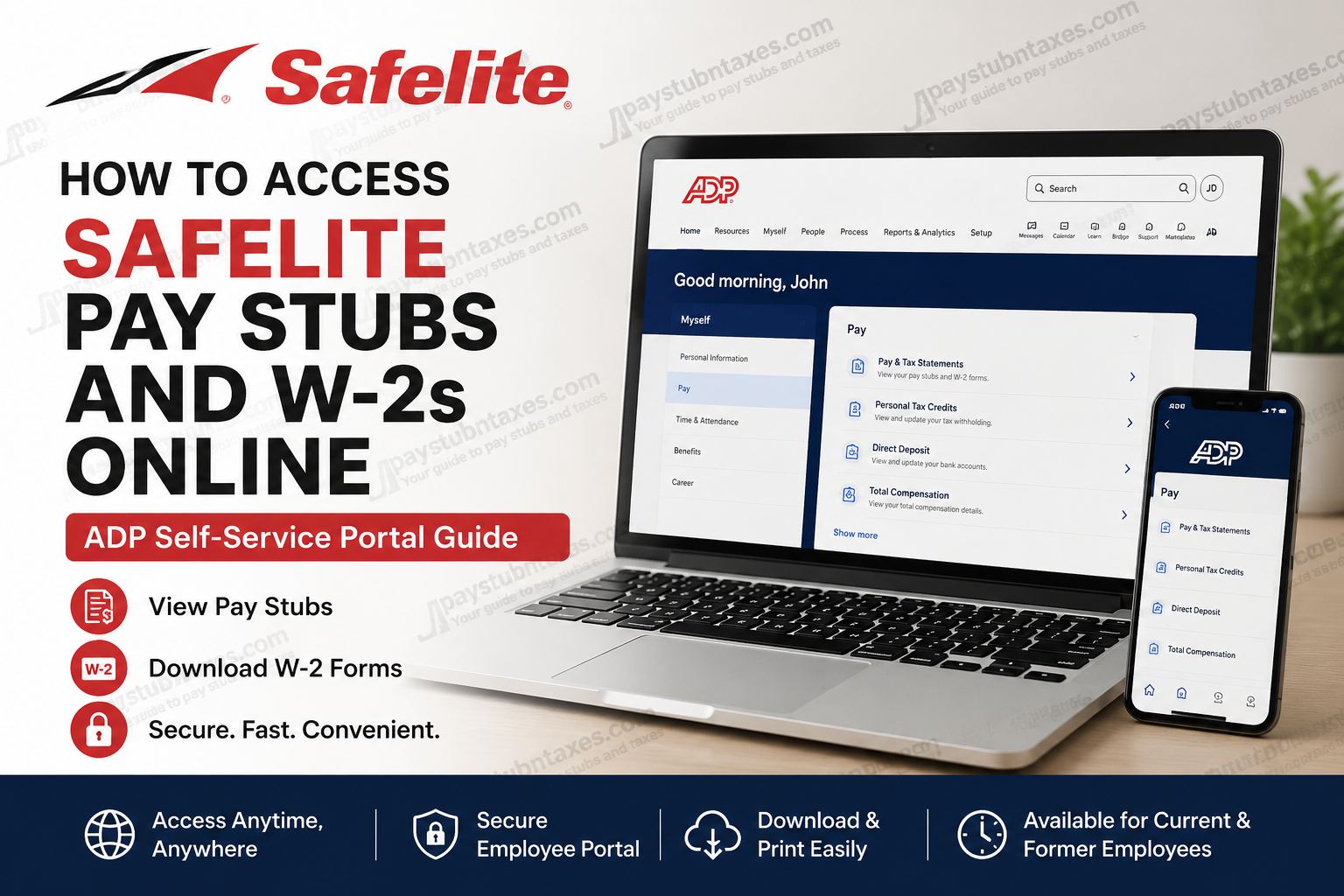
Safelite Group, Inc. is one of America’s leading auto glass repair and replacement companies, serving millions of drivers across the United States. Founded in 1947, the company has grown into a nationwide automotive glass specialist with hundreds of locations and a strong reputation for innovation, customer care, and advanced vehicle glass technology. For employees and former associates, Safelite provides convenient online access to payroll and tax records through the ADP self-service portal. Whether you need to download your latest paycheck, print an earnings statement, or retrieve your W-2 tax form, the process is secure, fast, and accessible from virtually anywhere.
Safelite Pay Stub and W-2 Portal
Safelite employees use the ADP self-service platform to manage payroll and tax documents online.
Official ADP Portal
Registration Code for First-Time Users
Registration Code: mysafelite-43235
Current employees and former employees can continue accessing their pay statements and tax forms through ADP. In most cases, former employee access remains active for up to three years after separation.
What You Can Access Through ADP
Using the Safelite ADP portal, employees can securely access:
- Weekly or biweekly pay stubs
- W-2 tax statements
- Earnings summaries
- Payroll deductions
- Tax withholding details
- Direct deposit information
- Year-to-date earnings
- Historical payroll records
The platform also allows users to download or print statements for personal records, loan applications, tax filing, or employment verification.
How to Register for a Safelite ADP Account
If you are a first-time user, you must create an ADP account before accessing payroll records.
Step 1: Visit the ADP Website
Go to: my.adp.com
On the homepage, click: “New User? Get Started”
The ADP registration process is designed to protect employee privacy and secure payroll information.
Step 2: Enter the Safelite Registration Code
Select: “I Have a Registration Code”
Then enter: mysafelite-43235
Continue to the identity verification page.
Step 3: Verify Your Identity
Enter your personal information exactly as it appears in Safelite payroll records, including:
- First name
- Last name
- Social Security Number or Employee ID
- Date of birth (if requested)
Accuracy is critical during this step because ADP verifies your information against company payroll records.
Step 4: Complete Security Verification
ADP may verify your identity using:
- Email verification
- Mobile phone verification
- Security questions
A Personal Registration Code (PRC) may be sent to your email address for authentication.
Step 5: Create Your Login Credentials
After verification, create:
- A unique username
- A strong password
- Security questions for account recovery
Once completed, your ADP account will be activated immediately.
How to View Safelite Pay Stubs Online
After logging into ADP, accessing pay statements is straightforward.
Step-by-Step Instructions
- Sign in to your ADP account
- Navigate to:
Myself > Pay > Pay & Tax Statements - Select the desired pay date
- Click “View Statement”
- Download or print the PDF version if needed
The ADP dashboard displays detailed earnings information, including gross pay, taxes, deductions, and take-home pay.
Employees can also review multiple historical pay statements directly from the dashboard.
How to Download or Print Pay Stubs
ADP allows employees to save payroll records in PDF format for future use.
To Print or Download:
- Open the selected earnings statement
- Click “View Statement”
- Select:
- Print PDF
- Download PDF
You can also export multiple pay statements simultaneously for recordkeeping purposes.
How to Access Safelite W-2 Forms Online
W-2 tax forms are typically available in ADP by late January each year.
Steps to Retrieve Your W-2
- Log into ADP
- Go to:
Myself > Pay > Tax Statements - Choose the applicable tax year
- Open your W-2 form
- Download or print the document
Electronic W-2 access is often faster and more secure than waiting for paper mail delivery.
Can Former Safelite Employees Access ADP?
Yes. Former employees generally retain ADP access for up to three years after leaving Safelite.
This allows separated associates to:
- Retrieve old pay stubs
- Download previous W-2 forms
- Access tax documentation during tax season
- Maintain employment records without contacting HR repeatedly
If your access has expired, you may need to contact Safelite Human Resources or ADP support for assistance.
ADP Mobile App Access
Safelite employees can also access payroll information using the ADP Mobile Solutions app.
The mobile app allows users to:
- Check pay statements instantly
- Download tax forms
- View direct deposit details
- Access payroll information securely from smartphones
The app is available for both Android and iPhone devices.
Common ADP Login Problems and Solutions
Forgot Username or Password
Use the “Forgot User ID/Password” link on the ADP login page to recover your account.
Registration Code Not Working
Ensure you entered the code exactly as provided: mysafelite-43235
Avoid extra spaces or typing errors.
Identity Verification Failed
Your payroll information must match Safelite records precisely. Double-check:
- Name spelling
- SSN
- Employee ID
- Birth date
Account Locked
Too many unsuccessful login attempts may temporarily lock your account. Wait several minutes before retrying or reset your password.
Why Safelite Employees Use ADP
ADP offers a secure and highly efficient payroll management experience for both active and former employees.
Key advantages include:
- 24/7 payroll access
- Secure encrypted login
- Instant W-2 retrieval
- Mobile-friendly access
- Easy PDF downloads
- Long-term document retention
- Faster tax preparation
The platform eliminates the hassle of waiting for mailed payroll records or contacting payroll administrators repeatedly.
About Safelite
Safelite has become a dominant force in the automotive glass industry, operating hundreds of locations across the United States and serving millions of customers annually. The company is recognized for its advanced windshield repair technology, nationwide service network, and strong customer-focused culture. Safelite also emphasizes employee growth, innovation, and meaningful workplace culture, offering career opportunities across operations, customer service, supply chain, and corporate departments.
Final Thoughts
Safelite employees can conveniently access pay stubs and W-2 forms online through the ADP self-service portal. With secure login credentials, users can manage payroll documents, print earnings statements, and retrieve tax records anytime from desktop or mobile devices. Whether you are a current associate or a former employee, ADP makes payroll access simple, secure, and efficient.
Frequently Asked Questions (FAQ)
1. How do I access my Safelite pay stubs online?
You can access your Safelite pay stubs by logging into the ADP portal at ADP Self-Service Portal and navigating to Myself > Pay > Pay & Tax Statements.
2. What is the Safelite ADP registration code?
The Safelite ADP registration code is: mysafelite-43235
3. Can former Safelite employees access ADP?
Yes. Former employees generally retain access to ADP payroll and tax documents for up to three years after leaving the company.
4. Where can I download my Safelite W-2 online?
You can download your W-2 form through the ADP portal under the Tax Statements section after logging in.
5. When are Safelite W-2 forms available?
W-2 forms are usually available online by late January each year.
6. What website does Safelite use for payroll access?
Safelite uses the ADP self-service payroll portal: my.adp.com.
7. How do I register for a Safelite ADP account?
Click “New User? Get Started” on the ADP login page, choose “I Have a Registration Code,” and enter the Safelite registration code.
8. Can I access Safelite pay stubs on my phone?
Yes. You can use the ADP Mobile Solutions app on Android or iPhone devices to access pay stubs and W-2 forms securely.
9. What should I do if I forgot my ADP password?
Click the “Forgot User ID/Password” link on the ADP login page and follow the account recovery instructions.
10. Why is my ADP registration code not working?
Ensure you entered the registration code exactly as provided:
mysafelite-43235Also, verify that your payroll information matches Safelite records.
11. How do I print my Safelite pay stubs?
After opening a pay statement in ADP, select “View Statement” and choose Print PDF or Download PDF.
12. Can I download multiple Safelite pay statements at once?
Yes. ADP allows users to export and download multiple pay statements simultaneously.
13. Is the Safelite ADP portal secure?
Yes. ADP uses encrypted security measures and identity verification tools to protect employee payroll information.
14. What information is included on a Safelite pay stub?
A Safelite pay stub typically includes:
- Gross earnings
- Taxes withheld
- Deductions
- Net pay
- Pay period dates
- Year-to-date totals
15. Who should I contact if I cannot access my Safelite payroll account?
If you cannot access your ADP account, contact Safelite Human Resources or ADP customer support for assistance with login recovery or account verification.
