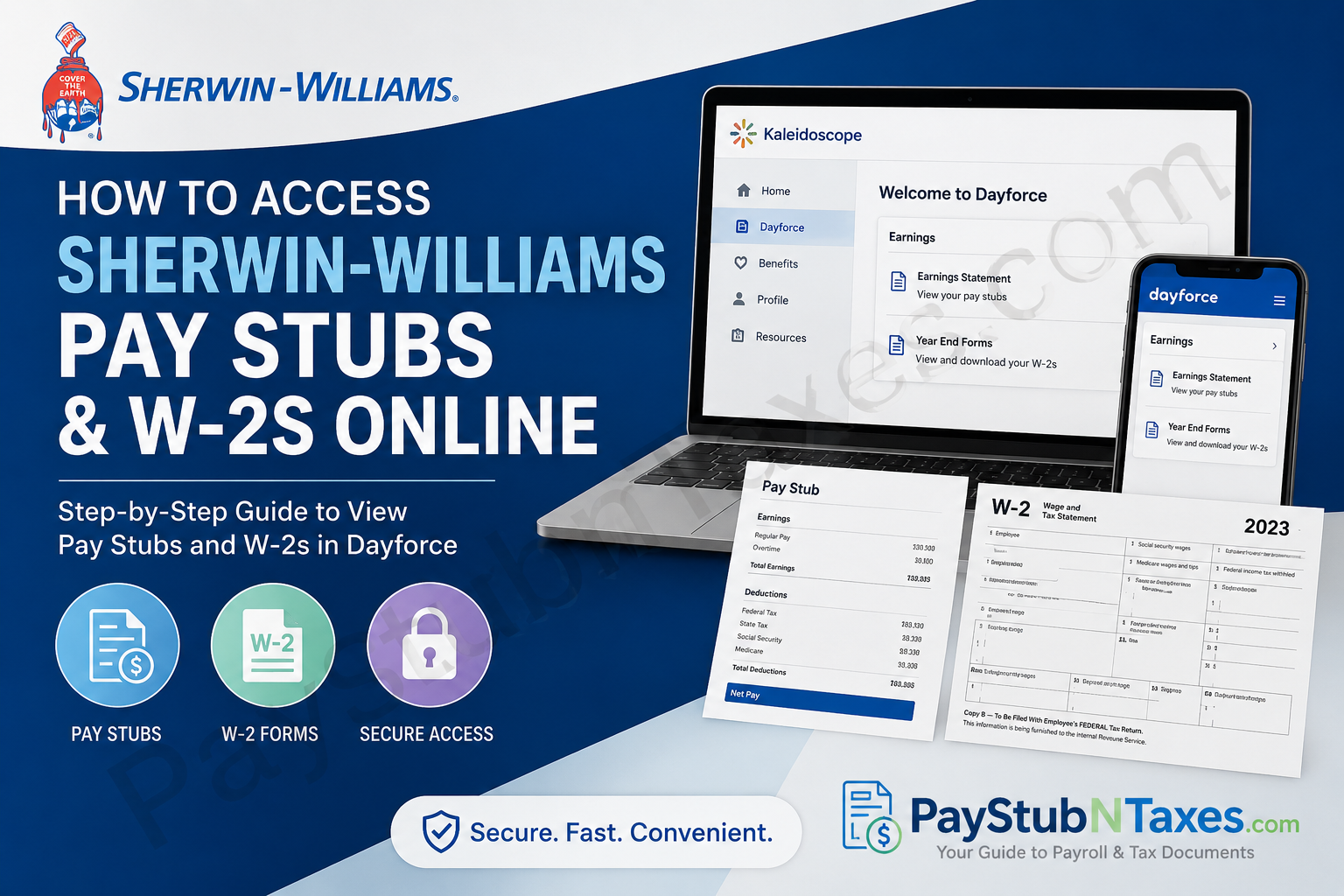
Sherwin-Williams has built a remarkable legacy since its founding in 1866 by Henry Sherwin and Edward Williams in Cleveland, Ohio. Today, the company operates across more than 120 countries with over 64,000 employees and thousands of retail stores and distribution facilities worldwide. Its commitment to innovation, employee growth, and operational excellence continues to shape the future of the coatings industry. For current and former employees, Sherwin-Williams provides convenient digital access to payroll records, pay stubs, and W2 tax documents through the Kaleidoscope and Dayforce platforms. Whether you need your latest earnings statement or a previous year’s tax form, the process is straightforward and secure. This complete guide explains how to access Sherwin-Williams pay stubs and W2s online quickly and efficiently.
Sherwin-Williams Employee Payroll Portal
Current Sherwin-Williams employees can access payroll information through the Kaleidoscope employee intranet using Microsoft Single Sign-On (SSO).
Official Employee Portal
Sherwin-Williams Kaleidoscope Portal
Employees can sign in using their company Microsoft credentials to access payroll, HR tools, benefits, and tax documents.
The company intranet transitioned from mySherwin to Kaleidoscope for employee access.
How to Log In to Sherwin-Williams Kaleidoscope
Follow these simple steps to access your account:
- Visit the Kaleidoscope portal.
- Enter your Microsoft SSO email or employee login credentials.
- Complete authentication.
- Open the Dayforce payroll section from the dashboard.
The login interface uses Microsoft authentication for enhanced security and employee account protection.
How to Access Sherwin-Williams Pay Stubs Online
Sherwin-Williams employees can retrieve electronic earnings statements directly through Dayforce inside the Kaleidoscope portal.
Steps to View Pay Stubs
- Log in to Kaleidoscope.
- Open Dayforce.
- Navigate to Earnings.
- Select the desired Earnings Statement Date.
- View, download, or print your pay stub.
The Dayforce payroll system refers to pay stubs as “Earnings Statements.”
Electronic pay statements are available online and can typically be downloaded instantly in printable format. The attached Dayforce guide also confirms that earnings statements can be viewed and printed directly from the payroll dashboard.
How to Access Sherwin-Williams W-2 Forms Online
Employees can also obtain year-end tax documents digitally through Dayforce.
Steps to Access W-2 Forms
- Sign in to Kaleidoscope.
- Launch Dayforce.
- Go to Earnings.
- Select Year End Forms.
- Choose your W-2 statement.
- Download or print the document for tax filing purposes.
The Dayforce payroll system stores tax forms within the “Year End Forms” section under Earnings.
Sherwin-Williams Former Employee Access
Former employees may still access payroll and tax information depending on the tax year.
According to the employee access guide:
- Pay stubs and tax forms prior to 2022 are generally available through ADP.
- Pay statements and tax documents from 2022 onward are available through Dayforce.
Former Employee Dayforce Login Information
Former employees accessing Dayforce may need:
- Company Code: sherwin
- Former Sherwin-Williams User ID
- Temporary password based on name and SSN/SIN format
The system typically prompts users to reset their password after initial login.
Accessing Older Sherwin-Williams Tax Documents
Employees seeking older W-2s or pay records may need to use the ADP portal.
ADP Portal: ADP Employee Portal
Former employees can create or recover their ADP accounts using the “Create Account” and “Find Me” options.
Dayforce Mobile App Access
Sherwin-Williams employees who prefer mobile access may use the Dayforce mobile application to manage payroll information conveniently.
The Dayforce app supports:
- Viewing pay statements
- Accessing tax forms
- Managing direct deposit
- Receiving payroll notifications
- Accessing employee information
Employees can log into Dayforce through both desktop and mobile applications.
How to Download or Print Pay Stubs and W-2s
Once inside Dayforce:
- Open the desired pay statement or tax form.
- Select the print or download icon.
- Save the document as a PDF for future use.
Keeping digital copies of payroll records is highly recommended for loan applications, tax filing, employment verification, and financial planning.
Troubleshooting Sherwin-Williams Payroll Login Issues
If you experience login difficulties, try the following:
Reset Your Password
Use the “Forgot Password” option on the login screen.
Verify Your Credentials
Ensure your Microsoft SSO or Dayforce credentials are entered correctly.
Try a Different Browser
Some internal systems may work better in Chrome or Edge.
Contact Payroll or HR Support
If account recovery fails, contact Sherwin-Williams HR or payroll support for assistance.
Benefits of Online Payroll Access
Using Sherwin-Williams digital payroll systems provides several advantages:
- 24/7 access to payroll records
- Faster W-2 retrieval during tax season
- Secure document storage
- Reduced paper clutter
- Easy printing and downloading
- Mobile-friendly access
Digital payroll management also enhances security and minimizes delays associated with mailed documents.
Final Thoughts
Sherwin-Williams provides employees and former employees with streamlined online access to payroll and tax information through Kaleidoscope, Dayforce, and ADP. Whether you need a recent pay stub, an archived W-2 form, or year-end earnings information, the process is relatively straightforward once you understand which portal applies to your employment status and tax year. By using the official portals and following the steps outlined above, employees can securely retrieve important payroll documents anytime and from virtually anywhere. Relevant portal transition and payroll access details were verified from the uploaded Sherwin-Williams employee access materials and Dayforce instructional guides.
Frequently Asked Questions (FAQ)
1. How do I access my Sherwin-Williams pay stubs online?
Log in to the Kaleidoscope employee portal at swkaleidoscope.com using your Microsoft SSO credentials. Then open Dayforce and go to Earnings to view your pay statements.
2. Where can I find my Sherwin-Williams W-2 form?
Your W-2 form is available in Dayforce under:
Dayforce > Earnings > Year End Forms
You can download or print the form for tax filing.
3. What is the Sherwin-Williams employee portal?
Sherwin-Williams employees use the Kaleidoscope portal as the company intranet for payroll, HR, and employee services.
4. What login credentials do I need for Kaleidoscope?
Current employees typically sign in using their Microsoft Single Sign-On (SSO) email and password.
5. Can former Sherwin-Williams employees access pay stubs online?
Yes. Former employees may access payroll and tax documents through Dayforce or ADP, depending on the year of employment.
6. Which portal do former employees use for older W-2 forms?
Former employees generally use ADP for pay stubs or tax forms issued prior to 2022.
7. Which portal is used for Sherwin-Williams payroll records from 2022 onward?
Payroll records and W-2 forms from 2022 and newer are usually available through Dayforce.
8. What is the Sherwin-Williams Dayforce company code?
The Dayforce company code for former employee access is typically: sherwin
9. Can I download my Sherwin-Williams pay stub as a PDF?
Yes. Dayforce allows employees to download, save, and print earnings statements in PDF format.
10. Does Sherwin-Williams offer a mobile payroll app?
Yes. Employees can use the Dayforce mobile app to access pay statements, tax forms, and payroll information from their smartphones.
11. How do I reset my Sherwin-Williams payroll password?
Use the “Forgot Password” option on the Kaleidoscope or Dayforce login page to reset your credentials securely.
12. Why can’t I log into Dayforce?
Login issues may occur because of incorrect credentials, expired passwords, browser compatibility issues, or inactive accounts after separation from employment.
13. Can I print my Sherwin-Williams W-2 online?
Yes. After opening the W-2 in Dayforce, select the print or download option to save a copy for your records.
14. Are Sherwin-Williams pay stubs available electronically only?
Most earnings statements are provided electronically through Dayforce, allowing employees to access them anytime online.
15. Is Sherwin-Williams payroll access secure?
Yes. The payroll systems use secure login authentication, including Microsoft SSO and password-protected employee portals, to help protect sensitive payroll data.
