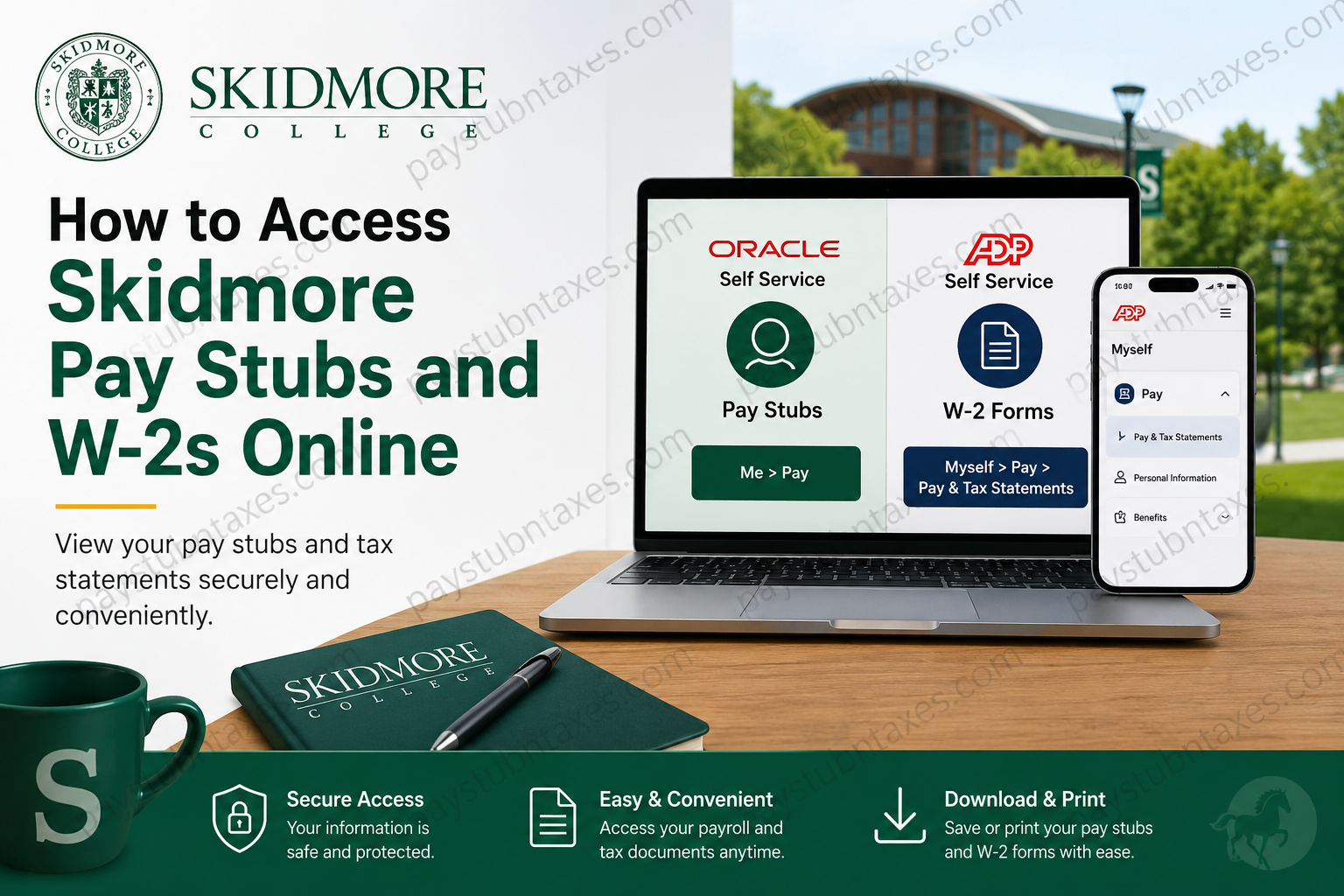
Employees of Skidmore College can conveniently access payroll documents and annual tax forms through the institution’s secure online platforms. Whether you need to review recent earnings, download historical pay statements, or retrieve your year-end W-2 tax forms, Skidmore provides streamlined digital access through Oracle Self Service and ADP. Located in Saratoga Springs, New York, Skidmore College is widely recognized as one of America’s leading liberal arts institutions, serving approximately 2,700 students across more than 60 academic disciplines. This guide explains, in detail, how Skidmore employees can securely access pay stubs and W-2 statements online.
Skidmore Payroll and Tax Statement Portals
Skidmore employees use two separate systems for payroll and tax documentation:
| Document Type | Portal | Access Link |
| Pay Stubs | Oracle Self Service via Okta | Skidmore Okta Portal |
| W-2 Tax Forms | ADP Self Service | ADP Employee Login |
Beginning with tax year 2022, Skidmore transitioned W-2 distribution to ADP’s employee self-service platform.
How to Access Skidmore Pay Stubs Online
Employees can obtain electronic pay statements through the Oracle Self Service payroll portal, which is accessible through Skidmore’s Okta Single Sign-On system.
Step-by-Step Instructions for Viewing Pay Stubs
Step 1: Open the Skidmore Okta Portal
Visit the official employee login page: https://skidmore.okta.com
Enter your Skidmore credentials to sign in securely.
Step 2: Navigate to the “Me” Section
Once logged in, locate the “Me” tab on the dashboard.
Under the Quick Actions menu, select: Pay
The payroll tile provides access to earnings statements, direct deposit information, and payroll history.
Step 3: Open Your Pay Statements
Inside the payroll section, employees can:
- View current pay stubs
- Download PDF copies
- Review tax withholdings
- Access year-to-date earnings
- Print payroll records for financial verification
Because Oracle Self Service is integrated with Skidmore’s internal HR system, payroll data is updated regularly and remains accessible from any authorized device.
How to Access Skidmore W-2 Forms Online
Skidmore employees access annual W-2 tax statements through ADP’s secure self-service platform.
ADP W-2 Registration Process
Employees who are accessing ADP for the first time must complete a one-time registration.
Step 1: Visit the ADP Website
Go to: my.adp.com
On the login page, click:
- Get Started
- Then select “I have a registration code
Step 2: Enter the Skidmore Registration Code
Use the official registration code: SKIDMORE1-W2
Then click Continue.
Step 3: Verify Your Identity
ADP will request several pieces of information to verify your identity.
You may need:
- First name
- Last name
- ZIP code
- Last four digits of your Social Security Number
- Employee ID
- Company code
According to the registration instructions, the company code is: USY
Step 4: Locate Your Employee ID in Oracle
Employees can locate their ADP Employee ID within Oracle Self Service.
After signing into Oracle:
- Click Me
- Select Personal Details
- Expand Biographical Info
- Locate the field labeled ADP Employee ID
This number serves as your control number during ADP registration.
Step 5: Create Your ADP Account
During setup, ADP will prompt you to:
- Verify your mobile number
- Add an email address
- Create a secure password
- Establish account recovery settings
After activation, your User ID will remain valid for future access.
Step 6: Access and Download Your W-2
Once your account setup is complete:
- Log into ADP
- Navigate to:
- Myself
- Pay
- Tax Statements
- Select the applicable tax year
- Download or print your W-2 form
Employees can retain electronic copies for tax filing, mortgage applications, financial aid documentation, and employment verification purposes.
Common Issues and Troubleshooting
Forgotten Password
If you forget your ADP password:
- Use the Forgot User ID/Password option on the login page
- Verify your identity using your registered phone or email
Unable to Locate Employee ID
If your ADP Employee ID is unavailable:
- Log into Oracle Self Service
- Navigate to Me > Personal Details
- Expand Biographical Info
The ADP Employee ID will appear within that section.
Locked Account
Multiple unsuccessful login attempts may temporarily lock your account for security purposes. Wait several minutes before retrying or contact Skidmore payroll support.
Benefits of Online Payroll Access
Digital payroll access offers several important advantages:
- Immediate access to earnings records
- Faster W-2 retrieval during tax season
- Reduced paperwork
- Secure document storage
- Convenient mobile access
- Simplified income verification
Because payroll documents often contain sensitive personal information, employees should always access these systems through secure networks and avoid sharing login credentials.
About Skidmore College
Skidmore College is a prestigious private liberal arts institution founded in the early twentieth century and located in Saratoga Springs, New York. The college is recognized nationally for its rigorous academics, small class sizes, and strong commitment to interdisciplinary learning.
The institution serves a diverse student body and continues to maintain a reputation for academic excellence, innovation, and student-centered education.
Final Thoughts
Accessing Skidmore pay stubs and W-2 forms online is a straightforward process once employees understand which platform to use. Oracle Self Service handles payroll documentation, while ADP securely manages annual tax statements beginning with tax year 2022. By following the procedures outlined above, employees can efficiently retrieve essential payroll records, maintain organized financial documentation, and simplify tax preparation throughout the year.
Frequently Asked Questions
1. How do I access my Skidmore pay stubs online?
You can access your pay stubs by logging into the Oracle Self Service portal through the Skidmore Okta website and selecting Me > Pay.
2. What website does Skidmore use for employee pay stubs?
Skidmore employees use the Oracle Self Service portal via: skidmore.okta.com
3. How do I get my Skidmore W-2 online?
Your W-2 can be accessed through the ADP employee portal after logging in and navigating to Myself > Pay > Tax Statements.
4. What is the ADP website for Skidmore employees?
The official ADP employee self-service portal is: my.adp.com
5. What is the Skidmore ADP registration code?
The registration code for Skidmore employees is: SKIDMORE1-W2
6. Where can I find my ADP Employee ID?
Your ADP Employee ID can be found in Oracle Self Service under:
Me > Personal Details > Biographical Info
7. What is Skidmore’s ADP company code?
The ADP company code used during registration is: USY
8. Can former Skidmore employees access W-2 forms online?
Yes. Former employees who previously registered with ADP can continue accessing historical W-2 statements online.
9. Since when has Skidmore used ADP for W-2 forms?
Skidmore began distributing W-2 statements through ADP starting with tax year 2022.
10. Can I print my Skidmore pay stubs and W-2s?
Yes. Both Oracle and ADP allow employees to download and print payroll and tax documents in PDF format.
11. What should I do if I forgot my ADP password?
Use the Forgot User ID/Password option on the ADP login page and follow the identity verification process.
12. Can I access Skidmore payroll information on my phone?
Yes. Both the Oracle Self Service portal and ADP platform are mobile-accessible through secure internet browsers.
13. Why can’t I log into my Skidmore payroll account?
Login issues may occur because of incorrect credentials, expired passwords, browser cache problems, or temporary account lockouts after multiple failed attempts.
14. Is Skidmore payroll access secure?
Yes. Skidmore uses secure authentication systems through Okta and ADP to protect employee payroll and tax information.
15. Who should I contact for payroll assistance at Skidmore?
Employees experiencing payroll or tax statement issues should contact Skidmore College Payroll or Human Resources for assistance.
