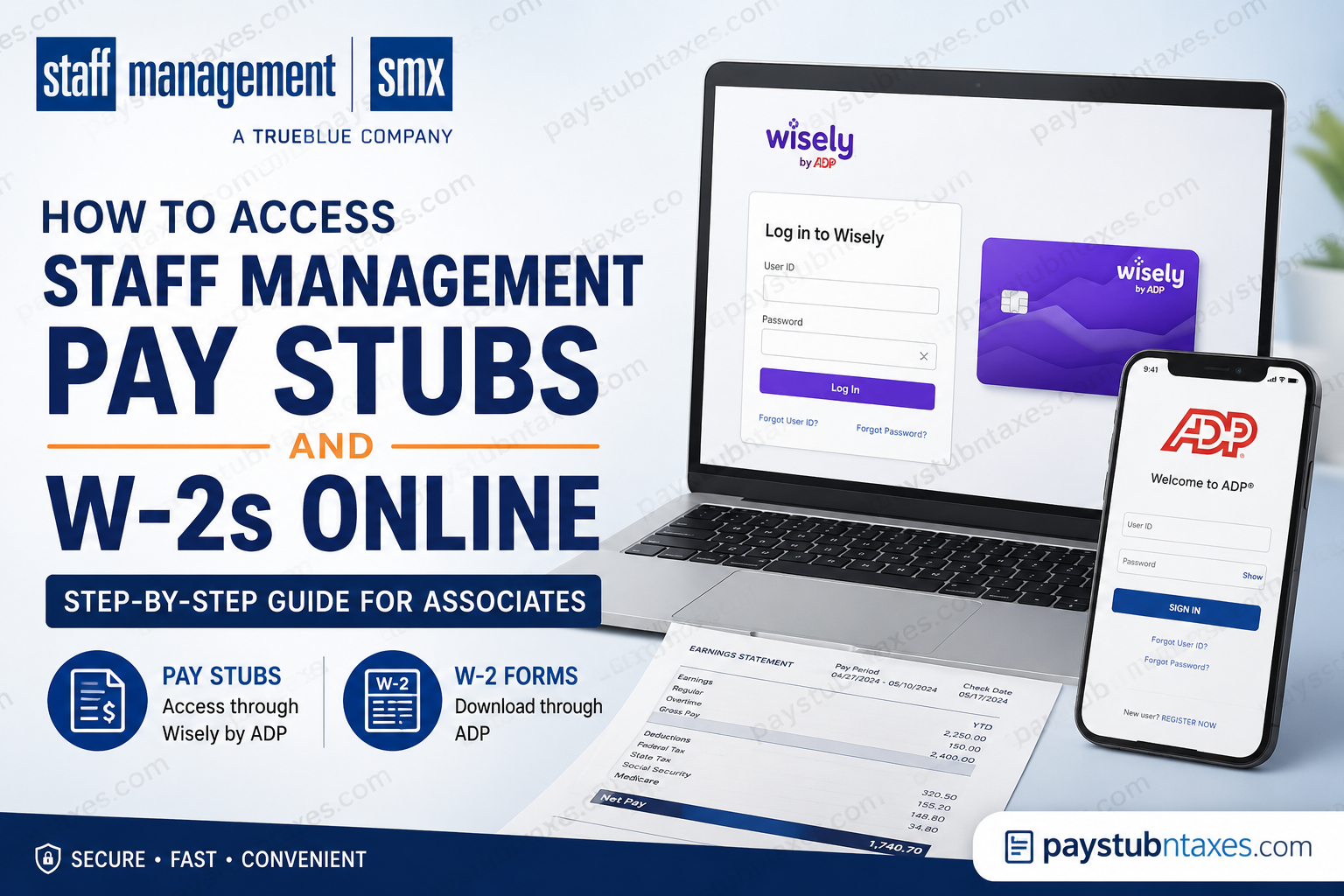
Staff Management | SMX has spent more than three decades establishing itself as one of America’s premier workforce solutions providers, serving manufacturing, fulfillment, and distribution industries across more than 100 markets and hiring approximately 70,000 workers annually. As a member of the TrueBlue family of companies, Staff Management offers its associates convenient digital tools to access payroll information, pay stubs, and tax documents online. If you’re a current or former Staff Management employee wondering how to retrieve your pay stubs or download your W-2 form, this comprehensive guide walks you through every step of the process.
About Staff Management | SMX
Founded in 1988, Staff Management | SMX is a nationally recognized staffing company specializing in onsite workforce management, recruitment solutions, and contingent workforce programs. The company joined TrueBlue in 2014 and today serves more than 140 customers throughout the United States. Its award-winning staffing model has earned numerous industry accolades, including multiple Best of Staffing Awards.
How to Access Staff Management Pay Stubs Online
All Staff Management associates can access their pay stubs online through the Wisely by ADP portal, even if they are paid by direct deposit or paper check rather than through a Wisely pay card. The portal displays accurate year-to-date earnings and tax withholdings.
Step 1: Visit the Wisely Login Page
Go to: https://www.mywisely.com/app/main/login
You can log in via:
- Desktop computer
- Smartphone browser
- MyWisely mobile app
Step 2: Sign In to Your Account
Enter your:
- Username or email address
- Password
If you’re a first-time user, select Get Started and follow the prompts to create your account.
Step 3: Navigate to Pay Information
After logging in:
- Open your account dashboard.
- Select Pay Statements or Pay History.
- Choose the desired pay period.
- View, print, or download your pay stub.
Information Available on Your Pay Stub
Your online pay statement includes:
- Gross earnings
- Net pay
- Federal and state tax withholdings
- Year-to-date earnings
- Year-to-date taxes withheld
- Hours worked
- Deductions and garnishments, if applicable
The online portal provides the most up-to-date payroll information available to employees.
How to Access Staff Management W-2 Forms Online
Staff Management employees can obtain their W-2 tax forms electronically through the ADP self-service portal.
Step 1: Go to ADP
Visit: https://my.adp.com
Step 2: Create an Account
Click: Register Now
Step 3: Find Your Employee Profile
Choose: Find Me
Enter the requested information:
- First name
- Last name
- Date of birth
- Social Security Number
If the system cannot locate your information, choose:
I Have a Registration Code
Then enter: TrueB-W2
Step 4: Create Login Credentials
Set up:
- User ID
- Password
- Security questions
- Email address
- Mobile phone number
Step 5: Access Your W-2
After logging in:
- Select Pay & Taxes.
- Click Tax Statements.
- Choose the desired tax year.
- Download or print your W-2.
When Are Staff Management W-2s Available?
Electronic W-2 forms generally become available by January 31 each year. Employees who elect paper delivery will receive their W-2s by mail beginning on or around January 31. Reissued forms are typically unavailable until after February 15.
Go Paperless for Faster W-2 Delivery
Once your ADP account has been created:
- Log in to ADP.
- Select Go Paperless.
- Consent to electronic delivery.
Employees who opt for electronic delivery usually receive an email notification as soon as their W-2 becomes available.
Forgot Your ADP Login Information?
If you forget your username or password:
- Visit https://my.adp.com
- Select:
- Forgot User ID, or
- Forgot Password
- Complete the identity verification process.
- Reset your credentials.
How to Update Personal Information
If you need to change:
- Mailing address
- Phone number
- Email address
- Tax information
You should:
- Update your information through JobStack, if available, or
- Contact your local Staff Management or TrueBlue representative before the year-end deadline.
Keeping your information current helps ensure your W-2 is delivered accurately and without delay.
Staff Management Payroll Contact Information
W-2 Call Center
Phone: 1-800-722-5840
Hours:
Monday–Friday
8:00 A.M. – 5:00 P.M. Central Time
Wisely Customer Service
Phone: 866-407-9482
Customer service can assist with:
- Card activation
- Lost or stolen cards
- Account updates
- Mobile app support
- Pay card issues
Employment and Income Verification
Current and former associates may verify employment and wage information through:
The Work Number
- Employer Code: 10657
- Company Name: TrueBlue
Common Problems and Solutions
| Issue | Solution |
| Cannot log into Wisely | Reset your password or call Wisely support |
| Cannot access ADP account | Use Registration Code TrueB-W2 |
| W-2 not received | Wait until January 31 before contacting support |
| Address changed | Update information immediately |
| Lost pay card | Lock the card in the app and request a replacement |
| Forgot ADP password | Use the password recovery feature |
Final Thoughts
Staff Management | SMX has streamlined payroll administration by offering employees secure online access to both pay stubs and tax documents. Through the Wisely and ADP self-service portals, current and former associates can conveniently review earnings, download W-2 forms, and manage payroll information without waiting for paper copies. By registering early, opting for paperless delivery, and ensuring your personal information remains current, you can avoid unnecessary delays during tax season and gain immediate access to your employment records whenever you need them.
Frequently Asked Questions
1. How do I view my Staff Management pay stubs online?
Log in to the Wisely by ADP portal at https://www.mywisely.com/app/main/login and select your pay statement from the dashboard.
2. Can I access my pay stubs if I do not have a Wisely pay card?
Yes. All Staff Management associates can access online pay stubs through Wisely, regardless of their payment method.
3. Where can I download my Staff Management W-2?
You can download your W-2 from https://my.adp.com after signing into your ADP account.
4. What is the Staff Management ADP registration code?
The organizational registration code is:
TrueB-W2
5. When are Staff Management W-2 forms available?
Electronic W-2s are typically available by January 31 each year.
6. When are paper W-2 forms mailed?
Paper W-2s begin mailing on or around January 31 if you have not enrolled in electronic delivery.
7. How do I register for an ADP account?
Visit my.adp.com, click Register Now, and follow the account verification process.
8. What should I do if ADP cannot locate my account?
Choose I Have a Registration Code and enter TrueB-W2.
9. How do I reset my ADP password?
Select Forgot User ID or Forgot Password on the ADP login page and complete identity verification.
10. How can I receive my W-2 electronically?
After creating your ADP account, select Go Paperless and consent to electronic delivery.
11. How do I update my address for W-2 purposes?
Update your personal information through JobStack or contact your local Staff Management representative before year-end.
12. Who do I contact if I cannot access my W-2?
Call the W-2 Call Center at:
1-800-722-5840
Monday-Friday, 8:00 AM-5:00 PM Central Time.
13. What information appears on my pay stub?
Your pay stub includes:
- Gross earnings
- Net pay
- Tax withholdings
- Year-to-date earnings
- Deductions
- Hours worked
14. What should I do if I lose my Wisely card?
Contact Wisely Customer Service at 866-407-9482 or lock the card using the myWisely app.
15. Can former employees still access their W-2 forms?
Yes. Former Staff Management employees can continue accessing their W-2s through the ADP portal using their existing credentials.
