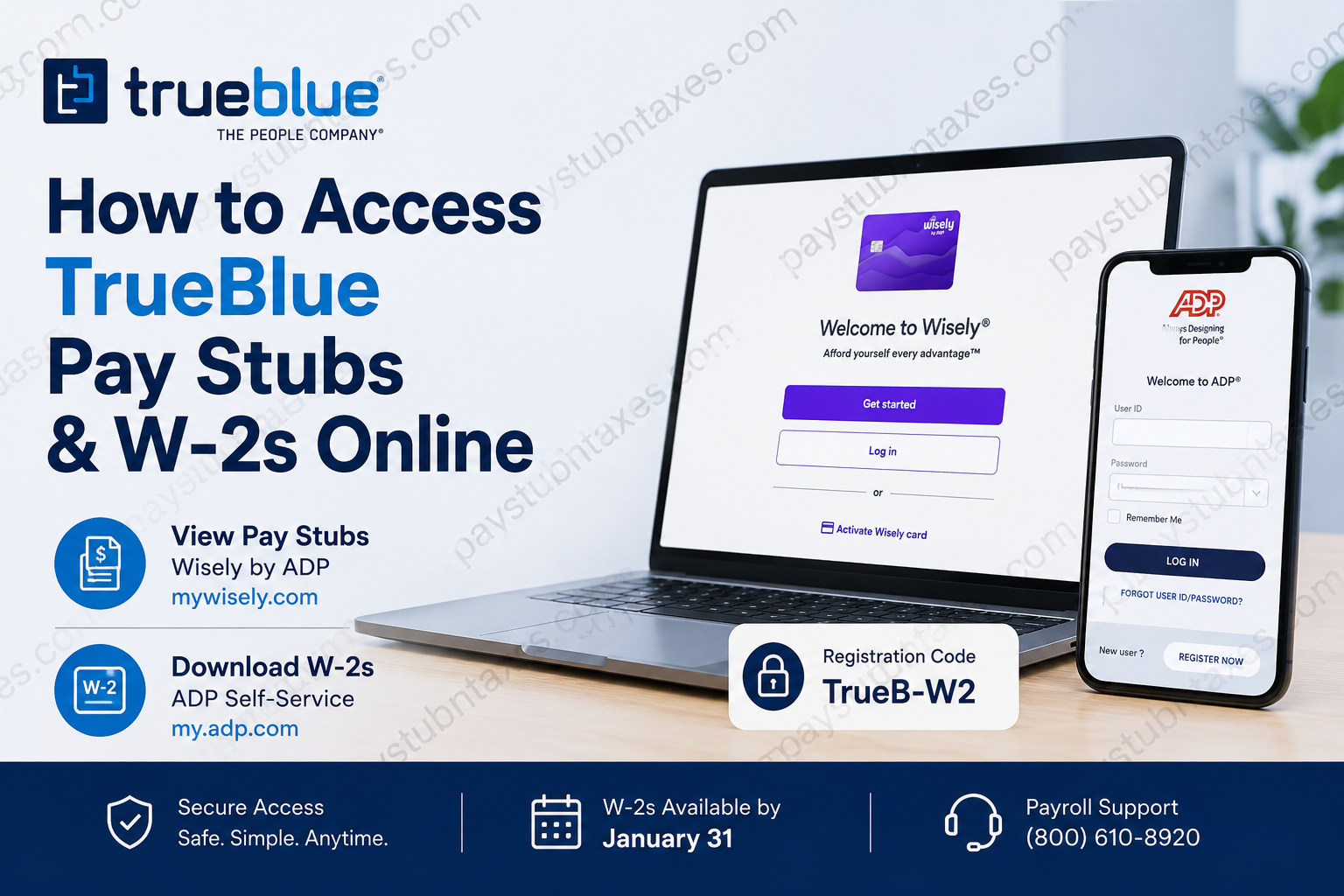
TrueBlue, Inc. (NYSE: TBI) is one of America’s foremost workforce solutions providers, connecting millions of people with meaningful employment opportunities through its family of brands, including PeopleReady, PeopleScout, Staff Management | SMX, Centerline, SIMOS, and Healthcare Staffing Professionals. With a steadfast commitment to innovation and employee support, TrueBlue has simplified payroll and tax document access by offering secure online portals for pay stubs and W-2 forms. Whether you are a current employee or a former associate, this comprehensive guide explains exactly how to access your TrueBlue pay stubs and W-2 forms online.
About TrueBlue
TrueBlue has spent more than three decades helping businesses and job seekers thrive in an ever-changing labor market. The company has connected over 10 million people with employment opportunities and served more than 3 million clients across diverse industries. Its mission is simple yet powerful: to connect people and work while delivering scalable workforce solutions that help businesses and communities prosper.
How to Access TrueBlue Pay Stubs Online
TrueBlue associates can conveniently view their pay statements online regardless of whether they receive payment via direct deposit, paper check, or Wisely Pay Card.
Step-by-Step Instructions
Step 1: Visit the Wisely Login Portal
Go to:https://www.mywisely.com/app/main/login
Step 2: Sign In
Enter your:
- Username
- Password
If you are a first-time user, select Get Started to create your account.
Step 3: View Pay Statements
After logging in:
- Open the dashboard.
- Select Pay Statements or Pay History.
- Choose the desired pay period.
- Download or print your pay stub.
What Information Is Available on Your Pay Stub?
Your online pay statement includes:
- Gross earnings
- Net pay
- Federal and state taxes withheld
- Year-to-date (YTD) earnings
- Year-to-date tax withholdings
- Deductions and benefits information
TrueBlue confirms that online pay stubs display accurate year-to-date earnings and withholdings, making them ideal for tax preparation and income verification purposes.
Accessing Pay Through the Wisely Card
Many TrueBlue associates receive their wages through the Wisely Pay Card, a reloadable prepaid debit card that does not require a bank account or credit check.
Benefits of the Wisely Card
- Early access to direct deposits
- Real-time balance tracking
- Spending insights and budgeting tools
- Savings envelopes
- Mobile wallet compatibility
- Security features including card locking and travel protection
- Cash-back rewards
- Email and text alerts
Download the myWisely App
The myWisely® app is available on:
- Apple App Store
- Google Play Store
Using the app, employees can:
- Check balances
- Review transactions
- Find nearby ATMs
- Access digital wallet purchases
- Manage savings
- Receive account notifications
How to Access Your TrueBlue W-2 Online
TrueBlue provides electronic W-2 forms through the ADP Self-Service portal.
Step 1: Visit ADP
Go to: https://my.adp.com
Step 2: Register Your Account
Click: Register Now
Choose one of the following:
- Find Me
- I Have a Registration Code
Step 3: Enter Registration Code
Use the organizational registration code: TrueB-W2
The dash is required.
Complete Your ADP Registration
You may be asked to provide:
- First Name
- Last Name
- Date of Birth
- Social Security Number
- Email Address
- Mobile Phone Number
After verification:
- Create your User ID.
- Create your password.
- Enable paperless delivery if desired.
When Are W-2 Forms Available?
Electronic W-2
Employees who opt for electronic delivery will receive an email notification from ADP once the form becomes available, which may be as late as January 31.
Paper W-2
Employees who do not enroll in electronic delivery will receive a paper copy mailed beginning January 31.
Replacement W-2 Forms
Reissued W-2 forms generally become available after February 15.
Need to Update Personal Information?
To ensure your W-2 contains accurate information, update your details before the annual deadline.
You can update your:
- Address
- Phone number
- Personal information
through:
- JobStack
- Your local TrueBlue office
Employees are encouraged to make updates by December 27 to avoid delays or errors in W-2 delivery.
Forgot Your ADP Username or Password?
On the ADP login page:
- Click Forgot User ID or Forgot Password.
- Verify your identity.
- Reset your login credentials.
ADP’s recovery tools allow employees to regain account access quickly and securely.
Employment Verification
Current and former associates may obtain employment and earnings verification through:
The Work Number
Employer Code:
10657 (PeopleReady/TrueBlue)
The service provides:
- Employment history
- Earnings history
- First and last dates of employment
TrueBlue Payroll Support Contacts
Payroll Questions
Phone: (800) 610-8920, Option 3
W-2 Questions
Phone: (800) 610-8920, Option 1
Email: hr-advice@trueblue.com
Additional W-2 assistance:
W-2 Call Center: 1-800-722-5840
Hours: Monday–Friday, 8:00 AM–5:00 PM CST.
Final Thoughts
TrueBlue has built a remarkably efficient payroll infrastructure that allows employees to manage their earnings and tax documents from virtually anywhere. Through the Wisely by ADP portal, associates can review pay statements in real time, while the ADP Self-Service platform offers secure access to W-2 tax forms and personal payroll records. By registering for both services and keeping your personal information current, you can avoid unnecessary delays and ensure seamless access to your important employment documents throughout the year.
FAQ
1. How do I access my TrueBlue pay stubs online?
You can log into the Wisely by ADP portal at https://www.mywisely.com/app/main/login and access your pay statements from the dashboard.
2. Can I view my pay stubs if I do not use a Wisely pay card?
Yes. All TrueBlue associates can access online pay stubs regardless of their payment method.
3. Where can I get my TrueBlue W-2 form?
You can download your W-2 from the ADP Self-Service portal at https://my.adp.com.
4. What is the TrueBlue ADP registration code?
The organizational registration code is TrueB-W2.
5. When are TrueBlue W-2 forms available?
Electronic W-2s are usually available by January 31, and paper copies begin mailing on the same date.
6. How do I sign up for electronic W-2 delivery?
Log into your ADP account and enable the Go Paperless option under tax statements.
7. What should I do if I forgot my ADP password?
Click Forgot Password on the ADP login page and follow the identity verification steps.
8. How do I update my address for my W-2?
Update your information through JobStack or contact your local TrueBlue office before December 27.
9. Can former employees access their W-2 online?
Yes. Former employees can continue accessing W-2 forms through their ADP accounts.
10. How can I print my pay stubs?
After opening your pay statement, select the download or print option available in the portal.
11. What information appears on my pay stub?
Your pay stub includes gross pay, deductions, taxes withheld, net pay, and year-to-date earnings.
12. What happens if I don’t choose electronic delivery for my W-2?
A paper W-2 will be mailed to your address on file beginning January 31.
13. When can I request a replacement W-2?
Replacement W-2 forms are generally available after February 15.
14. Who do I contact for payroll questions?
Call (800) 610-8920, Option 3 or email hr-advice@trueblue.com.
15. Who do I contact for W-2 assistance?
Call the W-2 hotline at (800) 610-8920, Option 1 or 1-800-722-5840, Monday through Friday, 8:00 AM to 5:00 PM CST.
