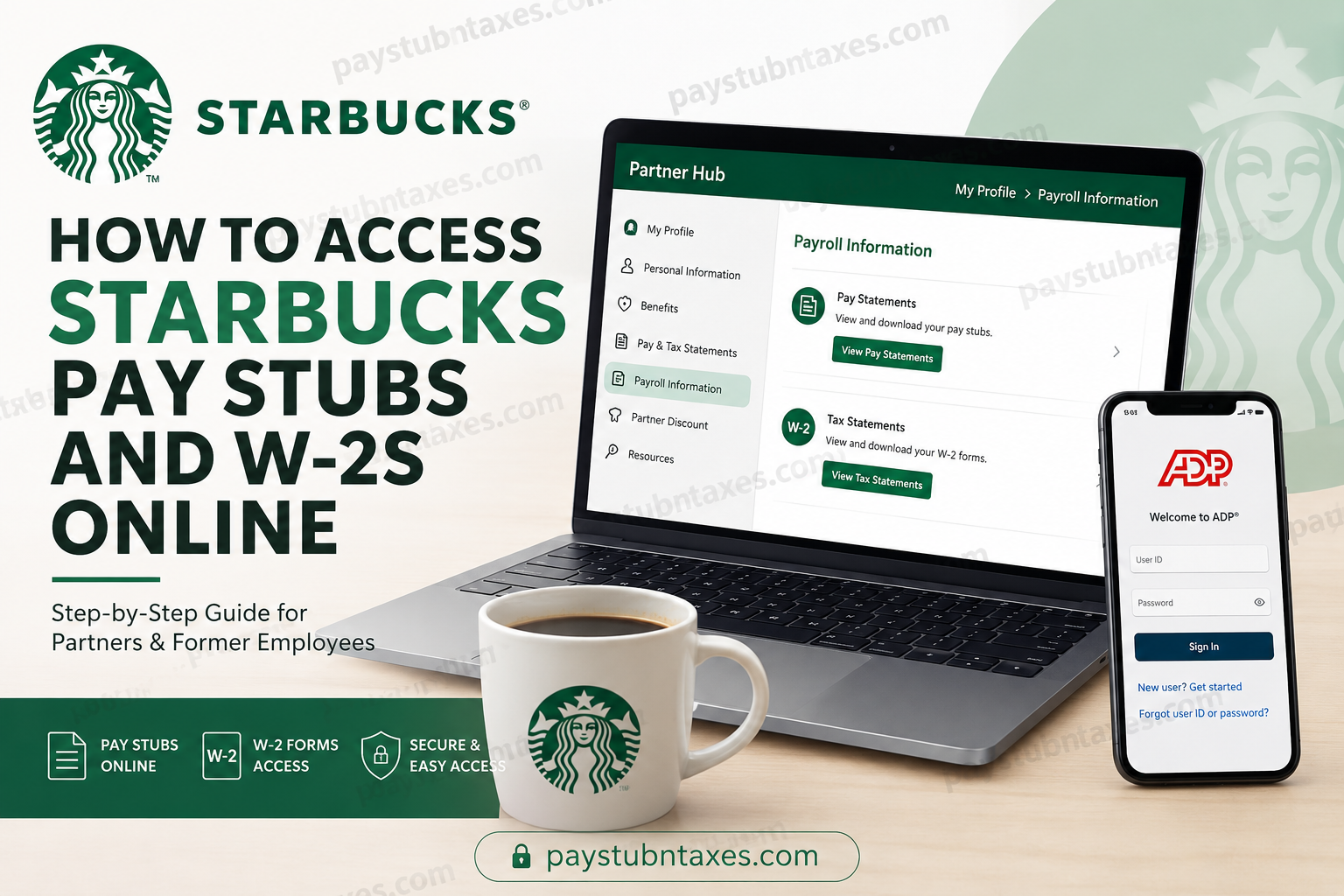
Starbucks is one of the world’s most recognized coffeehouse brands, employing hundreds of thousands of partners across stores, roasteries, distribution centers, and corporate offices. Starbucks refers to its employees as “partners,” reflecting its people-first culture and commitment to professional growth, inclusion, and community impact. For current Starbucks partners, accessing payroll documents online is simple and convenient. Whether you need your latest pay statement, year-end W-2 form, proof of income, or tax documentation, Starbucks provides secure digital access through both Partner Hub and the ADP self-service platform. This comprehensive guide explains exactly how to access Starbucks pay stubs and W-2s online, including registration instructions, troubleshooting tips, and solutions for former employees.
Starbucks Employee Payroll Systems
Starbucks partners can access payroll and tax documents through two official platforms:
- Starbucks Partner Hub
- ADP Self-Service Portal
Most employees prefer using ADP because Starbucks payroll services are integrated directly with the ADP system, offering a streamlined experience across desktop and mobile devices. Community discussions and most employees also consistently recommend ADP for easier access to pay and tax documents.
Method 1: Access Starbucks Pay Stubs Through Partner Hub
The Starbucks Partner Hub is the company’s internal employee portal where partners can manage work-related information, payroll records, and tax documents.
Starbucks Partner Hub Login Portal
Official Portal: Starbucks Partner Central
Steps to View Starbucks Pay Stubs
- Visit the Starbucks Partner Hub portal.
- Sign in using your Starbucks partner credentials.
- Navigate to My Profile.
- Select Payroll Information.
- Click Pay Statements.
- Choose the desired pay period to download or print your pay stub.
How to Access Starbucks W-2 Forms Through Partner Hub
Your annual W-2 tax statement is also available within the same payroll section.
Steps to Download Starbucks W-2 Online
- Log in to Partner Hub.
- Open My Profile.
- Select Payroll Information.
- Click Tax Statements.
- Choose the applicable tax year.
- Download or print your W-2 form.
Starbucks generally provides digital W-2 forms before the IRS mailing deadline each year.
Method 2: Access Starbucks Pay Stubs and W-2s Through ADP
ADP powers Starbucks payroll services and offers a more user-friendly interface for viewing payroll records online.
Official ADP Portal
Employees can access:
- Weekly or biweekly pay stubs
- W-2 tax forms
- Tax withholding information
- Payroll history
- Direct deposit details
How to Register for Starbucks ADP Access
If you are a first-time user, you must complete ADP registration before logging in.
Starbucks ADP Registration Code
Registration Code: starbucks-pay
Step-by-Step ADP Registration Process
On Desktop
- Go to my.adp.com
- Click Create Account or Get Started
- Select I Have a Registration Code
- Enter the Starbucks registration code:
starbucks-pay - Verify your identity using your personal information
- Create your username and password
- Set up security questions and authentication
How to Access Starbucks Pay Stubs in ADP
After registration:
- Log in to your ADP account
- Select Myself
- Click Pay
- Choose Pay Statements
- Open, download, or print your pay stub
How to Access Starbucks W-2 Forms in ADP
To retrieve your W-2:
- Sign in to ADP
- Navigate to Myself
- Select Pay
- Click Pay & Tax Statements
- Open your W-2 form
- Download the PDF copy for tax filing
Starbucks ADP Mobile App Access
Employees can also manage payroll records using the ADP Mobile Solutions app.
Download the ADP Mobile App
- Available on iPhone and Android devices
- Search for ADP Mobile Solutions in your app store
How Former Starbucks Employees Can Get W-2s
Former Starbucks employees can still retrieve W-2 forms even after separation from the company.
Option 1: ADP Portal
Former employees can:
- Visit the ADP Portal
- Create a new account
- Use registration code
starbucks-pay - Access archived payroll and tax records
Option 2: Mailed W-2 Copies
Starbucks generally mails W-2 forms to the address on file by January 31 each year. If your mailing address has changed, update your information immediately through HR or ADP.
Troubleshooting Starbucks Payroll Login Problems
Forgot Your Password
Use the Forgot Username/Password option on the ADP or Partner Hub login page.
Account Locked
If too many failed login attempts occur:
- Wait for automatic unlock
- Reset your password
- Contact Starbucks Partner Resources Support
Registration Code Not Working
Ensure you enter the code exactly as:
starbucks-pay
All letters should be lowercase.
Benefits of Online Payroll Access
Digital payroll systems provide several advantages for Starbucks partners:
- Instant access to pay history
- Secure W-2 retrieval
- Mobile-friendly payroll management
- Reduced paperwork
- Faster tax preparation
- Easy proof-of-income access
Starbucks Company Overview
Founded in 1971 at Seattle’s Pike Place Market, Starbucks has grown into the world’s largest coffeehouse chain, operating tens of thousands of stores globally. The company emphasizes employee development, diversity, customer experience, and community engagement. Starbucks continues to expand its digital infrastructure, including payroll and employee self-service tools.
Final Thoughts
Accessing Starbucks pay stubs and W-2 forms online is fast, secure, and convenient through both Partner Hub and ADP. While Partner Hub offers direct internal payroll access, most partners find ADP easier to navigate for payroll management and tax documents. Whether you are a current Starbucks partner or a former employee needing archived tax records, the ADP self-service portal remains the most reliable option for retrieving payroll documents online. By setting up your account properly and using the official Starbucks payroll resources, you can securely manage your earnings information anytime and from virtually anywhere.
Frequently Asked Questions (FAQs)
1. Where can I access my Starbucks pay stubs online?
You can access Starbucks pay stubs through:
- Starbucks Partner Hub
- ADP Self-Service Portal at my.adp.com
2. How do I log in to Starbucks Partner Hub?
Visit the official Starbucks Partner Central website and sign in using your Starbucks partner credentials.
3. What is the Starbucks ADP registration code?
The Starbucks ADP registration code is: starbucks-pay
4. How can I view my Starbucks W-2 form?
Log in to ADP or Partner Hub and navigate to:
- Payroll Information > Tax Statements
or - Myself > Pay & Tax Statements
5. Can former Starbucks employees access W-2 forms online?
Yes. Former employees can still access W-2 forms through ADP using the registration code starbucks-pay.
6. Does Starbucks mail W-2 forms?
Yes. Starbucks generally mails W-2 forms to the employee’s address on file by January 31 each year.
7. What should I do if I forgot my ADP password?
Use the Forgot Username/Password option on the ADP login page to reset your credentials.
8. Is the Starbucks payroll system available on mobile devices?
Yes. Employees can download the ADP Mobile Solutions app for Android and iPhone devices.
9. How do I register for ADP as a first-time Starbucks employee?
Go to my.adp.com, select Create Account, choose I Have a Registration Code, and enter starbucks-pay.
10. Why is my Starbucks ADP account locked?
Accounts may lock after multiple failed login attempts. Wait for the temporary lock to expire or reset your password.
11. Can I print Starbucks pay stubs from ADP?
Yes. ADP allows employees to download and print pay statements in PDF format.
12. What information do I need to register for Starbucks ADP?
You typically need:
- Your legal name
- Social Security Number
- Date of birth
- Contact information
13. How secure is Starbucks’ payroll access through ADP?
ADP uses encrypted login systems, multi-factor authentication, and secure payroll technology to protect employee data.
14. Can I access old Starbucks pay stubs online?
Yes. ADP usually stores payroll history and archived pay statements for eligible employees.
15. What should I do if my W-2 information is incorrect?
Contact Starbucks Partner Resources or ADP support immediately to request a corrected W-2 form.
