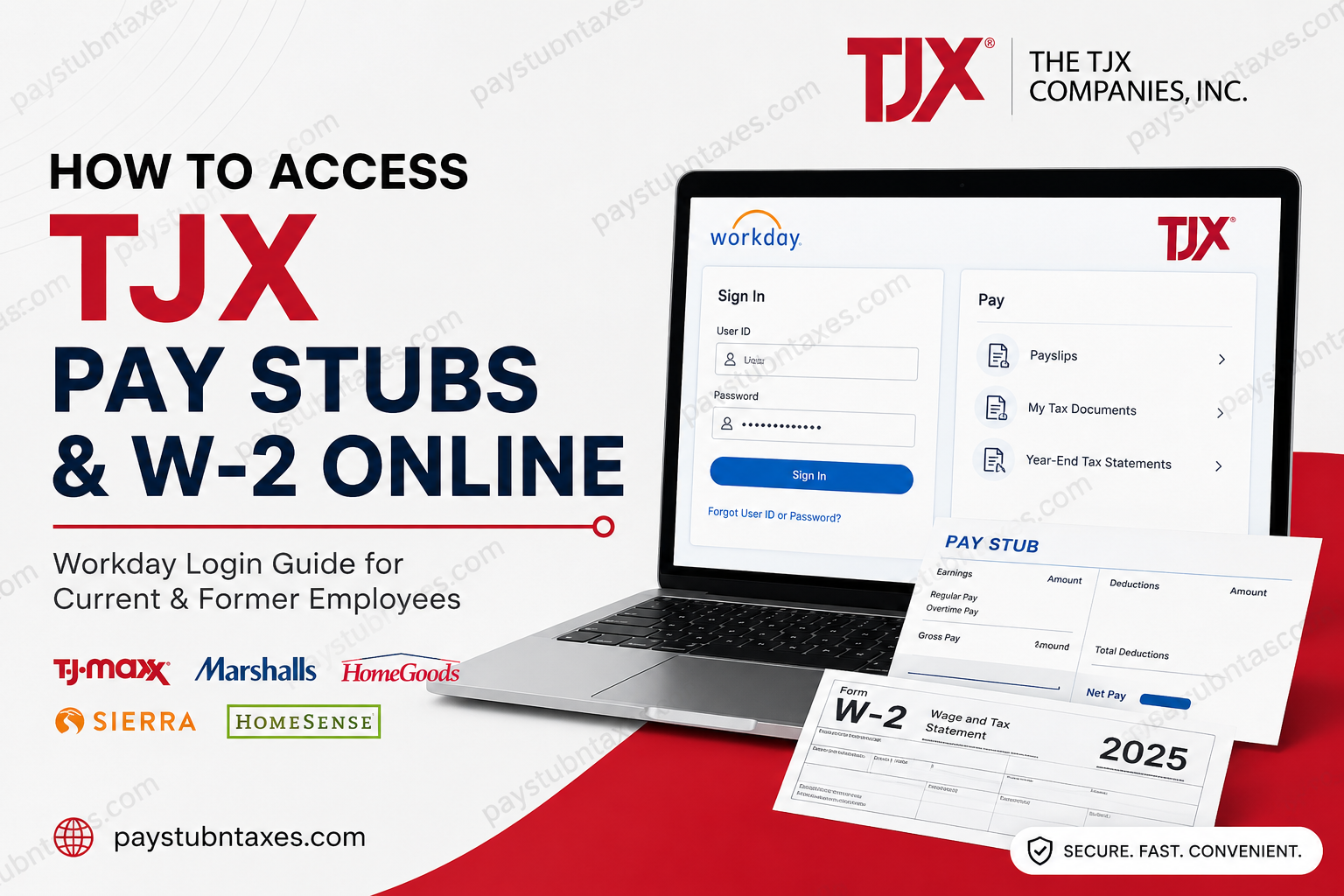
The TJX Companies, Inc. is one of the world’s largest off-price retail corporations, operating popular brands such as TJ Maxx, Marshalls, HomeGoods, HomeSense, Sierra, Winners, and TK Maxx across multiple countries. In April 2025, TJX fully transitioned its payroll and HR operations to the Workday platform, giving employees a centralized digital portal for payroll, tax forms, benefits, and employment records. If you are a current or former TJX employee, this complete guide explains how to access your TJX pay stubs, download W-2 forms, sign in to Workday, and retrieve historical tax statements online.
TJX Employee Payroll Portal Overview
TJX now uses two primary systems for payroll and tax document access:
| Purpose | Portal |
| Current employee pay stubs & recent W-2s | Workday |
| Former employee W-2 access & historical tax forms | Paperless Employee |
Official TJX Workday Login
Current employees can access the Workday Self-Service portal here:
Workday Portal: myworkday.com/tjx/login.htmld
Paperless Employee Portal
Former employees and associates requiring year-end tax statements can access:
Paperless Employee: paperlessemployee.com/tjxcompanies
Employees looking for historical W-2s issued before 2024 may still be able to access the legacy portal: paperlessemployee.com/tjx
How to Access TJX Pay Stubs Online
Since TJX migrated payroll services to Workday, associates can conveniently retrieve digital payslips directly from the employee self-service dashboard.
Step-by-Step Instructions
Step 1: Open the TJX Workday Portal
Visit the official Workday login page:
Step 2: Enter Your Credentials
Use your:
- TJX User ID
- Password
- Multi-Factor Authentication (MFA), if prompted
The mobile Workday instructions also indicate that employees may log in using their TJX credentials and Organization ID “TJX.”
Step 3: Open the Pay Dashboard
After signing in:
- Navigate to Applications
- Select Pay
- Click Payslips
The uploaded payroll instructions demonstrate that Workday stores digital payslips within the Pay section for employee access.
Step 4: Select Your Pay Period
You will see a list of available pay dates.
Choose the relevant payroll period to:
- View your pay stub
- Download the PDF
- Print your payslip
- Save earnings records
How to Access TJX W-2 Forms Online
TJX employees can also retrieve year-end tax documents through Workday or Paperless Employee depending on employment status.
For Current TJX Employees
Access W-2 Through Workday
- Log in to Workday
- Open the Pay application
- Select My Tax Documents
- Choose your W-2 form
- Click View/Print
Workday tax documentation instructions confirm that W-2 forms are stored under “My Tax Documents” and may be downloaded or printed directly from the portal.
How Former TJX Employees Can Get Their W-2
If you no longer work for TJX, your Workday organizational access may eventually expire. However, you can still retrieve your tax statements online using Paperless Employee.
Steps to Access Your W-2
Step 1: Visit the Portal
Step 2: Create an Account
If this is your first visit:
- Click Create Account
- Enter:
- Social Security Number
- Date of Birth
- Verify your identity
- Create a User ID and Password
- Complete verification steps
The uploaded Paperless Employee registration guide outlines the account creation and identity verification process for online tax document access.
Step 3: Access Year-End Tax Statements
After successful registration:
- Open My Forms Center
- Select Year-End Tax Statements
- Download or print your W-2
The TJX Paperless Employee login page specifically references access to “Year-End Tax Statements.”
How to Access Historical TJX W-2 Forms
Employees needing W-2s issued before the Workday transition may still access the legacy payroll environment.
Historical W-2 Portal
Historical records prior to 2024 may remain available through the former Paperless Employee system.
How to Use the TJX Workday Mobile App
TJX associates may also access payroll information from smartphones and tablets.
Mobile Setup Instructions
- Download the Workday App from:
- Apple App Store
- Google Play Store
- Open the app
- Enter Organization ID: TJX
- Sign in with your TJX credentials
- Complete MFA authentication if required
Workday became fully available to TJX associates beginning in April 2025 and supports both personal and company-issued devices.
Common TJX Payroll Login Issues
Forgotten Password
If you cannot remember your login credentials:
- Use the Forgot Password option
- Reset credentials through email or verification code
Paperless Employee also supports password recovery through identity verification workflows.
Unable to Verify Identity
If registration fails:
- Confirm your Social Security Number
- Verify your date of birth
- Ensure your phone number and email address are updated with TJX HR
TJX Payroll and HR Contact Information
If you still cannot access your account, contact TJX Human Resources directly.
TJX HR Support
- Phone: 1-888-627-6299
Employees may also contact their manager or internal IT Service Desk for Workday credential assistance.
Why TJX Switched to Workday
TJX adopted Workday to centralize payroll, HR management, tax reporting, and employee self-service capabilities into a single modern cloud platform. The system streamlines:
- Pay stub access
- Tax form delivery
- Payroll management
- Employee records
- Benefits administration
- Multi-factor authentication security
TJX’s HR platform also supports a centralized global workforce structure across multiple countries and subsidiaries.
Final Thoughts
TJX employees now enjoy faster and more secure access to payroll and tax records through Workday and Paperless Employee. Whether you currently work for TJ Maxx, Marshalls, HomeGoods, Sierra, or another TJX subsidiary, you can quickly retrieve your pay stubs and W-2 forms online without waiting for mailed copies. For active employees, Workday remains the primary payroll platform. Former employees can continue accessing year-end tax statements through Paperless Employee using their personal credentials and verification details.
Frequently Asked Questions (FAQs)
1. How do I access my TJX pay stubs online?
You can access your pay stubs through the TJX Workday portal by signing into the Pay dashboard and selecting Payslips.
2. What is the official TJX Workday login link?
The official login portal is: https://www.myworkday.com/tjx/login.htmld
3. Can former TJX employees still access W-2 forms?
Yes. Former employees can retrieve W-2 forms through the Paperless Employee portal.
4. What is the Paperless Employee website for TJX?
The official website is: www.paperlessemployee.com/tjxcompanies
5. Does TJX use Workday for payroll?
Yes. TJX fully transitioned payroll and HR services to Workday in April 2025.
6. How do I download my TJX W-2?
Log in to Workday or Paperless Employee, open Year-End Tax Statements, and download the PDF copy.
7. Can I access TJX payroll from my phone?
Yes. Employees can use the Workday mobile app on Android and iPhone devices.
8. What is the Organization ID for TJX Workday?
The Organization ID is: TJX
9. What if I forgot my Paperless Employee password?
Use the Forgot Password link on the login page and complete identity verification.
10. How do I access old TJX W-2 forms?
Historical W-2 forms may still be available through the legacy Paperless Employee portal.
11. What should I do if my account cannot be verified?
Contact TJX HR to confirm your payroll information and wait for updates to synchronize.
12. Can terminated employees access Workday?
Access may become limited after separation, but tax forms remain available through Paperless Employee.
13. Are TJX pay stubs available in PDF format?
Yes. Workday allows employees to view, print, and download payslips in PDF format.
14. Does TJX require multi-factor authentication?
Yes. Some employees may be prompted to complete MFA verification during login.
15. How can I contact TJX payroll support?
Call TJX HR support at: 1-888-627-6299
