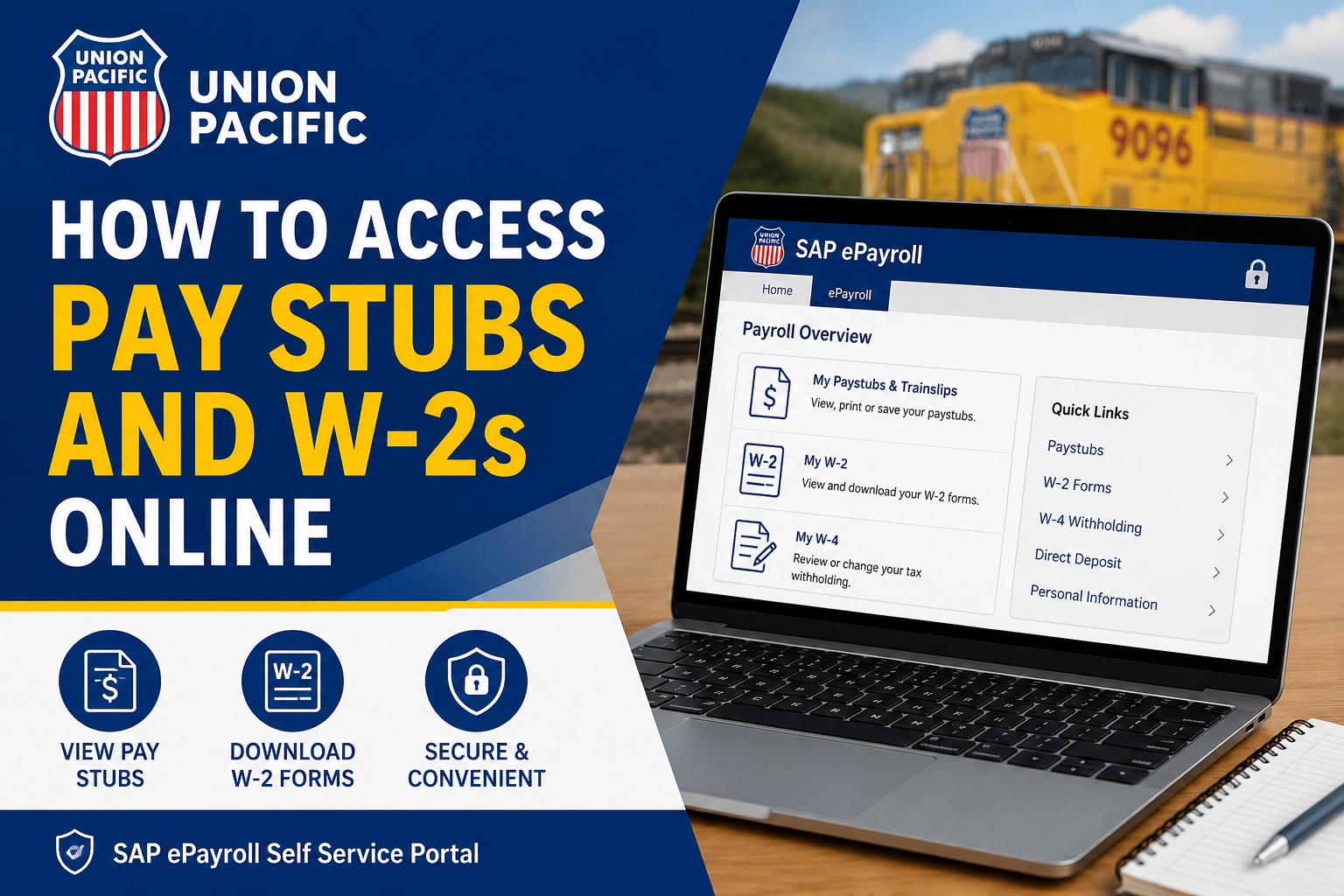
Managing payroll documents online has become an essential convenience for modern employees, and Union Pacific provides a secure SAP ePayroll self-service system that allows employees to access pay stubs, W-2 forms, tax information, and direct deposit details anytime. As one of America’s most recognized railroad companies, Union Pacific operates across 23 states and supports thousands of employees with streamlined digital payroll services. Whether you need to download your latest paycheck, print a W-2 for tax filing, or update withholding information, the SAP ePayroll portal gives current employees 24/7 online access from virtually anywhere.
What Is the Union Pacific SAP ePayroll Portal?
The SAP ePayroll portal is Union Pacific’s official employee payroll management system. Through this secure platform, employees can:
- View and download pay stubs
- Access annual W-2 tax forms
- Review or update W-4 tax withholding elections
- Manage direct deposit information
- Print payroll and tax records
- Save digital copies for future reference
The system is available online both inside and outside the Union Pacific network.
Union Pacific Employee Payroll Login Links
Current employees can access the SAP ePayroll portal using either of the following official links:
Inside the Union Pacific Network
Union Pacific Intranet Payroll Login
Outside the Union Pacific Network
Union Pacific Employee Portal Login
Employees accessing the system remotely will be prompted to sign in using their TCS credentials.
How to Log In to Union Pacific SAP ePayroll
Follow these steps to access your Union Pacific pay stubs and W-2 forms online:
Step 1: Open the Payroll Portal
Visit one of the official Union Pacific SAP ePayroll login pages listed above.
Step 2: Enter Your TCS User ID
Type your assigned TCS User ID into the login field.
If you do not know your TCS User ID, contact Online Systems Services (OSS) at:
OSS Support: 1-800-621-8953
Step 3: Enter Your Password
Input your TCS password and click the Log In button.
Step 4: Open the ePayroll Section
After signing in successfully, click the ePayroll tab to access payroll services.
First-Time Login Instructions
Employees using SAP ePayroll for the first time may need to use the default password format.
Default Password Format
Your temporary password is: UPRR + Last 4 Digits of Your Social Security Number
Example:
- SSN: XXX-XX-6789
- Default Password: UPRR6789
After your first login, the system will require you to create a new secure password.
How to View Union Pacific Pay Stubs Online
Once logged into SAP ePayroll:
- Navigate to the Payroll Overview
- Click My Paystubs & Timeslips
- Select the paycheck you want to review
- Open the pay statement details
- Use the toolbar options to:
- Save the pay stub
- Print the pay stub
- Download a copy for records
Employees can review earnings, taxes, deductions, direct deposit details, and payment history directly from the portal.
How to Access Union Pacific W-2 Forms
Union Pacific employees can also retrieve annual W-2 tax statements online through SAP ePayroll.
Steps to Access W-2s
- Log in to the SAP ePayroll system
- Go to the Payroll Overview
- Click My W-2
- Select the tax year you wish to view
- Download, save, or print your W-2 form
This feature makes tax preparation significantly easier and eliminates the need to wait for mailed forms.
How to Update W-4 Tax Withholding Information
The SAP ePayroll system also allows employees to manage federal and state tax withholding elections.
To Update Your W-4:
- Open the My W-4 section
- Select the withholding line you want to edit
- Enter updated tax information
- Confirm the electronic declaration statement
- Submit your changes
Your electronic acknowledgment acts as your digital signature.
Direct Deposit Requirements for Online Pay Stub Access
Union Pacific requires employees to participate in direct deposit to access pay stubs through SAP ePayroll.
If you are not enrolled:
- Log in to SAP
- Navigate to My Profile
- Set up direct deposit information
- Save your banking details
Once direct deposit is active, online pay stub access becomes available.
Browser and System Requirements
To use Union Pacific SAP ePayroll effectively, employees should ensure they have:
- Internet access
- A modern web browser
- JavaScript enabled
- Adobe Reader installed
- Pop-up blockers temporarily disabled if necessary
If the payroll window does not open correctly, hold the Ctrl key while clicking the SAP ePayroll link.
Union Pacific Payroll Support Contact Information
If you experience login problems or payroll access issues, contact Union Pacific support services:
Online Systems Services (OSS)
Phone: 1-800-621-8953
Payroll Assistance
Phone: 1-888-241-2764
Support representatives can assist with:
- TCS User IDs
- Password resets
- Direct deposit setup
- Payroll navigation issues
- W-2 access problems
Benefits of Using Union Pacific SAP ePayroll
The SAP ePayroll system offers several advantages for employees:
- Secure 24/7 payroll access
- Faster access to W-2 forms
- Paperless payroll management
- Easy printing and downloading
- Convenient tax withholding updates
- Simplified direct deposit management
By moving payroll services online, Union Pacific helps employees manage financial records more efficiently while supporting environmentally responsible paperless operations.
Final Thoughts
Union Pacific’s SAP ePayroll platform provides employees with a fast, secure, and reliable way to access pay stubs and W-2 forms online. Whether you are reviewing paycheck details, downloading tax documents, or updating your W-4 information, the system centralizes everything in one convenient portal. Employees should keep their TCS login credentials secure and regularly review payroll records to ensure all information remains accurate and up to date.
Frequently Asked Questions (FAQ)
1. How do I access Union Pacific pay stubs online?
You can access Union Pacific pay stubs by logging into the SAP ePayroll portal using your TCS User ID and password. After logging in, click “My Paystubs & Trainslips” to view payroll records.
2. What is the official Union Pacific payroll portal?
The official payroll portals are:
- https://sap.www.uprr.com/irj
- https://employees.www.uprr.com/irj
3. Can I access Union Pacific payroll outside the company network?
Yes. Employees can use the external SAP ePayroll portal to access payroll records securely outside the Union Pacific network.
4. How do I download my Union Pacific W-2 online?
Log into SAP ePayroll, select “My W-2,” choose the tax year, and download or print the form directly from the portal.
5. What credentials do I need to log in?
You need your TCS User ID and password to access the Union Pacific SAP ePayroll system.
6. What is the default password for first-time login?
The default password is “UPRR” followed by the last four digits of your Social Security Number. Example: UPRR6789
7. How can I reset my Union Pacific payroll password?
Contact Online Systems Services (OSS) at 1-800-621-8953 for password reset assistance.
8. Why can’t I see my pay stubs online?
Employees must participate in direct deposit before online pay stub access becomes available in SAP ePayroll.
9. How do I enroll in direct deposit at Union Pacific?
Log in to SAP, navigate to “My Profile,” and enter your banking information to activate direct deposit.
10. Can I print my Union Pacific pay stubs?
Yes. The SAP ePayroll system allows employees to print or save PDF copies of pay statements.
11. How do I update my W-4 tax withholding information?
Inside SAP ePayroll, click “My W-4,” edit your tax withholding selections, and electronically confirm the changes.
12. Does Union Pacific mail paper pay stubs?
Employees who enroll in online pay stub access through SAP ePayroll generally stop receiving paper pay stubs by mail.
13. What browser works best with SAP ePayroll?
Modern browsers with JavaScript enabled work best. Adobe Reader may also be required to open payroll documents.
14. Who do I contact for Union Pacific payroll support?
You can contact:
- OSS Support: 1-800-621-8953
- Payroll Assistance: 1-888-241-2764
15. Can I save copies of my W-2 and pay stubs?
Yes. Employees can download, save, and print payroll and tax documents directly from the SAP ePayroll portal.
