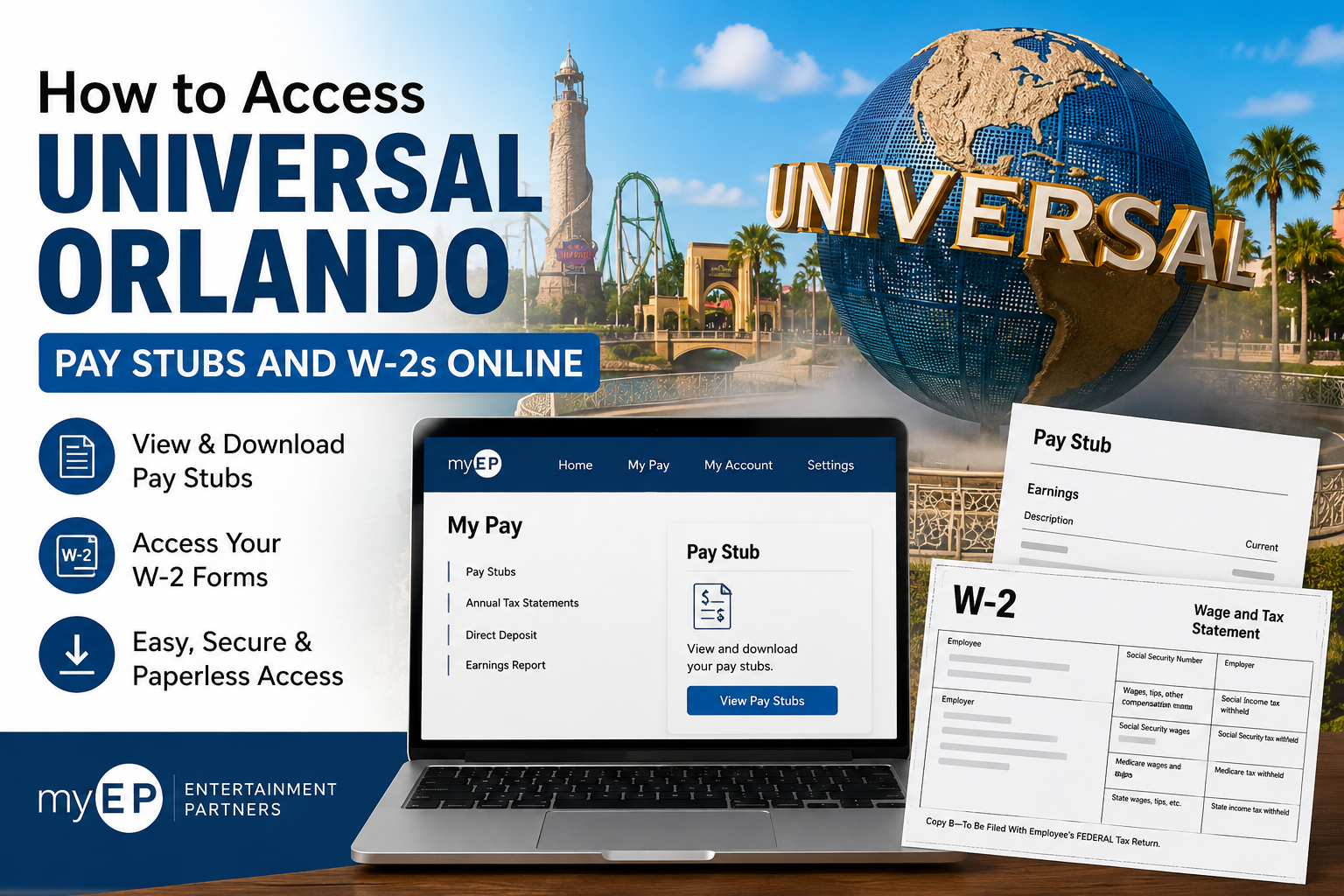
Universal Orlando Resort is one of the world’s most recognized entertainment destinations, featuring multiple theme parks, resort hotels, and immersive attractions in Orlando, Florida. Employees and entertainment talent associated with Universal Orlando can conveniently access payroll documents online through the Entertainment Partners (EP) self-service portal. Whether you are a background actor, production worker, studio user, or residuals recipient, the myEP platform allows you to securely view pay stubs, download earnings reports, and retrieve W-2 tax statements online.
Universal Orlando Payroll Portal
Employees and eligible entertainment professionals can access their payroll records through the Entertainment Partners portal:
Official Login Portal
The portal supports:
- Online pay stub access
- Digital W-2 forms
- Payroll profile management
- Earnings report exports
- Tax document delivery preferences
- Direct deposit management
Who Can Access Universal Orlando Pay Stubs and W-2s?
The Entertainment Partners payroll system is available for:
- Background Actors
- Production Workers & Talent
- Studio Users
- Residuals recipients
The registration page allows users to select their role before connecting their payroll profile.
How to Access Universal Orlando Pay Stubs Online
Follow these steps to securely retrieve your payroll information online.
Step 1: Visit the Entertainment Partners Website
Go to:
Create your account if you are a first-time user.
Step 2: Select Your User Type
After registration, choose the category that best describes your role:
- Background Actor
- Production Worker & Talent
- Studio User
- Residuals
This helps the system connect your payroll records properly.
Step 3: Connect Your Payroll Profile
Before accessing pay statements or tax forms, you must connect your Payroll Profile.
Requirements for Payroll Profile Connection
You must:
- Have been paid by Entertainment Partners within the last three years
- Have one of your 25 most recent paychecks available
How to Connect Your Payroll Profile
- Sign in to your myEP account
- Navigate to the “Enhance Your Profile” section
- Select Connect Payroll Profile
- Verify your Social Security Number
- Confirm payroll details from a recent paycheck
- Complete the verification process
You may verify your identity using:
- Net Pay Amount
- Gross Amount
- Check Number
Once completed, your payroll account will be fully connected.
How to View Universal Orlando Pay Stubs
After connecting your payroll profile:
- Log in to myEP
- Navigate to My Pay
- Open your payroll dashboard
- Select the desired pay statement
- Download or print your pay stub
The system provides secure online access to historical payroll records and earnings information.
How to Access Universal Orlando W-2 Forms Online
Entertainment Partners allows users to receive digital W-2 forms through paperless delivery.
Steps to Sign Up for Online W-2 Delivery
- Sign in at myEP
- Go to My Pay > Annual Tax Statements
- Set your W-2 delivery preferences
- Click Go Paperless for W-2s
- Complete the verification steps
- Enter the displayed IRS security code
- Click Finish to complete enrollment
Your next W-2 form will typically be available in January for download and printing.
How to Download or Print Your W-2
Once your tax statement becomes available:
- Log in to myEP
- Go to My Pay > Annual Tax Statements
- Locate your document
- Choose one of the following options:
- Download
- Preview
- Print Document
Digital copies are equivalent to mailed paper copies for tax filing purposes.
How to Switch Back to Paper W-2 Delivery
If you previously selected paperless delivery but want mailed copies again:
- Sign in to myEP
- Navigate to:
My Account > Settings > Pay Preferences - Select:
Change to Postal Mail - Choose:
- Online only
- Postal and online delivery
How to Export an Earnings Report
Entertainment Partners also allows users to export earnings data.
Steps to Export Payroll Records
- Open the payroll dashboard
- Use the search filters or checkboxes to select pay records
- Click the Export button
- The report will automatically download to your device
This feature is useful for:
- Income verification
- Financial applications
- Tax preparation
- Employment documentation
When Are W-2 Forms Available?
Digital W-2 and 1099 forms are generally available during the second-to-last week of January. Printed forms are usually mailed during the final week of January.
Users enrolled in paperless delivery may also receive an email notification once tax forms become available online.
Troubleshooting myEP Login Issues
If you cannot access your payroll information:
- Verify that your Payroll Profile is connected
- Confirm your login credentials
- Use recent paycheck information during verification
- Try resetting your password
- Ensure you were paid by EP within the last three years
If problems continue, contact Entertainment Partners support through the myEP portal.
Benefits of Online Payroll Access
Using the Entertainment Partners portal offers several advantages:
- 24/7 payroll access
- Faster W-2 delivery
- Secure document storage
- Easy earnings exports
- Reduced paper clutter
- Instant pay stub downloads
Final Thoughts
The Entertainment Partners myEP platform makes it easy for Universal Orlando employees, talent, and payroll recipients to manage payroll information online. From accessing pay stubs to downloading W-2 forms and exporting earnings reports, the system provides a streamlined and secure payroll experience. By enabling paperless delivery and connecting your Payroll Profile, you can access tax documents quickly and avoid delays during tax season.
Frequently Asked Questions
Can former Universal Orlando workers access W-2 forms?
Yes. As long as you were paid through Entertainment Partners and your payroll profile remains active, you can access historical tax documents online.
What information do I need to connect my payroll profile?
You will need:
- Your Social Security Number
- A recent paycheck
- Payroll verification information, such as net pay, gross pay, or check number.
Can I still receive mailed W-2 copies?
Yes. You can switch from paperless delivery to postal delivery through Pay Preferences.
Are digital W-2 forms official tax documents?
Yes. Digital W-2 copies available through myEP are valid for federal tax filing.
Can I download multiple pay statements?
Yes. The export tool allows you to select and download multiple payroll records simultaneously.
