Former employees of Unifi can conveniently access and download their W-2 forms online through the UKG/UltiPro self-service portal. Whether you need your tax documents for filing, loan applications, or personal records, the process is fast, secure, and available 24/7 from any device with internet access. Unifi continues to support former team members by providing secure digital access to payroll and tax records through the UltiPro employee portal.
Unifi Former Employee W-2 Portal Login
Former employees can access their W-2 statements through the official Unifi UltiPro portal:
Portal Link:
Unifi UKG/UltiPro Login
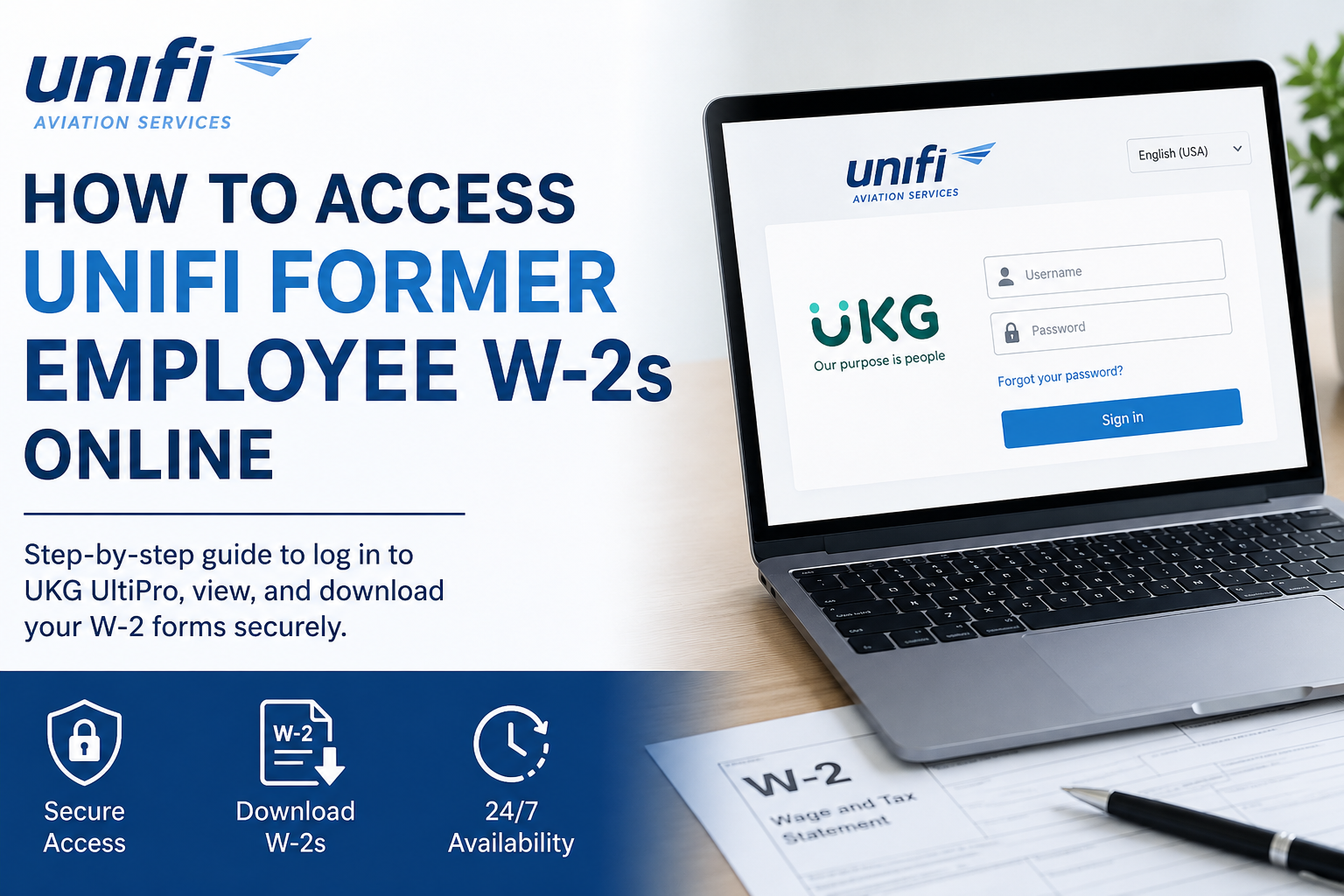
The login screen requires your username and password associated with your former employee account.
What Is the Unifi UKG/UltiPro Portal?
The UKG Pro (formerly UltiPro) platform is Unifi’s payroll and workforce management system that allows current and former employees to:
- View W-2 tax forms
- Download historical payroll records
- Access pay statements
- Manage tax document preferences
- Retrieve payroll history securely online
This system helps former employees avoid delays associated with mailed paper copies while maintaining secure access to important employment documents.
How to Access Your Unifi Former Employee W-2 Online
Follow these steps to retrieve your W-2 form through the Unifi UltiPro portal.
Step 1: Visit the Official Login Page
Open your browser and go to: https://unifi.ultipro.com
You will see the secure UKG login page.
Step 2: Enter Your Login Credentials
Input your:
- Username
- Password
Then select Sign In.
If you no longer remember your password, use the Forgot your password? option available on the login page.
Step 3: Navigate to the W-2 Section
Once logged in, follow this navigation path:
My Info → My Pay → Forms → W-2
This section contains your available annual tax forms.
Step 4: Select the Applicable Tax Year
Inside the W-2 page:
- Locate the desired tax year
- Select the Preview W-2 icon
- Open the form preview window
You can review the document directly online before downloading.
Step 5: Download or Print Your W-2
To save your W-2:
- Click Download PDF
- Save the file to your device
- Print a copy if needed for your tax records
The downloaded PDF can be used for federal and state income tax filing purposes.
How to Enable Electronic W-2 Delivery
Former employees can also manage electronic delivery preferences directly within the portal.
Follow these steps:
- Go to My Info → My Pay → Forms → W-2
- Select Electronic Consent
- Check the box for Receive Form W-2 Electronically
- Click Save
- Confirm your password when prompted
After confirmation, the system records your electronic delivery preference.
If electronic suppression is not selected, a paper copy may still be mailed by UKG Payroll Services no later than January 31 each year.
How to View Historical Pay Statements in UKG
In addition to W-2 forms, former employees may also access prior pay statements through the UKG system.
Navigate to:
Myself → Pay → Pay History
From there, you can:
- Search by pay date
- Download individual pay statements
- Print payroll records
- Review multiple historical pay periods
This feature is especially useful if you need supporting income documentation.
Common Login Issues and Solutions
Forgotten Password
Use the Forgot your password? An option on the login page to reset your credentials.
Locked Account
Multiple unsuccessful login attempts may temporarily lock your account. Wait a short period before retrying or contact payroll support.
Browser Compatibility Problems
If the portal does not load correctly:
- Clear browser cache
- Enable cookies
- Try Google Chrome or Microsoft Edge
- Disable browser extensions temporarily
Missing W-2 Form
If your W-2 is unavailable:
- Verify the correct tax year
- Confirm your account is active
- Check whether electronic consent was previously disabled
- Contact Unifi HR or payroll support for assistance
Benefits of Accessing W-2s Online
Using the Unifi UKG portal offers several advantages:
- 24/7 access to tax documents
- Faster delivery than paper mail
- Secure encrypted access
- Easy PDF downloads
- Convenient historical payroll access
- Reduced risk of lost documents
Final Thoughts
The Unifi UKG/UltiPro portal makes it simple for former employees to access W-2 forms and payroll records online without waiting for mailed copies. By logging into the secure employee self-service system, users can quickly download tax documents, manage electronic delivery preferences, and retrieve historical payroll information whenever needed. For the best experience, keep your login credentials updated and enable electronic W-2 delivery to receive faster access to future tax forms.
Frequently Asked Questions
Can former Unifi employees still access UKG?
Yes. Former employees can generally continue accessing the UKG/UltiPro portal to retrieve payroll and tax documents.
What if I forgot my UltiPro username?
You may need to contact Unifi HR or payroll support to recover your account credentials.
When are Unifi W-2 forms available online?
W-2 forms are typically available by the end of January each year.
Can I download my W-2 as a PDF?
Yes. The portal includes a Download PDF option that allows you to save and print your W-2 form.
Can I access previous years’ W-2 forms?
In many cases, historical W-2 forms remain available through the UKG portal depending on company retention policies.
Is the Unifi UltiPro portal secure?
Yes. UKG Pro uses secure authentication and encrypted access to protect employee payroll information.
