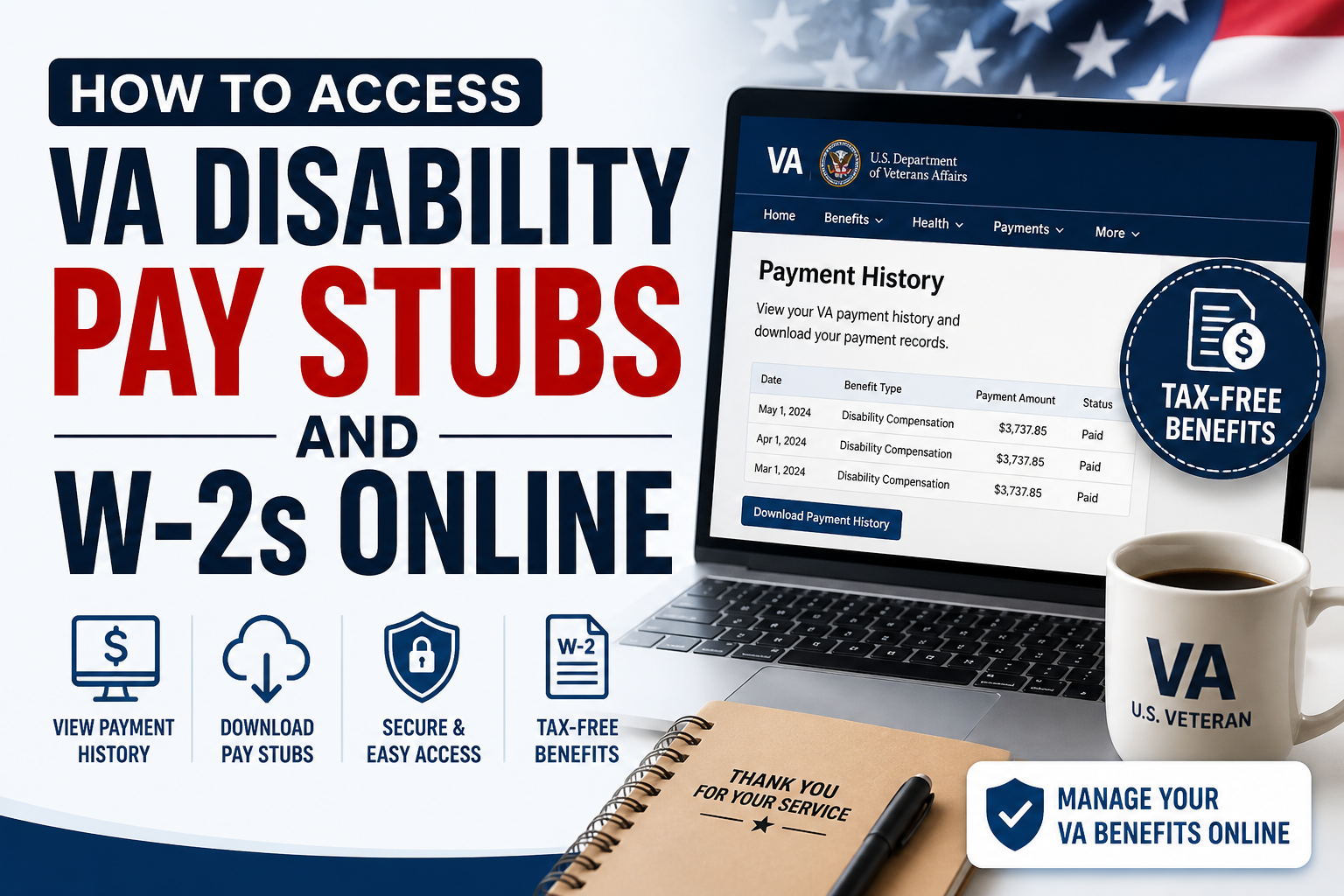
For U.S. veterans receiving disability compensation, maintaining accurate financial records is essential—whether for tax filing, loan applications, or personal budgeting. While VA disability benefits differ from traditional employment income, veterans can still access payment records, benefit statements, and tax-related documents online through official portals. This comprehensive guide explains how to access VA disability pay stubs, payment history, and W-2 equivalents online, using secure government platforms.
Understanding VA Disability Pay
VA disability compensation is a monthly, tax-free benefit provided to veterans with service-connected disabilities.
Unlike standard employment income:
- Payments are non-taxable
- Veterans typically do not receive traditional W-2 forms
- Instead, payment history and benefit letters serve as proof of income
Where to Access VA Disability Pay Stubs Online
Veterans can retrieve their payment details through official platforms such as:
- VA.gov (Primary Portal)
- eBenefits
- DFAS myPay (for military-related pay records)
These platforms provide secure and real-time access to your financial information.
Step-by-Step: How to Access VA Disability Pay Stubs
Step 1: Sign in to Your VA Account
Visit the official VA portal and log in using:
- Login.gov
- ID.me account
Identity verification is required to protect your financial data.
Step 2: Navigate to Payment History
Once logged in:
- Go to your Profile Dashboard
- Select “Payment History”
- Choose the benefit type (e.g., disability compensation)
This section displays a complete breakdown of your payments, including past transactions.
Step 3: View and Download Pay Records
- Select your desired date range
- View detailed payment entries
- Download records as PDF files
These documents function similarly to pay stubs and can be used for:
- Income verification
- Financial planning
- Loan applications
Step 4: Use Filters for Easy Search
VA portals allow you to:
- Filter payments by date
- Search by payment type
- Track historical transactions efficiently
This helps veterans maintain organized financial records.
How to Access VA W-2 or Tax Documents
Important Note:
VA disability compensation is tax-free, meaning:
- You do not receive a W-2 form for these payments
- No federal income tax is deducted
Instead, you can use:
- VA Benefit Summary Letters
- Payment History Reports
These serve as official documentation of your income.
Managing Your VA Payment Information
Update Direct Deposit Details
You can modify your banking information easily:
- Log in to VA.gov
- Go to Profile → Direct Deposit
- Enter your:
- Account number
- Routing number
- Save changes
This ensures uninterrupted payments.
Enable Payment Notifications
Veterans can:
- Receive text alerts for new payments
- Monitor deposits in real time
This feature improves financial awareness and security.
Common Terms Found in VA Pay Records
Understanding key terms helps you interpret your payment details:
- VA Waiver – Prevents reduction of disability benefits
- CRDP (Concurrent Retirement and Disability Pay) – Allows receipt of both retirement and disability pay
- CRSC (Combat-Related Special Compensation) – Tax-free compensation for combat-related disabilities
- BNA (Basic Needs Allowance) – Additional financial support
- SSDI – Federal disability support program
These terms often appear in detailed payment summaries.
Additional Features Available on VA Portals
Veterans can also:
- Check disability ratings
- Track claims and appeals
- Download benefit letters
- Update personal information
- Review medical and service records
Why Accessing Your VA Pay Records Matters
Having easy access to your payment information allows you to:
- Prove income for loans or housing
- Maintain accurate financial records
- Monitor benefit changes
- Ensure payment accuracy
Conclusion
Accessing your VA disability pay stubs and financial records online is straightforward when using official platforms like VA.gov, eBenefits, or DFAS myPay. While traditional W-2 forms are not issued due to the tax-free nature of VA benefits, payment history and benefit letters provide reliable alternatives. By regularly reviewing your records and keeping your account updated, you can ensure financial transparency, accuracy, and peace of mind.
FAQs
1. Can I get a pay stub for VA disability benefits?
Yes, you can download payment history reports from VA.gov, which function like pay stubs.
2. Does VA provide W-2 forms?
No, VA disability benefits are tax-free, so W-2 forms are not issued.
3. What can I use instead of a W-2?
Use VA benefit letters or payment history reports as proof of income.
4. Which website should I use to check payments?
Use VA.gov, eBenefits, or DFAS myPay for military-related payments.
5. How do I download my VA payment history?
Log in, go to “Payment History,” select dates, and download as a PDF.
6. Are VA disability payments taxable?
No, they are completely tax-free.
7. How often is VA payment history updated?
Payment records are updated regularly after each transaction.
8. Can I change my bank details online?
Yes, through the VA.gov profile under direct deposit settings.
9. Can I receive payment alerts?
Yes, you can enable text notifications for deposits.
10. What is CRDP in VA payments?
It allows eligible veterans to receive both retirement and disability pay.
11. What is CRSC?
A tax-free benefit for combat-related disabilities.
12. Can I access past years’ payments?
Yes, historical payment data is available through VA portals.
13. What if I forget my VA login details?
You can reset credentials via Login.gov or ID.me.
14. Is identity verification required?
Yes, for security and fraud prevention.
15. Can I print my VA payment records?
Yes, download them as PDFs and print anytime.
