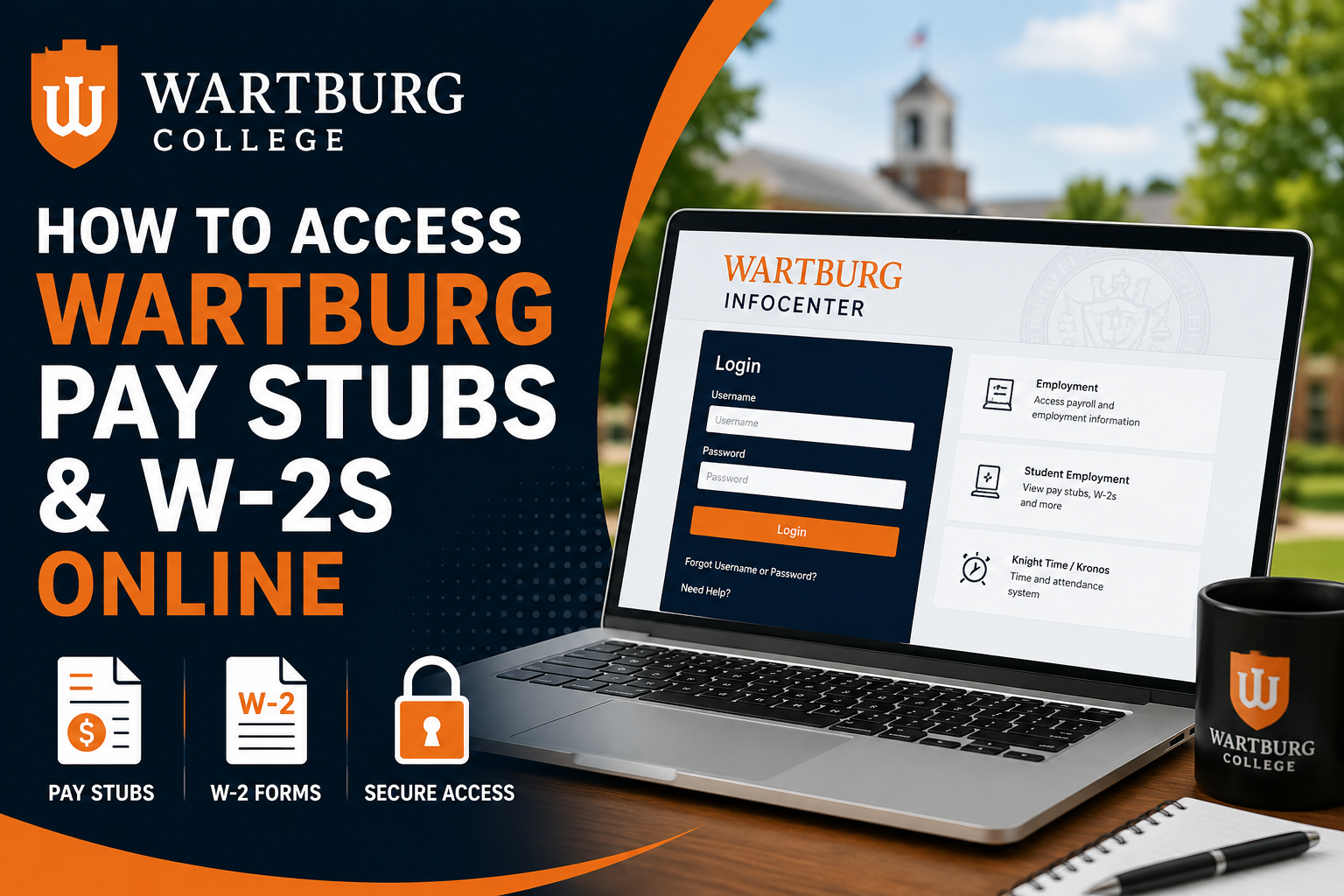
Wartburg College is a respected private liberal arts college located in Waverly, Iowa, serving students, faculty, and staff through a wide range of academic and employment resources. The college provides convenient online access to payroll information through the Wartburg InfoCenter self-service portal, allowing employees and student workers to securely review pay stubs, payroll deductions, direct deposit information, and employment-related records. If you are a Wartburg College employee, faculty member, staff member, or student employee, this guide explains exactly how to access your pay stubs and W-2 tax forms online.
Wartburg Pay Stub Login Portal
Employees can access payroll information through the Wartburg InfoCenter portal:
Portal Link:
https://info.wartburg.edu/Wartburg-Login
The MyWartburg and InfoCenter systems provide access to employment services, Knight Time/Kronos, student employment tools, and employee resources.
Who Can Access Wartburg Pay Stubs?
The Wartburg payroll self-service system is available for:
- Faculty members
- Administrative staff
- Student employees
- Campus workers
- Eligible college employees
Wartburg College offers extensive employee and student employment services through its Human Resources and Student Employment departments.
How to Access Wartburg Pay Stubs Online
Follow these steps to view your Wartburg pay stubs online:
Step 1: Visit the Wartburg Login Portal
Go to:
https://info.wartburg.edu/Wartburg-Login
Enter your Wartburg username and password to log in securely to the InfoCenter portal.
Step 2: Open the Employment Section
After logging in:
- Navigate to the Employment tab
- Select Student Employment or employee payroll resources
The KnightTime Timecard Application is located within the Employment section of InfoCenter.
Step 3: Locate the Pay Stub Application
Inside the Student Employment page:
- Find the Important Links section
- Click Pay Stub
The system will display available payroll years and pay periods.
Step 4: Select Your Pay Period
Choose:
- The payroll year
- Specific paycheck or pay stub date
Your complete pay statement will appear on the screen.
What Information Appears on Wartburg Pay Stubs?
Wartburg pay stubs typically include:
- Hourly pay rate
- Hours worked
- Gross earnings
- Overtime hours and overtime wages
- Department information
- Payroll deductions
- Federal and state tax withholdings
- FICA deductions
- Direct deposit details
- Year-to-date (YTD) earnings
The pay stub interface also contains tabs for:
- Pay Stub
- FICA Wages
- Medicare Wages
- Taxable Wages
- Direct Deposit information
Wartburg Student Employee Payroll Schedule
Student employees at Wartburg College are generally paid monthly.
According to the payroll guide:
- Student payday is usually the 15th of each month
- If the 15th falls on a weekend or holiday, payment is issued on the preceding business day
Students may receive compensation through:
- Direct deposit
- Student payroll deduction agreement
How to Access Wartburg W-2 Forms
W-2 tax forms report:
- Annual taxable wages
- Federal and state taxes withheld
For student employees, Wartburg College mails W-2 forms to the legal or permanent home address by January 31 each year.
What If Your Wartburg W-2 Is Missing?
If your W-2 has not arrived by mid-February:
- Use your official Wartburg email address
- Send a reprint request to:
studentemployment@wartburg.edu
The Student Employment Office handles W-2 reprint requests for student workers.
Wartburg Payroll and Student Employment Resources
Wartburg College offers several online employment resources through:
- MyWartburg Portal
- InfoCenter
- Knight Time/Kronos
- Student Employment Services
These systems help employees manage payroll, scheduling, time tracking, and employment documentation.
Contact Wartburg Student Employment
If you need assistance with payroll access, direct deposit, or W-2 forms, contact the Student Employment Office.
Student Employment Office
- Email: studentemployment@wartburg.edu
- Phone: 319-352-8350
- Location: Luther Hall 212
Final Thoughts
Wartburg College makes it easy for faculty, staff, and student employees to access payroll information online through the secure InfoCenter portal. By using your Wartburg credentials, you can quickly review pay stubs, track earnings, verify deductions, and manage employment-related records from anywhere. For tax season, W-2 forms are mailed annually, and replacement requests can easily be submitted through the Student Employment Office if necessary.
FAQ — Wartburg Pay Stubs and W-2s
1. How do I access my Wartburg pay stubs online?
Visit the Wartburg InfoCenter portal at https://info.wartburg.edu/Wartburg-Login and sign in using your Wartburg username and password.
2. What portal does Wartburg College use for payroll access?
Wartburg College uses the InfoCenter self-service portal and Knight Time/Kronos payroll systems for employee payroll access.
3. Can student employees access Wartburg pay stubs?
Yes. Student employees can access their pay stubs through the Student Employment section inside InfoCenter.
4. Where can I find the Pay Stub Application?
After logging into InfoCenter, go to the Employment tab, select Student Employment, and click the Pay Stub link under Important Links.
5. What information appears on Wartburg pay stubs?
Pay stubs may include:
- Gross pay
- Net pay
- Hours worked
- Overtime
- Tax withholdings
- FICA deductions
- Direct deposit information
- Year-to-date earnings
6. When are Wartburg student employees paid?
Student employees are generally paid on the 15th of each month. If the 15th falls on a weekend or holiday, payment is issued earlier.
7. How do I get my Wartburg W-2 form?
W-2 forms are mailed to employees’ legal or permanent home addresses by January 31 each year.
8. What should I do if my Wartburg W-2 does not arrive?
If your W-2 has not arrived by mid-February, email a reprint request from your Wartburg email account to studentemployment@wartburg.edu.
9. Can former employees access Wartburg payroll records?
Former employees may need to contact the Student Employment Office or Human Resources for payroll assistance and document requests.
10. Does Wartburg offer direct deposit for payroll?
Yes. Wartburg College supports direct deposit for employee and student payroll payments.
11. What is Knight Time/Kronos at Wartburg?
Knight Time/Kronos is Wartburg College’s time and attendance system used for tracking employee work hours and payroll processing.
12. What login credentials are required for the Wartburg payroll portal?
You must use your official Wartburg username and password to access payroll and employee services online.
13. Can I view previous pay stubs online?
Yes. The Pay Stub Application allows users to select payroll years and individual pay periods for viewing past pay statements.
14. Who do I contact for Wartburg payroll help?
You can contact the Student Employment Office:
- Email: studentemployment@wartburg.edu
- Phone: 319-352-8350
15. Is the Wartburg payroll portal secure?
Yes. The Wartburg InfoCenter portal uses secure login credentials to protect employee payroll and tax information.
