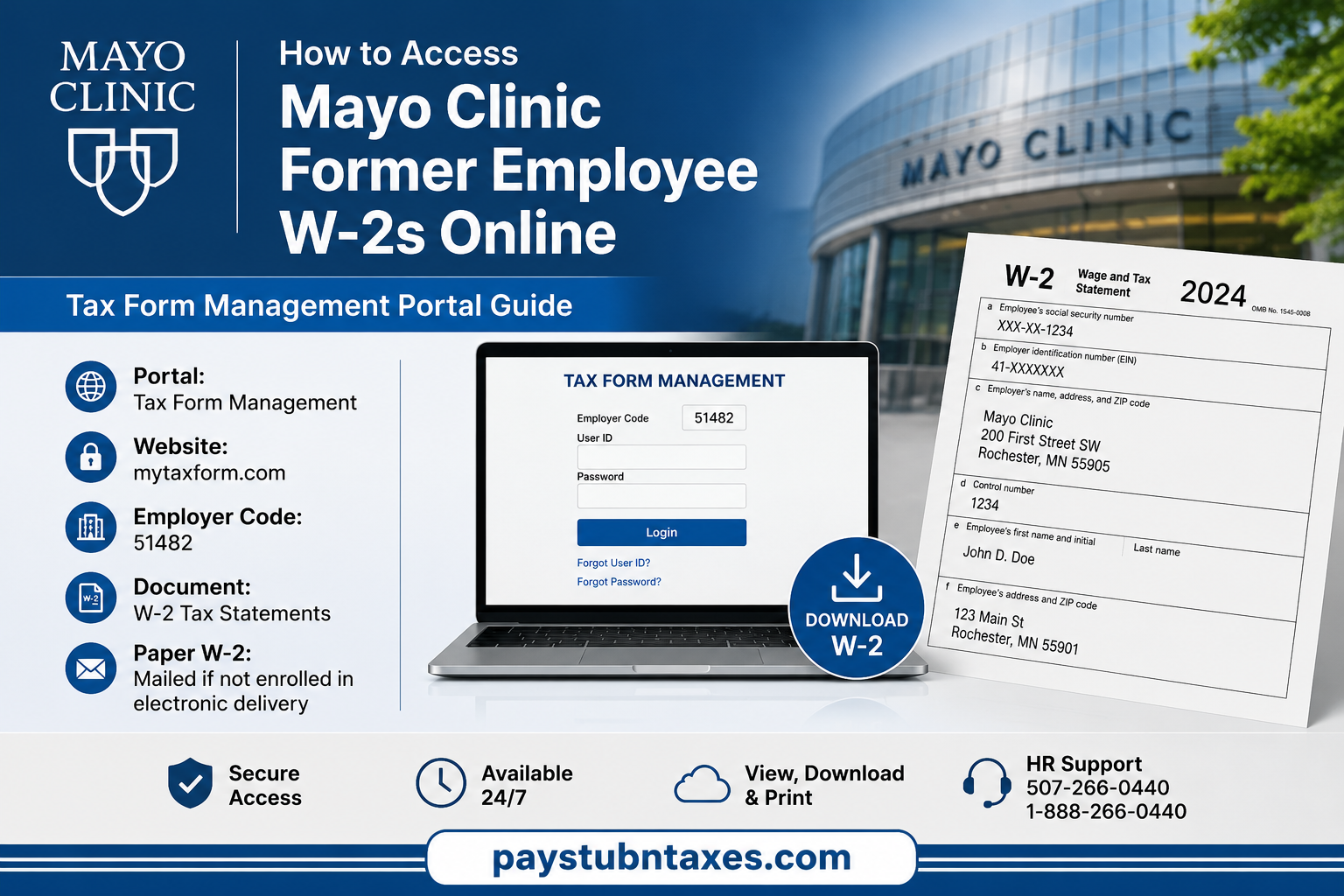
Former employees of Mayo Clinic can conveniently access their W-2 tax forms online through the Tax Form Management portal, even after leaving the organization. Whether you resigned, retired, or are receiving Long-Term Disability (LTD) benefits, Mayo Clinic provides secure online access to your tax documents, helping you retrieve your W-2 whenever you need it for tax filing or personal records. In this comprehensive guide, you’ll learn exactly how to access your former employee W-2, register for the Tax Form Management portal, troubleshoot login issues, and find alternative methods if you cannot access your account.
About Mayo Clinic
Founded in Rochester, Minnesota by Dr. William James Mayo and Dr. Charles Horace Mayo, Mayo Clinic has grown into the world’s largest integrated, nonprofit medical practice. Guided by its enduring philosophy—“The needs of the patient come first”—the organization combines patient care, medical education, and research across major campuses in Minnesota, Arizona, and Florida while serving millions of patients from around the world.
Its commitment to innovation extends beyond healthcare to employee services, including secure electronic delivery of payroll tax documents.
Can Former Mayo Clinic Employees Access Their W-2 Online?
Yes. Mayo Clinic allows both current and former employees to retrieve their W-2 tax statements electronically through the Tax Form Management portal.
If you previously consented to electronic delivery, your W-2 becomes available online once it is released for the tax year.
Former employees who did not elect electronic delivery will generally receive a paper W-2 mailed to the home address maintained in Mayo Clinic’s Oracle HR records.
Mayo Clinic Tax Form Management Login Information
| Item | Information |
| Payroll Tax Portal | Tax Form Management |
| Website | mytaxform.com |
| Employer Code | 51482 |
| Available Documents | W-2 Tax Statements |
| Eligible Users | Current and Former Employees |
| Support | HR Connect |
| Phone | 507-266-0440 or 1-888-266-0440 |
How to Access Your Mayo Clinic Former Employee W-2 Online
Follow these steps carefully.
Step 1: Visit the Tax Form Management Portal
Open your web browser and navigate to: mytaxform.com
Enter the employer code: 51482
Then select Login.
Step 2: Sign In
If you’ve already registered:
- Enter your User ID.
- Enter your password.
- Select Continue to access your account.
If you have forgotten your credentials, choose:
- Forgot User ID
- Forgot Password
The system will guide you through identity verification before allowing you to reset your login information.
The Tax Form Management platform supports account recovery and identity verification before granting access to tax documents.
Step 3: Register (First-Time Users)
If this is your first time accessing the portal:
Click Register Now.
During registration, you’ll be asked to verify your identity using personal information associated with your employment record before creating your online account.
You will typically provide:
- First name
- Last name
- Date of birth
- Last four digits of your Social Security Number
- Mailing address
- Email address
- Mobile phone number
Step 4: Verify Your Identity
For security purposes, Tax Form Management sends a one-time verification code to your registered phone number.
Enter the verification code to continue setting up your account.
Step 5: Create Your Login Credentials
After verification:
- Choose a unique username.
- Create a secure password.
- Save your account information.
The portal also gives you the option to remember your device for easier future access.
Step 6: View and Download Your W-2
Once logged in:
- Open the W-2 section.
- Select the desired tax year.
- Download your W-2 as a PDF.
- Print or save it for your records.
Previous Employee Payroll Portal
Employees who have:
- Retired
- Resigned
- Entered Long-Term Disability (LTD)
can also access previous payroll and pension information through Mayo Clinic’s Previous Employee portal:
https://myhr-prod-webapp.mayo.edu/Home/PreviousEmployee
Electronic vs. Mailed W-2 Forms
If you elected electronic delivery:
- Your W-2 is available online through Tax Form Management as soon as it is released.
If you did not enroll in electronic delivery:
- Mayo Clinic mails your W-2 to the last home address on file in Oracle HR.
The Tax Form Management system allows employees to opt into electronic delivery (“Go Green”); otherwise, paper W-2 forms are mailed to the address on file.
Forgot Your Password?
If you cannot remember your password:
- Visit the login page.
- Select Forgot Password.
- Complete identity verification.
- Receive a verification code.
- Create a new password.
- Sign in again.
Can’t Access Your W-2?
If your W-2 isn’t available:
- Confirm you’re using Employer Code 51482.
- Verify your identity information matches Mayo Clinic records.
- Ensure your browser allows pop-ups.
- Try clearing browser cache.
- Wait until current-year W-2s are officially released.
- Contact HR Connect if access problems continue.
Contact Mayo Clinic HR
HR Connect
Phone:
507-266-0440 or 1-888-266-0440
HR representatives can assist with:
- Login issues
- W-2 availability
- Identity verification
- Account recovery
- Former employee access
Conclusion
Mayo Clinic makes it straightforward for former employees to obtain their W-2 tax statements through the Tax Form Management portal. Whether you left the organization recently or retired years ago, you can securely access your tax records by logging in with Employer Code 51482, completing identity verification, and downloading your W-2 in just a few minutes. If electronic access is unavailable, Mayo Clinic also mails paper W-2 forms to the address on file, while HR Connect remains available to resolve account or payroll-related issues.
Frequently Asked Questions
1. How do I access my Mayo Clinic former employee W-2 online?
Visit mytaxform.com, enter Employer Code 51482, sign in with your registered account, and download your available W-2 tax forms.
2. What is the Mayo Clinic Tax Form Management employer code?
The employer code for Mayo Clinic is 51482.
3. Can former Mayo Clinic employees still access their W-2 online?
Yes. Former employees, including retirees and those who resigned, can access their W-2s through the Tax Form Management portal after completing identity verification.
4. What website should I use to retrieve my Mayo Clinic W-2?
Use the official Tax Form Management portal at mytaxform.com.
5. How do I register for Tax Form Management?
Click “Register Now” on the login page and complete the identity verification process to create your online account.
6. I forgot my Tax Form Management password. What should I do?
Select “Forgot Password” on the login page, verify your identity, and follow the prompts to reset your password.
7. Can I access W-2 forms from previous tax years?
Yes. Previous W-2 forms may be available within your Tax Form Management account, depending on your employment records.
8. Will Mayo Clinic mail my W-2?
Yes. If you did not consent to electronic delivery, Mayo Clinic mails your W-2 to the last mailing address on file.
9. When are Mayo Clinic W-2 forms available?
W-2 forms are generally available by the end of January each year, in accordance with IRS deadlines.
10. What if I changed my address after leaving Mayo Clinic?
Contact HR Connect promptly to update your mailing address if you expect to receive a paper W-2.
11. Can retired employees access previous payroll information?
Yes. Retired employees can access previous payroll and pension information through the Mayo Clinic Previous Employee portal.
12. Is Tax Form Management secure?
Yes. The portal uses identity verification, secure login credentials, and one-time passcodes to protect employee tax information.
13. Can I print my Mayo Clinic W-2?
Yes. Once downloaded, your W-2 is available as a PDF that can be printed or saved for your records.
14. What should I do if I cannot log in to Tax Form Management?
Verify that you’re using Employer Code 51482, ensure your login information is correct, try the password recovery option, or contact HR Connect for assistance.
15. How do I contact Mayo Clinic HR for W-2 assistance?
Contact HR Connect at 507-266-0440 or 1-888-266-0440 for help with W-2 access, account recovery, or payroll-related questions.
